
⚡ Supercharge Your ChatGPT – Install Now

ChatGPT Toolbox Features – Unlock Powerful Tools for Better Productivity

Explore the powerful features of ChatGPT Toolbox designed to optimize your ChatGPT experience. From organizing conversations into custom folders to pinning important chats, exporting messages, and saving your favorite prompts, this page covers all the tools that help you streamline your workflow. Whether you're managing personal or professional tasks, ChatGPT Toolbox offers the features you need to stay organized and boost your productivity. Stay updated as we continually roll out new tools to enhance your ChatGPT interactions.

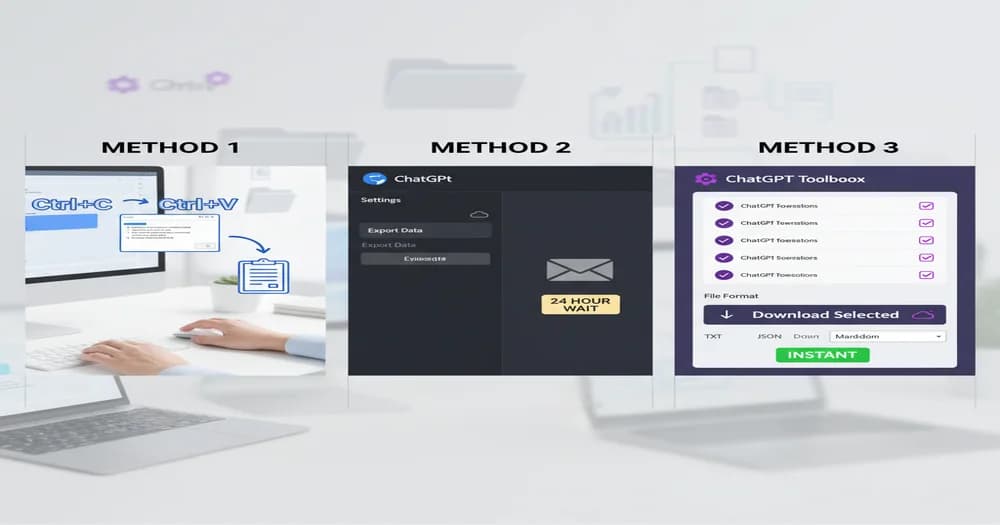
Create a modern, professional illustration showing multiple ChatGPT conversation windows being exported simultaneously into various file formats (PDF, TXT, JSON). Show a user interface with a prominent "Bulk Export" button, file icons floating around, and a download progress indicator. Use teal and white color scheme with purple accents. Include subtle ChatGPT logo elements. Style: clean, minimalist, tech-focused, isometric view.

ChatGPT Bulk Export: Save All Conversations at Once

Learn how to use ChatGPT Toolbox's bulk export feature to save multiple conversations simultaneously in TXT or JSON format. Protect your valuable chats and create complete backups effortlessly.

Blog post author - Adi LeviimAdi Leviim
7 min
Create an illustration of a media gallery interface showcasing images, videos, and files organized in a grid layout. Show thumbnails of various media types (photos, PDFs, documents) with a sleek, modern gallery viewer UI. Include search bar, filter options, and preview panel. Use teal and white colors with smooth gradients. Style: clean, modern UI design, slight 3D depth.

Using ChatGPT Toolbox Media Gallery: Manage Your DALL-E Creations

Discover how to organize, download, and manage all your DALL-E generated images with ChatGPT Toolbox Media Gallery. View prompts, Gen IDs, Seed IDs, and download everything as ZIP.

Blog post author - Adi LeviimAdi Leviim
8 min
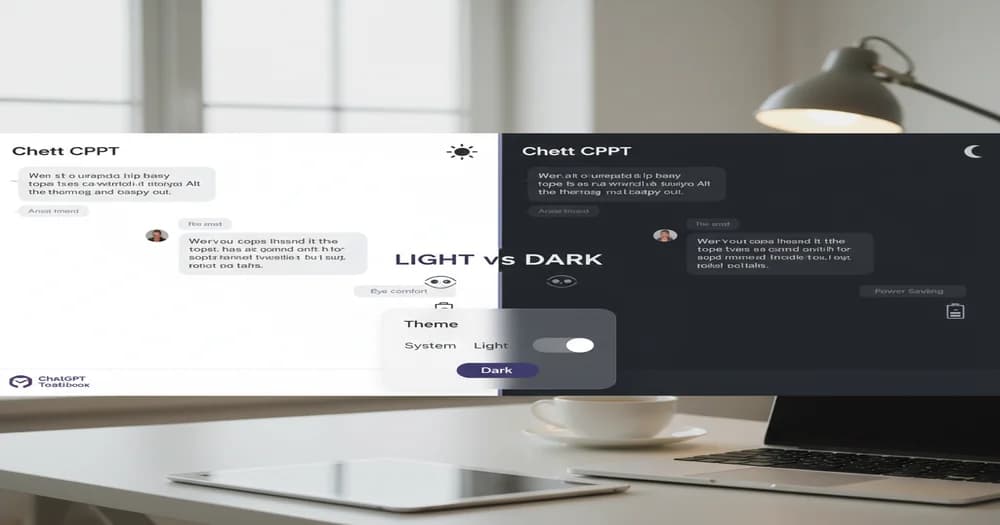
Create a split-screen illustration showing ChatGPT interface in multiple themes: dark mode, light mode, and custom color schemes. Show a theme customization panel with color pickers, preview options, and theme swatches. Include palette icons and a "before/after" transformation effect. Use vibrant colors showcasing theme variety. Style: modern, colorful, UI-focused with smooth transitions.

ChatGPT Custom Themes Guide: Personalize Your AI Experience

Transform your ChatGPT interface with custom themes. Explore light mode, dark mode, high contrast, and create your own color schemes for optimal productivity and comfort.

Blog post author - Adi LeviimAdi Leviim
7 min
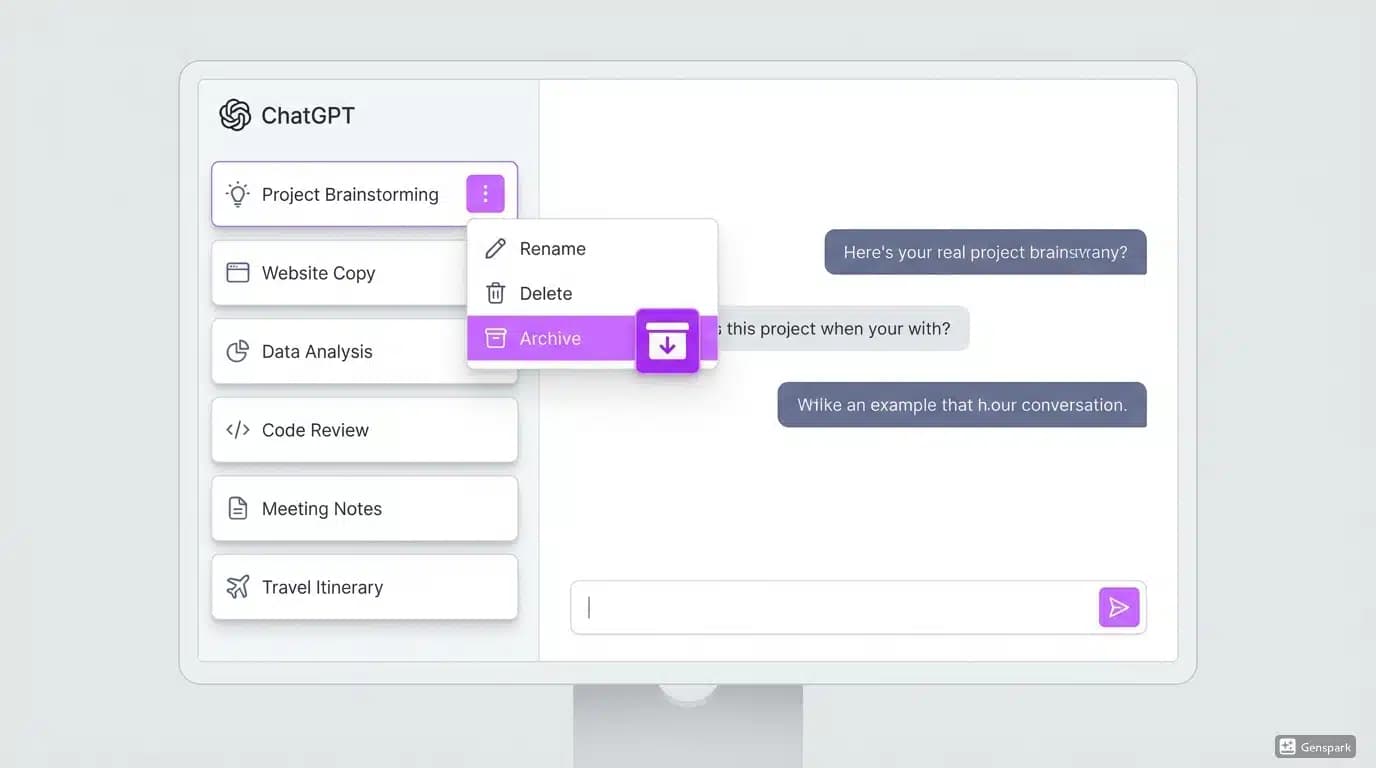
Create an illustration showing a ChatGPT conversation list with several chats pinned at the top, indicated by pin icons. Show a user clicking a pin button with a subtle glow effect. Include a sidebar with pinned conversations highlighted at the top section, separated from regular chats below. Use teal and white with pin icons in gold/yellow. Style: clean, instructional, modern UI design.

How to Pin ChatGPT Conversations: Keep Important Chats at Your Fingertips

Master the pin conversations feature in ChatGPT Toolbox. Learn how to pin, organize, and quickly access your most important ChatGPT chats for maximum productivity.

Blog post author - Adi LeviimAdi Leviim
8 min
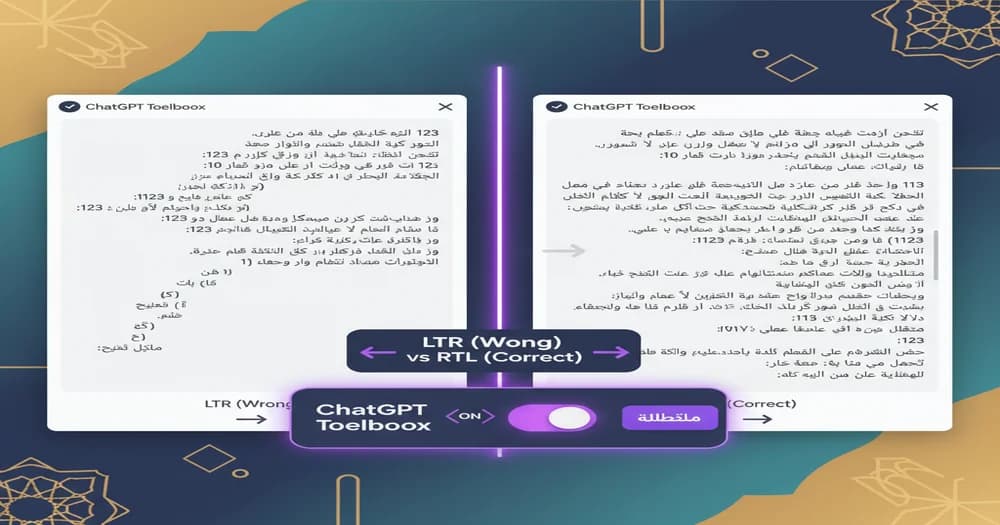
Create an illustration showing ChatGPT interface in both LTR (left-to-right) and RTL (right-to-left) layouts side by side. Include Arabic or Hebrew text samples, directional arrows indicating text flow, and a language toggle switch. Show cultural elements subtly (Arabic calligraphy style, Middle Eastern motifs). Use teal and white with cultural accent colors. Style: modern, inclusive, educational.

ChatGPT RTL Language Support: Perfect Experience for Arabic, Hebrew, and Persian Users

Experience seamless ChatGPT in Arabic, Hebrew, Persian, and other RTL languages. ChatGPT Toolbox provides full right-to-left support with automatic language detection and proper formatting.

Blog post author - Adi LeviimAdi Leviim
7 min
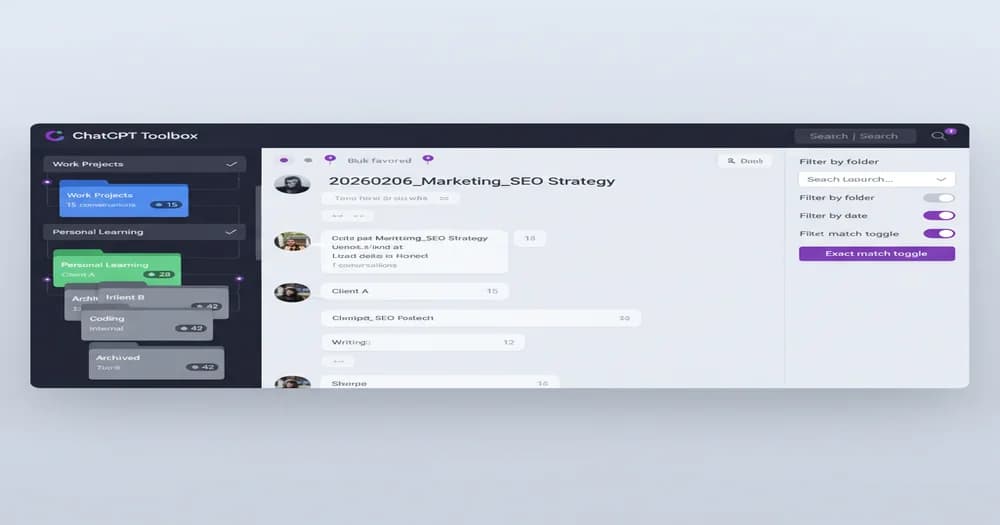
Create an illustration showing a powerful search interface with a magnifying glass icon, search bar with advanced filters, and highlighted search results in ChatGPT conversations. Show search operators, date filters, keyword highlighting, and "exact match" vs "fuzzy search" options. Include search results list with relevant snippets highlighted. Use teal and white with yellow highlights. Style: clean, tech-focused, modern dashboard design.

Advanced Search in ChatGPT History: Find Any Conversation Instantly

Master ChatGPT Toolbox's powerful search features. Use advanced operators, filters, and date ranges to find any conversation, prompt, or response across your entire ChatGPT history.

Blog post author - Adi LeviimAdi Leviim
8 min
The image is a screenshot of a light-gray modal titled “Add Chain” (with a close “X” button in the top right) containing a full-width text field prefilled with “Social Media Post Writer,” and below a divider two reorderable steps—each beginning with a six-dot drag handle: the first is a text area reading “Summarize the following {{inputType}} in 2–3 concise bullet points: {{inputContent}}” (with a “87 / 6000” character count) alongside grey “Duplicate” and red “Remove” buttons, and the second is a text area reading “Based on the summary above, what is the core insight or takeaway someone should remember from this {{inputType}}?” with the same “Duplicate” and “Remove” controls; a scrollbar on the right edge indicates more content can be scrolled into view.

Prompt Chaining in ChatGPT Toolbox: Automate Complex AI Workflows

Learn how to use the Prompt Chaining feature in ChatGPT Toolbox to create automated sequences of prompts with dynamic variables. Streamline your workflows, save time, and maximize your productivity with this powerful extension for ChatGPT.

Blog post author - Adi LeviimAdi Leviim
15 min
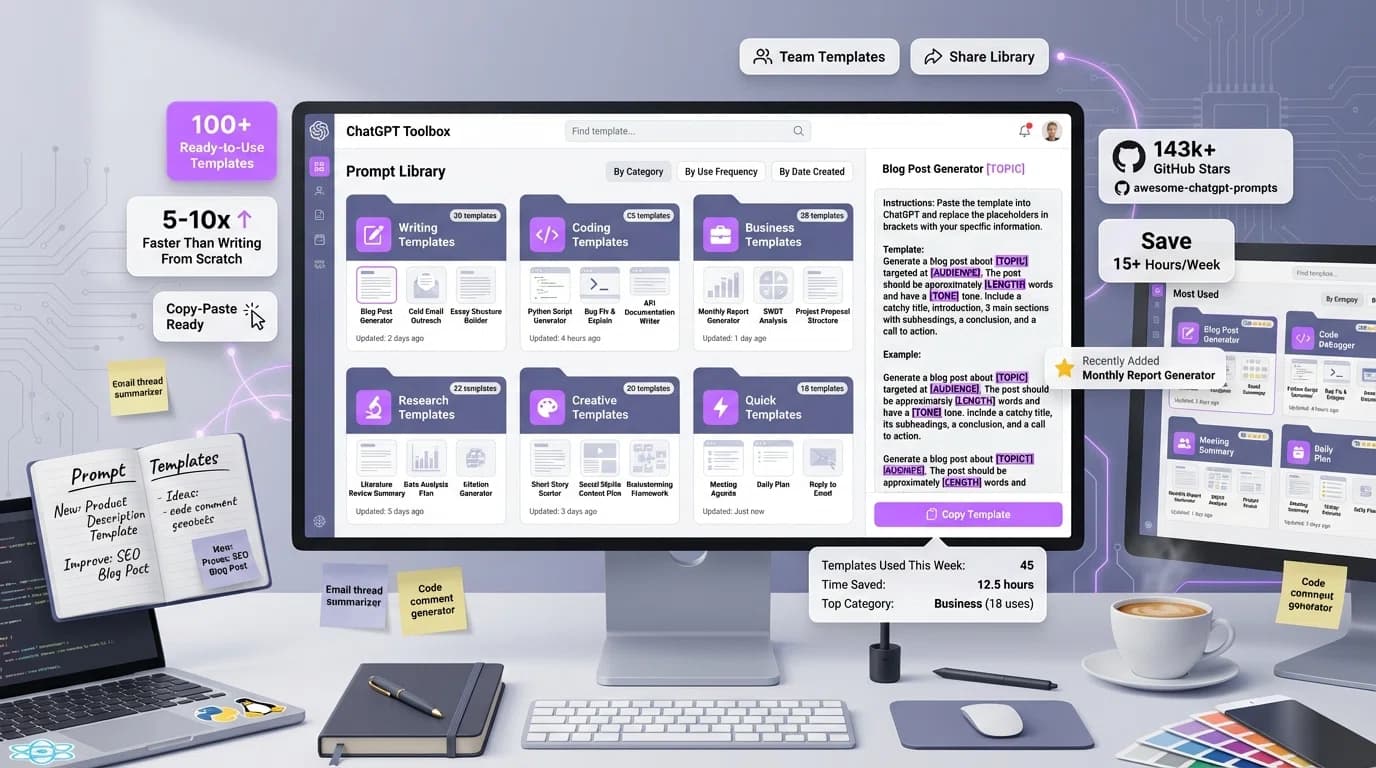
A screenshot of a "prompt library" interface focused on creative prompt engineering, featuring a clean, modern design with a white background and blue accents. The page, dated February 24, 2025, displays various creative writing and design prompts categorized under "Creative." The main section highlights the "Comprehensive Storytelling Framework for Novel Writing" prompt, describing a task for an expert novelist to develop a storytelling framework, including concept, theme, character development, and plot structure. Other prompts include Visual Art Project Conceptualization, Scriptwriting and Screenplay Development Blueprint, Interactive Game Narrative Design, Poetry Composition, Creative Brainstorming for Advertising, Music Composition, Innovative Product Design for Tech Startups, and Digital Illustration Roadmap. Each prompt card provides a brief description, date, and category, with options to "Use Prompt" and "Save Prompt" at the bottom. The interface includes a search bar for "Creative Prompts..." and settings icon, optimizing the tool for users engaged in prompt engineering and creative content creation.

ChatGPT Toolbox: Prompt Library - Expert Prompts

Unlock expert-crafted ChatGPT prompts with the ChatGPT Toolbox Prompt Library. Save time and improve responses with categorized prompts for marketing, SEO, and more.

Blog post author - Adi LeviimAdi Leviim
5 min
Illustration that displays a clear, hierarchical folder structure, embodying the concept of efficient organization. At the top, a larger, prominent folder icon represents a main directory, while several smaller folder icons are arranged neatly beneath it, symbolizing subdirectories. The design is minimalistic and modern, using clean lines and a flat style that conveys clarity and ease of navigation. The color palette leans toward muted blues and grays, adding a professional touch and suggesting a calm, organized workspace. This visual effectively communicates the idea behind "ChatGPT folders"—a feature that helps users manage and categorize their saved conversations, code snippets, or prompts in a structured and accessible manner.

ChatGPT Toolbox Subfolders: Organize Your AI Workflow

Discover how ChatGPT Toolbox Subfolders streamline your AI workflow with advanced organization, quick file access, and enhanced productivity.

Blog post author - Adi LeviimAdi Leviim
7 min