Loading...
Stop losing code solutions in ChatGPT's endless list. Organize by project, language, or task. Search and find any solution instantly.
Best for: Developers organizing ChatGPT coding sessions by project, language, and debugging thread.
Start free | Trusted by 18,000+ users
You use ChatGPT for debugging, code generation, architecture decisions, and code reviews. ChatGPT gives you working solutions-but where do they go? Into an endless list you'll never find again.
That regex pattern that took 20 minutes to get right? That API integration approach? Lost in hundreds of "Help me with..." conversations.
ChatGPT Toolbox helps you organize every useful coding conversation. Create project folders, pin active debugging sessions, search across everything, and export working solutions.
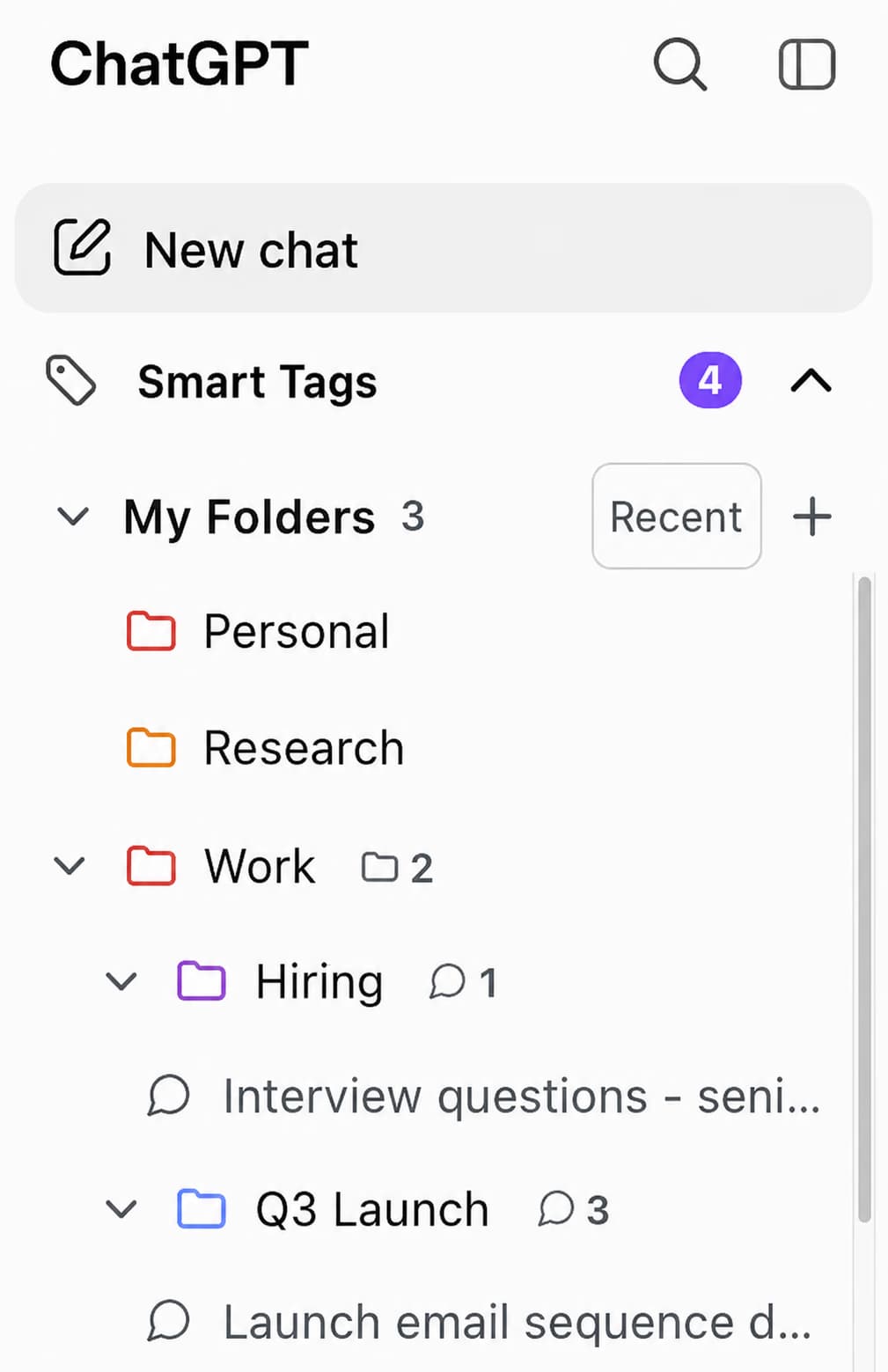
Create folders for each project, language, or framework. Keep React work separate from Python scripts, frontend from backend.
Working on a tricky bug? Pin that conversation. Building a new feature? Pin the architecture discussion for quick reference.
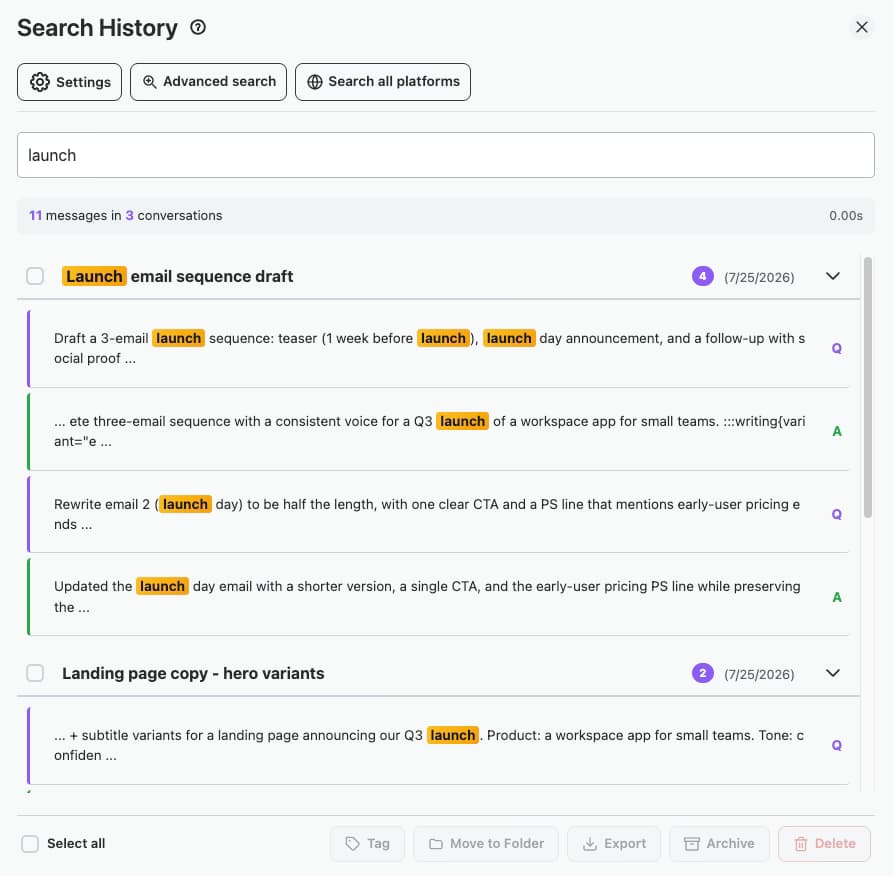
That regex pattern you got working last month? That API integration approach? Search and find it instantly.
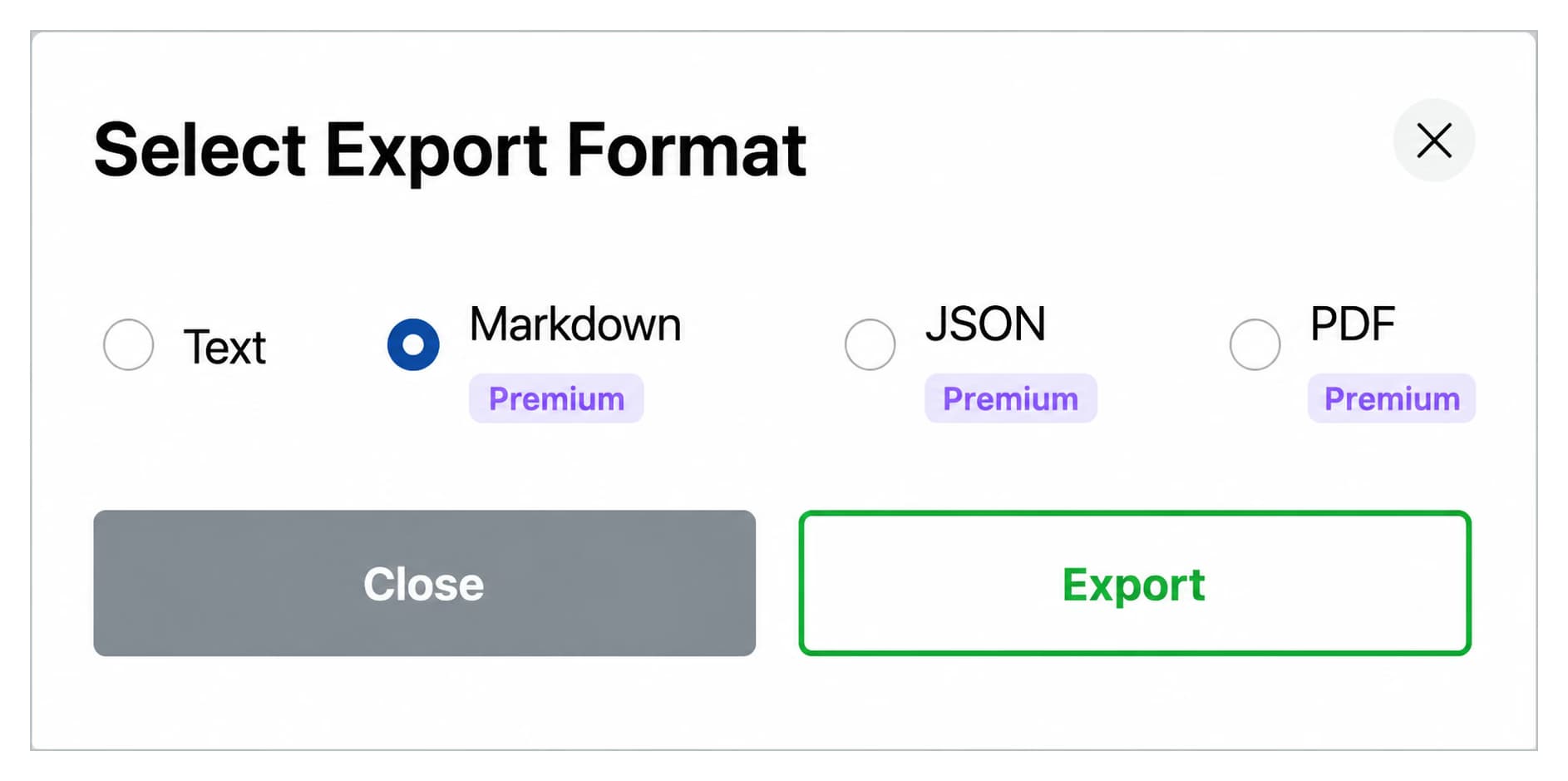
Export conversations with working code solutions. Add to your personal code library or documentation.
Start free, upgrade when you need more
$0 /forever
$9.99 /month
$123$99 /one-time

Set up folders like “React App,” “API Debug,” and “Code Review” so every coding conversation has a home from the start.
Open a new ChatGPT conversation to debug an issue, then drag it into the matching project folder to keep your sidebar clean.
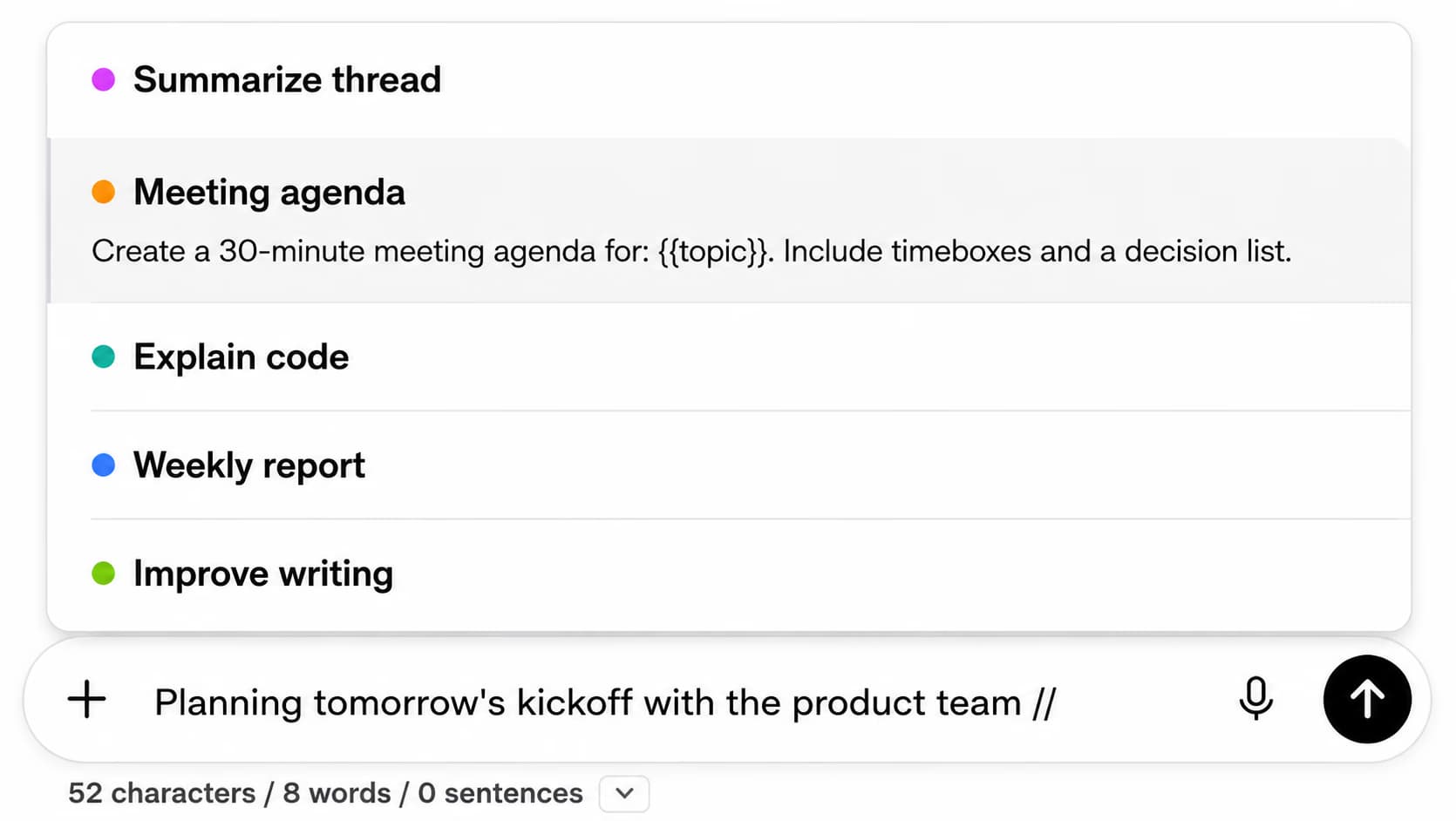
Type // to open your Prompt Library and load a saved “Debug this error” template so you skip rewriting the same setup instructions every time.
Before spending 30 minutes on a bug, search your conversation history for the error message or function name—you may have already solved it.
Once ChatGPT gives you a working fix, export the conversation as a TXT file to add to your project documentation or team wiki.
A 6-person dev team at a fintech startup - organized 400+ ChatGPT coding sessions into project folders over 3 months. They reduced duplicate debugging by 40% by searching past solutions before starting new conversations.
The full-text search across message content was the key - they search by error message or function name.
“I organize all my debugging sessions into project folders now. Last week I needed a fix for a PostgreSQL connection pooling issue and found the exact solution I'd worked out three months ago. Honestly saves me at least 2 hours a week not re-solving problems I've already cracked.”
- Ravi Chakraborty, Backend Engineer at Netwise Solutions
“The search feature is what sold me. I had hundreds of ChatGPT conversations about React and Node stuff all jumbled together. Now I search by error message or function name and pull up the working solution in seconds. Exported a bunch of them into our team wiki too.”
- Marcela Oliveira, Full-Stack Developer at Trellis Software
Organization is key. Create folders for each project or language. When ChatGPT helps solve a problem, save it to the right folder. Over time, you build a searchable library of working solutions, patterns, and approaches specific to your tech stack.
Yes! Create top-level folders for each language (Python, JavaScript, Go, Rust), then subfolders for frameworks or specific projects. When you need a solution, search or browse the right folder.
Use ChatGPT Toolbox's advanced search. Search for function names, error messages, or concepts. The search works across all your conversations, so you can find any code solution instantly.
Yes! Export any conversation as TXT or JSON. Many developers export working solutions to add to personal documentation, team wikis, or code snippet libraries.
No. ChatGPT Toolbox is lightweight and built for speed. Pin your active project conversations for instant access. Search is instant. Organization happens seamlessly without interrupting your flow.
Stop losing working solutions. Build a searchable library of ChatGPT code help.