Loading...
Free guide from AI Toolbox
A simple, repeatable system for turning a wall of conversations into folders you can actually find things in, across ChatGPT, Gemini, Claude, and Grok. Save this page as a PDF to keep it handy.
Create 3 to 5 root folders that match how you actually work, for example Work, Personal, Research, and Drafts. On the free plan you get 2 root folders, and subfolders are unlimited, so keep the top level small and go deep instead of wide.
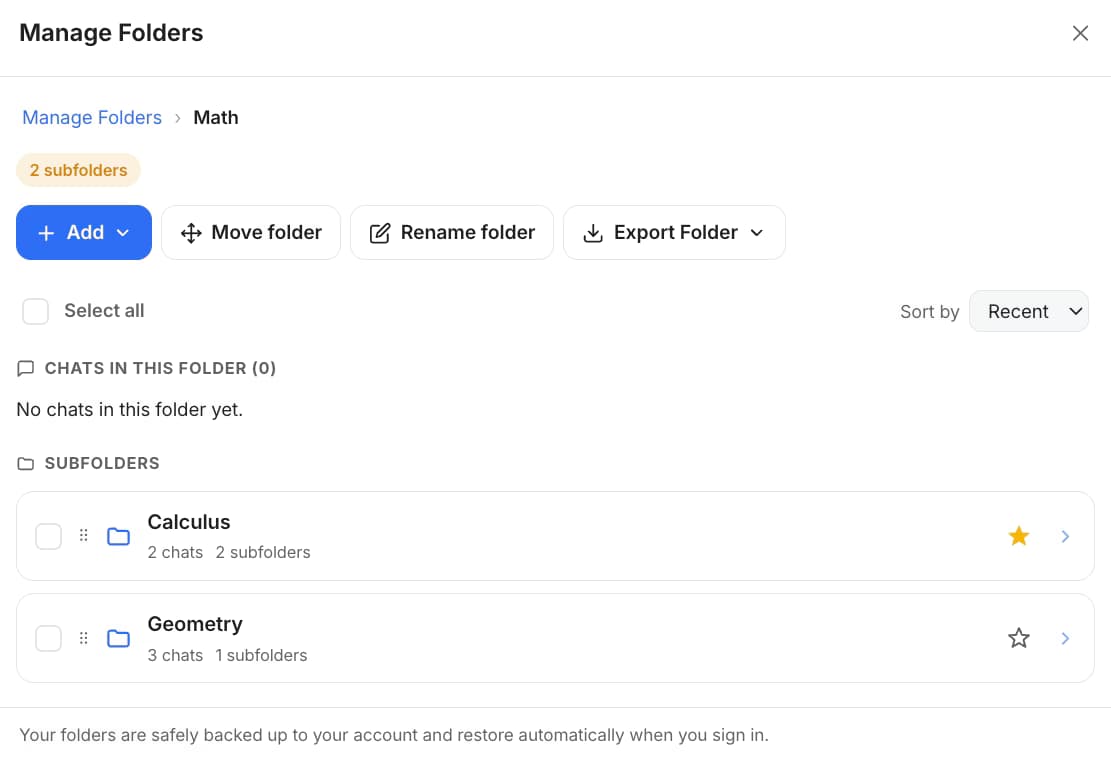
Open a folder and use + Add Chats to search your history and select the conversations to file. You can also use Move to Folder from a chat's menu, the conversation header, or a bulk selection in Manage Chats. Search-to-add is faster and works across your whole history.
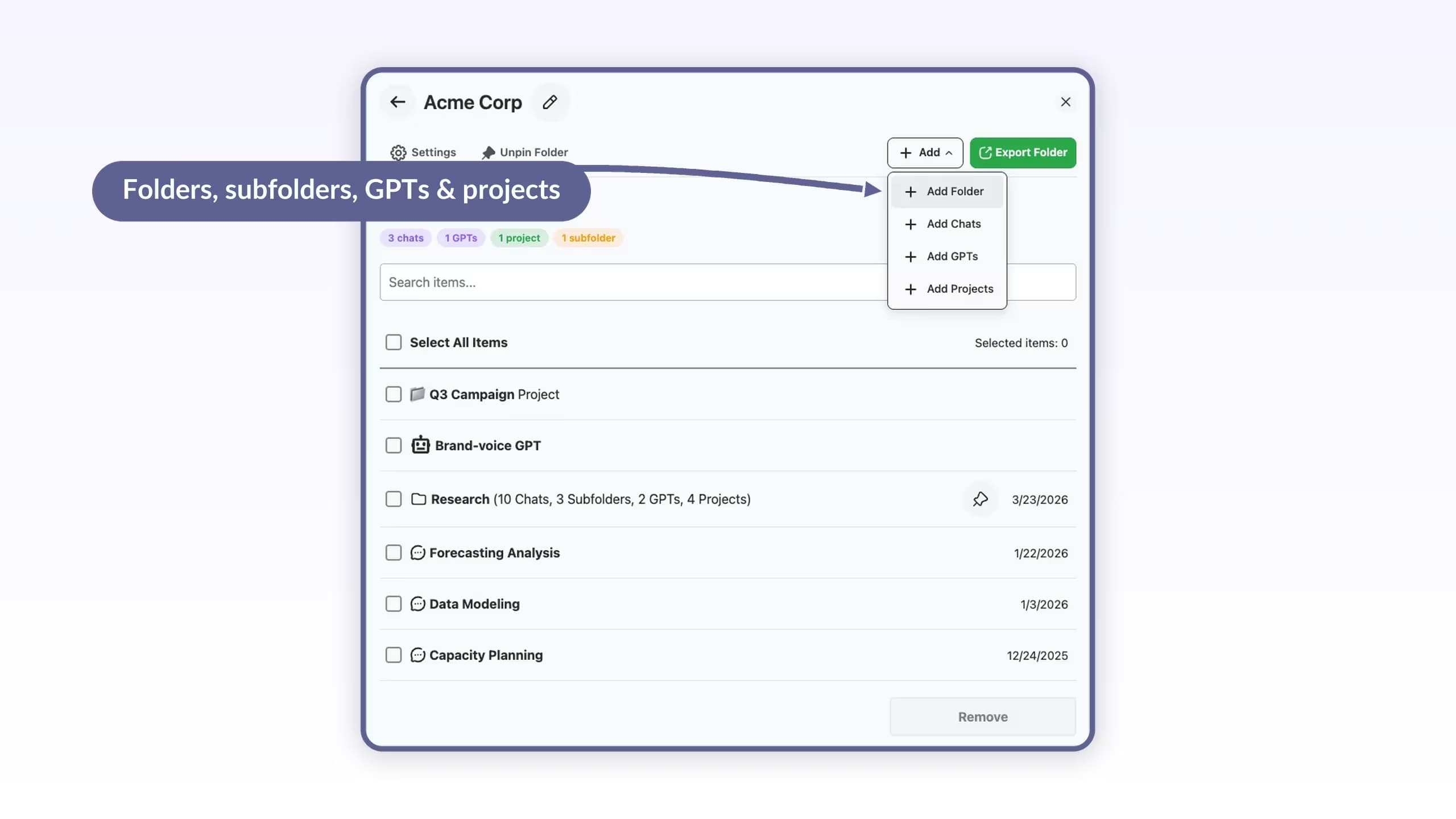
Nest subfolders as deep as you need. A breadcrumb trail shows where you are, and count pills show how much lives in each branch. On ChatGPT a folder can hold three item types: chats, GPTs, and projects. On Claude, Gemini, and Grok, folders hold chats and subfolders.
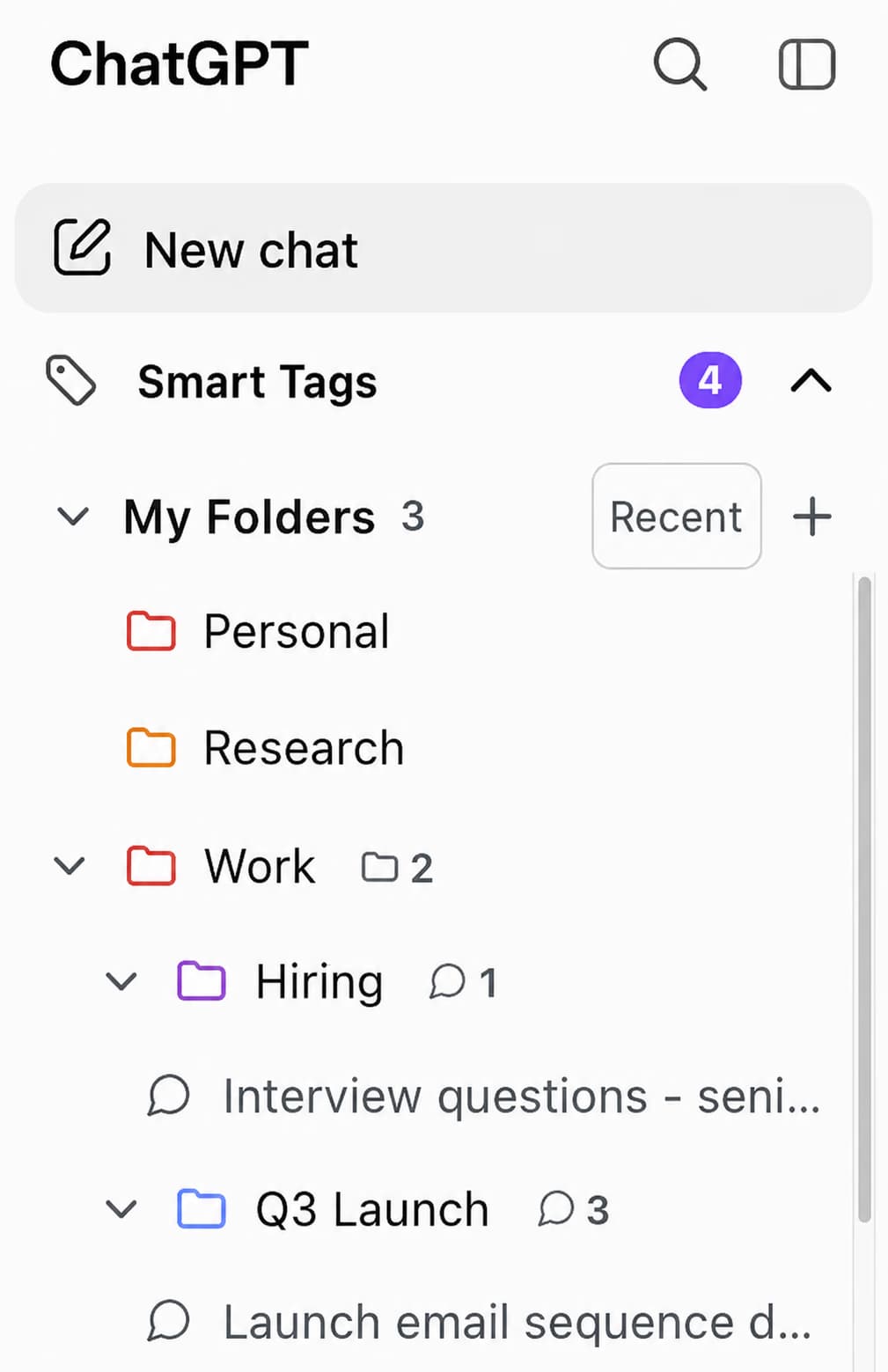
Give folders one of 6 colors so the important ones stand out, and set Sort to Recent, A to Z, Z to A, or Manual. The native sidebar My Folders tree keeps everything one click away inside the AI itself.
Search runs across every folder at any depth and shows the full path to each result, so you never lose a chat in a deep branch. Turn on hide organized chats to keep your main list focused on what is not filed yet.