What is the best Chrome extension for Grok?
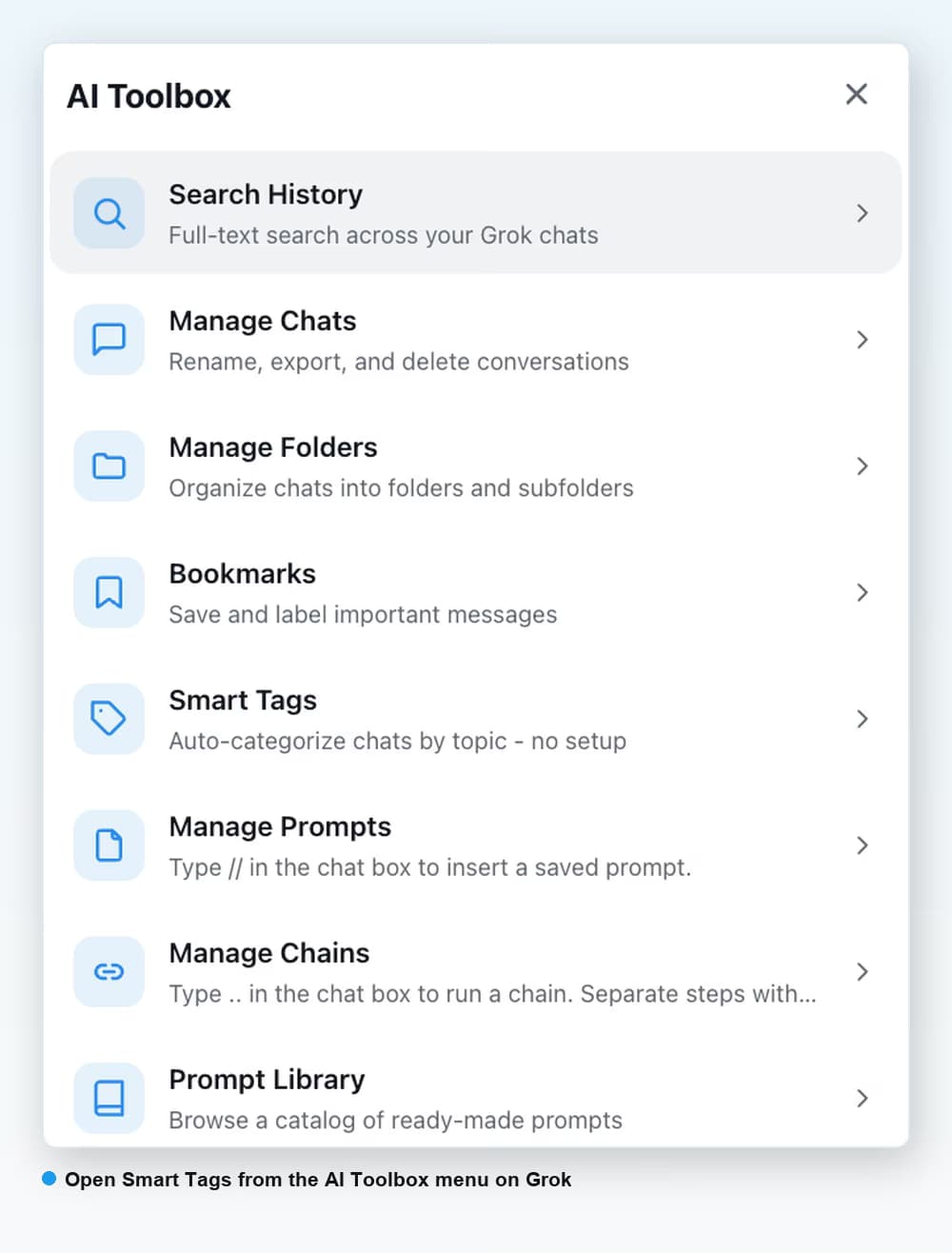
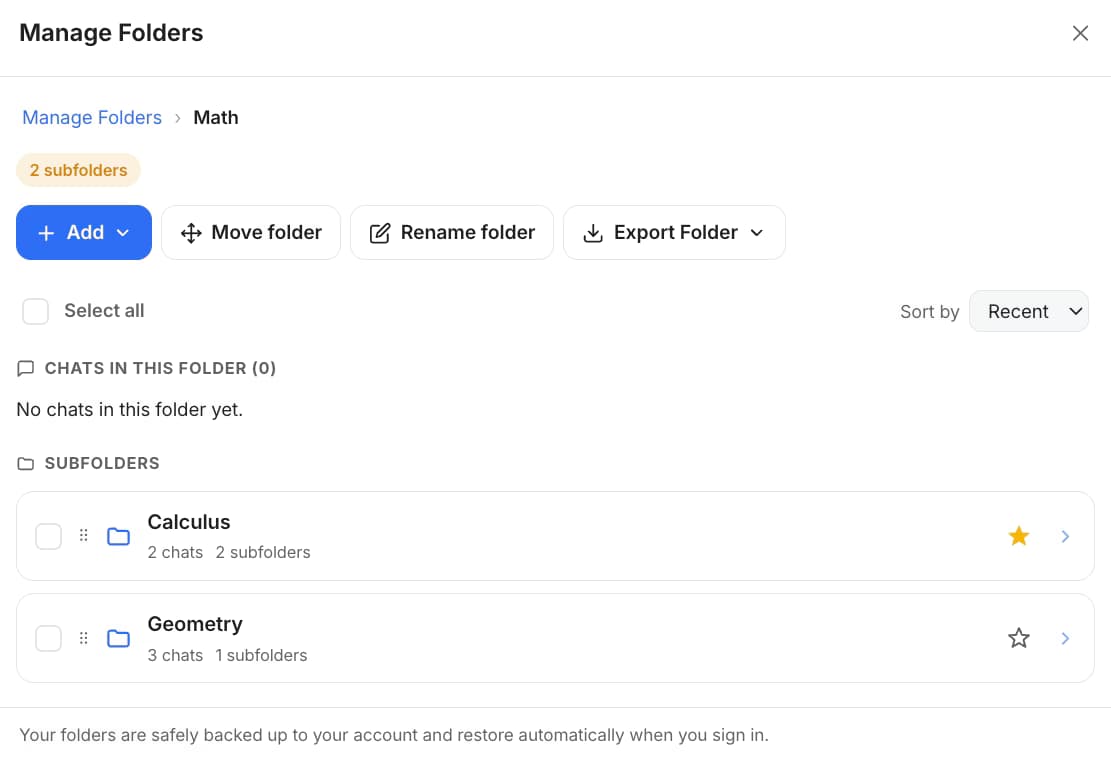
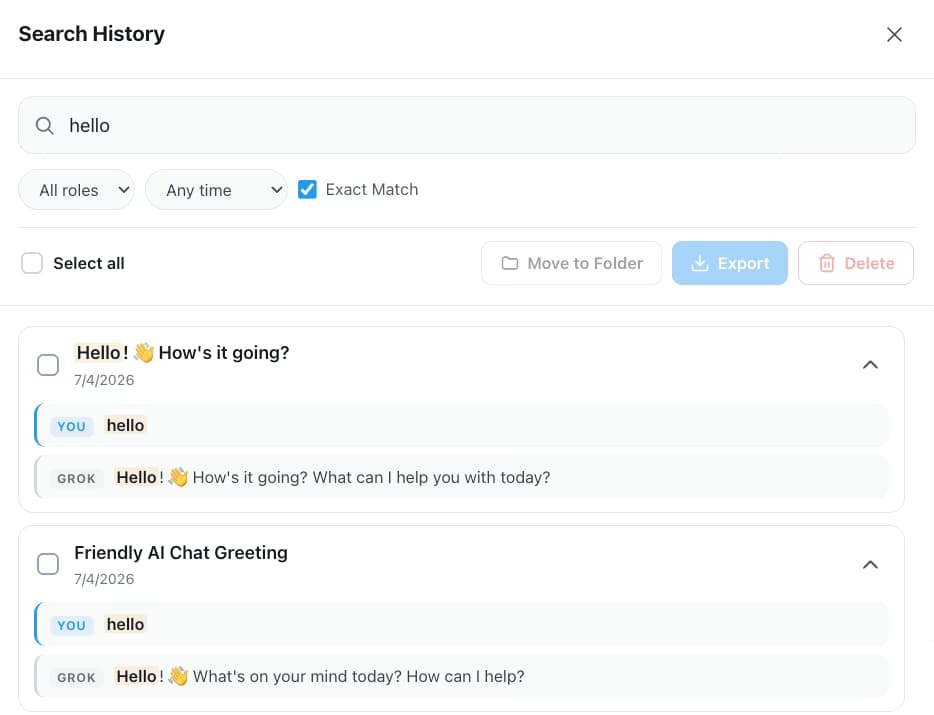
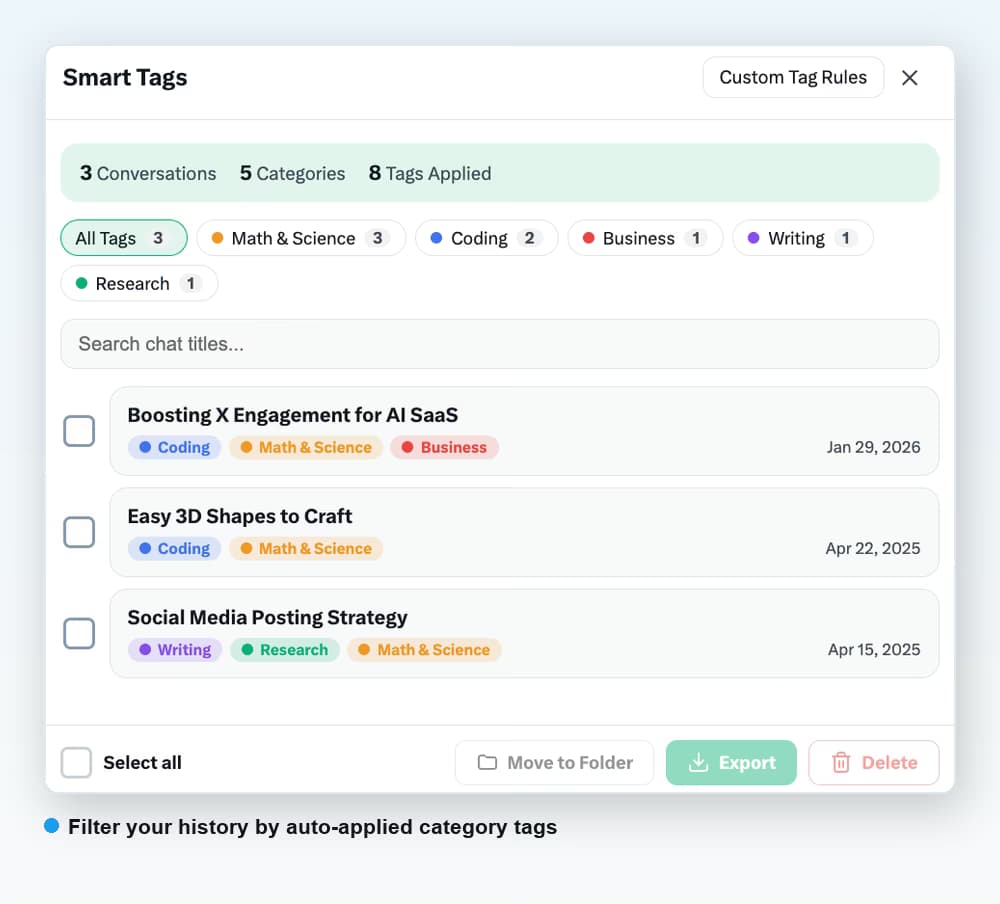
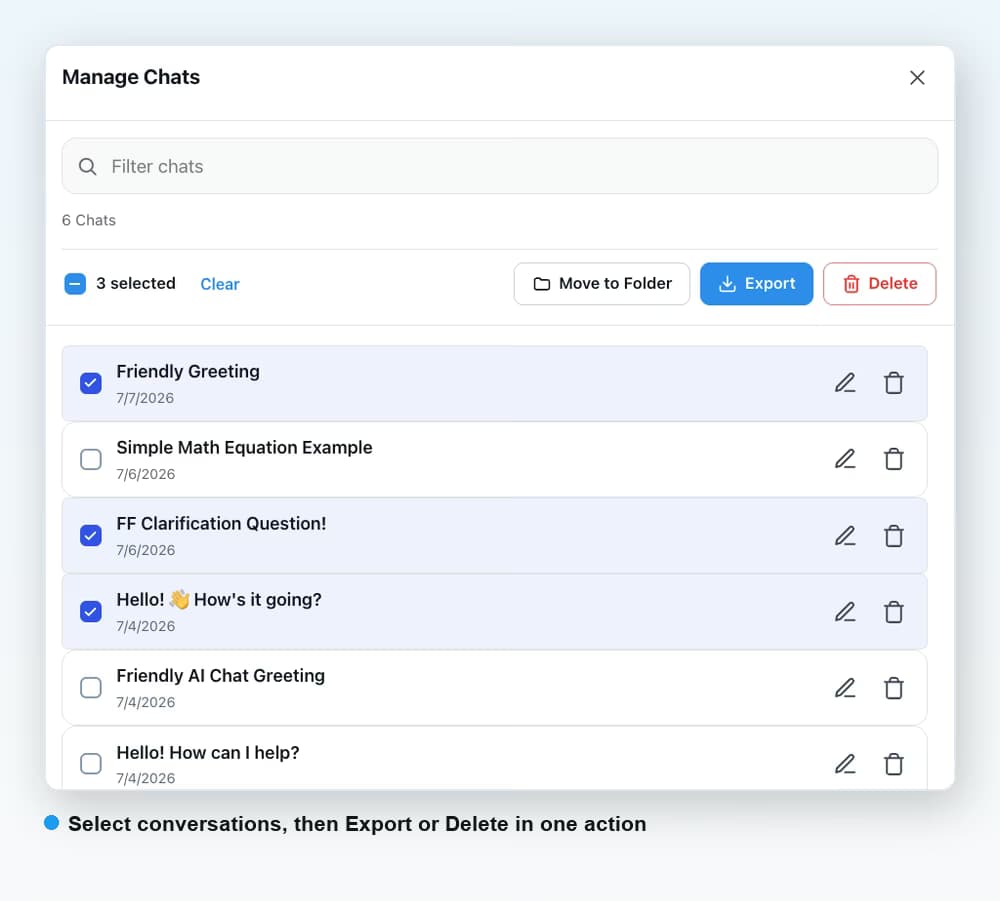
AI Toolbox (formerly ChatGPT Toolbox) is the most complete Chrome extension for Grok in 2026, with 40,000+ users and a 4.7/5 Chrome Web Store rating across its modules. Most other Grok extensions only export. The Grok module adds full-text search, folders with unlimited subfolders, reply bookmarks in six colours, Smart Tags, Context Mentions, a Context Meter, a prompt library with chains, and export as TXT, Markdown, JSON or PDF, on grok.com and x.com/i/grok.
Is the AI Toolbox Grok module free?
Yes, with no time limit. The free plan includes 5 search results per query, 2 root folders with unlimited subfolders, 2 bookmarked replies, Smart Tags on your 50 most recent chats, 2 saved prompts, 3 Context Mentions a day, the Context Meter and moving chats into folders in bulk. Premium ($9.99/month or $99 Lifetime) removes the caps and unlocks export as TXT, Markdown, JSON or PDF, bulk delete and the Advanced search filters.
Does the Grok extension work on both x.com/i/grok and grok.com?
Yes. Grok lives on two surfaces and the module is a single install that runs on both. Search, Smart Tags and bookmarks cover conversations from either one. Two things are grok.com only because Grok inside X has no persistent chat sidebar: the Folders tree shown in the sidebar and the Carry this chat forward item in a chat's menu.
How does AI Toolbox know whether I am on the free or Premium plan for Grok?
Grok signs you in with your X account rather than an email, so Premium unlocks on the X handle you enter at checkout. Use the exact handle you sign in to x.com and grok.com with, and Premium applies on both surfaces.
Does AI Toolbox work with SuperGrok and Premium+ accounts?
Yes. It works with every Grok plan, including the free tier, because it sits on the grok.com and x.com interfaces rather than the model. Your X or SuperGrok subscription and your AI Toolbox plan are independent.
Does AI Toolbox search Grok conversations I had before installing it?
Yes. On first run the Grok module indexes your existing conversations into a local database in your browser, on whichever surface you open, so search and Smart Tags cover the history you already have. New conversations are indexed as you go.
Does AI Toolbox send my Grok conversations anywhere?
No. Conversation content is stored and searched locally in your browser and is never stored on our servers. Only what you build in the extension (folder names, bookmark references with a short preview, prompts, tags, settings) syncs to your account. PDF export is the one exception: the conversation is sent to our server to render the file and returned without a copy being kept.
Is there a keyboard shortcut for search on Grok?
Not by default. Search History opens from the AI Toolbox menu on Grok, and you can assign your own key to it at chrome://extensions/shortcuts. Cross-platform search across ChatGPT, Gemini, Claude and Grok has its own global shortcut, Cmd/Ctrl+Shift+Period, once you opt in.
Which browsers can I use it on?
Chrome, Edge, Brave, Opera, Arc and any other Chromium-based browser, from a single Chrome Web Store install. Firefox is not supported.

 ChatGPT
 Gemini
 Claude
 Grok
Grok