Which AI Toolbox features are free on ChatGPT?
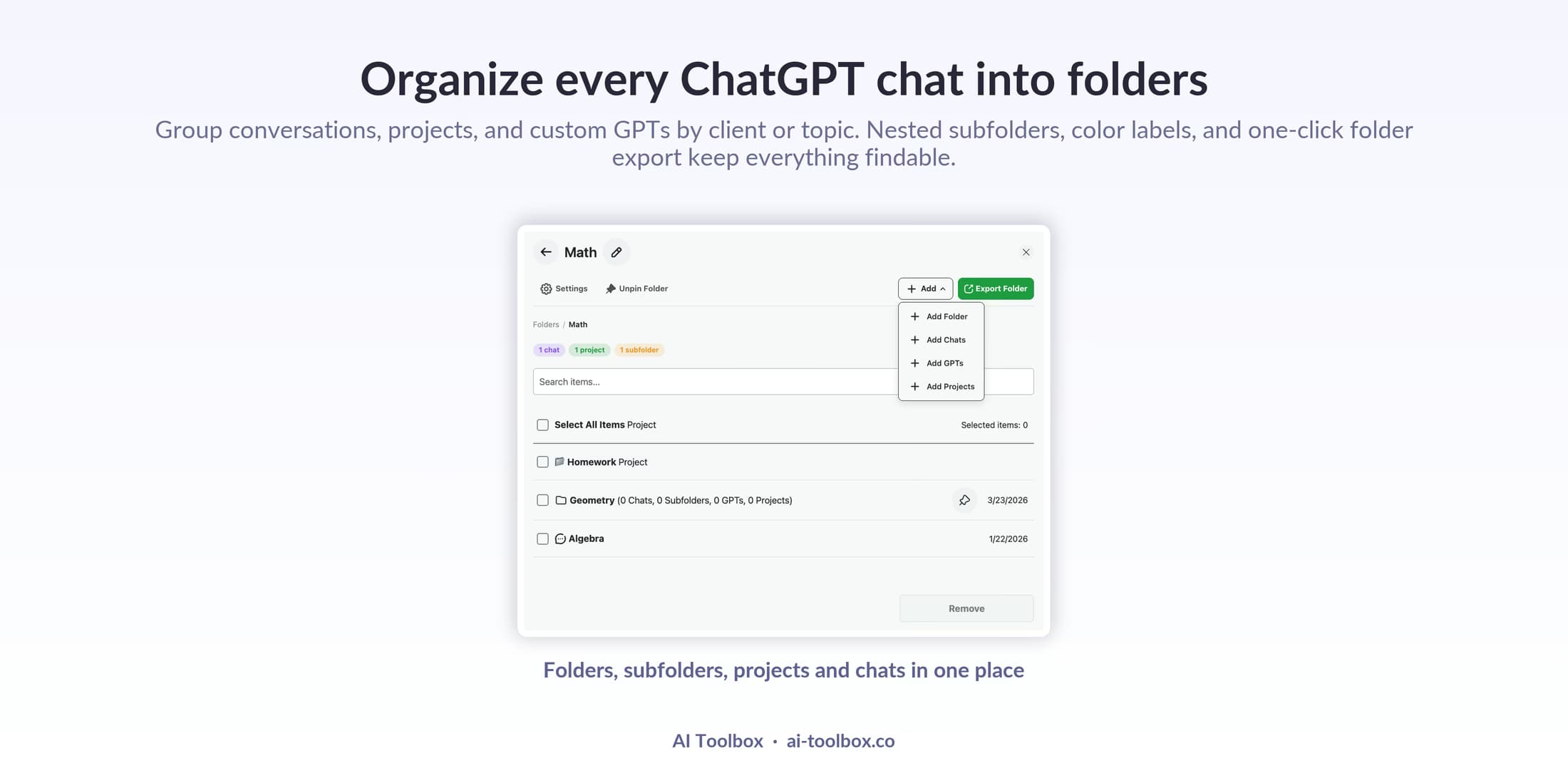
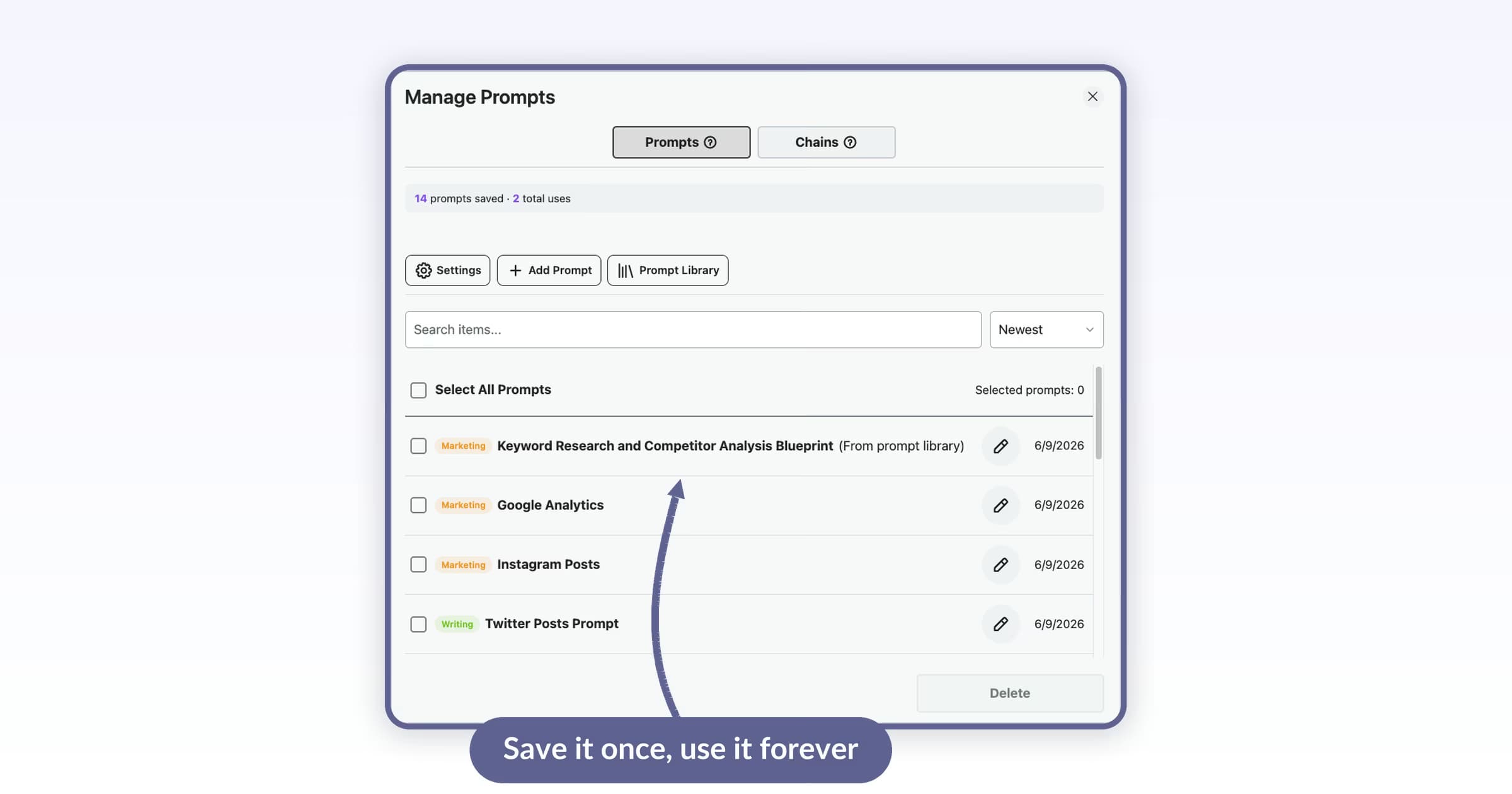
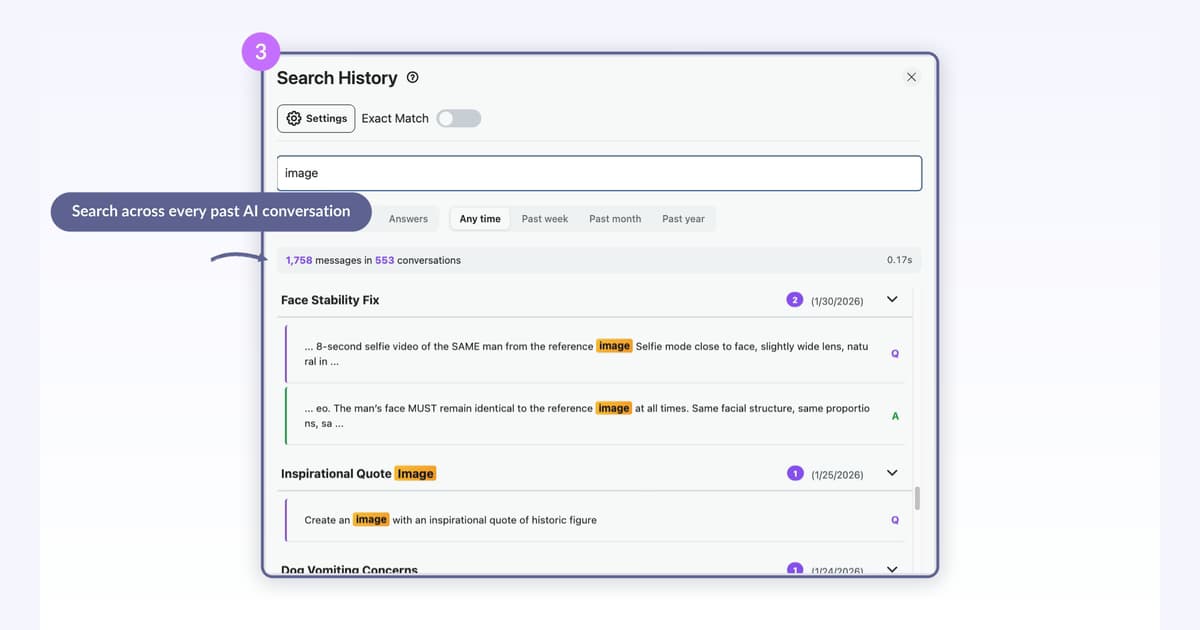
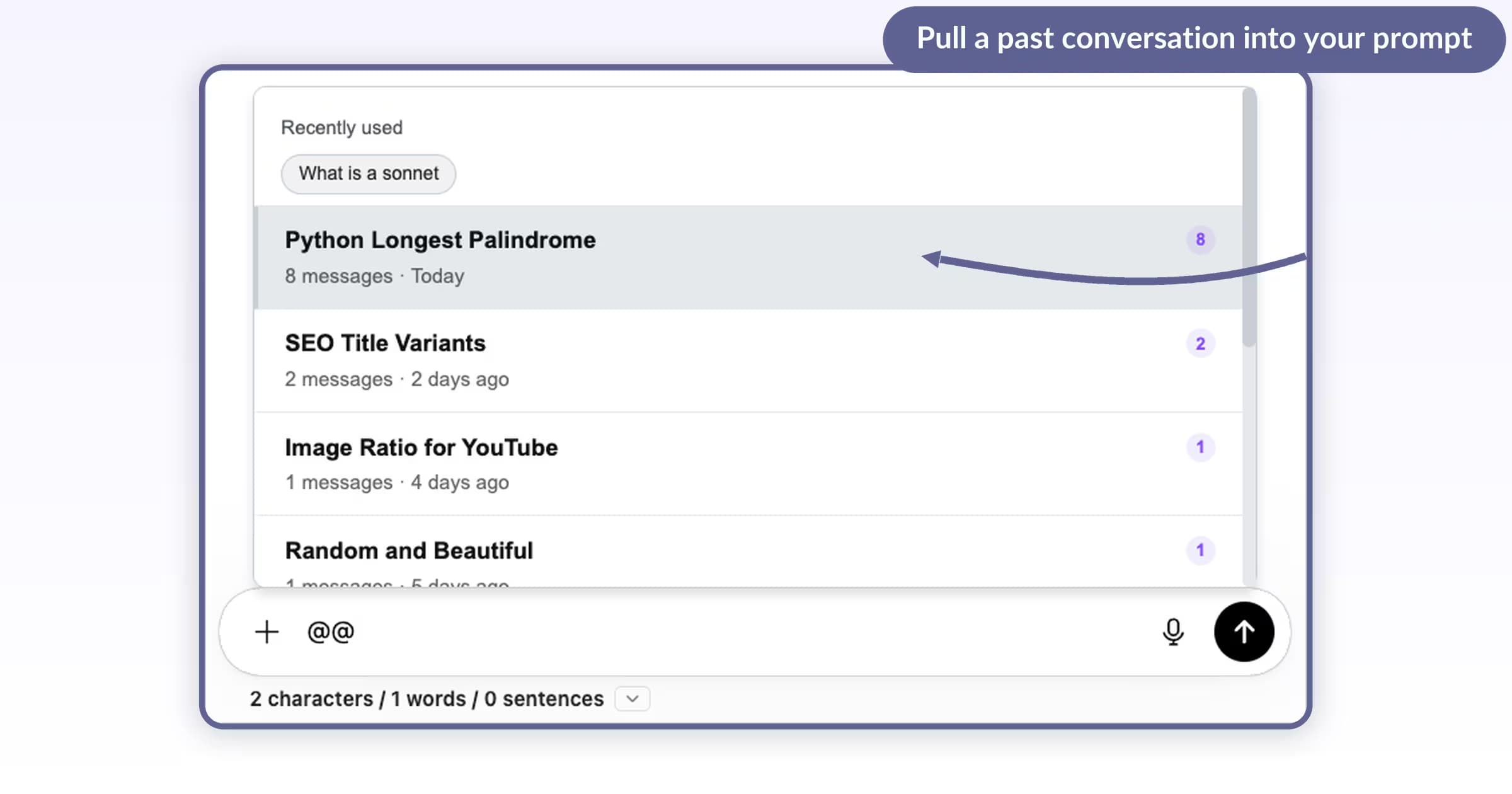
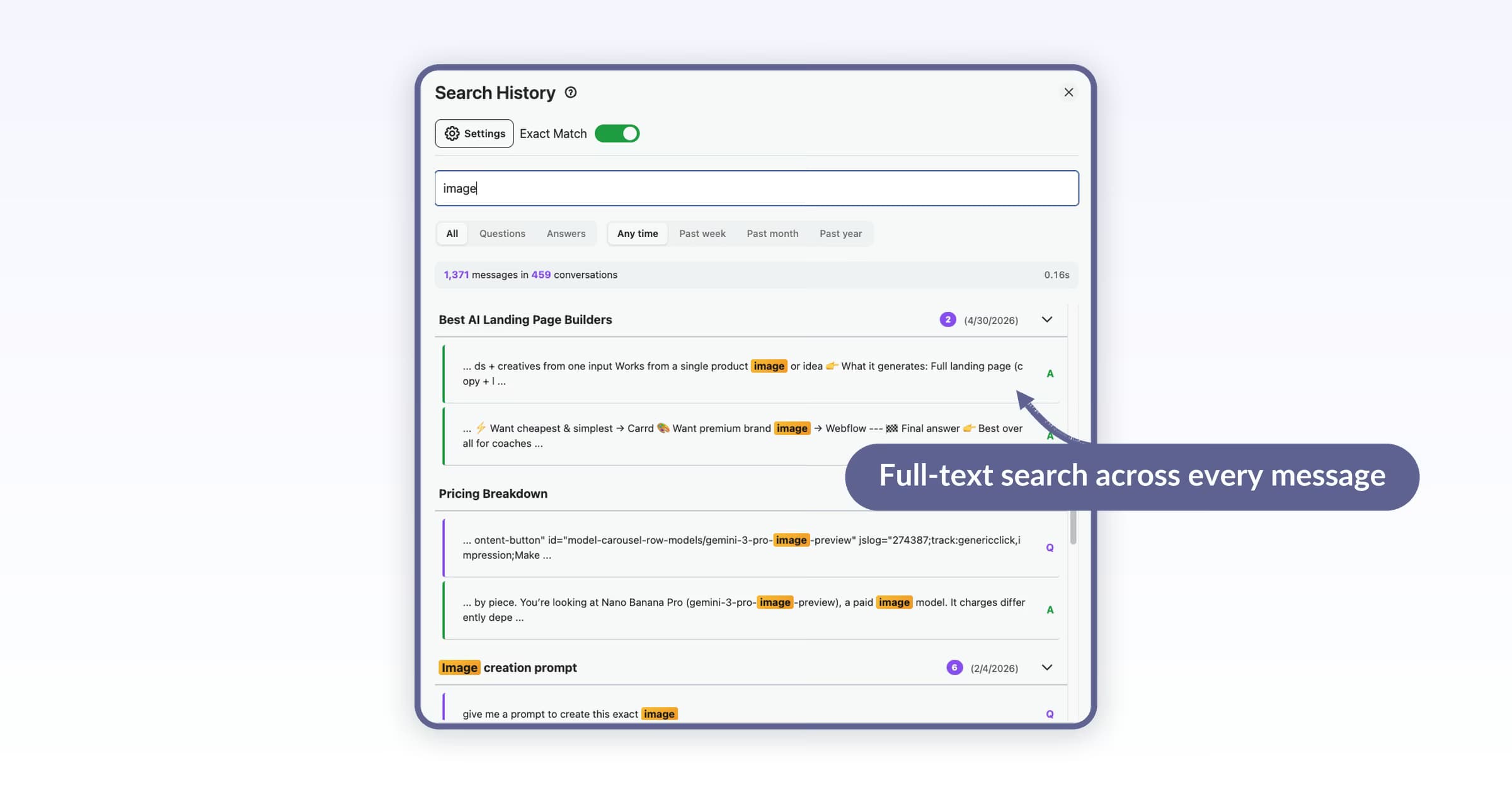
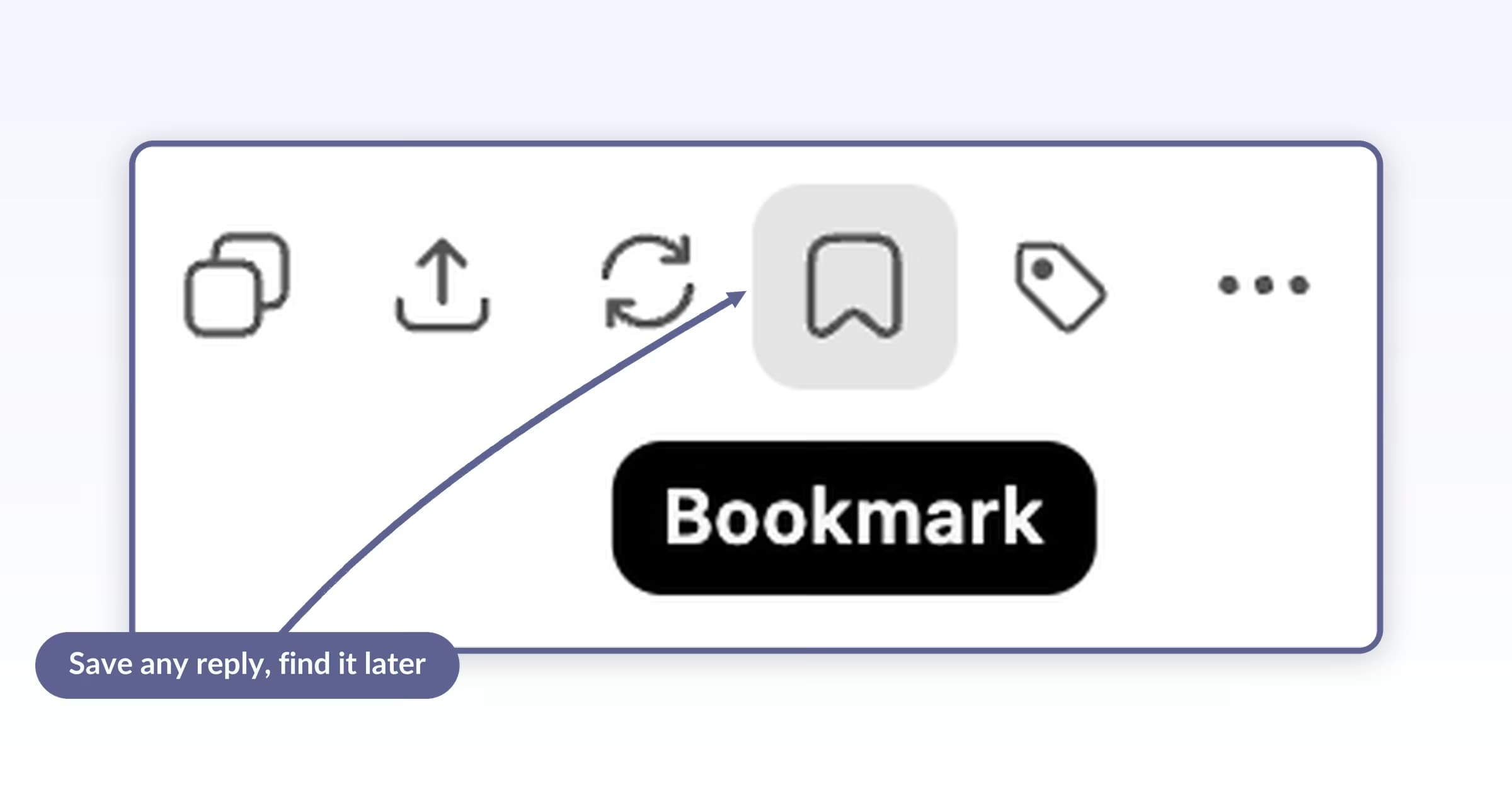
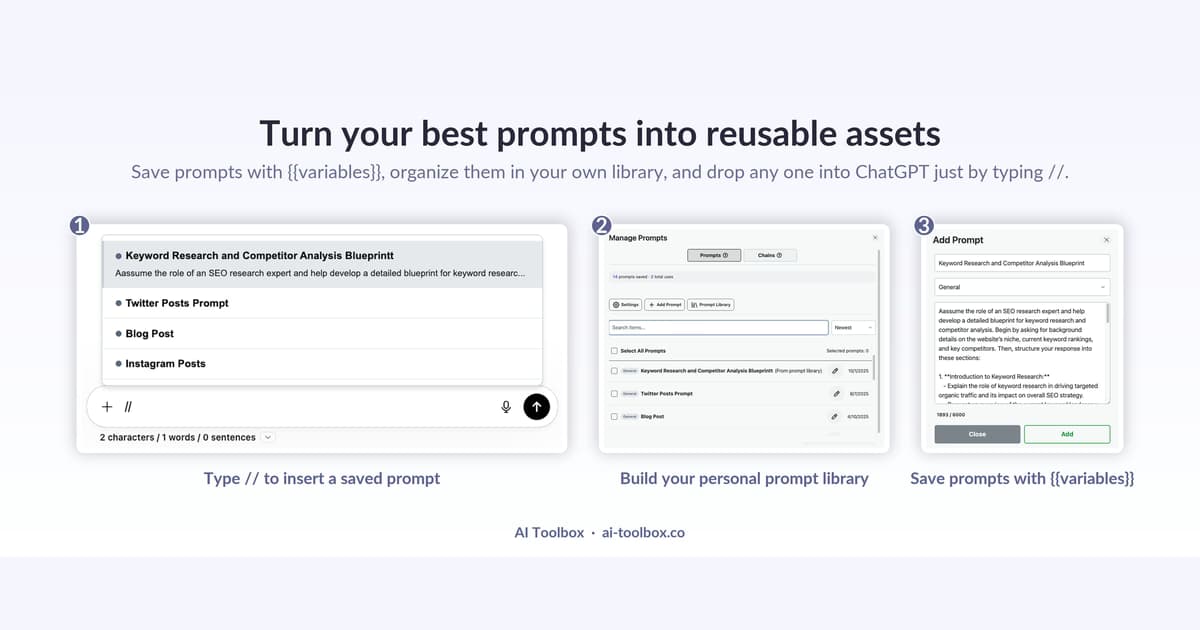
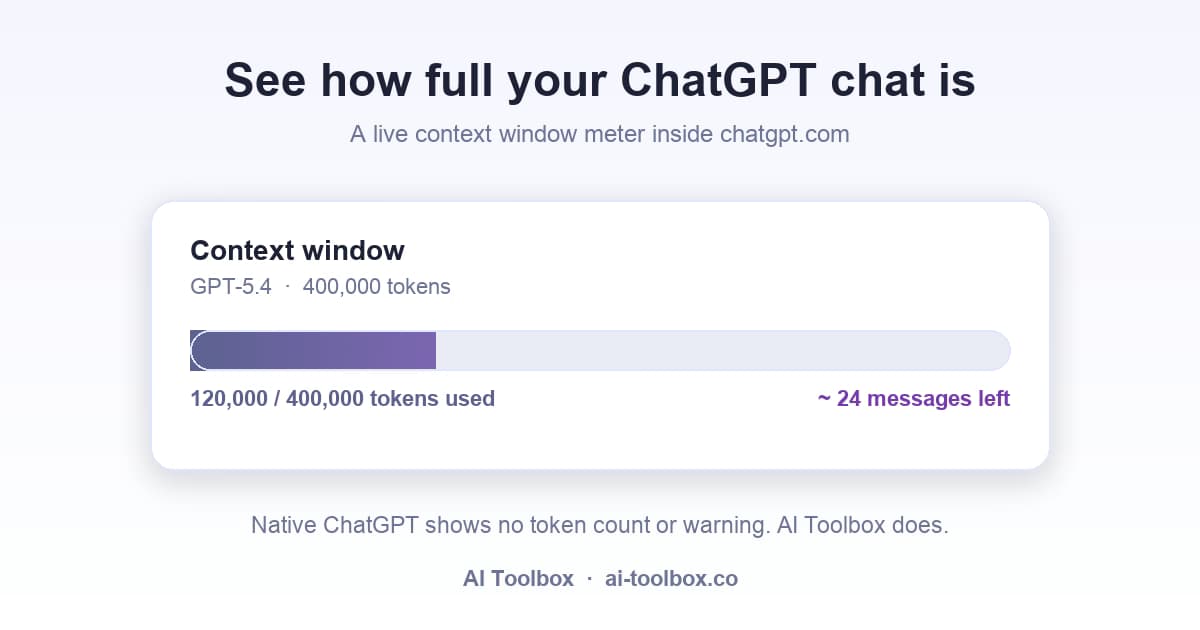
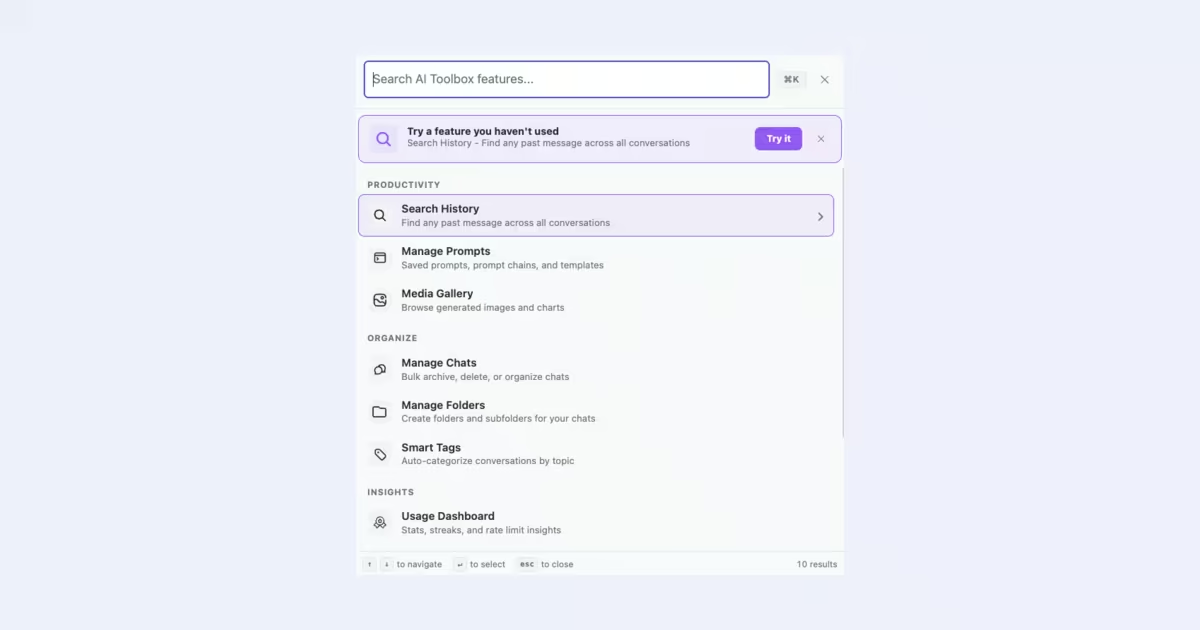
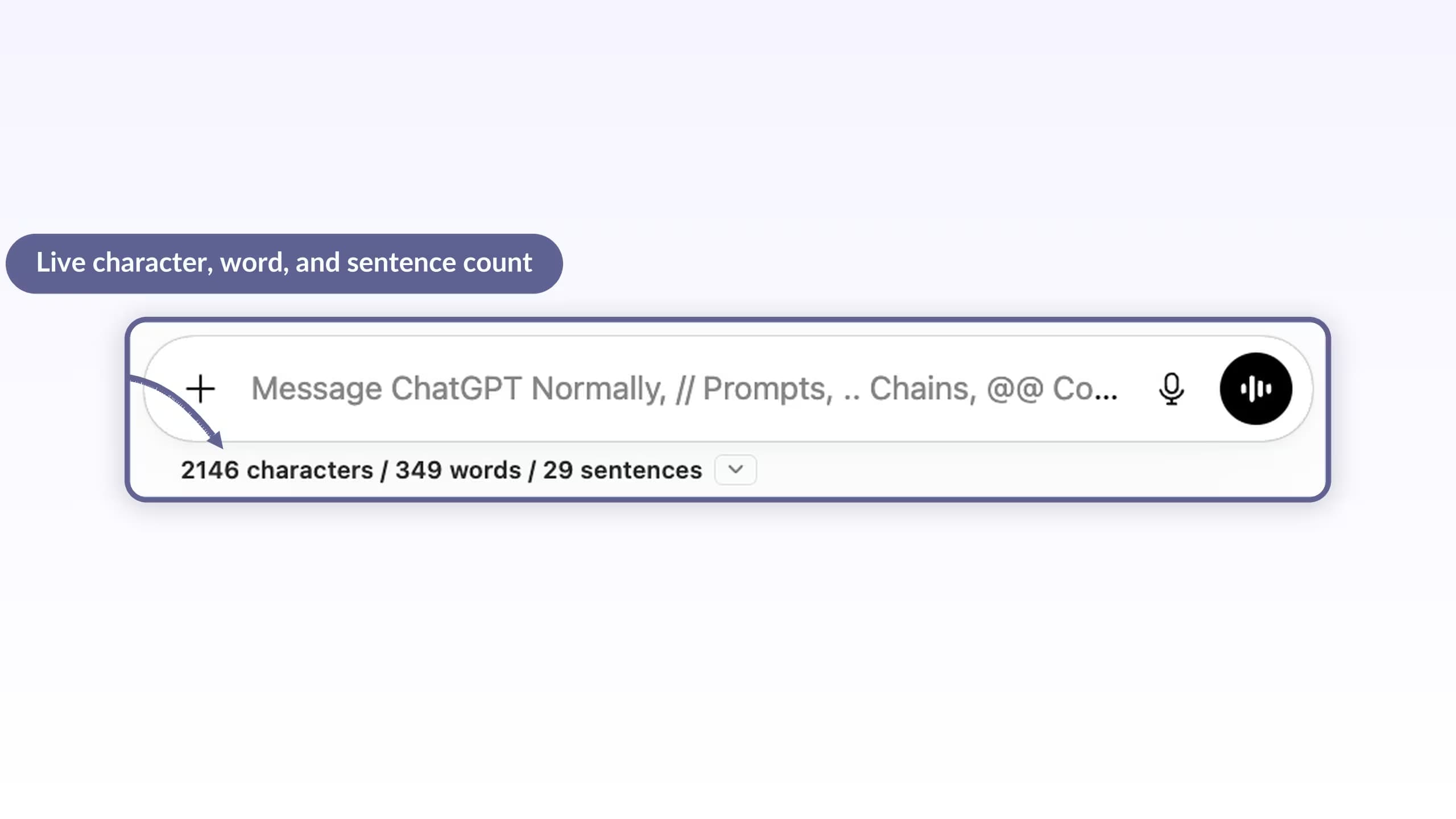
Folders (2 root folders, unlimited subfolders), pinned chats, full-text search with the first 5 results per query, 3 exports a day, 2 saved prompts, bookmarks and the in-chat tools such as the word counter and context meter. Premium removes the caps and adds the Advanced search filters, bulk export and bulk move to folder.
How do folders work if there is no drag-and-drop?
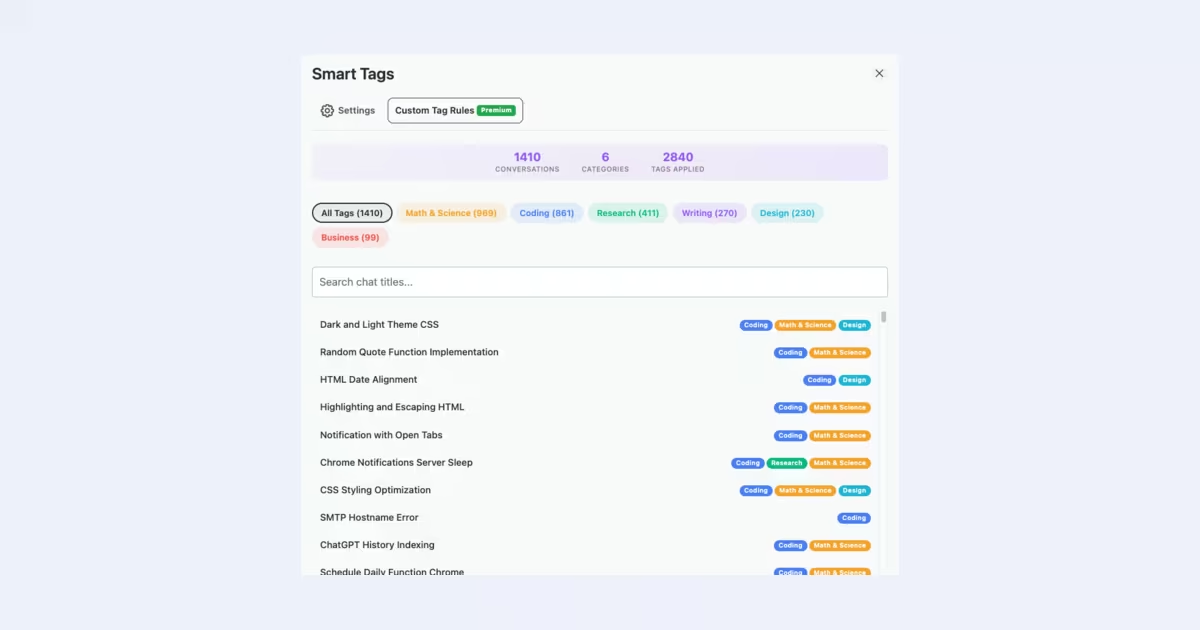
Open a folder, search for a conversation by name and add it. Folders nest as deep as you need, chats can be pinned inside them, and Smart Tags can group chats by topic automatically. The folder tree lives in the ChatGPT sidebar and stays in your browser.
What export formats does AI Toolbox support on ChatGPT?
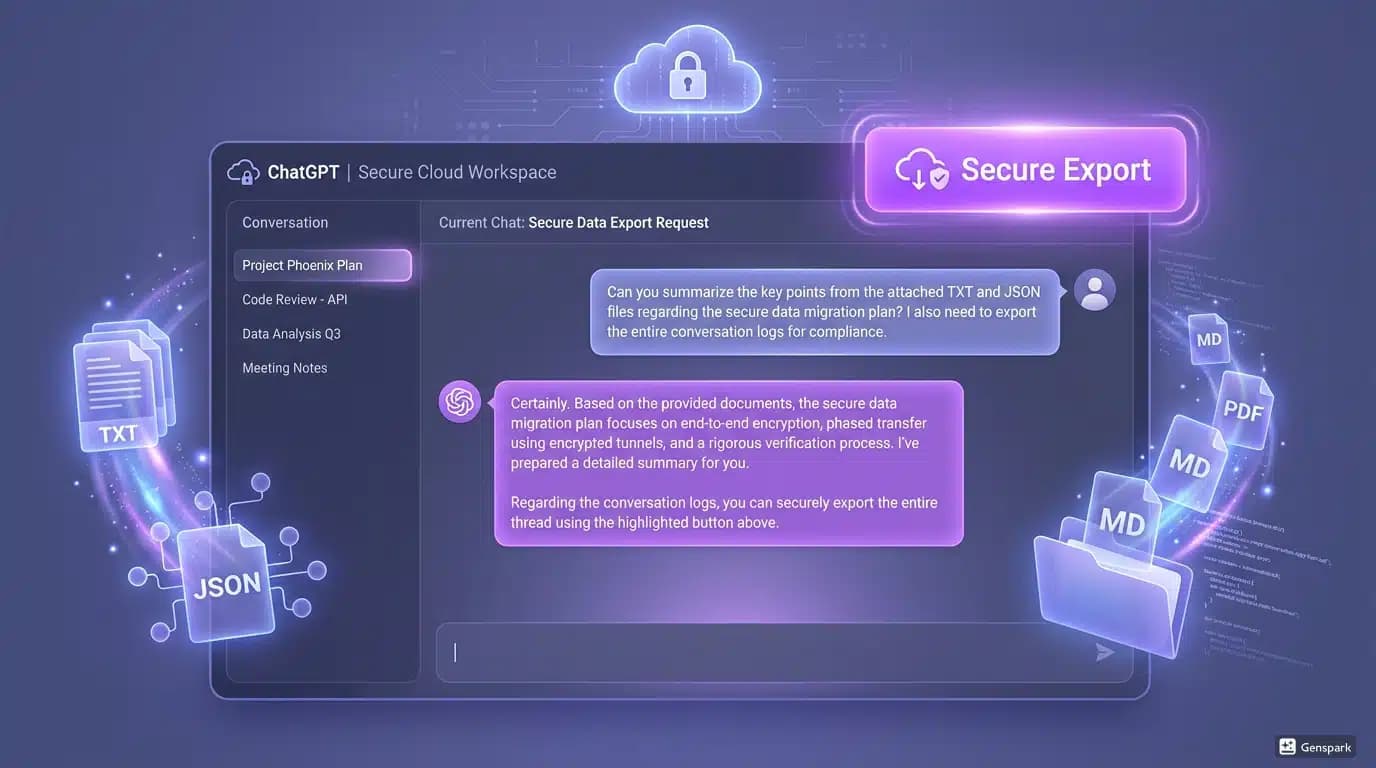
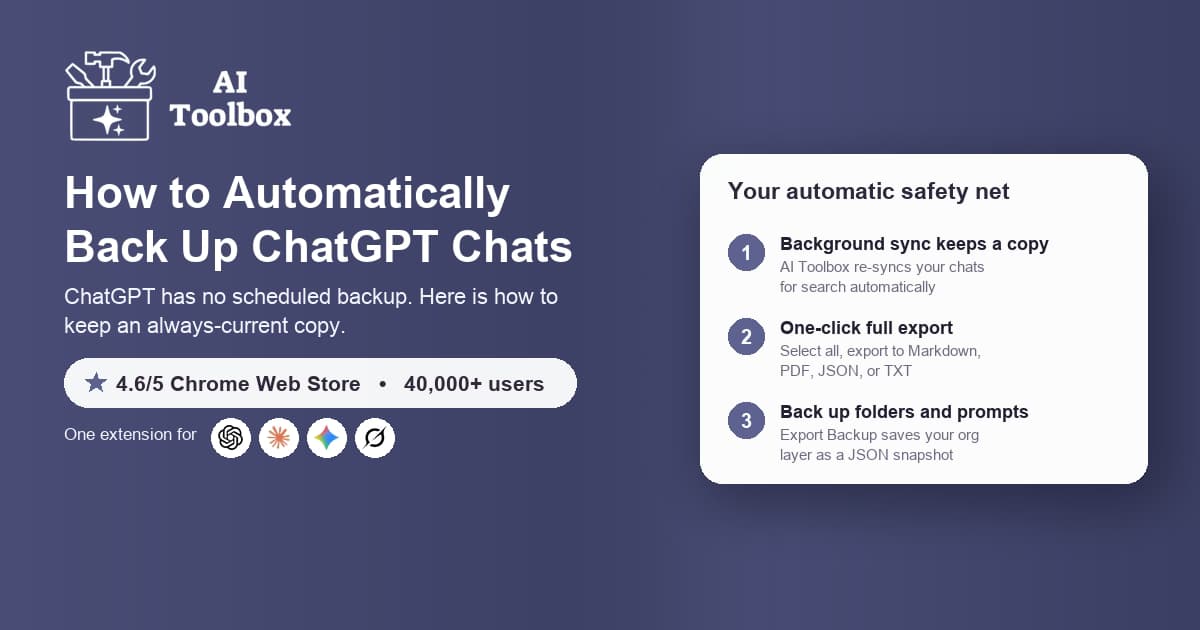
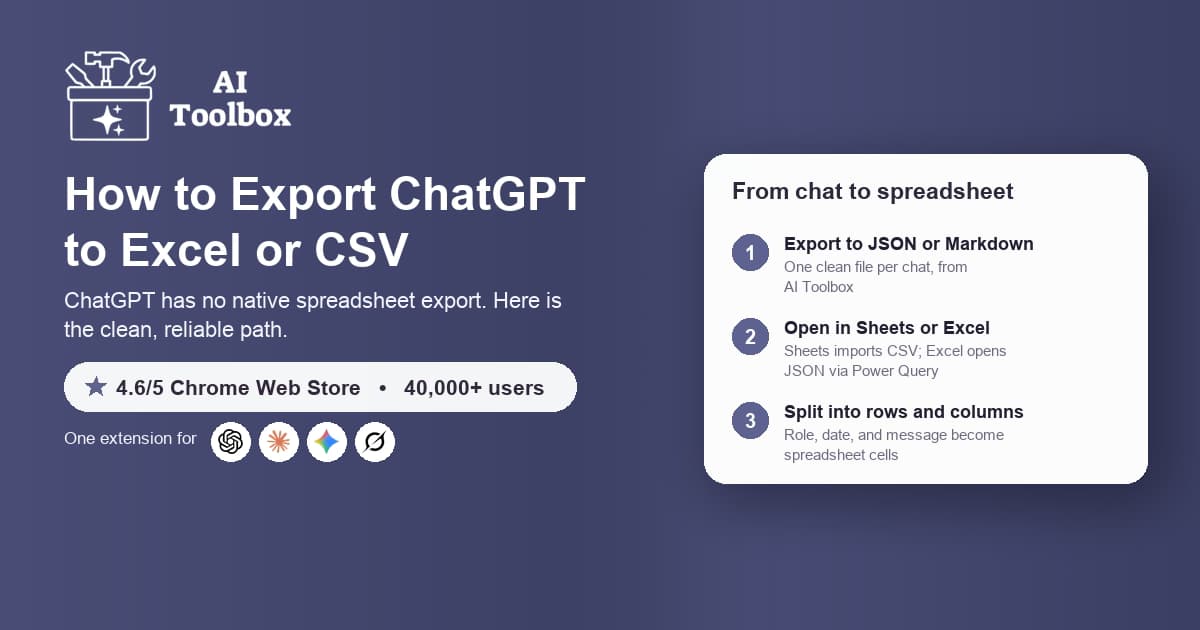
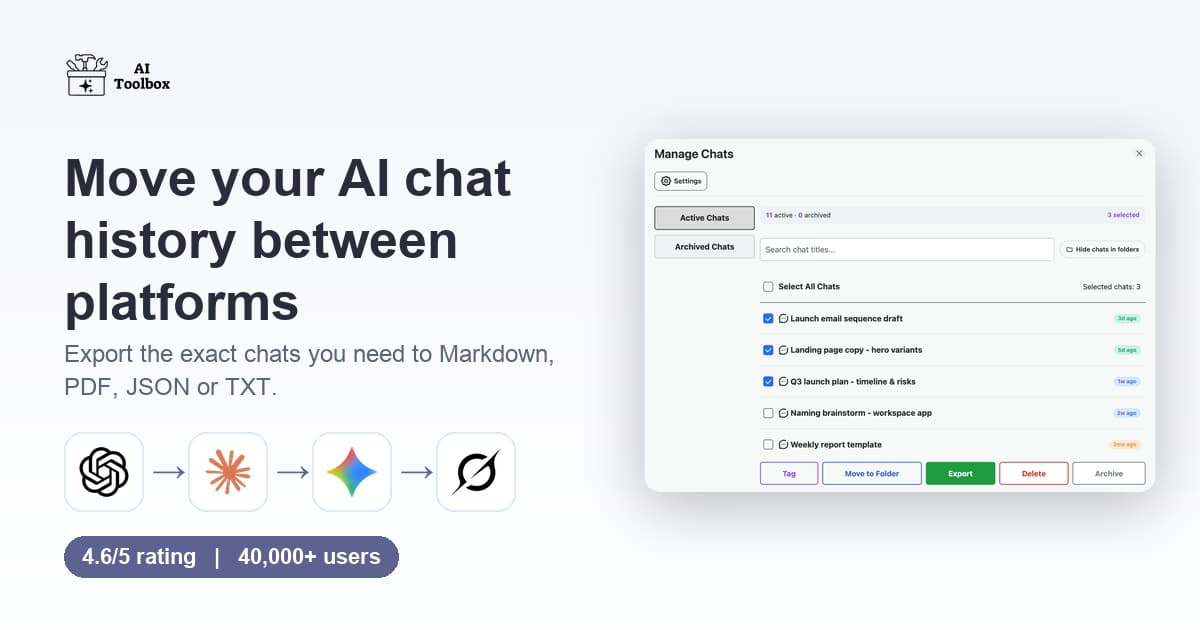
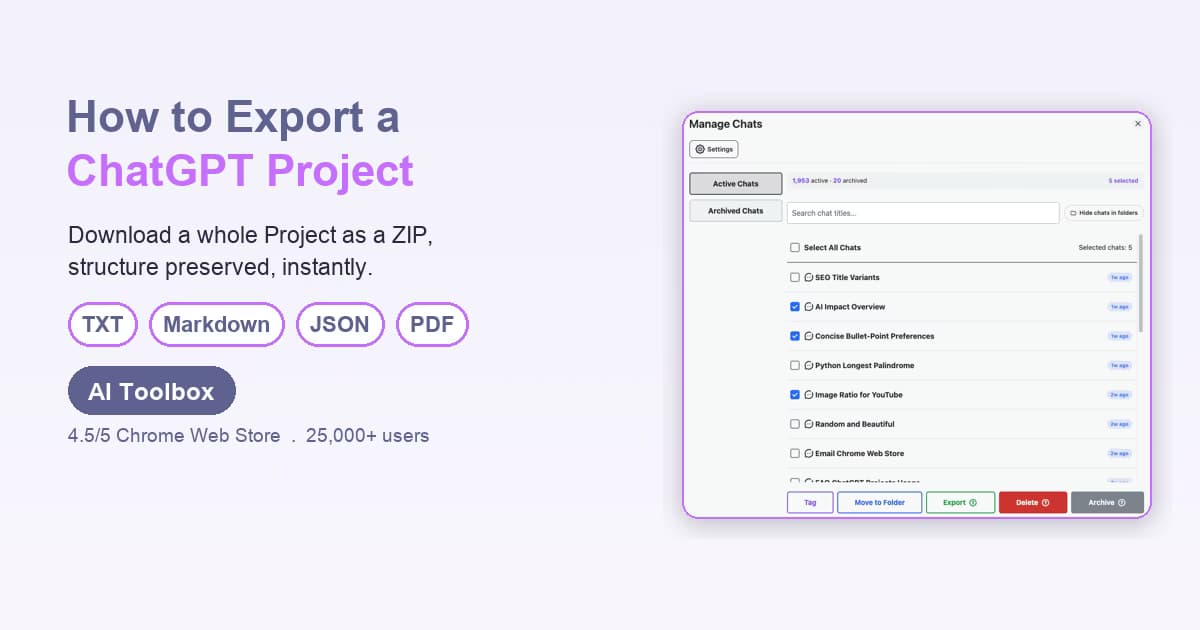
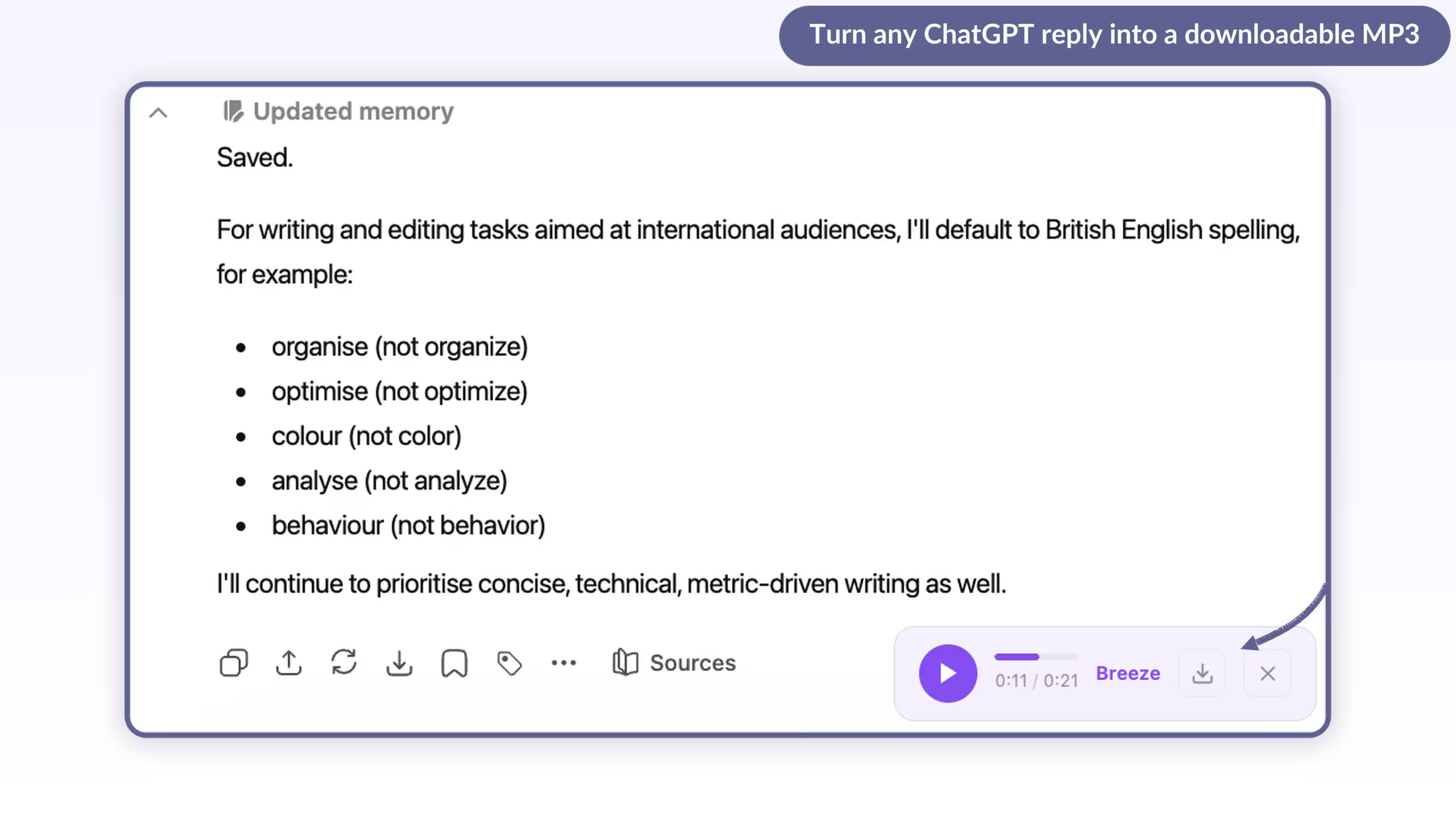
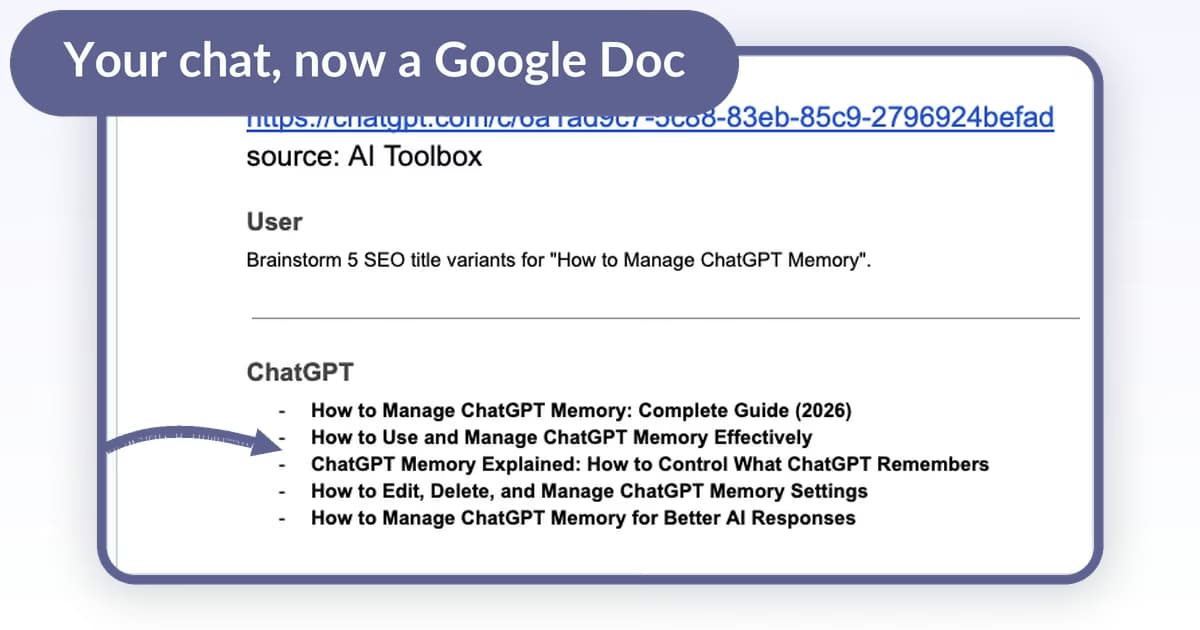
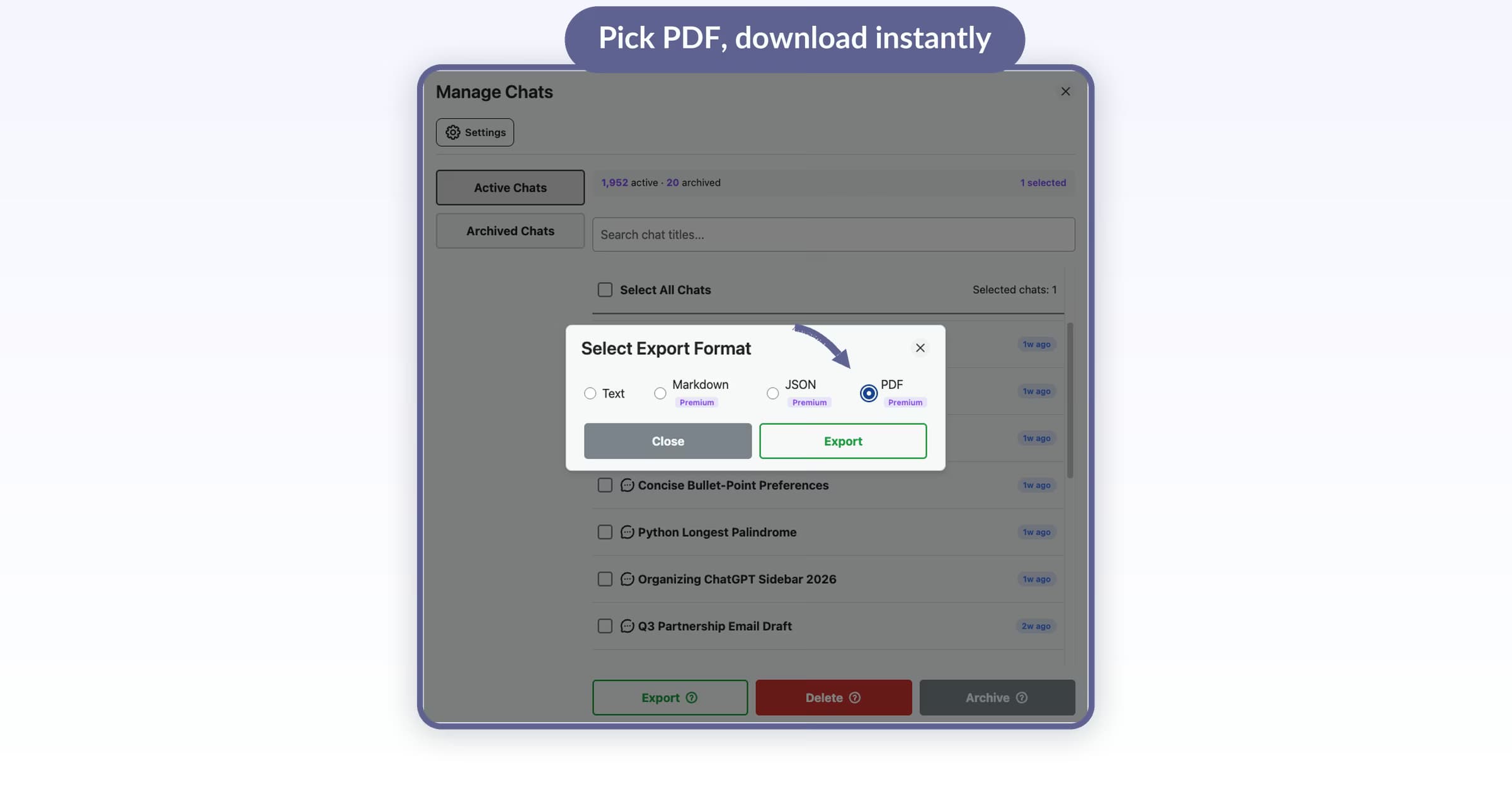
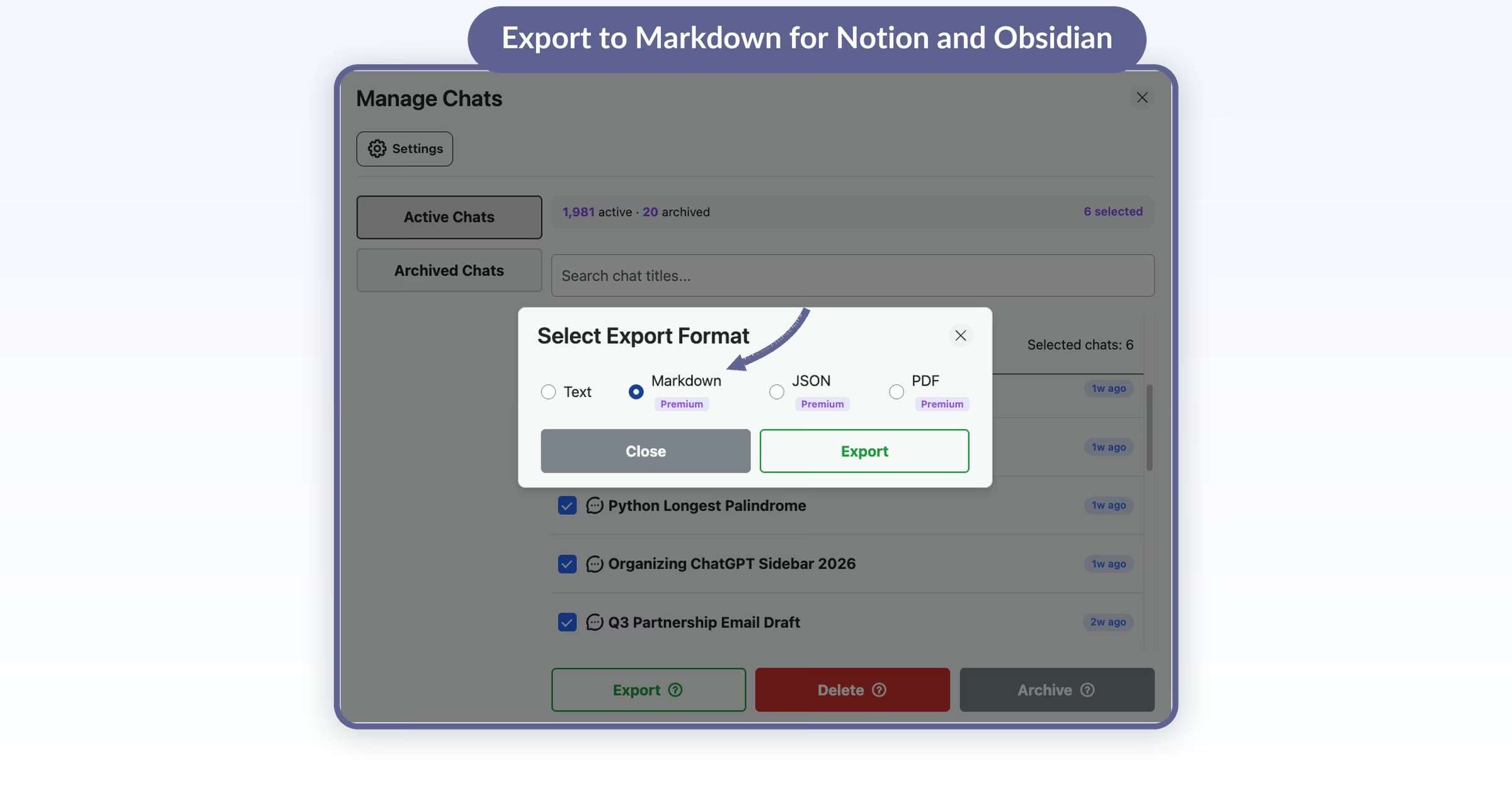
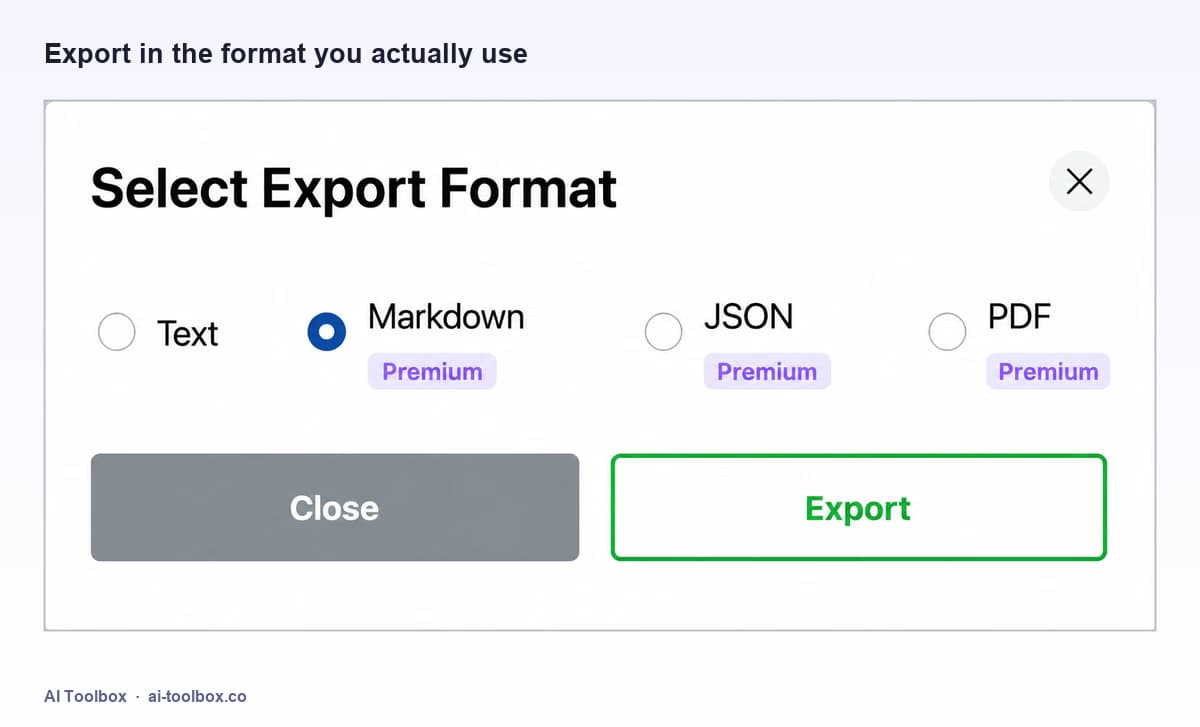
Any conversation exports to TXT, Markdown, JSON or PDF from the export menu, and responses can be downloaded as MP3 audio. Guides below cover DOCX, CSV, Google Docs, Notion and Obsidian routes. Premium adds bulk export of many conversations or a whole folder at once.
Does AI Toolbox work with every ChatGPT model?
Yes. It is a browser-extension layer on top of chatgpt.com, so folders, search, export and prompts work the same with GPT-6 Astra, GPT-5.6 Sol, GPT-5.6 Terra, GPT-5.6 Luna, GPT-5.5, GPT-5.5 Pro, GPT-5.4, GPT-5.4 Pro, GPT-5.4 mini, GPT-5.4 nano, and all future OpenAI models. It does not replace your ChatGPT account or plan.
Which browsers can I use?
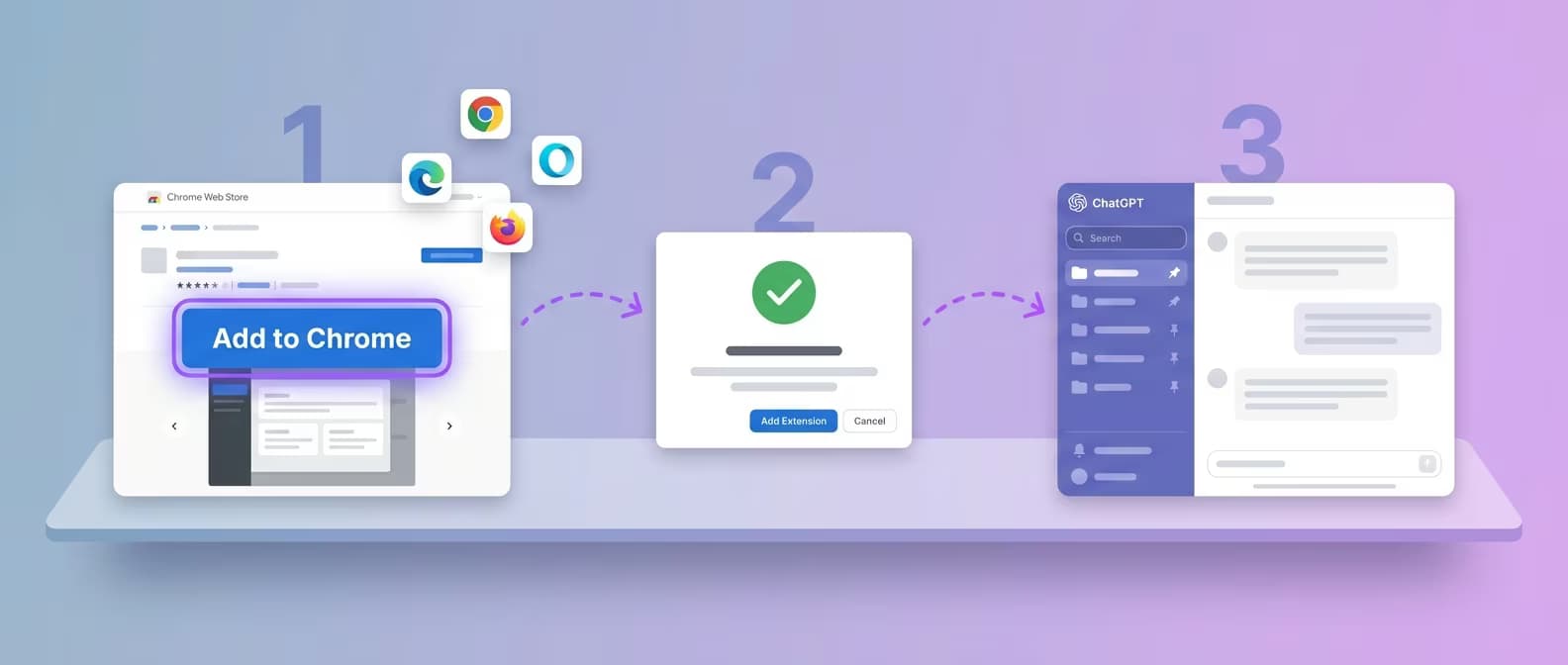
Any Chromium browser installed from the Chrome Web Store: Chrome, Edge, Brave, Opera and Arc. There is no Firefox version.

 ChatGPT
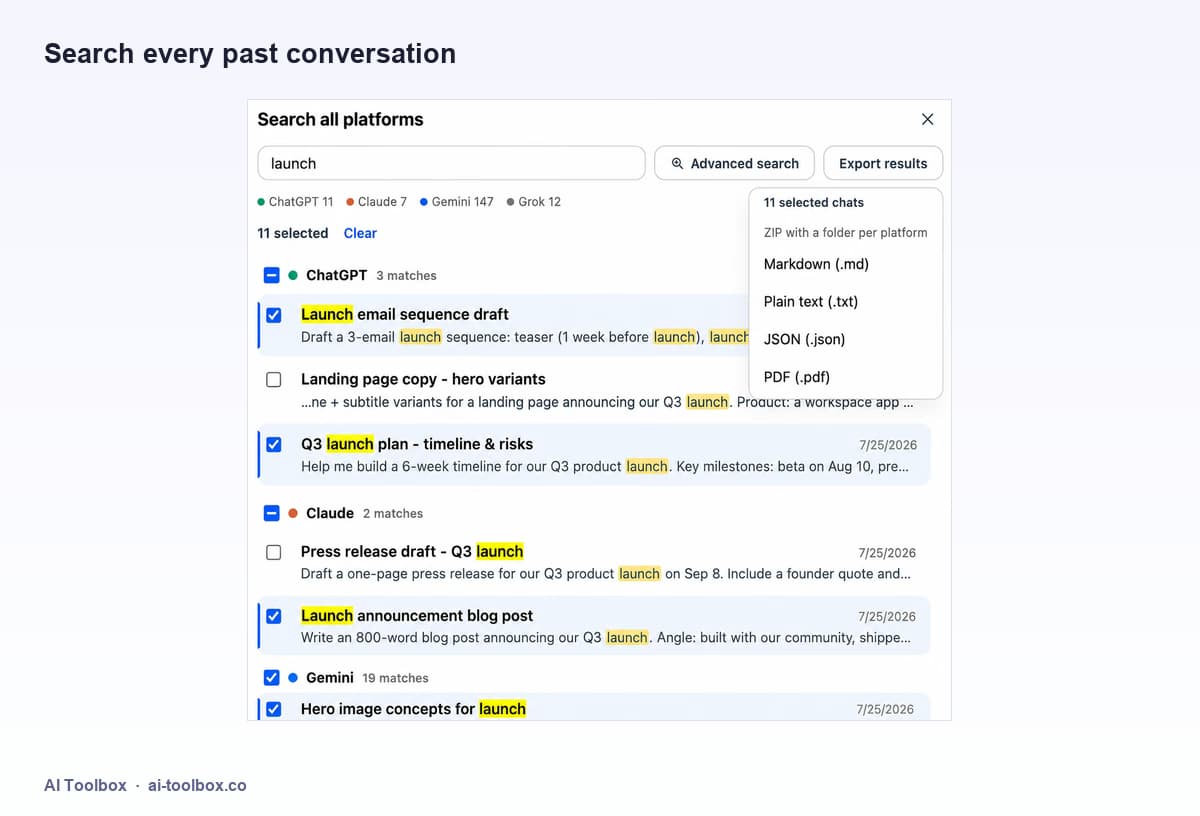 Advanced Search in ChatGPT History: Find Any Conversation InstantlyMaster AI Toolbox's powerful search features. Use advanced operators, filters, and date ranges to find any conversation, prompt, or response across your entire ChatGPT history.7 min read