Loading...
Grok has no way to save individual messages. AI Toolbox lets you bookmark any Grok message with color labels and jump back to it instantly, on x.com/i/grok and grok.com.
The Grok module of AI Toolbox (formerly ChatGPT Toolbox) (40,000+ users · 4.6 on Chrome Web Store).
Add to Chrome - FreeFree plan | Premium $9.99/mo | Lifetime $99
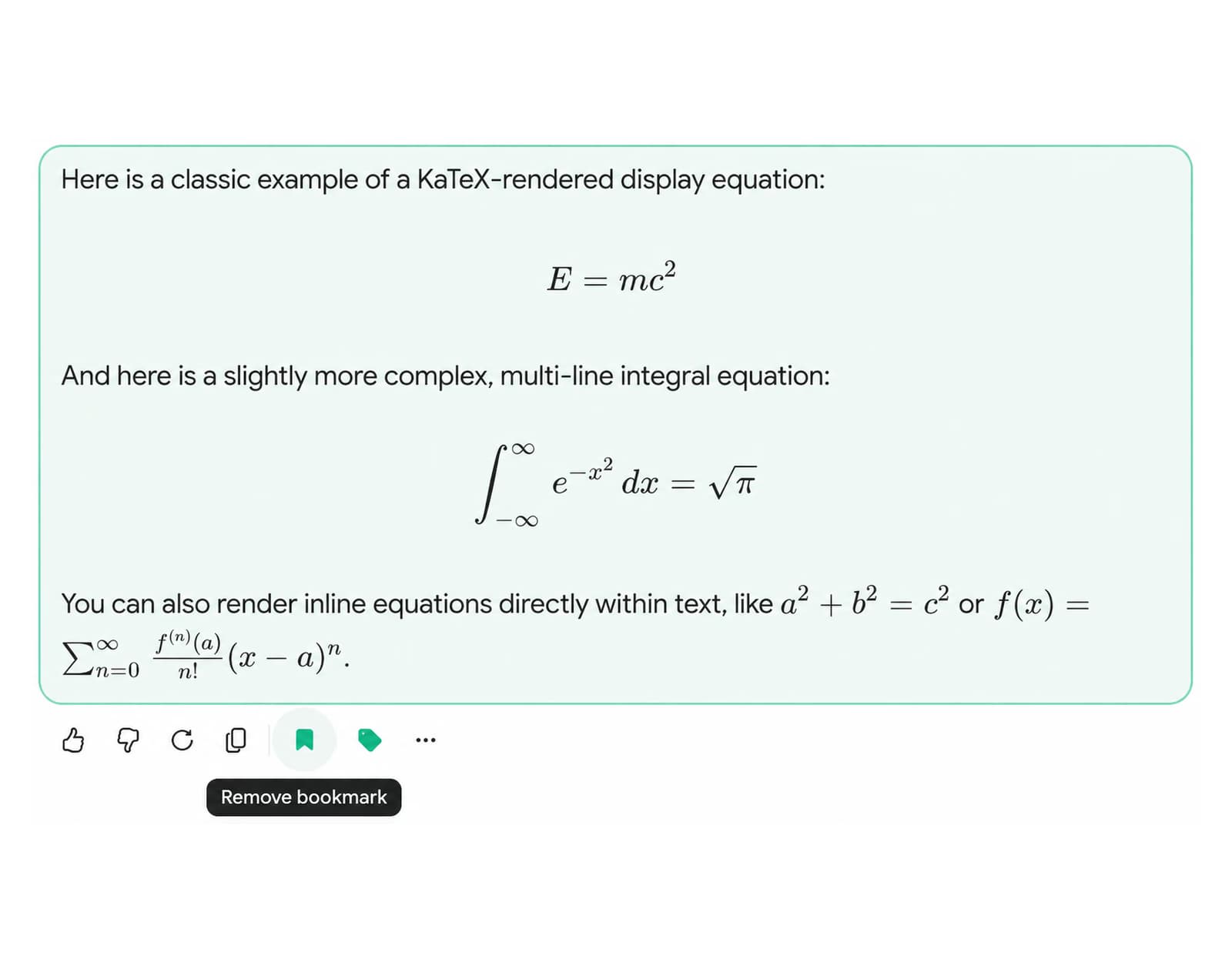
AI Toolbox's bookmark feature lets you mark important messages within any Grok conversation for instant access later, on both x.com/i/grok and grok.com. Give each bookmark a color label, then click it to scroll directly to that message and see it highlighted, no more searching through long conversations to find that one answer you need. Part of AI Toolbox (formerly ChatGPT Toolbox), 40,000+ users.
Grok conversations can run dozens of messages long. When Grok gives you a perfect code solution, a sharp analysis, or a well-crafted paragraph, there is no way to mark that specific message. Grok on X can bookmark a whole thread and grok.com can star one, but neither saves an individual message. The next time you need that response, you are scrolling through the entire conversation trying to find it.
Copy-pasting to external notes is a workaround, but it breaks your workflow and loses the context of the original conversation. You need a way to mark messages in place and return to them instantly.
AI Toolbox adds message-level bookmarks directly to the Grok interface. Mark any message with one click, give it a color label, then jump back to it anytime from the sidebar. The bookmarked message scrolls into view and highlights automatically.
AI Toolbox's bookmark feature lets you mark any message in any Grok conversation, whether it is a Grok answer, your own prompt, or a code block you want to save for later, on both x.com/i/grok and grok.com.
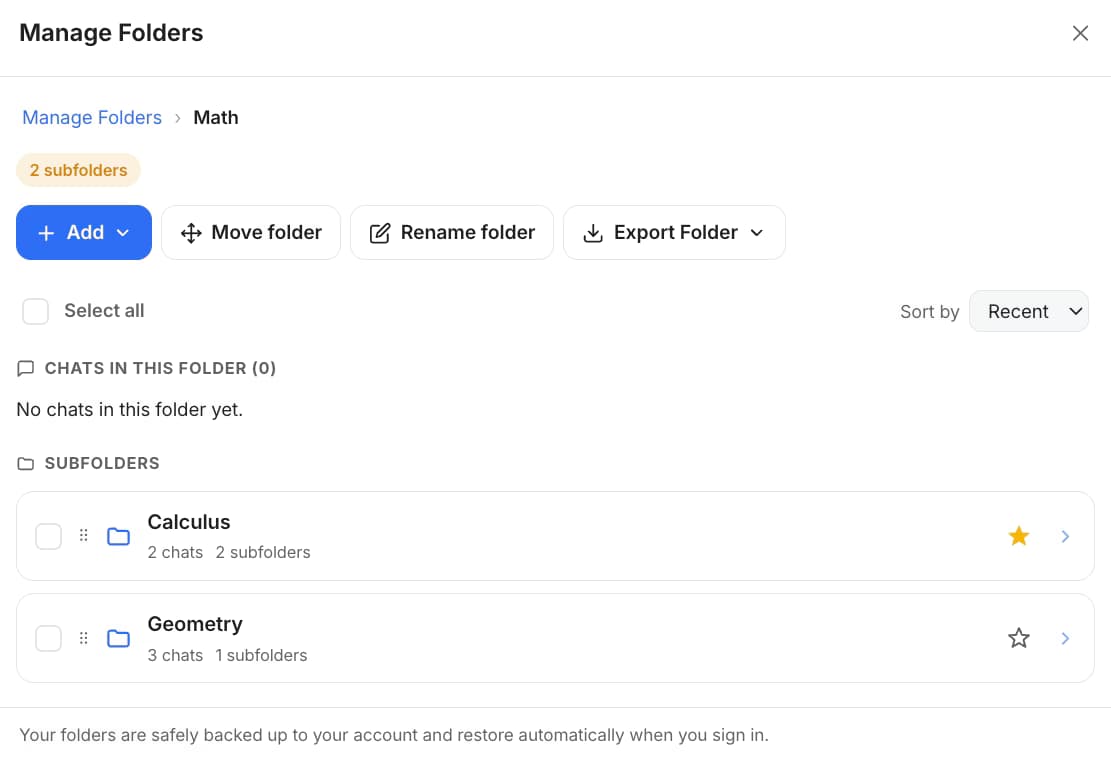
Tag each bookmark with a color so you can group saved messages by project, priority, or topic. Filter the bookmarks panel by any color to find what you need in seconds.
Click any bookmark to jump directly to that message in its conversation. The message highlights automatically so you can find it immediately without scrolling.
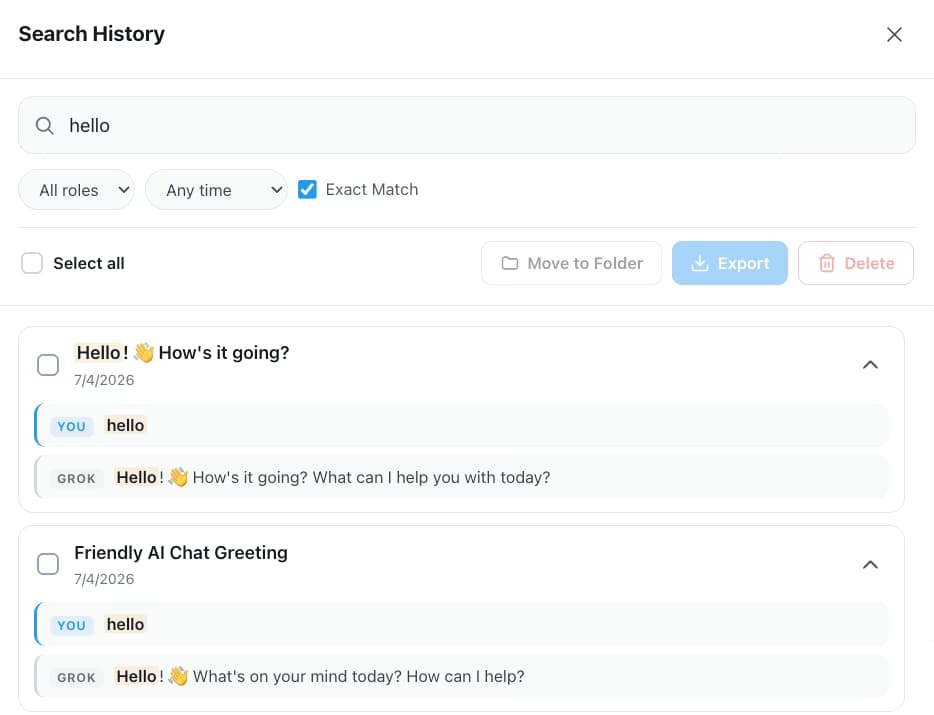
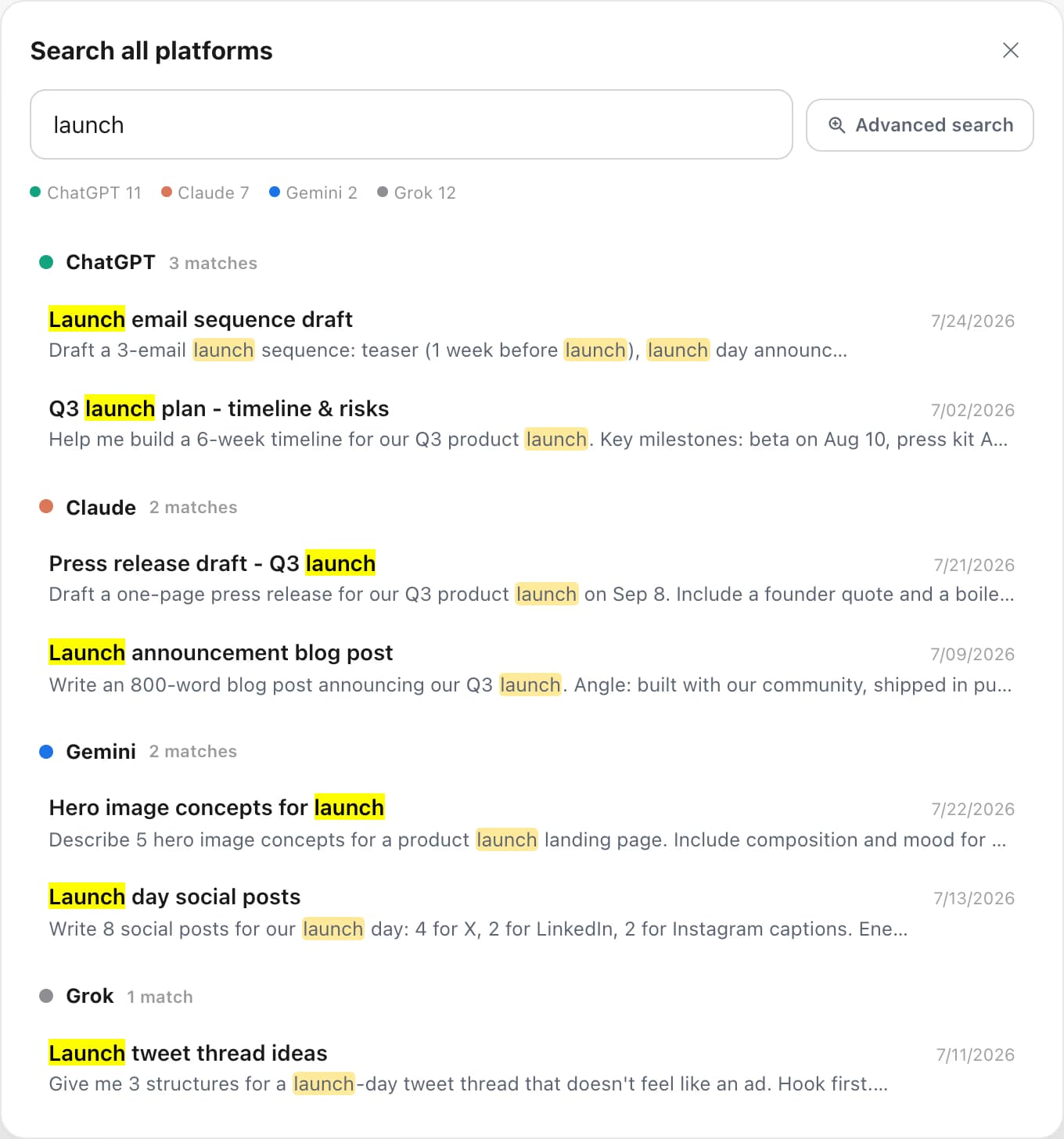
Bookmarks span your entire Grok history. Save important messages from different conversations and open them all from one central list in the Toolbox sidebar.

$0
$9.99 /month
$99 one-time
No. Grok on X lets you Bookmark a whole conversation and grok.com lets you star one, but neither can save or label an individual message inside a conversation. AI Toolbox adds message-level bookmarks with color labels, something Grok does not offer on either surface.
The free plan lets you bookmark messages in up to 2 conversations. Premium ($9.99/month) and Lifetime ($99 one-time) plans support unlimited bookmarks.
Clicking a bookmark in the AI Toolbox sidebar opens the corresponding Grok conversation and scrolls directly to the bookmarked message. The message is highlighted so you can spot it immediately without manually scrolling.
Yes. The Grok module of AI Toolbox is a single install that runs on both surfaces. You can bookmark messages and open the central bookmarks panel whether you use Grok inside X at x.com/i/grok or the standalone grok.com.
Grok signs you in with your X (Twitter) account rather than an email, so the Grok module verifies your plan by your X handle instead of an email address. At checkout you enter the exact handle you use on x.com and grok.com, and unlimited bookmarks unlock for that handle.
Never lose an important Grok response again. Part of AI Toolbox (formerly ChatGPT Toolbox), 40,000+ users.
| Feature | Grok Native | AI Toolbox |
|---|---|---|
| Bookmark Individual Messages | No (conversation-level only) | Yes - any message in any conversation |
| Color Labels | No | Yes - group and filter by color |
| Scroll-To Message | No | Yes - click to jump directly |
| Cross-Conversation | No | Yes - bookmarks span all chats |
| Covers x.com/i/grok + grok.com | Separate | One module, both surfaces |
| Price | Free (no message bookmarks) | Free (2 conversations) / Premium $9.99/mo |
“I use Grok on X for research and quick code, then jump to grok.com for longer sessions. When Grok nails an answer, I bookmark it with a color and it is one click to get back to it. I have saved hundreds of messages this way, it is like a knowledge base built right into Grok.”
- Priya Sharma, Freelance Full-Stack Developer
Bookmark important Grok messages and jump back to them instantly. Start free - no credit card required.
Add to Chrome - FreePart of AI Toolbox (formerly ChatGPT Toolbox), 40,000+ users