
 Claude
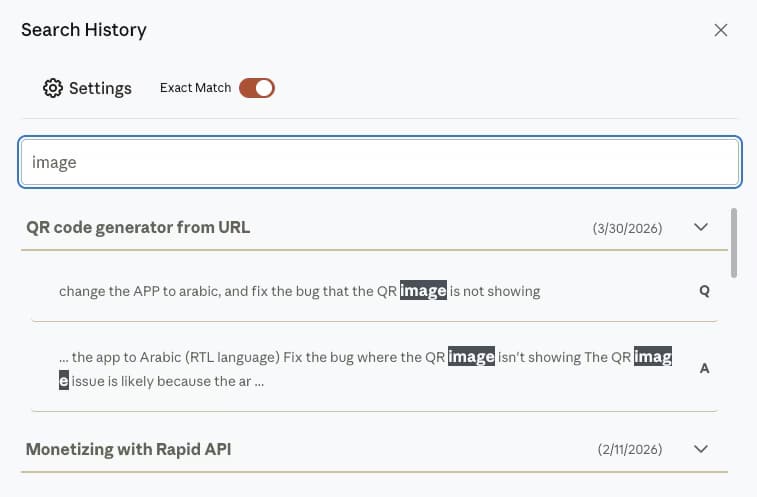 How to Search Your Claude Conversation History (Full Guide 2026)Search every message across all Claude conversations with full-text search, free for the first 5 results per search, plus an exact-match toggle on Premium. Complete 2026 AI Toolbox for Claude guide.11 min read
Claude
Claude Management & Productivity Guides
Step-by-step guides for searching, backing up and getting more out of Claude: what claude.ai can do natively (Projects, Artifacts, custom Styles, file uploads, the desktop app and Claude for Chrome), where it stops, and how the Claude module of AI Toolbox (formerly ChatGPT Toolbox) adds full-text history search, folders, message bookmarks, an artifacts vault and four-format export.
Free plan with 5 search results per query, 2 root folders and TXT export, no account needed. Every guide names the plan a feature needs.
Start here
Four guides that cover most Claude questions
Search, backup, Artifacts and Projects: long-form, kept current, each linking out to the narrower how-tos below.
How to Search Your Claude Conversation History (Full Guide 2026)Search every message across all Claude conversations with full-text search, free for the first 5 results per search, plus an exact-match toggle on Premium. Complete 2026 AI Toolbox for Claude guide.11 min read How to Back Up Claude Conversations (2026 Guide)Claude's native export is a full-account email link that expires in 24 hours. Back up individual Claude conversations, and your artifacts, as portable files with AI Toolbox.9 min read
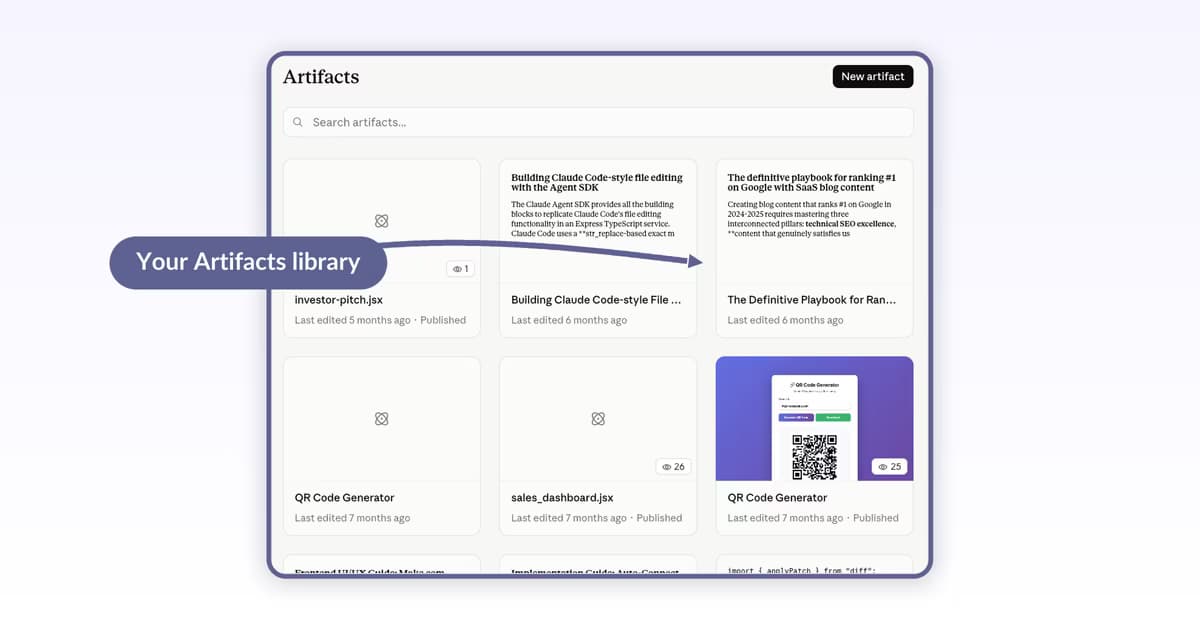 How to Use Claude Artifacts: Build, Iterate, and Share (2026)Step-by-step guide to Claude Artifacts in 2026: pick a category, prompt Claude to build, toggle Preview and Code tabs, iterate in chat, then Publish & copy link to share. Verified May 2026.9 min read
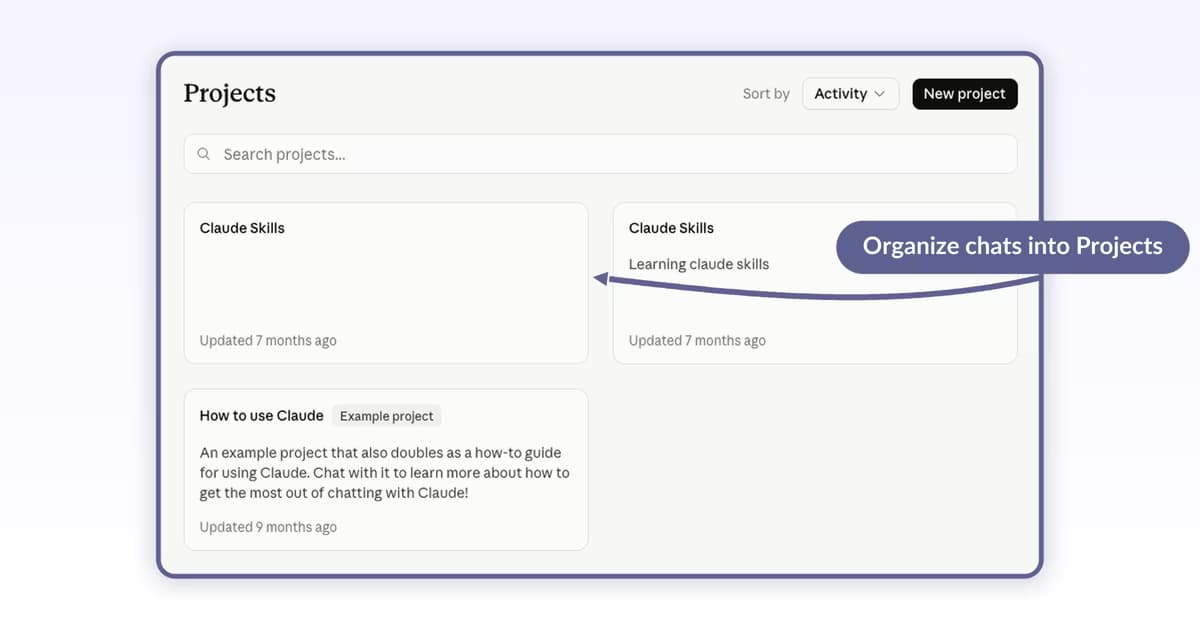 How to Use Claude Projects: Workspaces and Knowledge Bases (2026)Step-by-step guide to Claude Projects in 2026: create a Project from the Projects landing page, set Custom instructions, attach knowledge files, start scoped chats, and Star, Rename, or move chats between Projects. Verified May 2026.9 min read
All 16 guides
Every Claude guide, grouped by what you are trying to do
Each group opens with the native Claude answer, then the guides that go deeper. Newest first inside a group.
Search, backup and recovery
Finding an old Claude chat by what it said, exporting conversations as files you own, and what can be recovered when one goes missing.
 How to Recover Deleted or Missing Claude Conversations (2026)Deleted Claude chats are permanent, but a missing one is usually findable with full-text search. See what you can recover, the narrow salvage options, and how to back up Claude with AI Toolbox.8 min readHow to Back Up Claude Conversations (2026 Guide)Claude's native export is a full-account email link that expires in 24 hours. Back up individual Claude conversations, and your artifacts, as portable files with AI Toolbox.9 min readHow to Search Your Claude Conversation History (Full Guide 2026)Search every message across all Claude conversations with full-text search, free for the first 5 results per search, plus an exact-match toggle on Premium. Complete 2026 AI Toolbox for Claude guide.11 min read
Plans, billing and your account
Cancelling Pro, Max or Team, where a refund request goes, and deleting a Claude account for good, with what to export first.
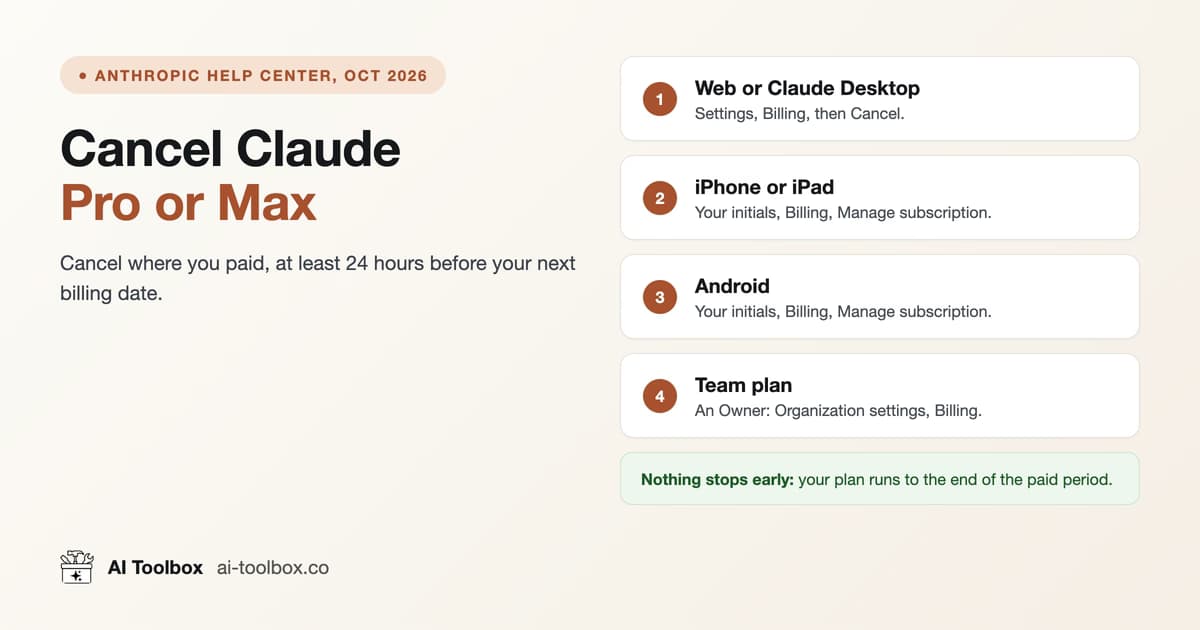 How to Cancel a Claude Subscription (Pro or Max, 2026)Cancel Claude Pro or Max in Settings, Billing on the web, or Billing, Manage subscription in the iPhone and Android apps. When refunds apply, and Team plans.13 min read
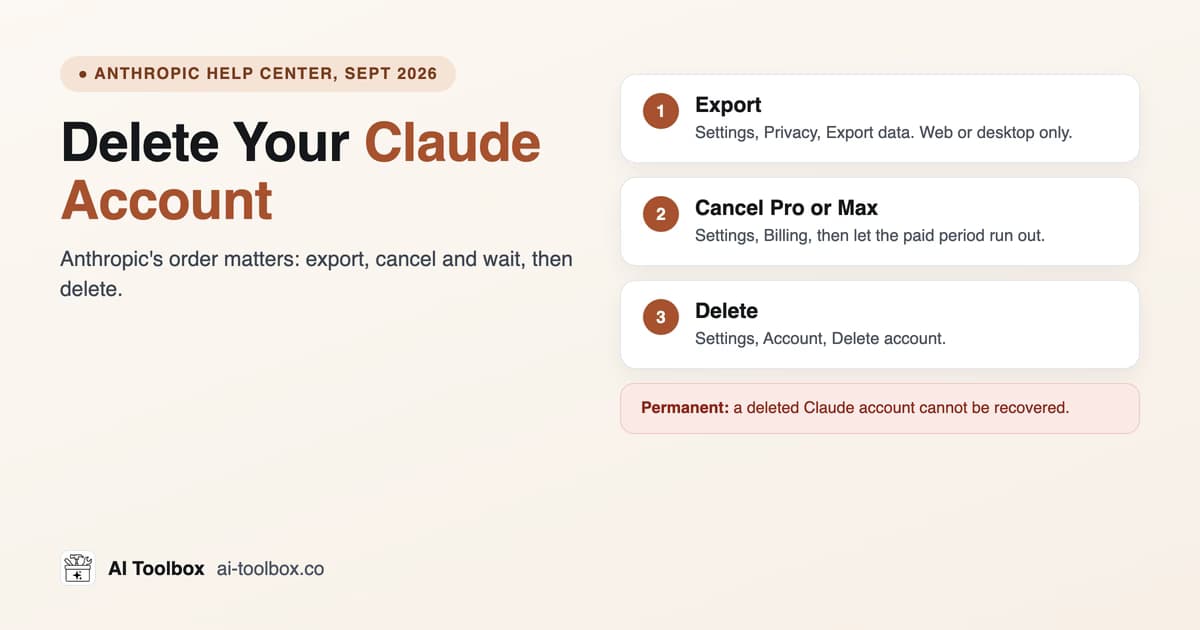 How to Delete Your Claude Account (2026)Delete your Claude account in Settings, Account. Anthropic's order: export your data, cancel Pro or Max and let it lapse, then delete. It is permanent.8 min read
Native Claude features
Memory and incognito chats, Projects, Artifacts, custom instructions and Styles, and uploading PDFs, CSVs and images.
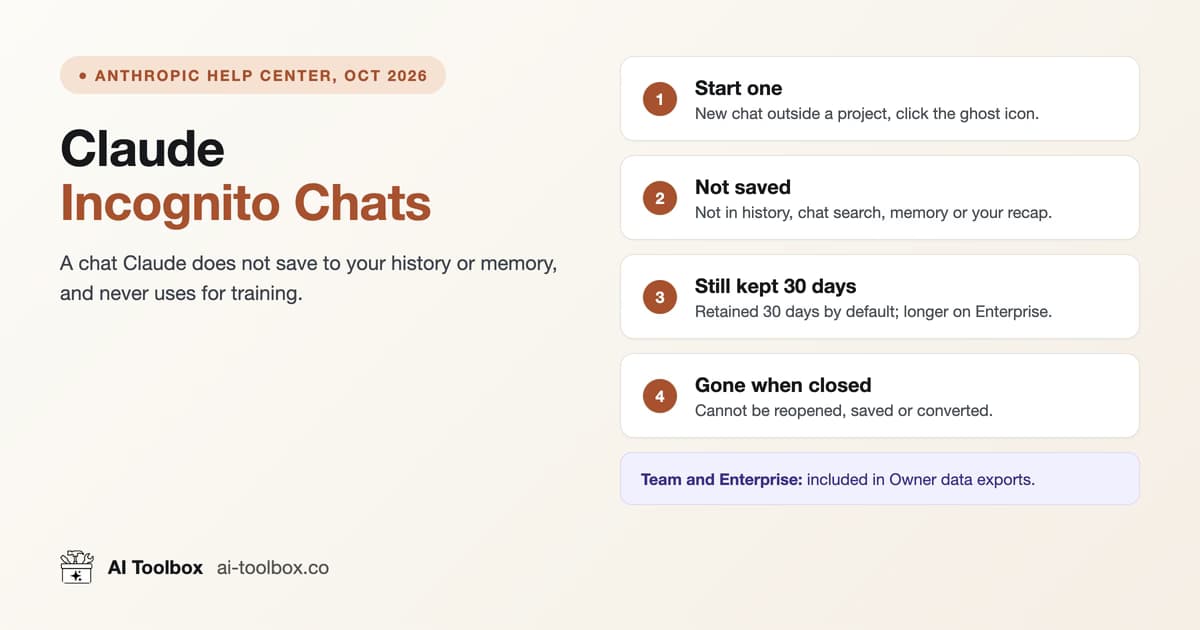 Claude Incognito Mode: How Incognito Chats Work (2026)Start a Claude incognito chat with the ghost icon. Not saved to history or memory, never used for training, kept 30 days by default, gone once closed.11 min read
 Claude Memory: How It Works, View, Edit or Turn It OffClaude memory saves topics from your chats and is on by default on Free, Pro and Max. How to view, edit, pause or reset it, and why deleting a chat keeps it.11 min read
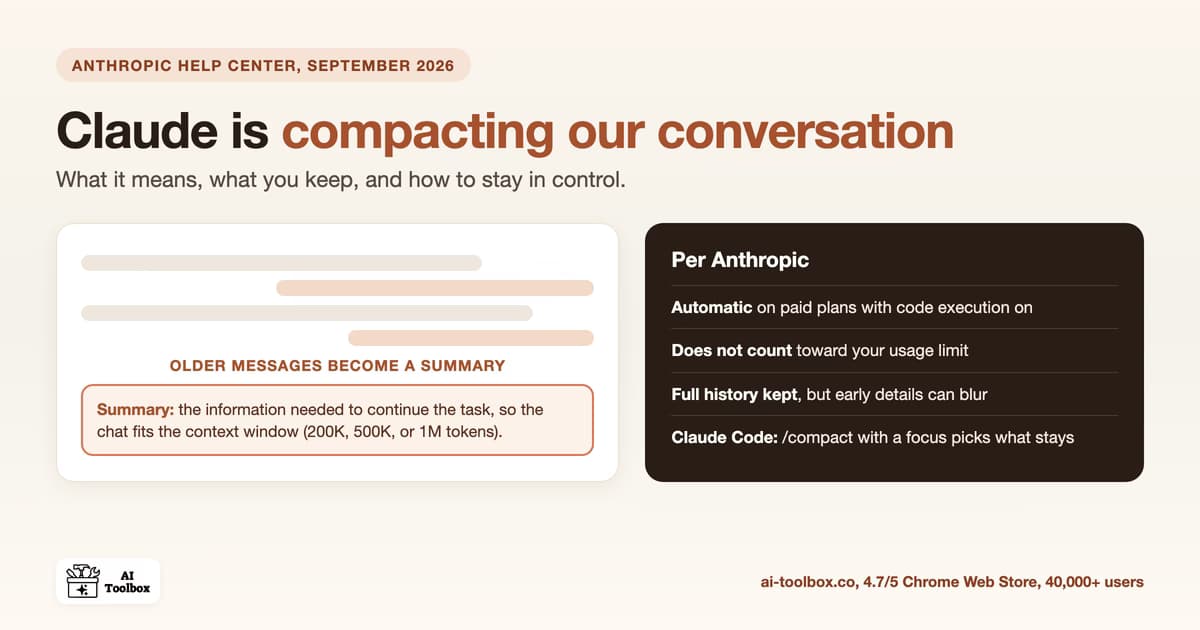 Claude Compacting Our Conversation: What It Means (2026)Claude compacting our conversation means it summarizes older messages to fit the context window. It runs on paid plans and doesn't count toward usage limits.10 min read
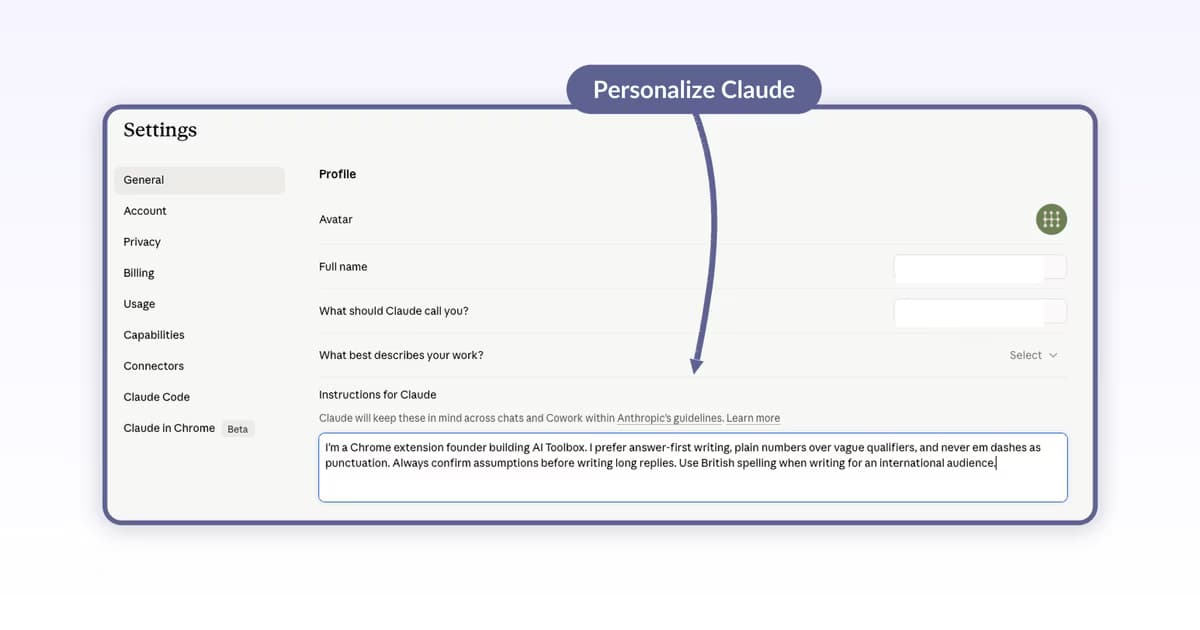 How to Set Up Claude Custom Instructions and Styles (2026)Step-by-step guide to personalizing Claude in 2026: set Instructions for Claude in Settings, pick a built-in Style (Normal, Learning, Concise, Explanatory, Formal), or create a custom Style and apply it per chat. Verified June 2026.9 min read
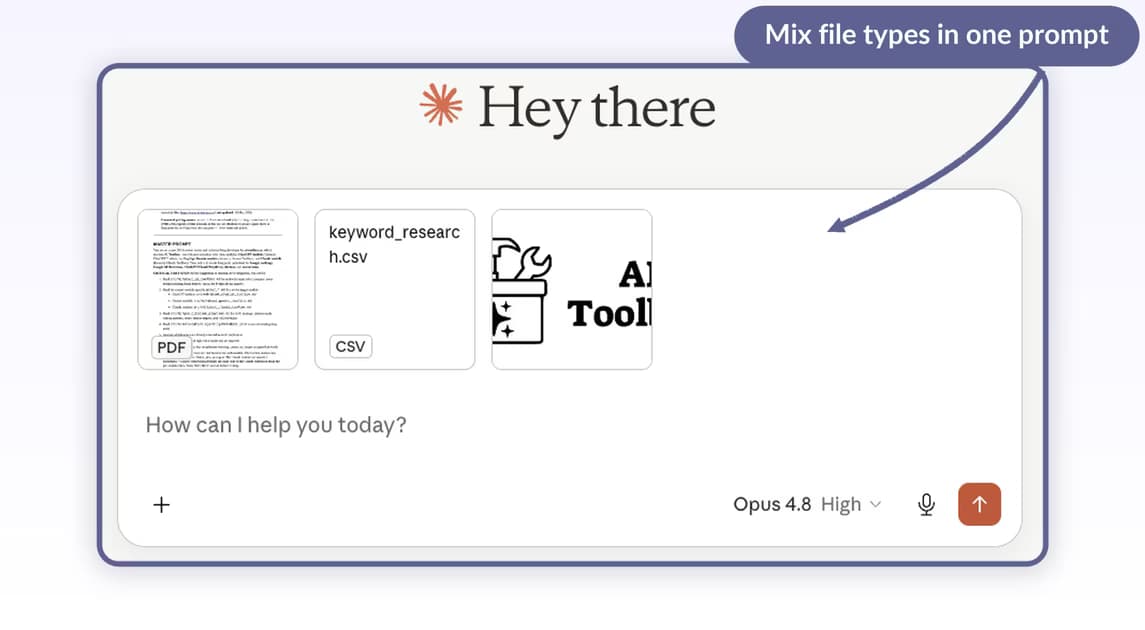 How to Upload Files to Claude: PDFs, CSVs, and Images (2026)Upload PDFs, CSVs, and images to Claude via the plus menu or drag-and-drop in 2026: file limits, multimodal PDF behavior, prompt patterns for summaries and calculations, and how Claude file uploads compare to ChatGPT and Gemini. Verified June 2026.10 min readHow to Use Claude Projects: Workspaces and Knowledge Bases (2026)Step-by-step guide to Claude Projects in 2026: create a Project from the Projects landing page, set Custom instructions, attach knowledge files, start scoped chats, and Star, Rename, or move chats between Projects. Verified May 2026.9 min readHow to Use Claude Artifacts: Build, Iterate, and Share (2026)Step-by-step guide to Claude Artifacts in 2026: pick a category, prompt Claude to build, toggle Preview and Code tabs, iterate in chat, then Publish & copy link to share. Verified May 2026.9 min read
Apps, agents and output
Claude Desktop with Computer Use, the Claude for Chrome agent, and the SynthID watermark in Claude's text.
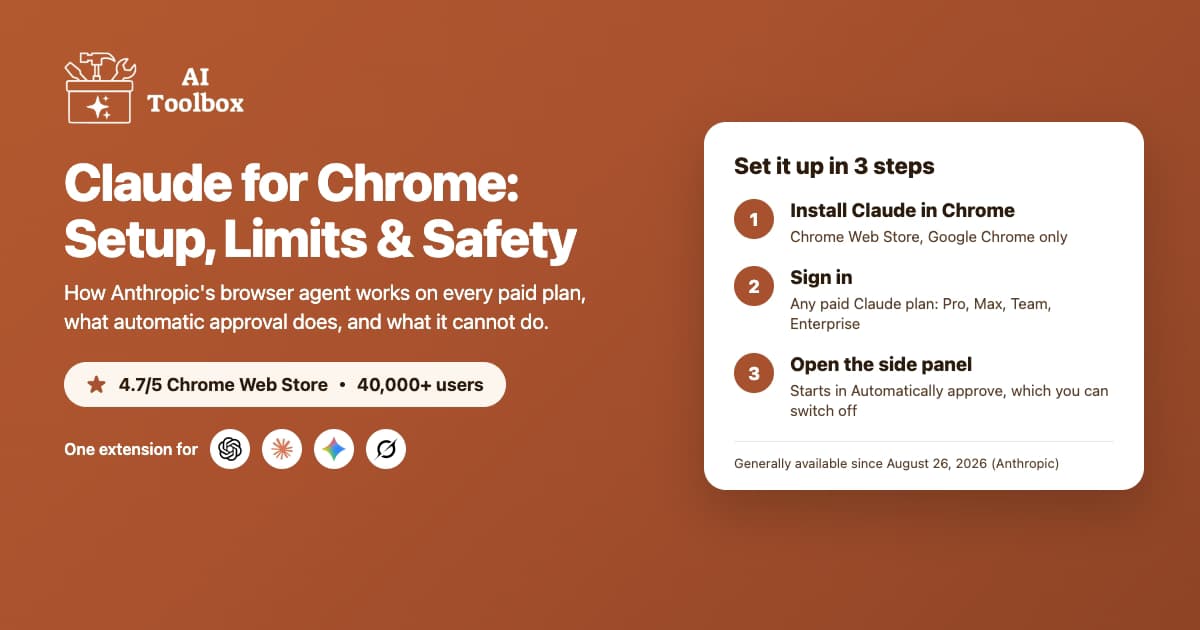 Claude for Chrome: Setup, Limits, and Safety (2026)How to enable Anthropic's Claude for Chrome, what it can't do, and the prompt-injection risk Anthropic flags, plus how AI Toolbox adds search, folders, and export to your Claude chats.8 min read
 Does Claude Watermark Your Text? What It Means (2026)Yes, Claude now embeds an invisible SynthID-Text watermark in its output. What it is, whether exporting or copying removes it, and how to keep your own record of Claude chats with AI Toolbox.8 min read
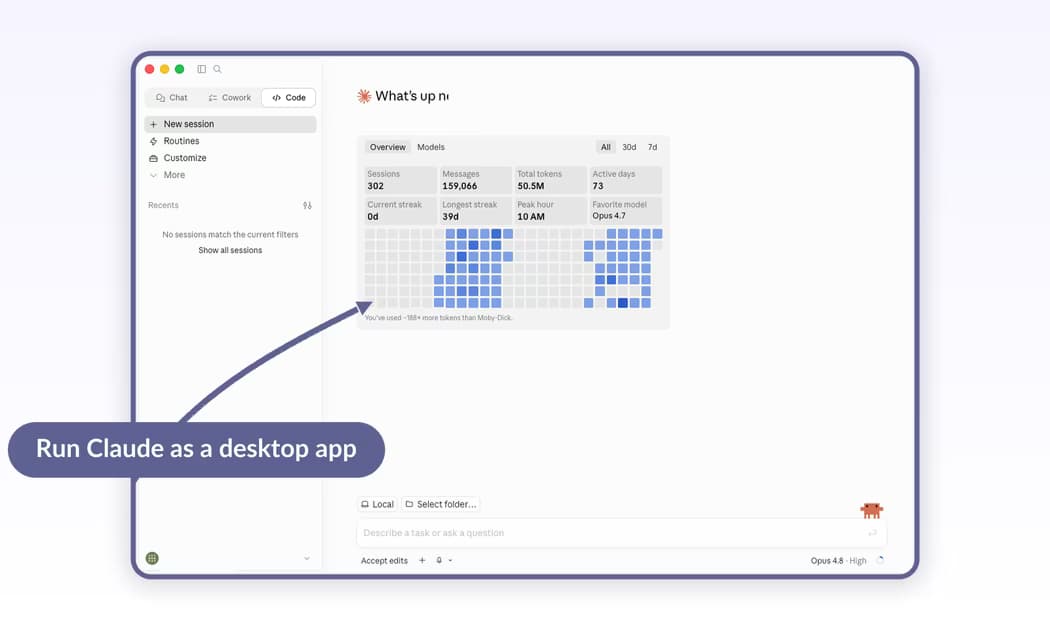 Claude Desktop Download and Install: Mac, Windows, LinuxDownload Claude Desktop from claude.com/download for macOS 11+, Windows 10+ (x64 or arm64), or Linux beta, then sign in. Free on every plan.10 min read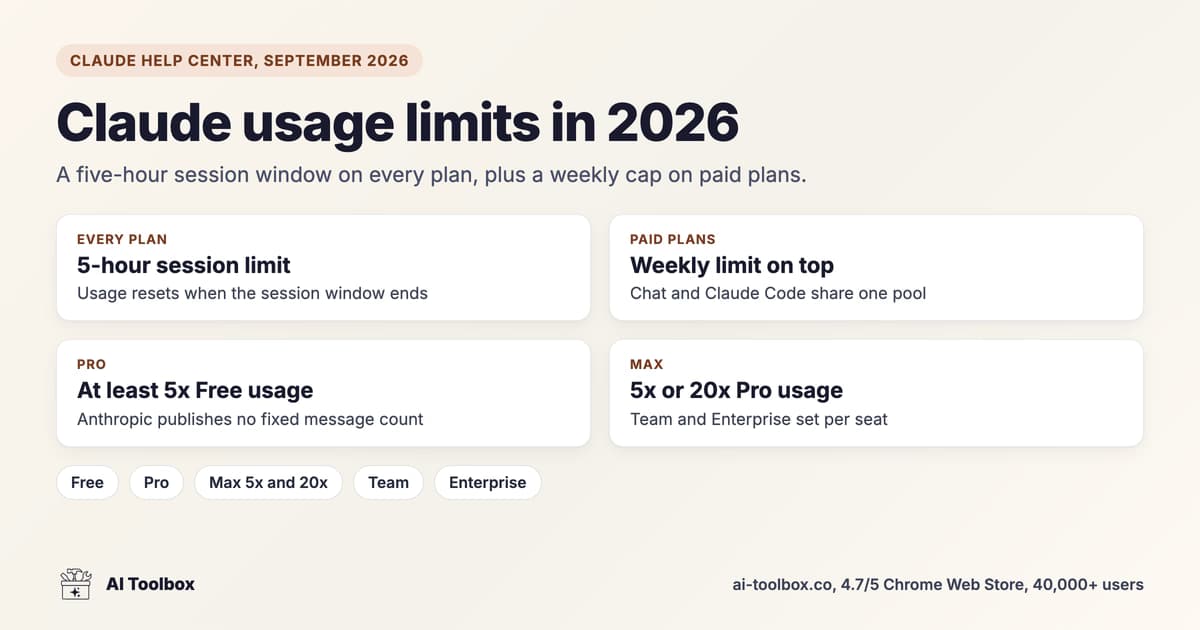
Same workflows, every AI
Guides for the other AI Toolbox modules
One extension, four modules, each with its own guide collection shaped by what that platform lacks.
- ChatGPT guidesFolders, full-text search, bulk actions, prompt chains and export.
- Gemini guidesFull-text search (role and date filters on Premium), folders and four export formats.
- Claude guidesYou are hereSearch, folders, bookmarks, artifact library and PDF export.
- Grok guidesSearch, folders, Smart Tags and export on grok.com and X.
FAQ
Quick answers before you read
Can I search inside Claude message content with filters?
Claude's built-in chat search has no date, role or exact-match filters. AI Toolbox indexes every message locally and searches the text itself, with each result highlighted and labelled Q or A. The free plan shows the first 5 results per query; Premium shows all of them and adds the Exact Match toggle, include and exclude chips and a date range.
How do I export or back up Claude conversations?
Claude's only native export is an account-wide archive from Settings that is queued, emailed to you, and expires 24 hours after it lands. AI Toolbox exports any single conversation as TXT on the free plan, and as Markdown, JSON or PDF on Premium, one at a time or in bulk from Manage Chats.
Can deleted Claude conversations be recovered?
Not once deleted: Claude removes them permanently and no extension can bring them back. A conversation that is only missing is usually findable with full-text search. The recovery guide covers the narrow salvage options and how to back up before it matters.
Does AI Toolbox add folders and bookmarks to Claude?
Yes. Manage Folders adds a folder tree with unlimited subfolders to claude.ai (2 root folders free, unlimited on Premium), and any message can be bookmarked and jumped back to, prompts and replies both, with bookmarks in 2 conversations on the free plan. Smart Tags label conversations by topic automatically.
Which of these guides need the paid plan?
None of them. Every guide explains the native Claude feature first and states the free-plan limit where AI Toolbox is involved. The paid features are unlimited search results with the Advanced panel, unlimited folders and bookmark conversations, bulk export and delete, Markdown, JSON and PDF export, and the full artifacts history.
Does AI Toolbox work in Edge, Brave or Firefox?
It installs from the Chrome Web Store into any Chromium browser: Chrome, Edge, Brave, Opera and Arc. There is no Firefox version.
Pricing
Free to start, one lifetime price if you stay
Every guide works on the free plan. Premium removes the caps on one platform; All Access covers all four. Not an AI subscription: you keep using your own Claude account.
Free
$0forever
- 2 root folders, 5 search results per query, unlimited TXT export
- All four modules, no account needed
Claude Premium
$9.99/ month, or $99 once
- Unlimited folders, search results, bookmarks and exports
- Lifetime pays for itself in under 10 months
All Access LifetimeBest value
$199once, all four modules
- ChatGPT, Gemini, Claude and Grok, every Premium feature
- Saves $197 against four separate lifetimes
- 14-day money-back on a first purchase
- Conversations stay in your browser
- Chrome Web Store listing, 4.7/5
Put the guides to work
Add AI Toolbox and try the first guide in two minutes
Install once, then folders, full-text search and export appear inside Claude. The free plan has no time limit.