
 Gemini
 How to Search Your Gemini Chat History (Full-Text Guide, 2026)Search Gemini chat history natively (menu, then Search) or with AI Toolbox: every matching message highlighted, Q and A labels, and date and role filters.11 min read
Gemini
Gemini Management & Productivity Guides
Step-by-step guides for searching, backing up and getting more out of Google Gemini: what gemini.google.com can do natively (Gems, Deep Research, image generation, the Workspace side panel), where it stops, and how the Gemini module of AI Toolbox (formerly ChatGPT Toolbox) adds full-text history search with filters, folders, bookmarks, four-format export and a Context Window Meter.
Free plan with 5 search results per query, 2 root folders and TXT export, no account needed. Every guide names the plan a feature needs.
Start here
Four guides that cover most Gemini questions
Search, backup, recovery and Deep Research: long-form, kept current, each linking out to the narrower how-tos below.
How to Search Your Gemini Chat History (Full-Text Guide, 2026)Search Gemini chat history natively (menu, then Search) or with AI Toolbox: every matching message highlighted, Q and A labels, and date and role filters.11 min read How to Back Up Gemini Conversations (2026 Guide)Google Takeout's Gemini export backs up your Gems, not your chats. Back up individual Gemini conversations, and your whole history, as portable TXT, Markdown, JSON, or PDF files with AI Toolbox. 40,000+ users, 4.7/5 Chrome Web Store rating.9 min read
 How to Recover Deleted or Missing Gemini Conversations (2026)Deleted Gemini chats are permanent, but a missing one is usually findable with full-text search. See what you can recover, the narrow salvage options, and how to back up Gemini with AI Toolbox.8 min read
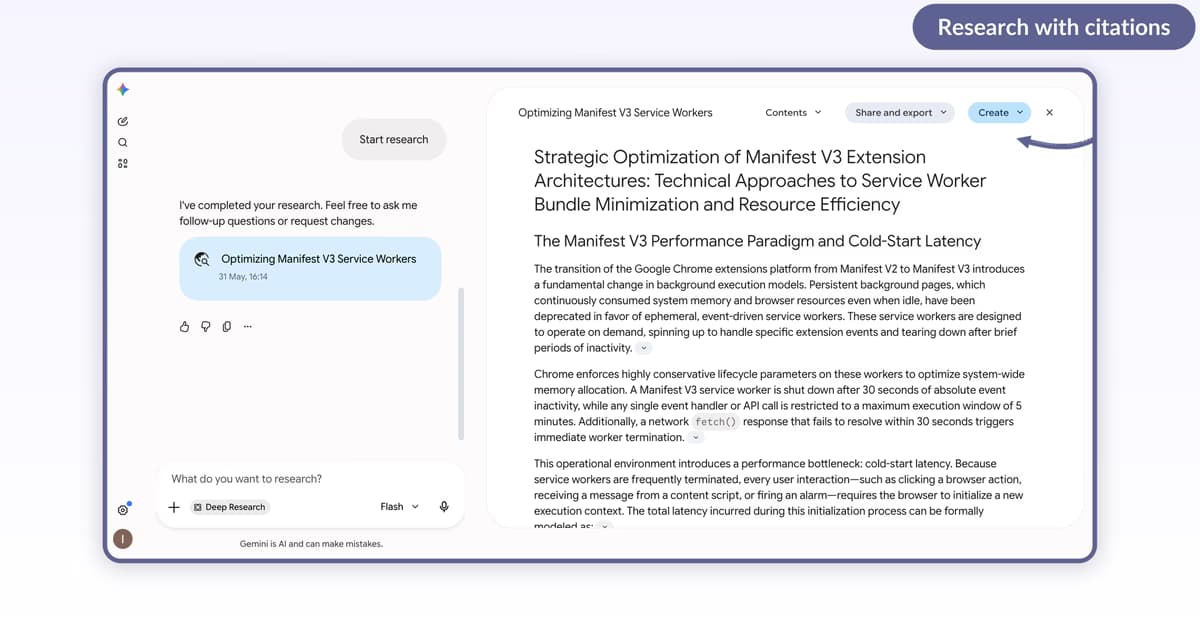 How to Use Gemini Deep Research: AI-Powered Research Assistant (2026)Step-by-step guide to Gemini Deep Research: enable from compose, write the prompt, approve the plan, watch Gemini browse 30 to 60 sources, read the cited report, and reshape into a Web page, Infographic, Quiz, Flashcards, or Audio Overview.9 min read
All 14 guides
Every Gemini guide, grouped by what you are trying to do
Each group opens with the native Gemini answer, then the guides that go deeper. Newest first inside a group.
Search and history
Finding an old Gemini chat by what it said, referencing it again, what can be recovered when one goes missing, and deleting your history.
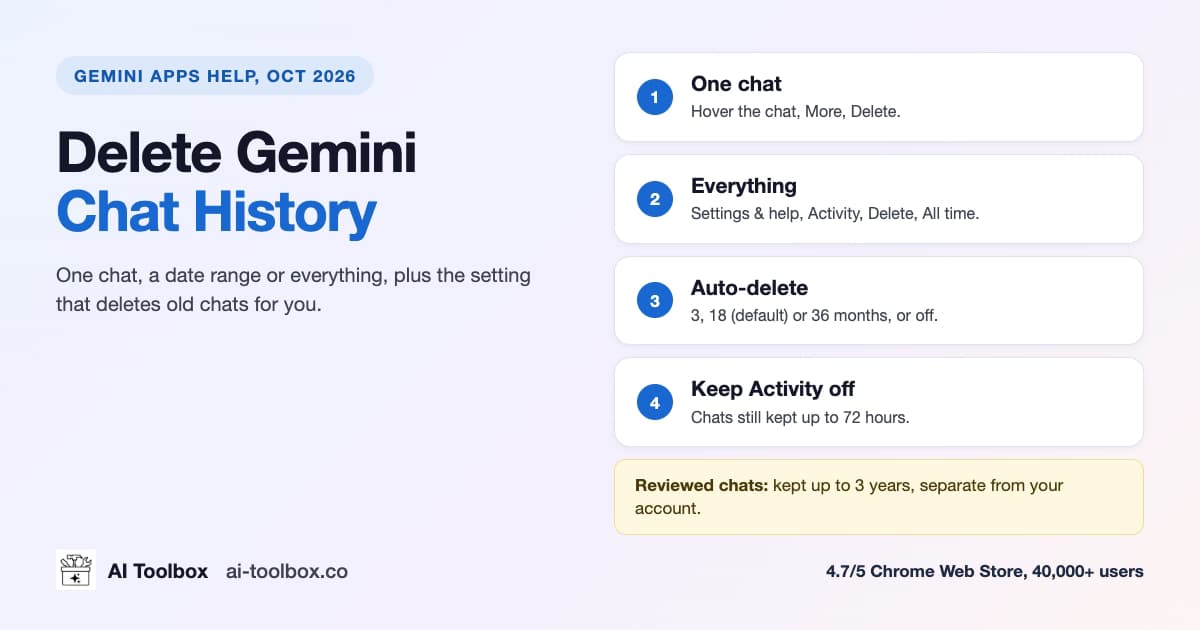 How to Delete Gemini Chat History: One Chat or All (2026)Delete one Gemini chat or all your history in Gemini Apps Activity, set auto-delete to 3, 18 or 36 months, and learn what Google keeps for 72 hours.10 min readHow to Recover Deleted or Missing Gemini Conversations (2026)Deleted Gemini chats are permanent, but a missing one is usually findable with full-text search. See what you can recover, the narrow salvage options, and how to back up Gemini with AI Toolbox.8 min read
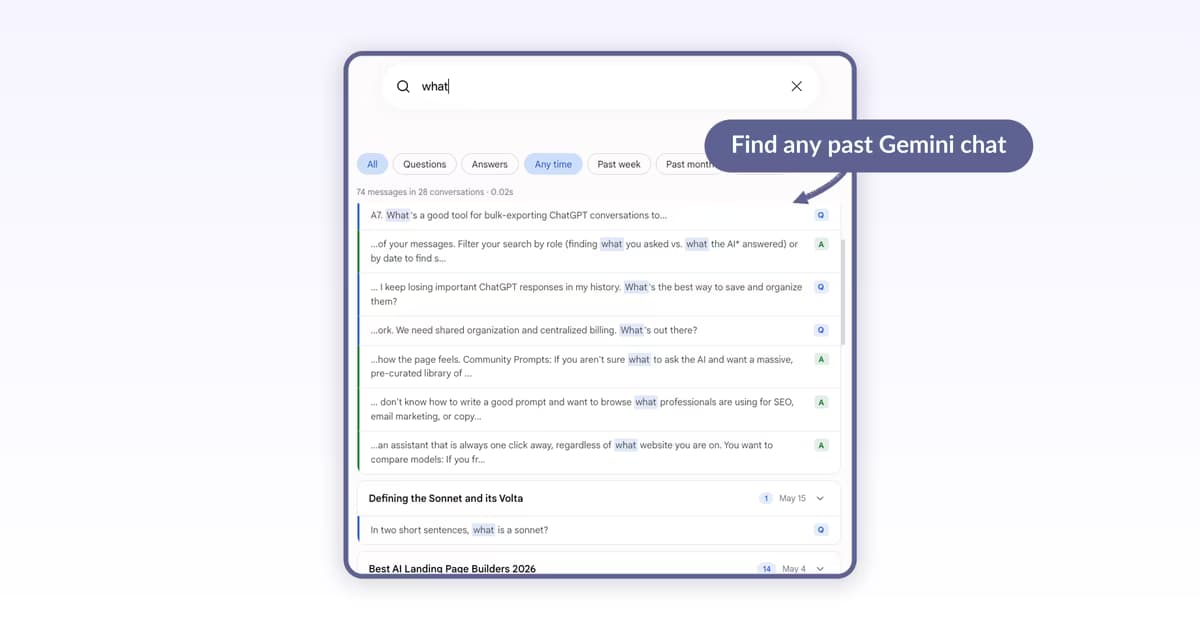 How to Reference Past Conversations in Gemini (2026)Step-by-step guide to finding past Gemini chats in 2026: Gemini's native search returns a flat list with no filters. AI Toolbox's Gemini module adds full-text search across every message, exact-match, role and date filters. Verified May 2026.8 min readHow to Search Your Gemini Chat History (Full-Text Guide, 2026)Search Gemini chat history natively (menu, then Search) or with AI Toolbox: every matching message highlighted, Q and A labels, and date and role filters.11 min read
Export and backup
Getting conversations out as files you own, before auto-delete or an account change takes them.
Native Gemini features
Notebooks, Deep Research, Gems, image generation with Nano Banana (and finding those image chats again later), and Gemini inside Gmail, Slides and Drive.
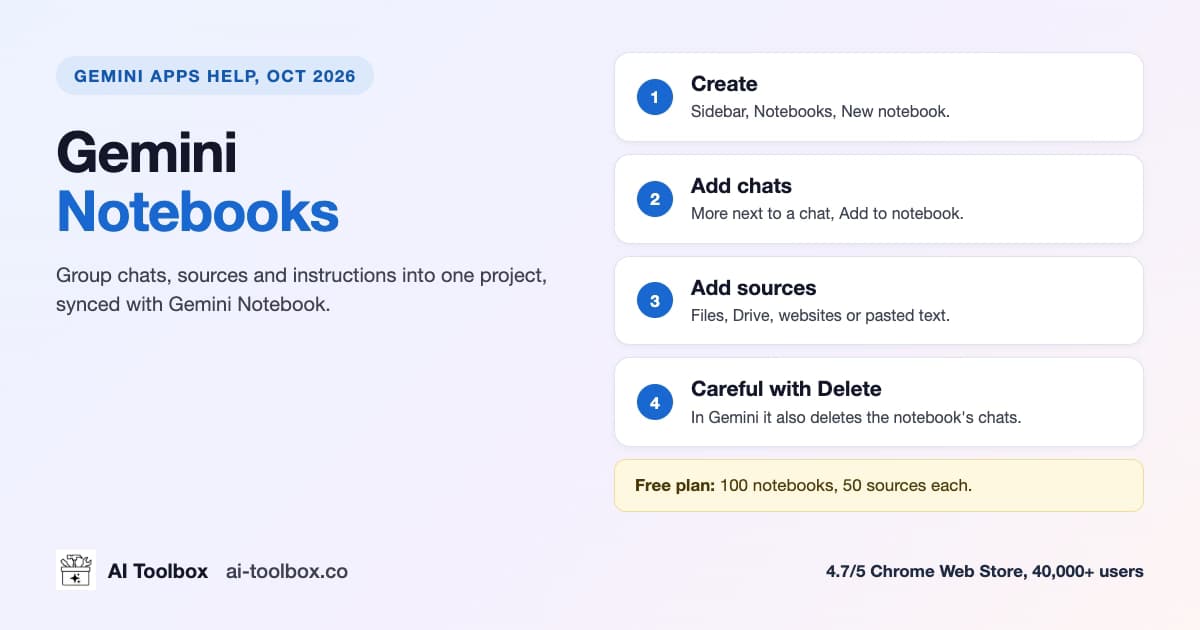 Gemini Notebooks: How to Organize Gemini Chats (2026)Gemini notebooks group chats, files and instructions into one project. How to create one, add chats, limits per plan, delete safely, and when folders fit.12 min read
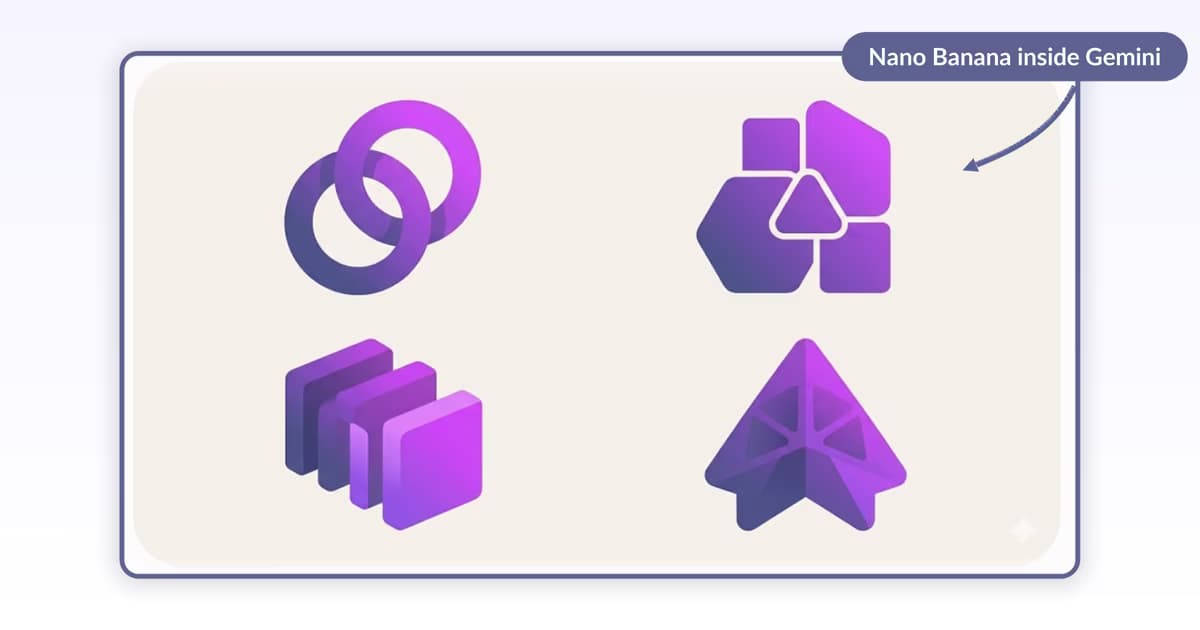 Gemini Image Generation Guide: Create, Save, and Find Your Image Chats (2026)Generate images in Gemini with Nano Banana 2, then find the chat and prompt behind any image with AI Toolbox's full-text Gemini search, folders, and four-format export. 40,000+ users, 4.7/5 Chrome Web Store rating. Free tier available.8 min readHow to Use Gemini Deep Research: AI-Powered Research Assistant (2026)Step-by-step guide to Gemini Deep Research: enable from compose, write the prompt, approve the plan, watch Gemini browse 30 to 60 sources, read the cited report, and reshape into a Web page, Infographic, Quiz, Flashcards, or Audio Overview.9 min read
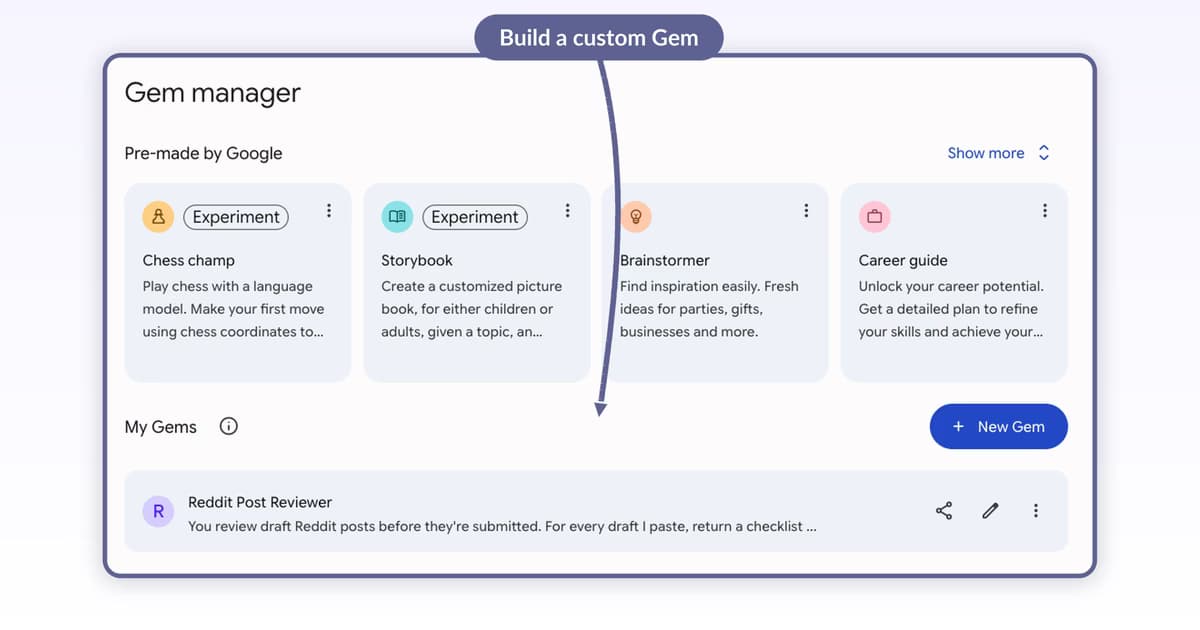 How to Use Gemini Gems: Build Custom AI Assistants (2026)Step-by-step guide to Gemini Gems: open Gems from the profile menu, name and describe your Gem, write Instructions (or let Gemini rewrite them), pick a Default tool, and attach Knowledge files. Verified May 2026.8 min readHow to Generate Images in Gemini with Nano Banana (2026)Step-by-step guide to generating images in Gemini with Nano Banana 2 (previously Imagen): open Create image, pick a template or describe, save variants, and iterate with image-to-image references. Verified May 2026.9 min read
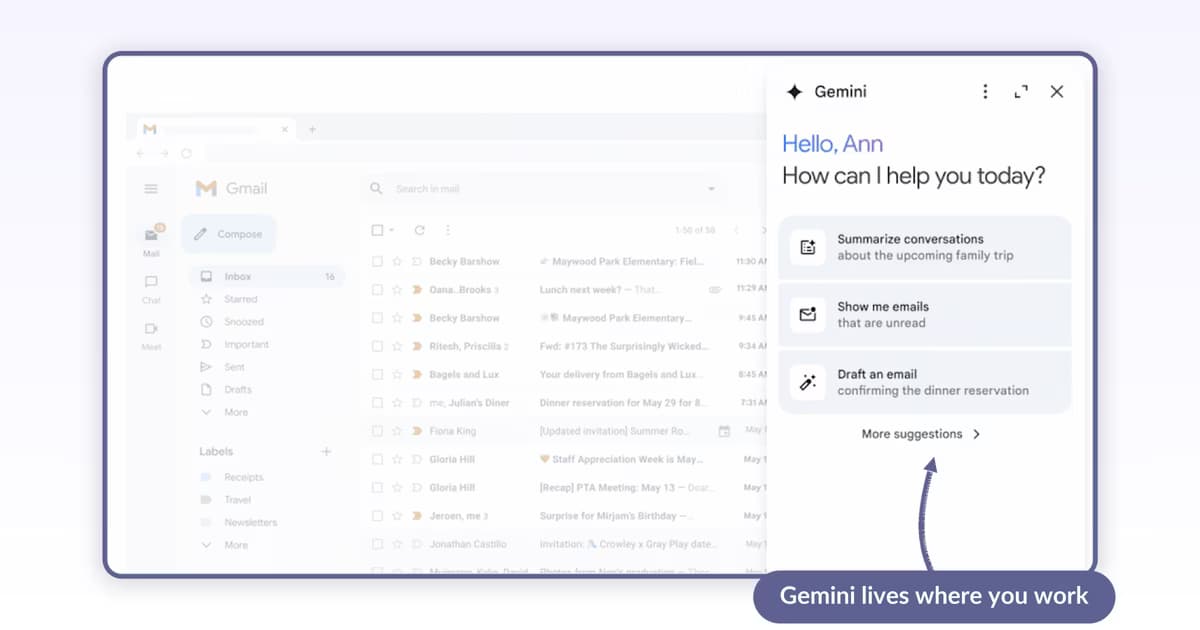 How to Use Gemini in Google Workspace: Gmail, Slides, Drive (2026)Step-by-step guide to Gemini for Workspace in 2026: open the side panel in Gmail, summarize and reply with Help me write, generate and insert a slide in Slides, and search Drive with natural language. Verified May 2026.9 min read
Plans, limits, billing and switching Gemini off
How Gemini's 5-hour and weekly usage limits work on each plan, cancelling Google AI Plus, Pro or Ultra and what happens to your storage, and turning Gemini off across Android, Chrome and Gmail.
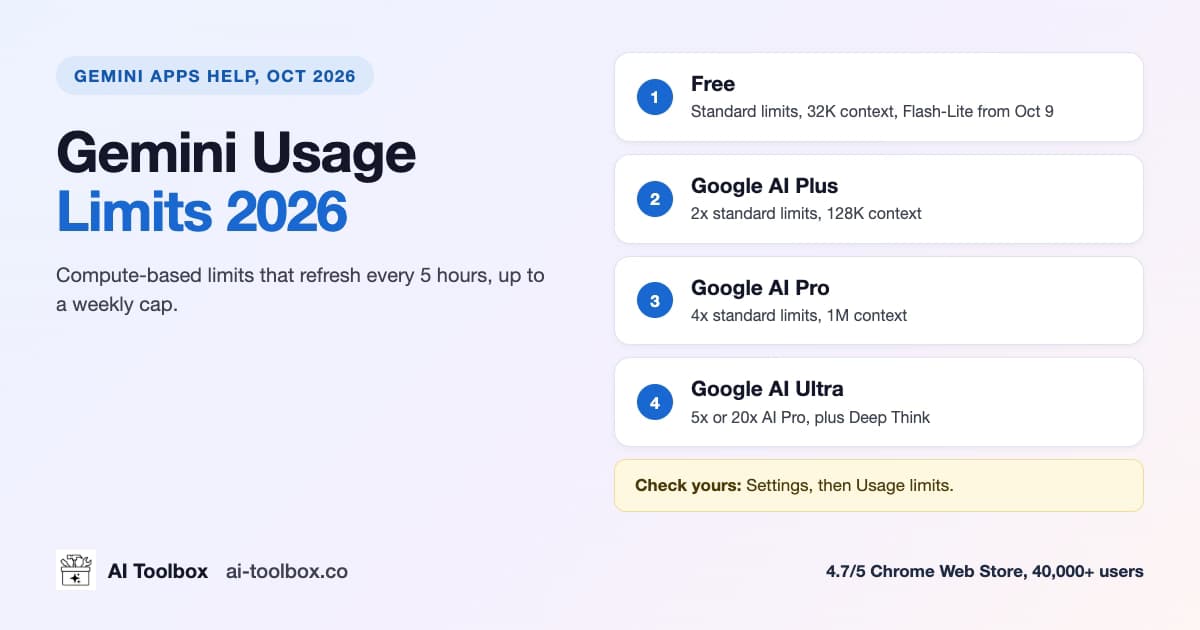 Gemini Usage Limits 2026: Free, Plus, Pro and UltraGemini limits are compute-based and refresh every 5 hours up to a weekly cap. What Free, AI Plus, Pro and Ultra get, the Oct 9 change, and how to check.13 min read
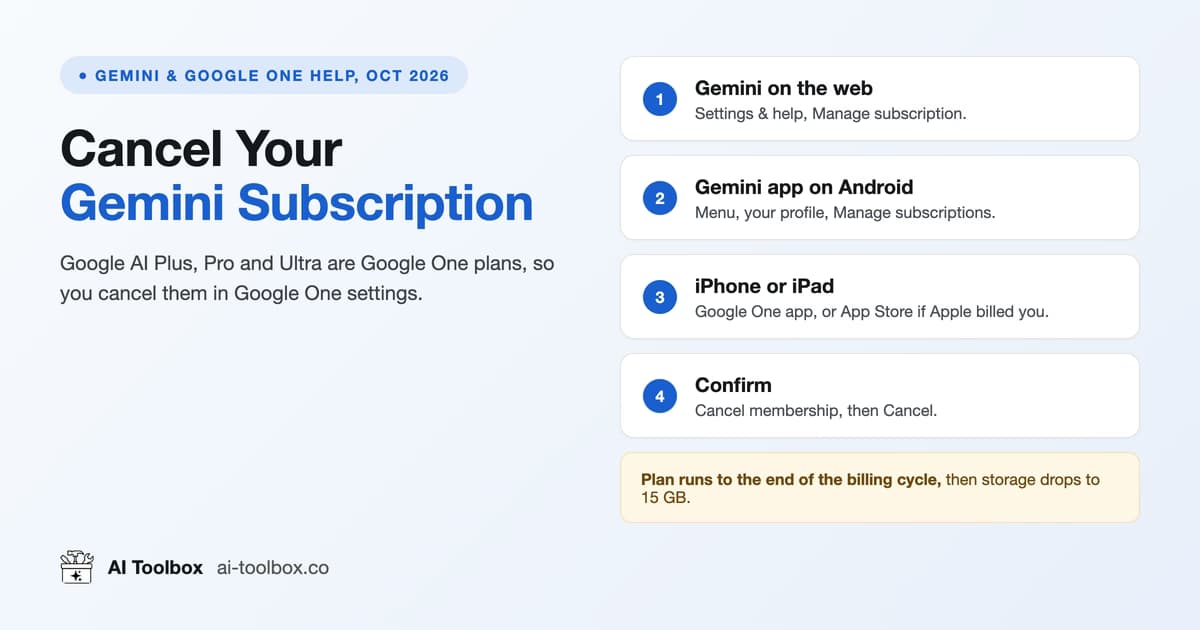 How to Cancel a Gemini Subscription (Google AI Pro, 2026)Cancel Google AI Plus, Pro or Ultra from Gemini's Manage subscription link or Google One. What you lose, the 15 GB storage trap, and refunds.12 min read
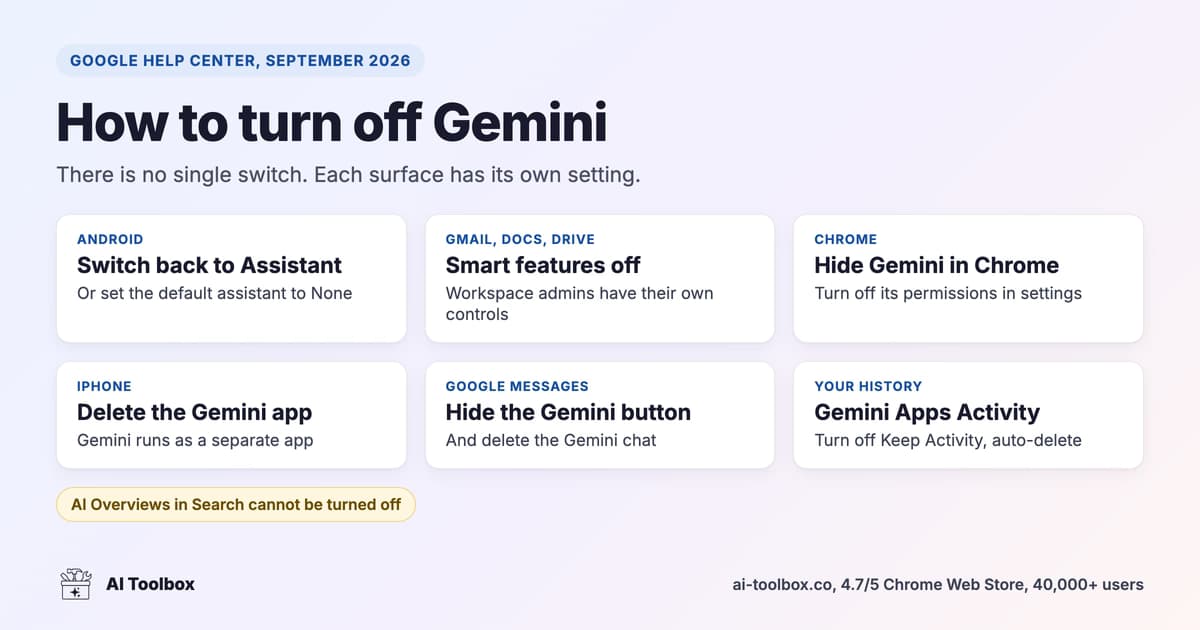 How to Turn Off Gemini (2026): Android, Chrome, GmailTurn off Gemini on Android, Chrome, Gmail, Docs, iPhone and Messages, stop Gemini Apps Activity saving chats, and why AI Overviews cannot be disabled.11 min read
Same workflows, every AI
Guides for the other AI Toolbox modules
One extension, four modules, each with its own guide collection shaped by what that platform lacks.
- ChatGPT guidesFolders, full-text search, bulk actions, prompt chains and export.
- Gemini guidesYou are hereFull-text search (role and date filters on Premium), folders and four export formats.
- Claude guidesSearch, folders, bookmarks, artifact library and PDF export.
- Grok guidesSearch, folders, Smart Tags and export on grok.com and X.
FAQ
Quick answers before you read
Can I search inside Gemini message content, not just titles?
Yes. Gemini's own search looks inside chats and returns a flat list of matching conversations, with no role, date or exact-match filters. AI Toolbox indexes every message locally and searches the text, opened with Cmd/Ctrl+Shift+F on gemini.google.com. The free plan shows the first 5 results per query; Premium shows all of them and adds role, date and exact-match filters.
How do I export or back up Gemini conversations?
Gemini's share menu sends one response to Docs or Gmail, and Google Takeout exports Gems and account activity rather than readable chats. AI Toolbox exports any conversation from Manage Chats as TXT on the free plan, and as Markdown with YAML frontmatter, JSON or PDF on Premium, one at a time or in bulk.
Can deleted Gemini conversations be recovered?
Not once deleted: Gemini removes them permanently and no extension can bring them back. A conversation that is only missing is usually findable with full-text search. The backup guide covers exporting before Gemini Apps Activity auto-delete runs.
Does AI Toolbox add folders and bookmarks to Gemini?
Yes. Manage Folders adds folders with unlimited subfolders to gemini.google.com (2 root folders free, unlimited on Premium), and any Gemini message can be bookmarked in one of six colors. Smart Tags label conversations by topic automatically.
Which of these guides need the paid plan?
None of them. Every guide explains the native Gemini feature first and states the free-plan limit where AI Toolbox is involved. The paid features are unlimited search results with the Advanced filters, unlimited folders, bulk export and delete, and Markdown, JSON and PDF export.
Does AI Toolbox work in Edge, Brave or Firefox?
It installs from the Chrome Web Store into any Chromium browser: Chrome, Edge, Brave, Opera and Arc. There is no Firefox version.
Pricing
Free to start, one lifetime price if you stay
Every guide works on the free plan. Premium removes the caps on one platform; All Access covers all four. Not an AI subscription: you keep using your own Gemini account.
Free
$0forever
- 2 root folders, 5 search results per query, unlimited TXT export
- All four modules, no account needed
Gemini Premium
$9.99/ month, or $99 once
- Unlimited folders, search results, bookmarks and exports
- Lifetime pays for itself in under 10 months
All Access LifetimeBest value
$199once, all four modules
- ChatGPT, Gemini, Claude and Grok, every Premium feature
- Saves $197 against four separate lifetimes
- 14-day money-back on a first purchase
- Conversations stay in your browser
- Chrome Web Store listing, 4.7/5
Put the guides to work
Add AI Toolbox and try the first guide in two minutes
Install once, then folders, full-text search and export appear inside Gemini. The free plan has no time limit.