
 Grok
Grok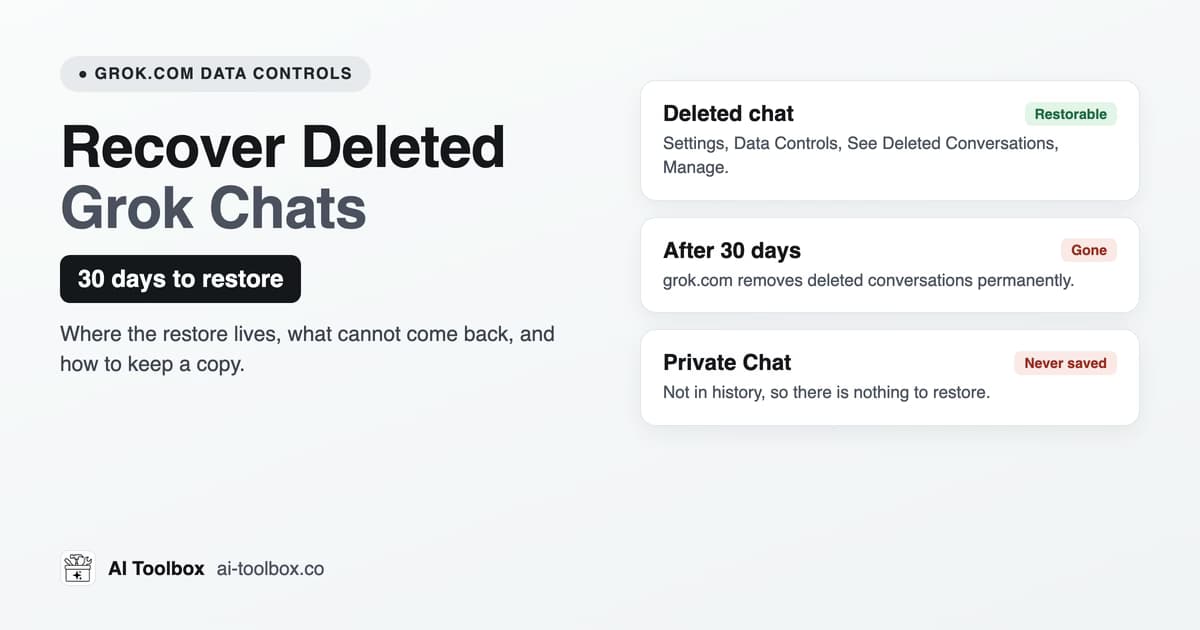 How to Recover Deleted Grok Chats: 30-Day Restoregrok.com keeps deleted Grok chats for 30 days. How to restore one from Settings, Data Controls, what cannot come back, and how to back up your chats.8 min read
Grok
Grok Management & Productivity Guides
Step-by-step guides for searching, organizing and backing up Grok: what grok.com and Grok inside X do natively, where they stop (no per-chat export, no folders inside X, a history tied to your X account), and how the Grok module of AI Toolbox (formerly ChatGPT Toolbox) adds full-text search, folders, Smart Tags and export (TXT free for a single chat, all four formats on Premium) across both surfaces.
Free plan with 5 search results per query, 2 root folders and Smart Tags, no credit card. Every guide names the plan a feature needs.
All 9 guides
Every Grok guide, grouped by what you are trying to do
Each group opens with the native Grok answer, then the guides that go deeper. Newest first inside a group.
Backup and recovery
Grok has no per-chat export on either surface (grok.com only downloads your whole account) and your history lives on your X account. How to keep files you own, one chat or all of them, before you need them.
How to Recover Deleted Grok Chats: 30-Day Restoregrok.com keeps deleted Grok chats for 30 days. How to restore one from Settings, Data Controls, what cannot come back, and how to back up your chats.8 min read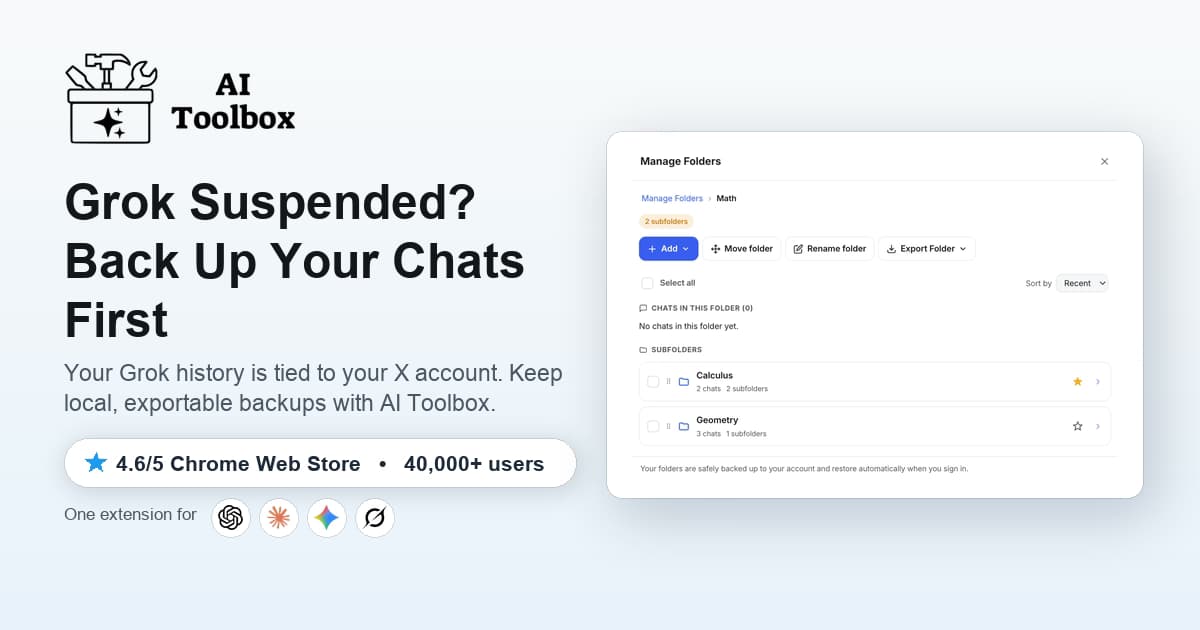 Grok Account Suspended? How to Back Up and Recover Your Chats (2026)Grok history is tied to your X account, a suspension can lock you out with no recovery path. Back up your Grok chats to TXT, Markdown, JSON, or PDF and keep a local searchable copy with AI Toolbox.8 min read
 How to Back Up Grok Conversations (2026)Grok has no native bulk export. Learn how to back up Grok conversations as TXT, Markdown, JSON, or PDF, individually or in bulk, with AI Toolbox on X and grok.com.7 min read
Subscriptions and your account
Cancelling SuperGrok or X Premium+, where each refund request goes, and deleting an xAI account with its 30-day restore window.
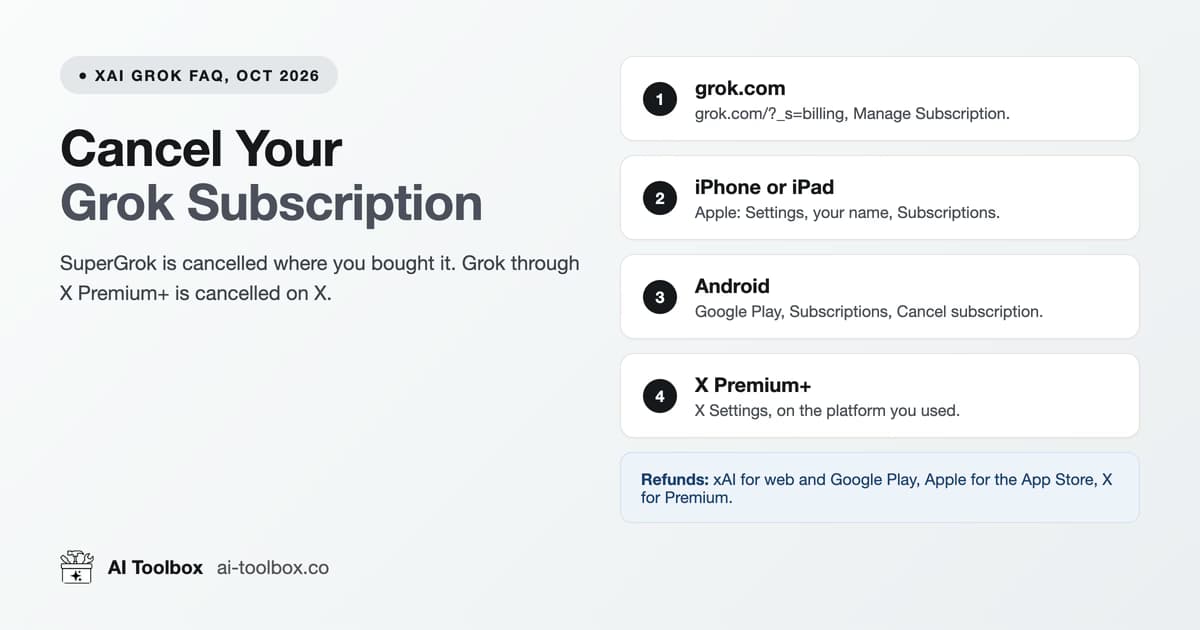 How to Cancel a Grok Subscription (SuperGrok, 2026)Cancel SuperGrok at grok.com billing, in Apple or Google Play subscriptions, or on X for Premium+. Where refunds go, and the fix when the cancel button fails.12 min read
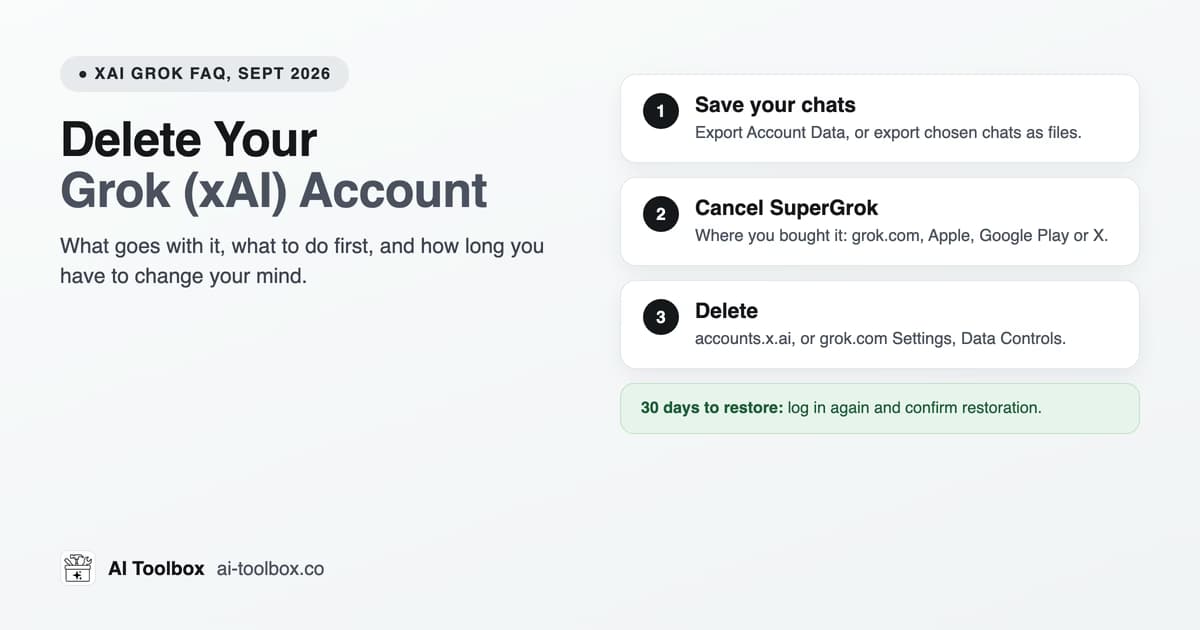 How to Delete Your Grok (xAI) Account (2026)Delete your Grok account at accounts.x.ai or in grok.com's Data Controls. What goes with it, how to cancel SuperGrok first, and the 30-day restore window.8 min read
Search, organize and the two surfaces
Managing a Grok history that is split between x.com/i/grok and grok.com: full-text search, folders and Smart Tags, and which surface to use for what.
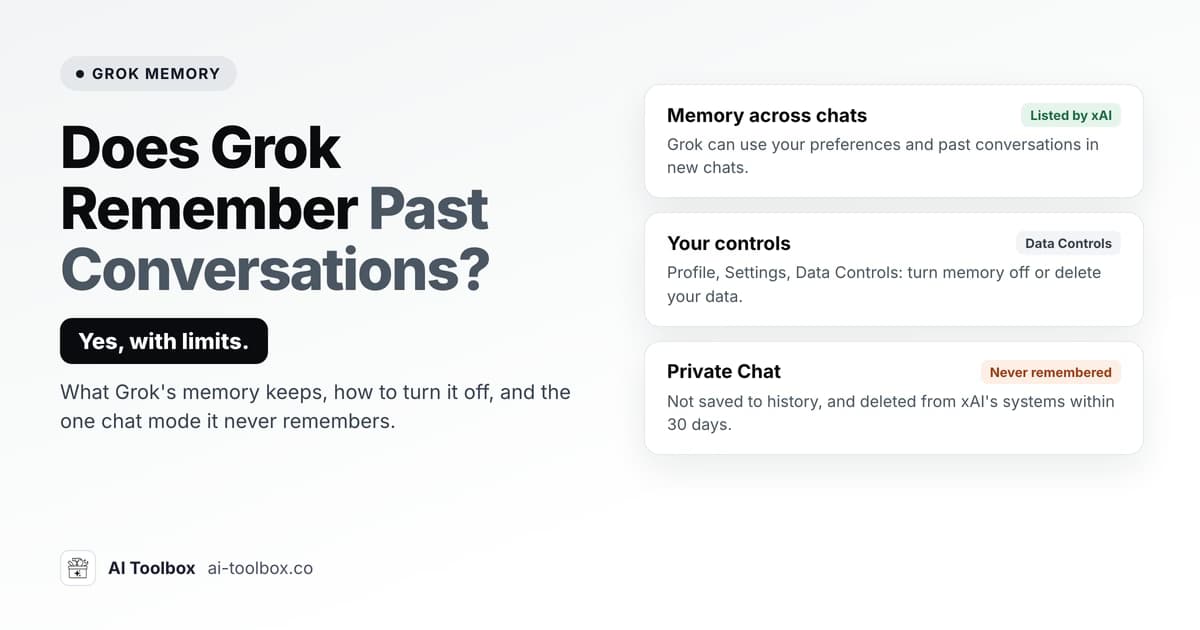 Does Grok Remember Past Conversations? Grok Memory 2026Yes, Grok has memory across chats. How to turn it off in Settings, Data Controls, why Private Chat is never remembered, and how to reuse an exact old chat.10 min read
 Grok on X vs grok.com: What's the Difference? (2026)Grok on X vs grok.com: same model and account, different surface. Compare when to use each, and how AI Toolbox unifies search, folders, and export across both.6 min read
 How to Manage Your Grok Chat History: Search, Organize, Back Up (2026)A complete guide to managing Grok chat history in 2026: full-text search, folders and Smart Tags, and backing up conversations as TXT, Markdown, JSON, or PDF with AI Toolbox.9 min read
Same workflows, every AI
Guides for the other AI Toolbox modules
One extension, four modules, each with its own guide collection shaped by what that platform lacks.
- ChatGPT guidesFolders, full-text search, bulk actions, prompt chains and export.
- Gemini guidesFull-text search (role and date filters on Premium), folders and four export formats.
- Claude guidesSearch, folders, bookmarks, artifact library and PDF export.
- Grok guidesYou are hereSearch, folders, Smart Tags and export on grok.com and X.
FAQ
Quick answers before you read
Can I search inside Grok message content?
Grok's history view helps you find chats, but xAI documents no way to search inside messages, and Grok inside X has no documented history search. AI Toolbox indexes every message locally on both surfaces and searches the text itself, with each result highlighted and labelled YOU or GROK. The free plan shows the first 5 results per query; Premium shows all of them and adds Exact Match, a role filter, date presets and include or exclude chips.
How do I export or back up Grok conversations?
Grok has no per-chat export on grok.com or inside X; grok.com only offers an account-wide data download. AI Toolbox exports any single chat as TXT for free, and on Premium as Markdown, JSON or PDF, one at a time or in bulk from Manage Chats. The backup guide walks through both, and the suspension guide explains why a local copy matters when your history is tied to an X account.
What happens to my Grok chats if my X account is suspended?
Grok signs you in with your X account, so a suspension locks you out of your Grok history on both surfaces with no export path from inside Grok. Nothing can be pulled out after the fact; the only protection is a backup made while you still have access. AI Toolbox keeps a local, searchable copy in your browser and exports it to files you own: any single chat as TXT for free, other formats and bulk export on Premium.
Does AI Toolbox add folders and tags to Grok?
Yes. Manage Folders adds a folder tree with unlimited subfolders on both surfaces (2 root folders free, unlimited on Premium), with a Folders section in the grok.com sidebar, and Smart Tags label conversations from both surfaces by topic automatically. Chats are filed by search, nothing to drag.
Is Grok on X the same as grok.com?
Same model and the same X account, different surface. grok.com has a History sidebar with a search icon, and Projects; Grok inside X at x.com/i/grok has none of those. AI Toolbox treats both as one workspace: the search index, folders, Smart Tags and bookmarks cover conversations from either one.
Which of these guides need the paid plan?
None of them. Every guide explains the native Grok behaviour first and states the free-plan limit where AI Toolbox is involved. The paid features are unlimited search results with the Advanced filters, unlimited folders, bulk delete, and export as Markdown, JSON and PDF plus bulk export (exporting a single chat as TXT is free). Premium unlocks on the X handle you enter at checkout.
Does AI Toolbox work in Edge, Brave or Firefox?
It installs from the Chrome Web Store into any Chromium browser: Chrome, Edge, Brave, Opera and Arc. There is no Firefox version.
Pricing
Free to start, one lifetime price if you stay
Every guide works on the free plan. Premium removes the caps on one platform; All Access covers all four. Not an AI subscription: you keep using your own Grok account.
Free
$0forever
- 2 root folders, 5 search results per query, unlimited TXT export
- All four modules, no account needed
Grok Premium
$9.99/ month, or $99 once
- Unlimited folders, search results, bookmarks and exports
- Lifetime pays for itself in under 10 months
All Access LifetimeBest value
$199once, all four modules
- ChatGPT, Gemini, Claude and Grok, every Premium feature
- Saves $197 against four separate lifetimes
- 14-day money-back on a first purchase
- Conversations stay in your browser
- Chrome Web Store listing, 4.7/5
Put the guides to work
Add AI Toolbox and try the first guide in two minutes
Install once, then folders, full-text search and export appear inside Grok. The free plan has no time limit.