Loading...
Turn ChatGPT into a structured research notebook. Organize by project and experiment, save modeling prompts, export to Markdown for Jupyter, Obsidian, and Logseq.
Best for: Data scientists tracking ChatGPT discussions about feature engineering, model debugging, and statistical methodology.
Start free | Trusted by 20,000+ users
You use ChatGPT for pandas debugging, scikit-learn pipelines, statistical test selection, hyperparameter intuition, PyTorch error traces, and writing up results. Across three or four parallel experiments, every conversation lands in a flat sidebar with no experiment context.
That feature engineering trick from the churn model? The cross-validation discussion that finally clarified your CV strategy? The custom loss derivation from the ranking project? Buried somewhere you cannot find when you sit down to write the report.
AI Toolbox (formerly ChatGPT Toolbox) helps you organize every modeling and analysis conversation. Create project folders, save methodology prompts, search across experiments, and export to Markdown for your notebook, vault, or research wiki.
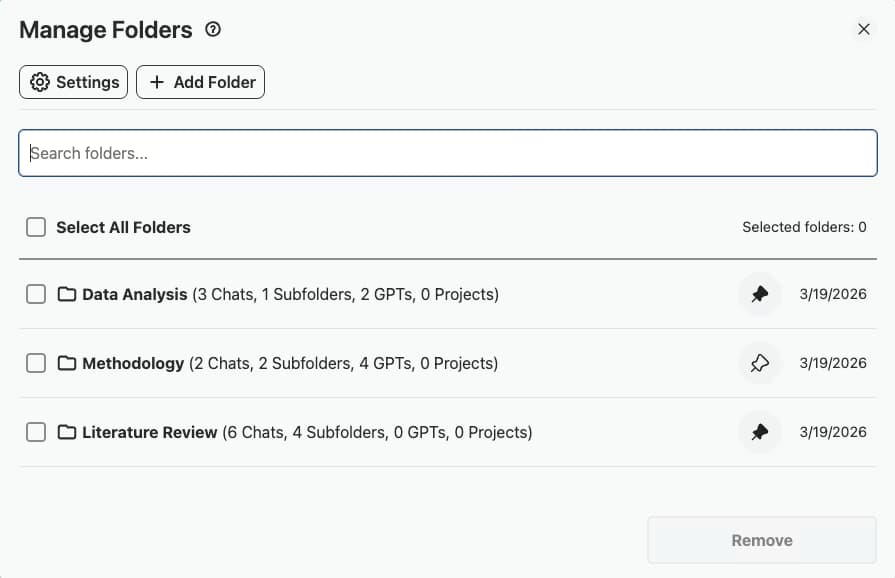
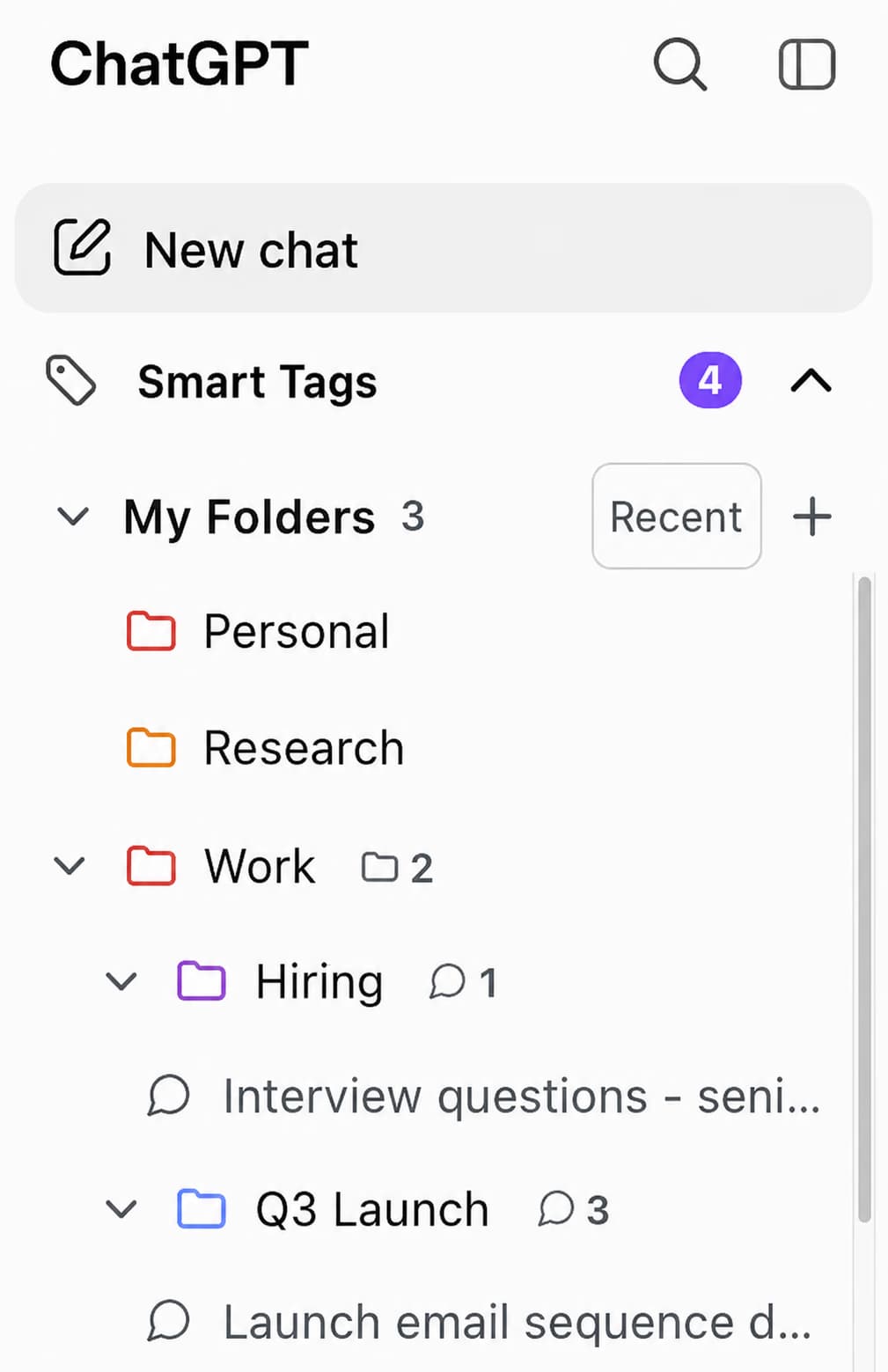
Create folders per project, then subfolders per experiment, model run, or dataset. Keep feature engineering separate from hyperparameter tuning, EDA separate from model debugging.
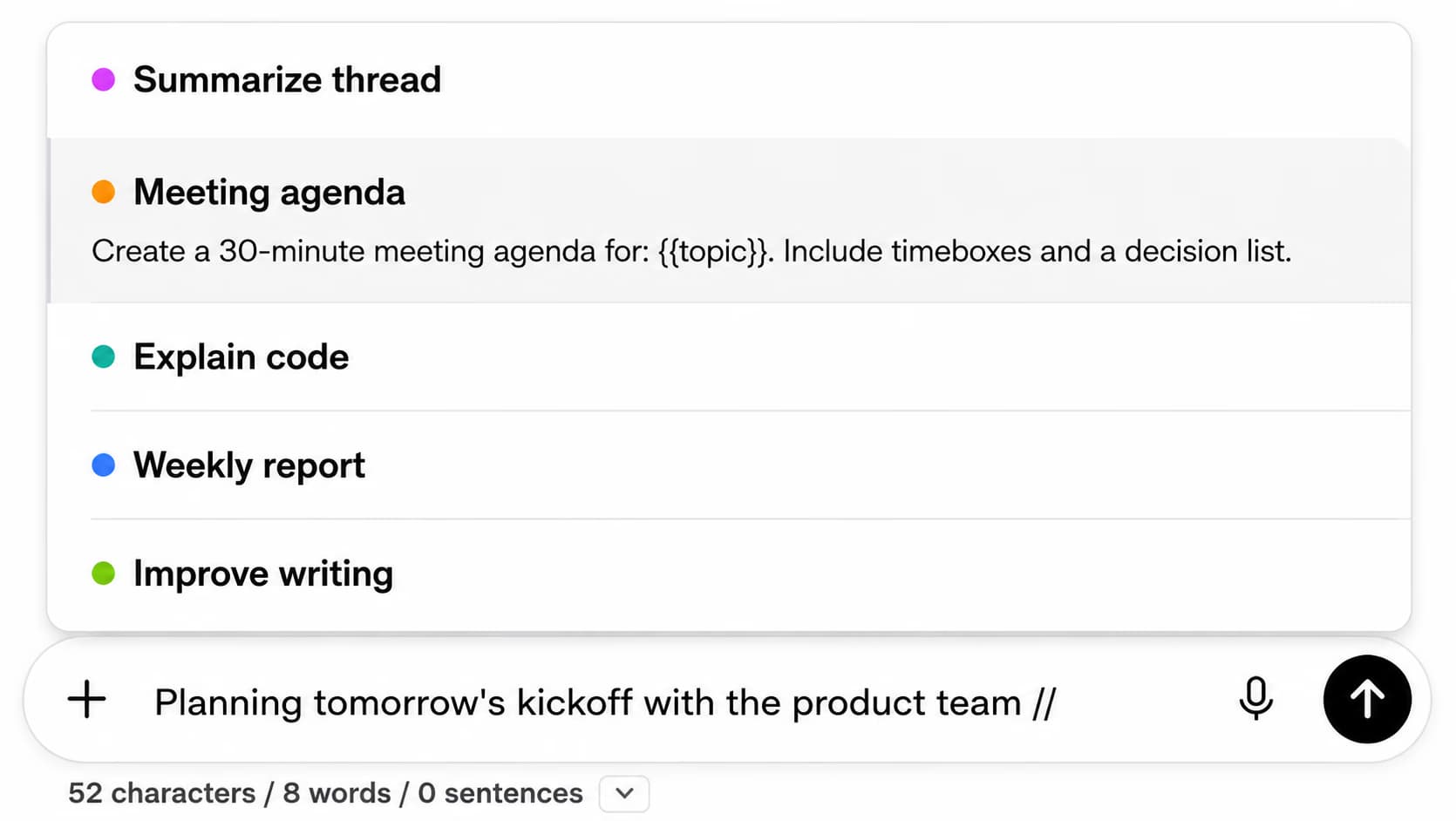
That prompt that explained a confusion matrix or walked through a hierarchical model? Save it. Pin your best diagnostic prompts for pandas, scikit-learn, statsmodels, and PyTorch.
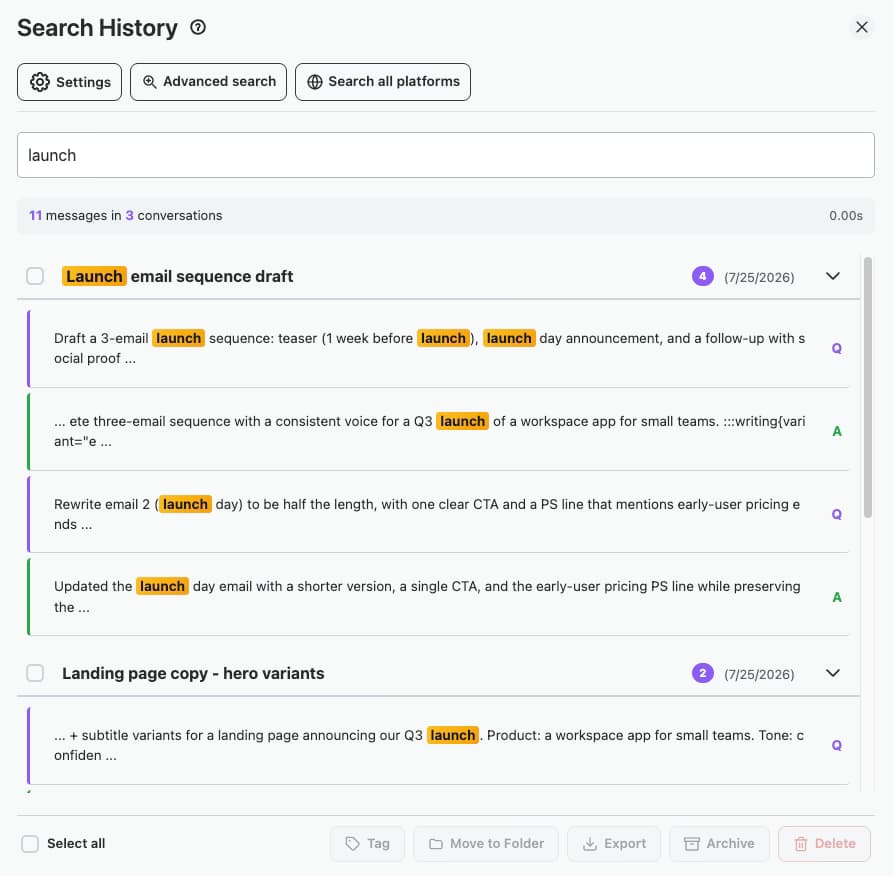
Need that custom loss function from the churn project? The cross-validation approach from the recommender? Full-text search finds the exact discussion in seconds.
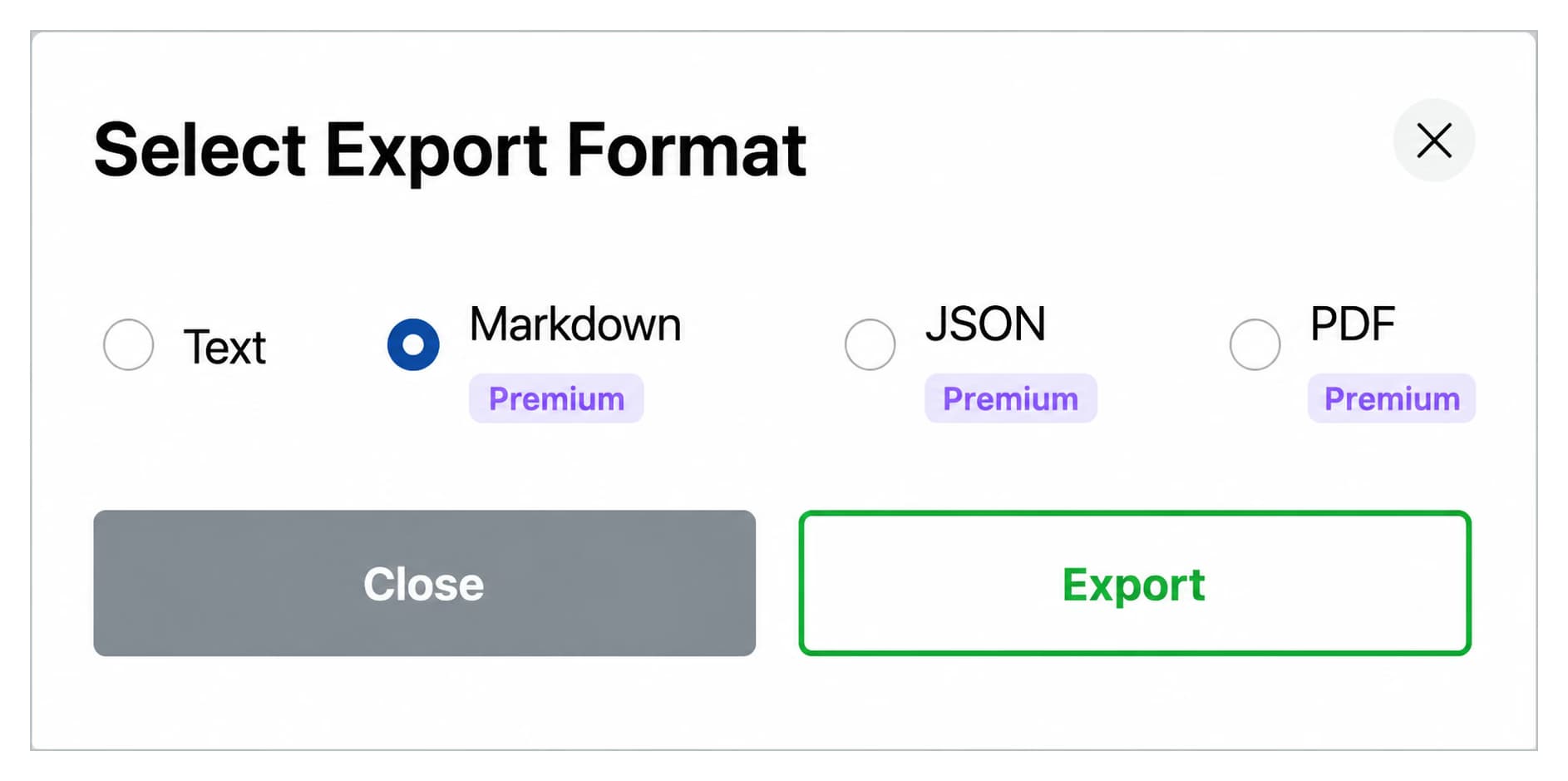
Export ChatGPT conversations as Markdown with YAML frontmatter (title, date, model, url, source). Paste directly into Jupyter Markdown cells, Obsidian, Logseq, or your team's research wiki.
Start free, upgrade when you need more
$0 /forever
$9.99 /month
$123$99 /one-time

Top-level folder per project, subfolders per experiment or model family. EDA, feature engineering, modeling, and writeup live as separate sub-streams so every chat stays in context.
Store your proven prompts for pandas debugging, sklearn pipeline construction, statistical test selection, and PyTorch error explanation. Use {{dataset}}, {{target}}, and {{model}} placeholders so the same prompt drops into any new experiment.
Use the .. shortcut to run a chain like load and describe, EDA summary, test selection, model recommendation, and code skeleton. The chain runs end-to-end so you arrive at a working baseline without juggling separate chats.
Full-text search finds that custom loss derivation from the ranking project or that confusion matrix walkthrough from the churn model. The result opens to the exact conversation, not a near-match.
Export structured outputs as Markdown with YAML frontmatter (title, date, model, url, source). Paste into Jupyter Markdown cells, Obsidian vaults, Logseq pages, or your team's research wiki without any reformatting.
A senior ML engineer running 4 concurrent experiments, organized 200+ ChatGPT conversations into per-project folders, with subfolders for EDA, feature engineering, modeling, and writeup. He saved his best statsmodels and PyTorch debug prompts to the library.
The Markdown export with YAML frontmatter dropped his chat-to-notebook handoff from a manual copy-paste-clean step into a one-click flow. Onboarding a new teammate also became easier: the searchable archive served as a structured methodology log.
“I work on three forecasting models in parallel. Each has its own folder with subfolders for EDA, feature engineering, modeling, and writeup. The Markdown export with YAML frontmatter is what closed the loop, I paste the model debug thread straight into the methodology section of my Jupyter notebook with the model slug, date, and source URL already in place. No manual cleanup.”
, Dr. Aravind Subramanian, Senior Data Scientist at Helio Forecasting Labs
“Last week I needed to recall a custom loss derivation I worked through with ChatGPT four months ago for a ranking model. Two keywords into the search and it surfaced the exact conversation. The prompt chaining is also a real workflow upgrade, my standard EDA chain now runs five sequential prompts on a new dataset and produces a structured first pass before I even open VS Code.”
, Hana Okabe, ML Engineer at Northwind Recommender Systems
Organization turns ChatGPT into a working research notebook. Create folders per project and subfolders per experiment, model, or dataset. Save prompts for pandas debugging, scikit-learn pipelines, statistical test selection, and PyTorch error traces. Build a searchable archive of model rationale and methodology you can reference when writing up results or onboarding a teammate.
Yes. Create a folder per project, then subfolders for each experiment, model family, or dataset. Pin the experiment you are actively iterating on. Search finds the specific debug thread or methodology discussion across hundreds of past conversations in seconds.
Yes. AI Toolbox exports ChatGPT conversations as Markdown with YAML frontmatter (title, date, model, url, source). Paste directly into Jupyter Markdown cells, Obsidian vaults, Logseq pages, or your team's research wiki. Bulk export an entire project folder as a ZIP so a full experiment archive moves with you between tools.
The Markdown YAML frontmatter on ChatGPT exports records the model slug that produced the conversation (for example gpt-4o or o1-preview). That makes it trivial to filter your archive by model later, or to audit which model produced which result when reproducing an experiment.
AI Toolbox stores folder names, prompts, and conversation IDs locally in your browser. Conversation content stays with OpenAI under the terms you agreed to on chatgpt.com. The extension never reads, transmits, or stores your conversations on any external server, and the extension itself is GDPR compliant by design. You decide what to send to ChatGPT; AI Toolbox only organizes what is already there.
Yes. Prompt chaining with the .. shortcut runs up to 10 sequential prompts end-to-end, so a workflow like load and describe, EDA, statistical test selection, model recommendation, and code generation can run as one structured flow instead of pasting between separate chats.
Stop losing methodology decisions. Build a searchable experiment archive that ports cleanly into Jupyter, Obsidian, or your research wiki.