Is this the same as ChatGPT Toolbox?
Yes. AI Toolbox (formerly ChatGPT Toolbox). Two years and 40,000+ users later, ChatGPT Toolbox grew into a Chrome extension that also covers Gemini, Claude and Grok, so it was renamed AI Toolbox. The ChatGPT module on this page is the original product, unchanged in features, with the same install and the same user data.
What does the ChatGPT module of AI Toolbox add?
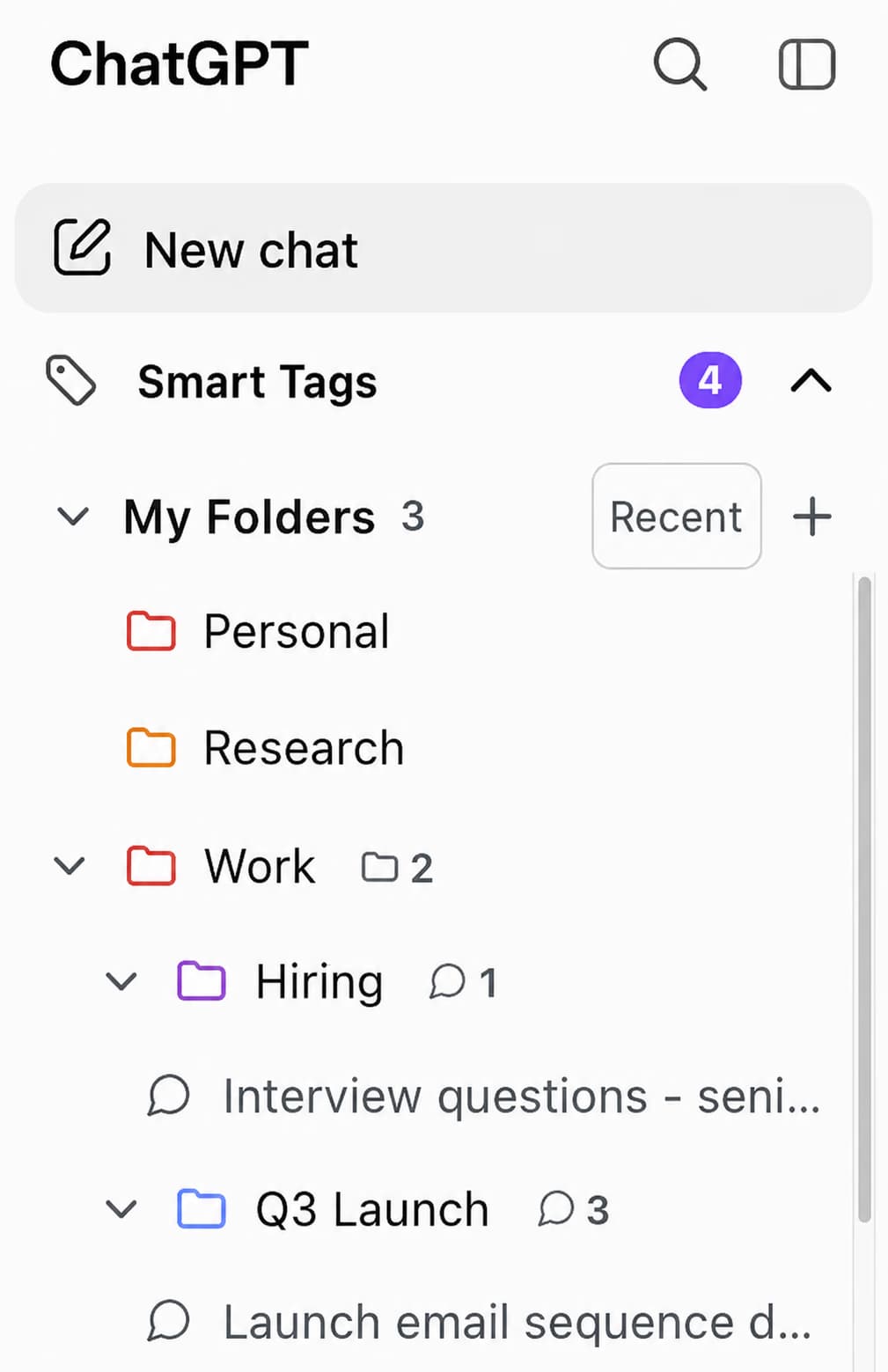
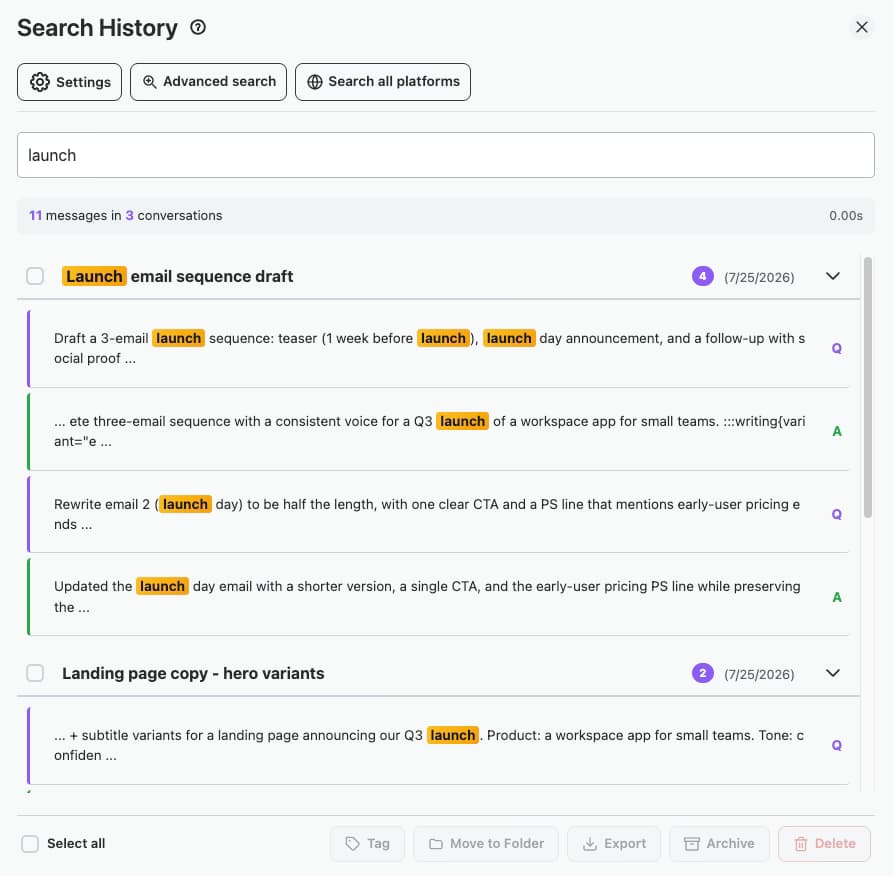
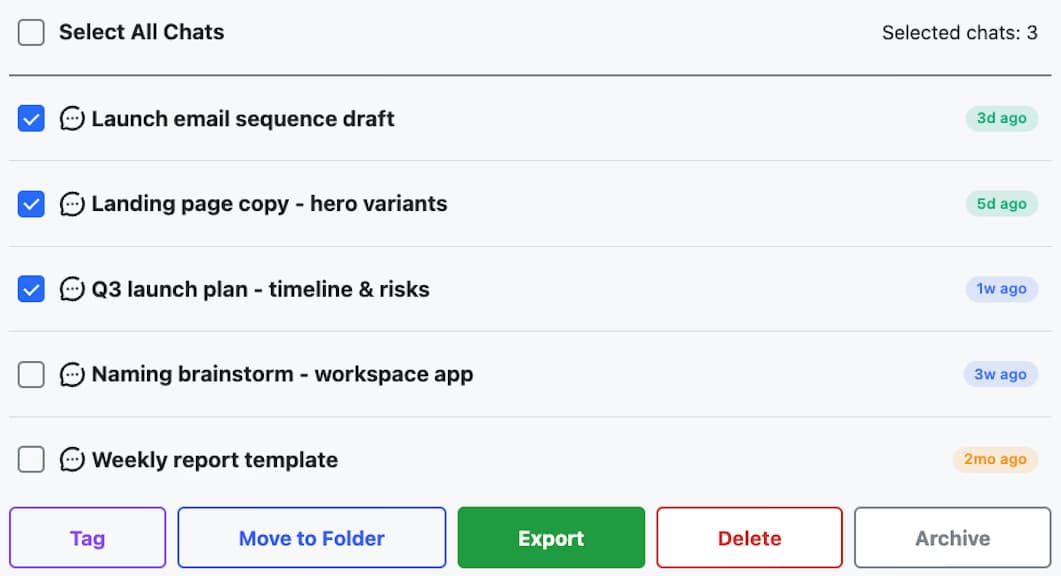
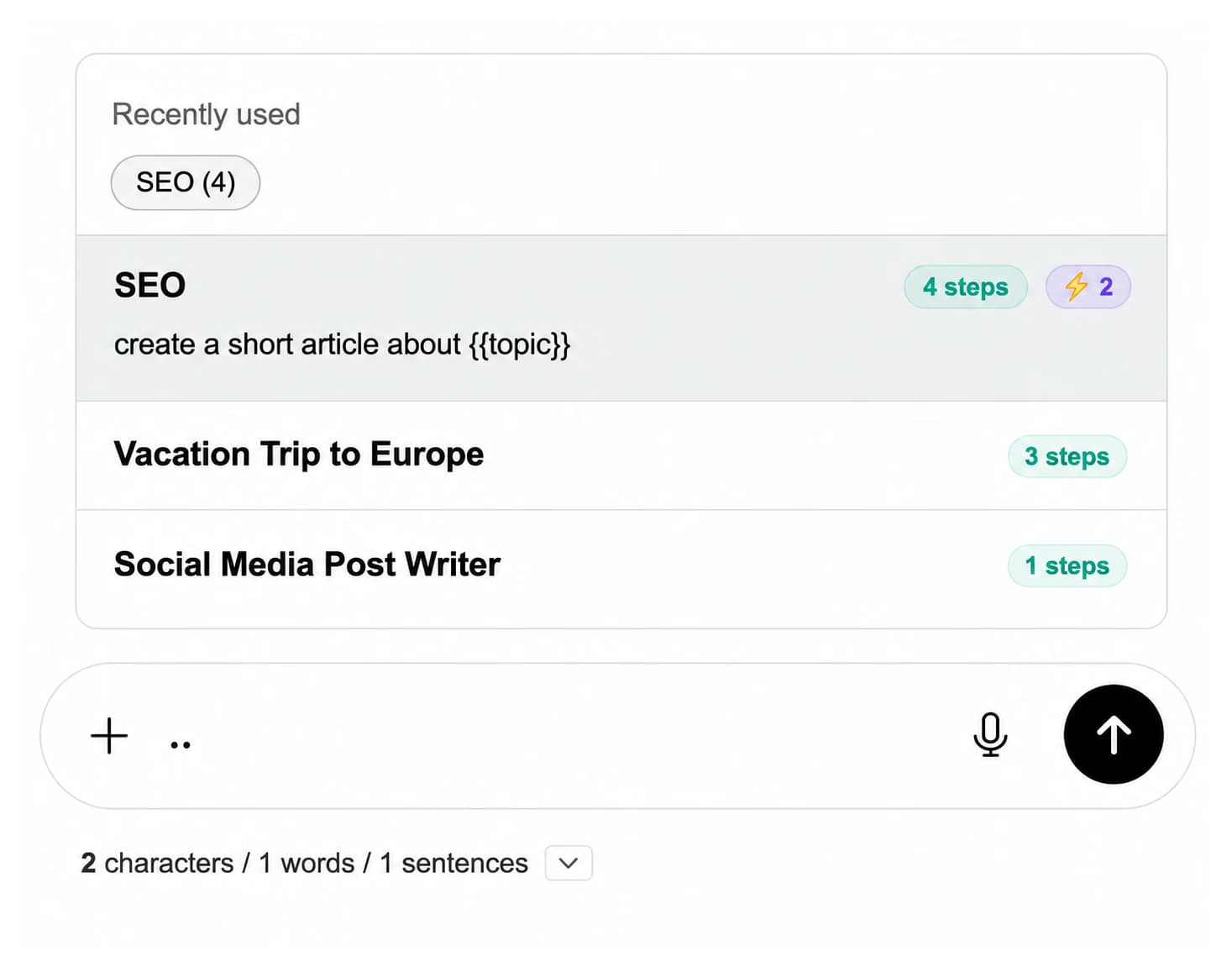
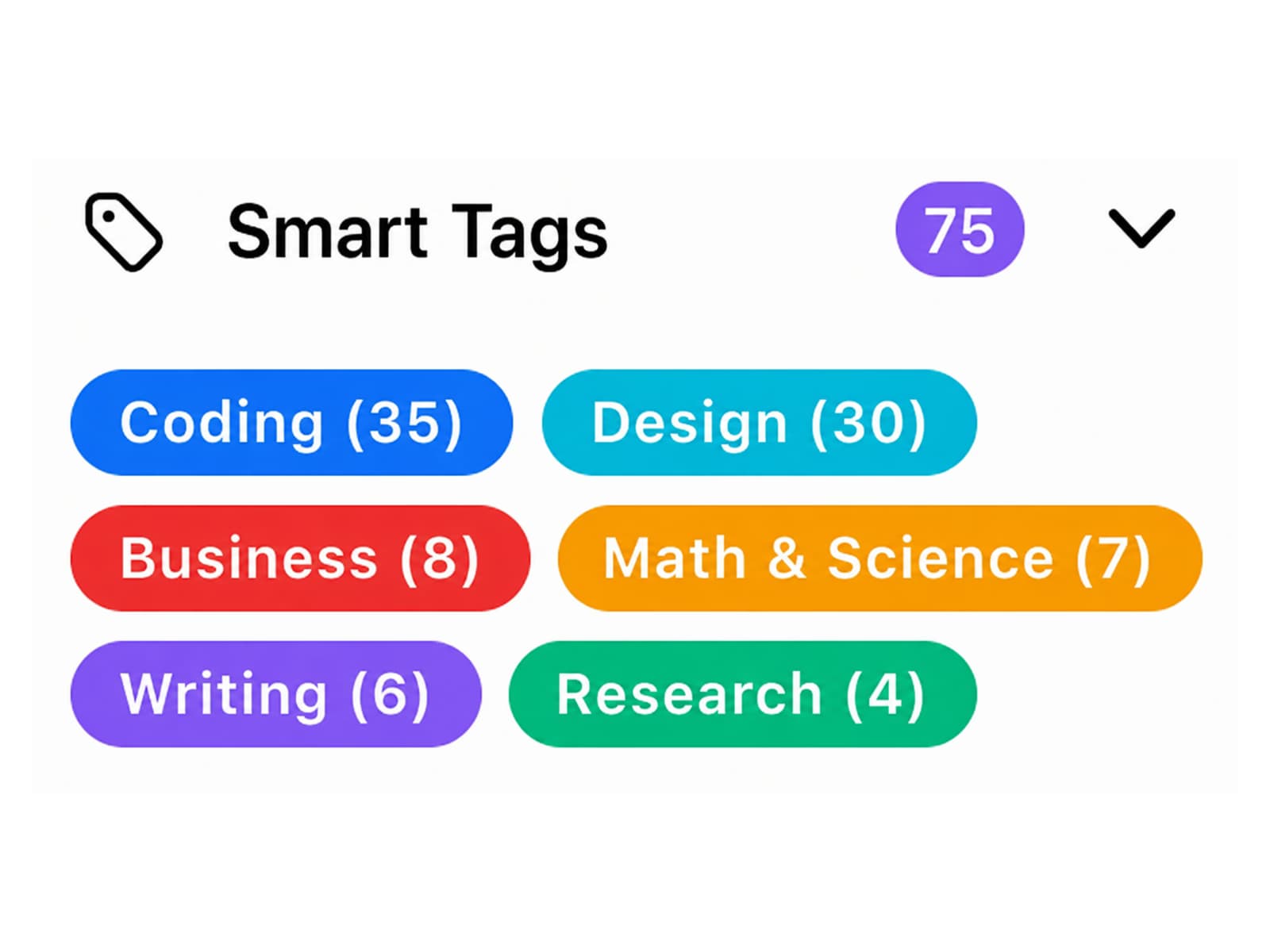
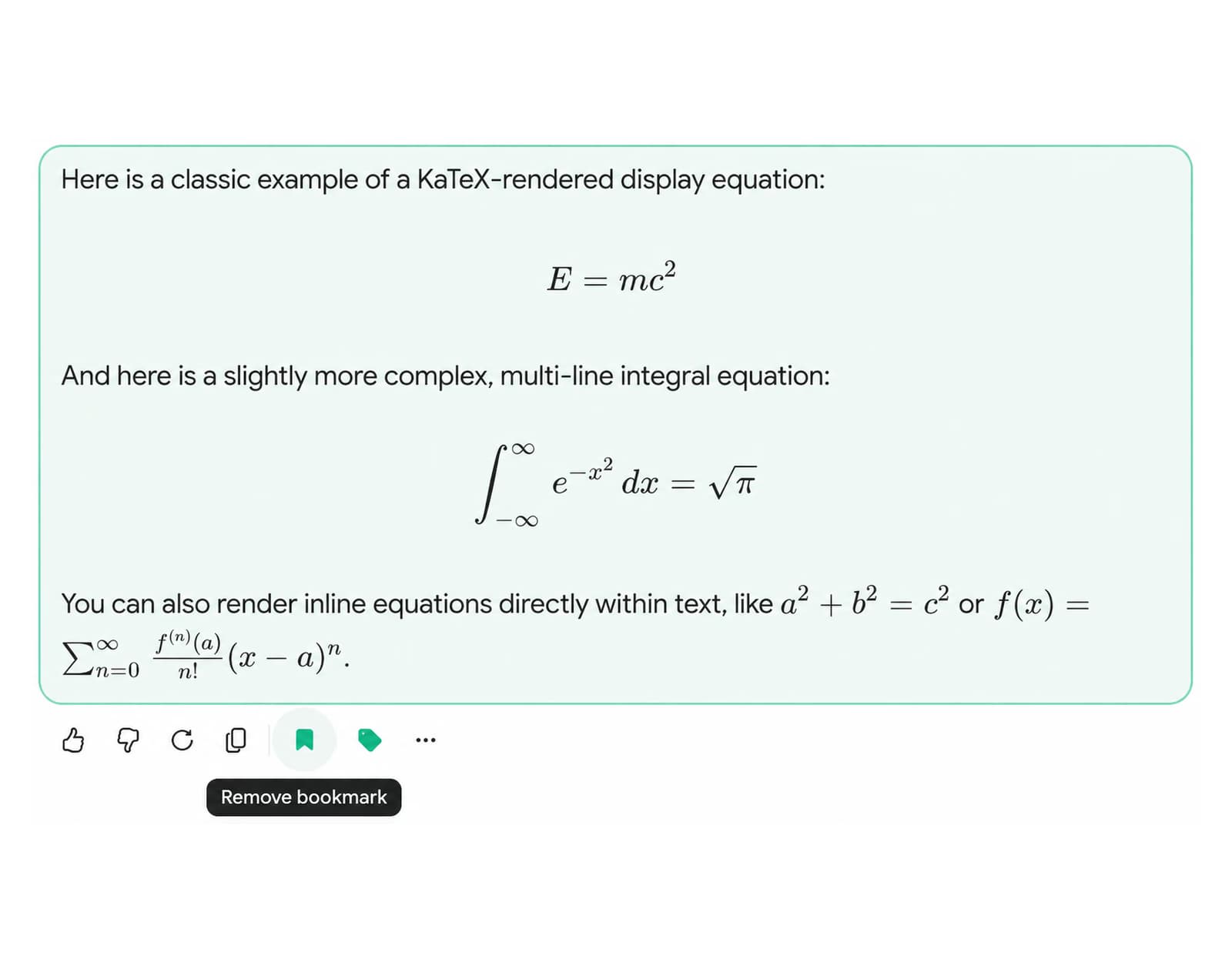
Folders and subfolders, full-text search across all message content, bulk export (TXT, Markdown with YAML frontmatter, JSON, PDF, ZIP), smart tags with 5 default categories (Coding, Writing, Research, Math, Business), context mentions (type @@ to inject a past conversation), command palette (Cmd+K on macOS, Ctrl+K on Windows), message bookmarks with color labels, media gallery, usage tracker with ChatGPT Wrapped, download as MP3, bulk delete and archive, and a prompt library with chaining. ChatGPT does not ship native folders, full-text search, or bulk export. AI Toolbox fills every one of those gaps in one extension.
Does my existing ChatGPT Toolbox subscription still work?
Yes. Existing subscriptions, lifetime licenses, and Teams seats keep working. Your folders, prompts, and settings carry over with no migration needed.
Is the ChatGPT module free?
Yes, with limits. Free includes 5 search results per query, 2 folders, 2 bookmarks, 2 saved prompts, and TXT export of any chat with no daily limit. Monthly ($9.99/month per module) and Lifetime ($99 lifetime per module) unlock unlimited usage. All Access Lifetime ($199) covers ChatGPT, Gemini, Claude, and Grok in one purchase, plus every future platform.
Is my data safe?
Yes. AI Toolbox is local-first: conversation content stays in your browser (IndexedDB) and is never stored on our servers. Only what you build in the extension (folders, prompts, and tags) syncs across your devices, encrypted at rest on our servers. GDPR compliant. Passes Chrome Web Store security review.
Does AI Toolbox slow down ChatGPT?
No. AI Toolbox injects a sidebar panel and operates entirely against a local IndexedDB cache. All search indexing runs on-device with no server round-trips. There are no background network requests on page load. Users with very large libraries (500+ conversations) may notice a one-time indexing period of under 30 seconds on first install. After that, search results are instant.
What browsers does AI Toolbox support?
AI Toolbox works on all Chromium-based browsers: Google Chrome, Microsoft Edge, Brave, Opera, and Arc. Install directly from the Chrome Web Store on any of them. Firefox and Safari are not supported.
Does AI Toolbox support Gemini and Claude too?
Yes. AI Toolbox is a single extension that covers ChatGPT, Gemini (gemini.google.com), Claude (claude.ai), and Grok (grok.com and x.com/i/grok). The ChatGPT module activates automatically on install. Gemini, Claude, and Grok are opt-in via the extension popup. See the AI Toolbox modules comparison for a full breakdown of which features are available on each platform.
Does Markdown export include YAML frontmatter for Obsidian or Logseq?
Yes. Every Markdown export (.md) ships with a YAML frontmatter block at the top of the file containing title, date (ISO format), model, url (the original chatgpt.com link), and source. The file drops straight into Obsidian, Logseq, Pandoc, Quartz, Astro, Hugo, and any other tool that reads YAML frontmatter, no post-processing required. Applies to single-chat exports, bulk-folder ZIPs, and project-level ZIPs.
What is the All Access Lifetime plan?
All Access Lifetime ($199) is a single one-time purchase that covers all four modules: ChatGPT, Gemini, Claude, and Grok, plus every future AI platform AI Toolbox adds. It saves $197 compared to buying four individual Lifetime plans at $99 each ($396 total). It is the best-value option for users who work across multiple AI assistants.
What about Teams for ChatGPT teams?
ChatGPT Teams is available at $15/seat/month or $12/seat annually with a 2-seat minimum. Includes admin dashboard, centralized billing, team usage analytics, and dedicated support.
Can I cancel the monthly plan anytime?
Yes. The Monthly plan ($9.99/month per module) can be cancelled at any time through your payment account. There are no cancellation fees and no lock-in. Access continues until the end of the current billing period. The 14-day money-back guarantee covers all paid plans, including Lifetime and All Access Lifetime.

 ChatGPT
 Gemini
 Claude
 Grok
Grok