Loading blog posts...

Loading...
ChatGPT productivity guides covering organization, search, export, prompt management, keyboard shortcuts, workflow automation, and troubleshooting. These 9+ articles include step-by-step tutorials, tips for power users, and integration guides for ChatGPT at work and school. AI Toolbox (formerly ChatGPT Toolbox), a Chrome extension with 35,000+ active users, adds folders, advanced full-text search, bulk export, and prompt chaining to ChatGPT on all Chromium browsers.
You can organize ChatGPT conversations using folders and subfolders with AI Toolbox, a Chrome extension rated 4.5/5 on the Chrome Web Store. It lets you add chats to nested folders by searching their name, pin important conversations, and color-code categories for instant access.
Yes - AI Toolbox adds advanced full-text search across all your ChatGPT conversations, including message content, not just titles. With 35,000+ users, it is the most popular extension for finding past ChatGPT responses instantly on all Chromium browsers.
AI Toolbox lets you bulk export ChatGPT conversations in TXT and JSON formats with a single click. You can export individual chats or entire folders, making it easy to back up, share, or archive your ChatGPT history.
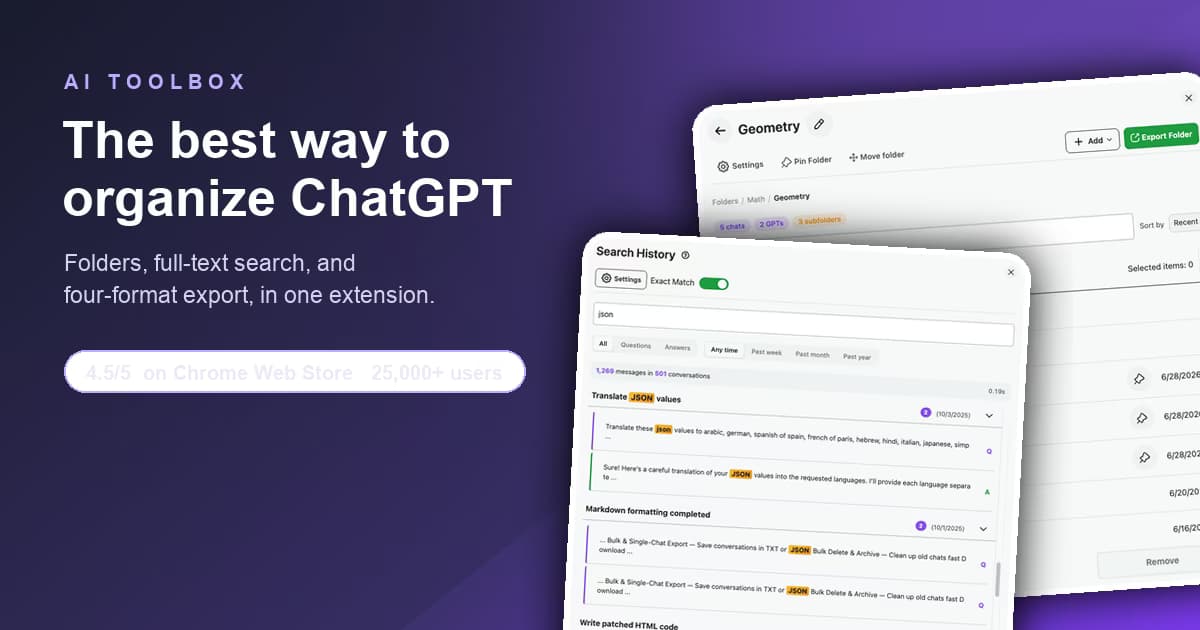
AI Toolbox leads the best ChatGPT organization tools of 2026: folders, full-text search, and 4-format export. Rated 4.5/5 by 35,000+ users.
 Adi Leviim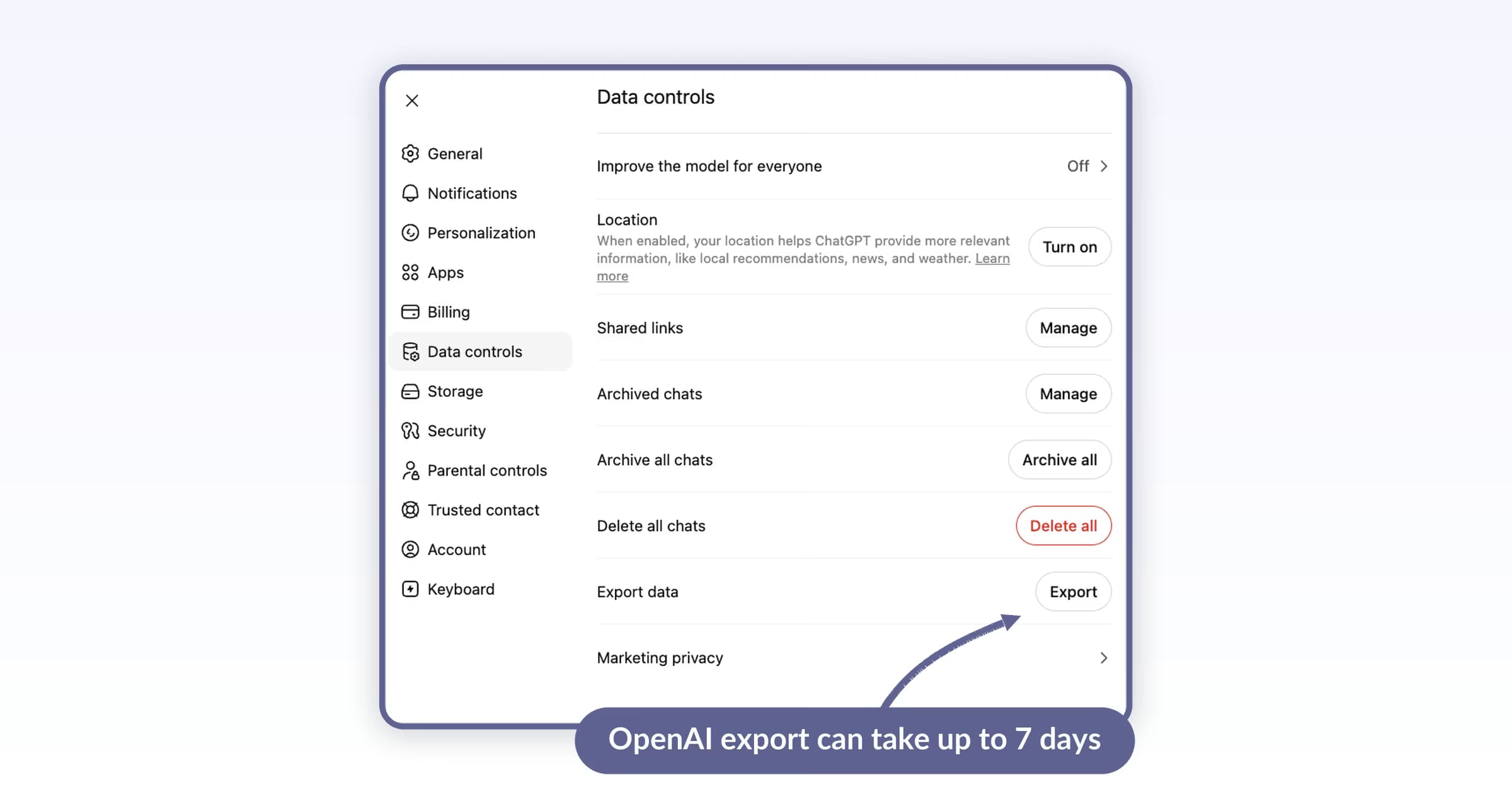
Suspended ChatGPT accounts have a short window to bulk-export. Native export takes up to 7 days. AI Toolbox exports everything instantly. Emergency recovery guide.
Adi Leviim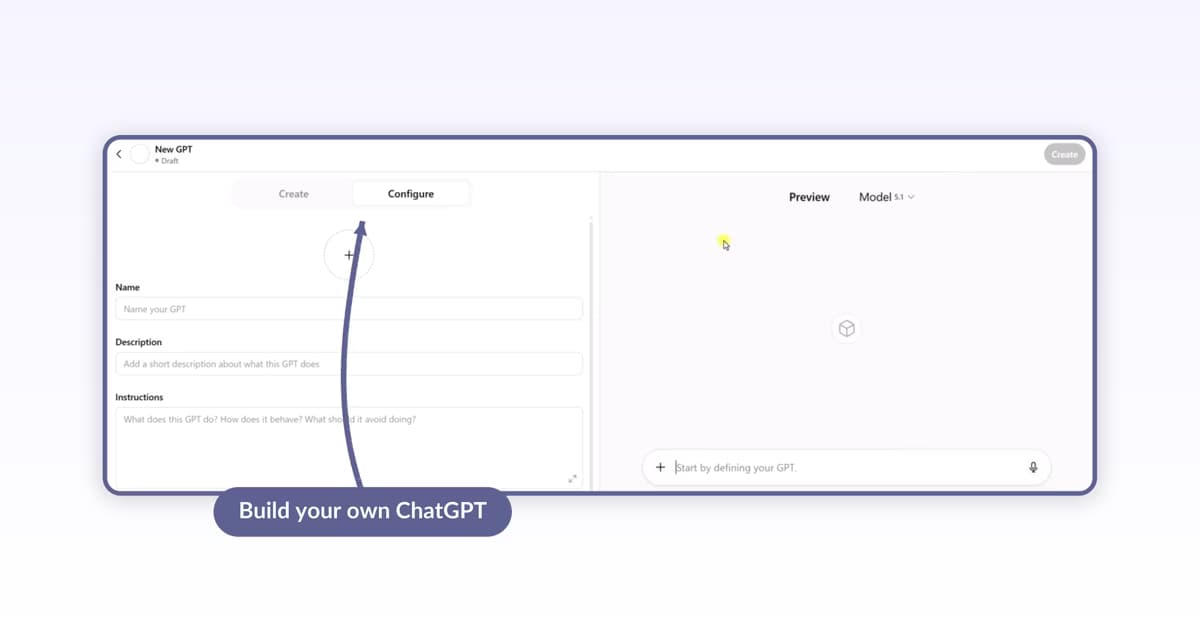
Step-by-step guide to creating Custom GPTs: open the GPT Builder from + Create, set Name, Description, Instructions, attach Knowledge files, pick Capabilities, and share with the right audience. Verified May 2026.
Adi Leviim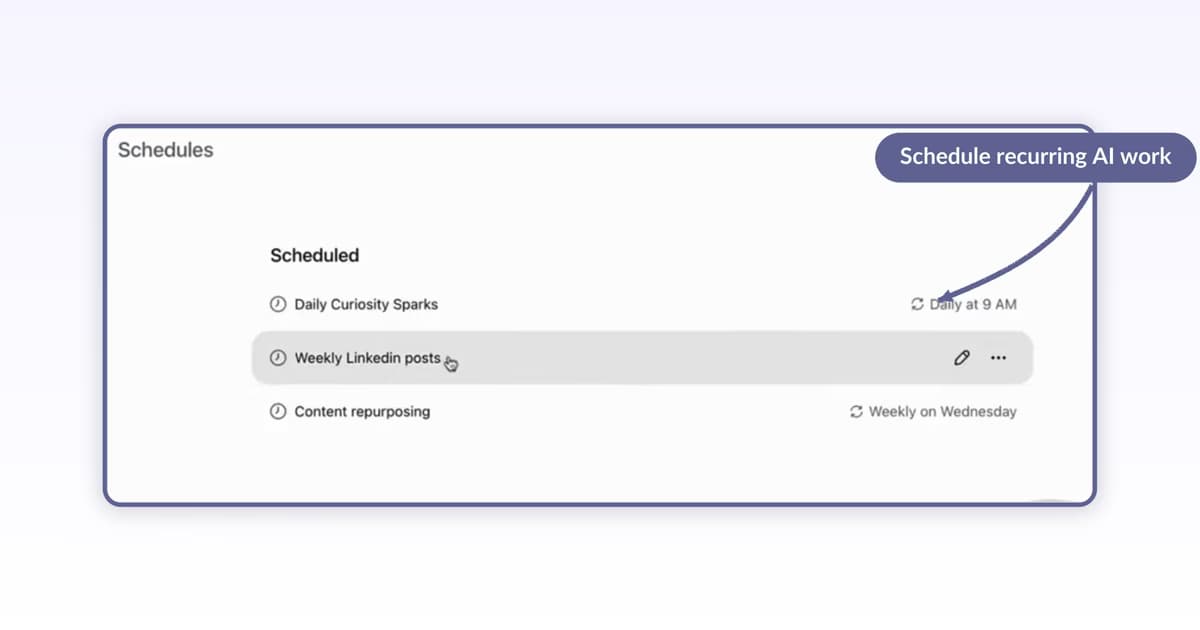
Step-by-step guide to ChatGPT Tasks: schedule recurring AI work, view your schedules, edit name, instructions, frequency, and time, then pause or delete. Verified May 2026.
Adi Leviim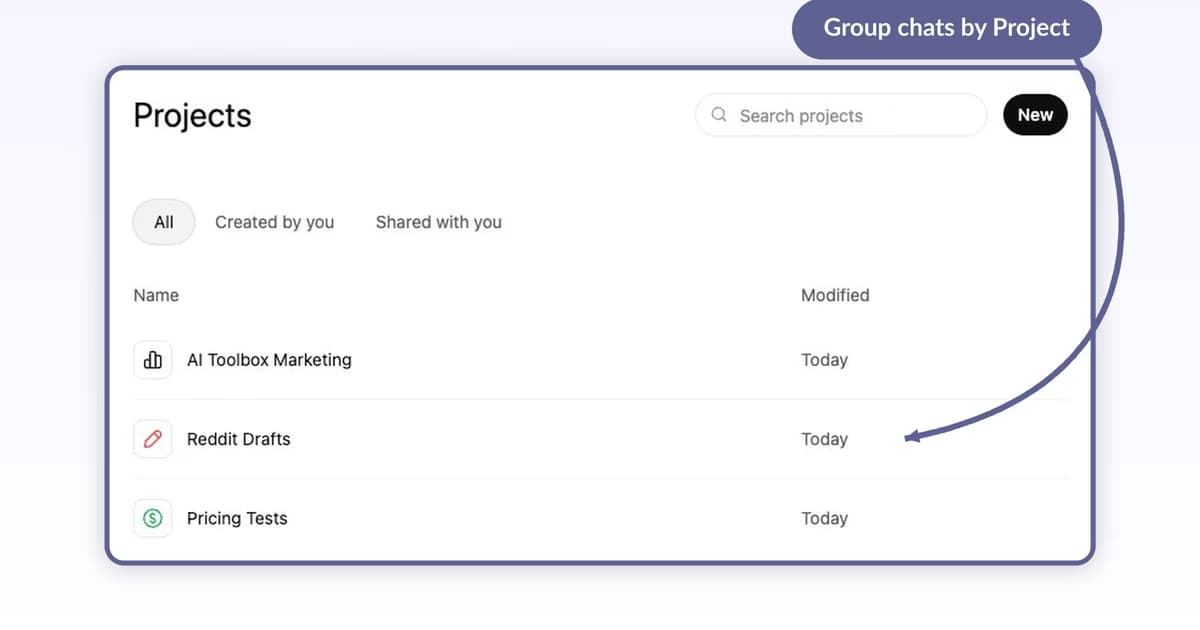
Step-by-step guide to ChatGPT Projects: create one, add custom instructions, attach Library files, move existing chats in, and share with teammates. Verified May 2026.
Adi Leviim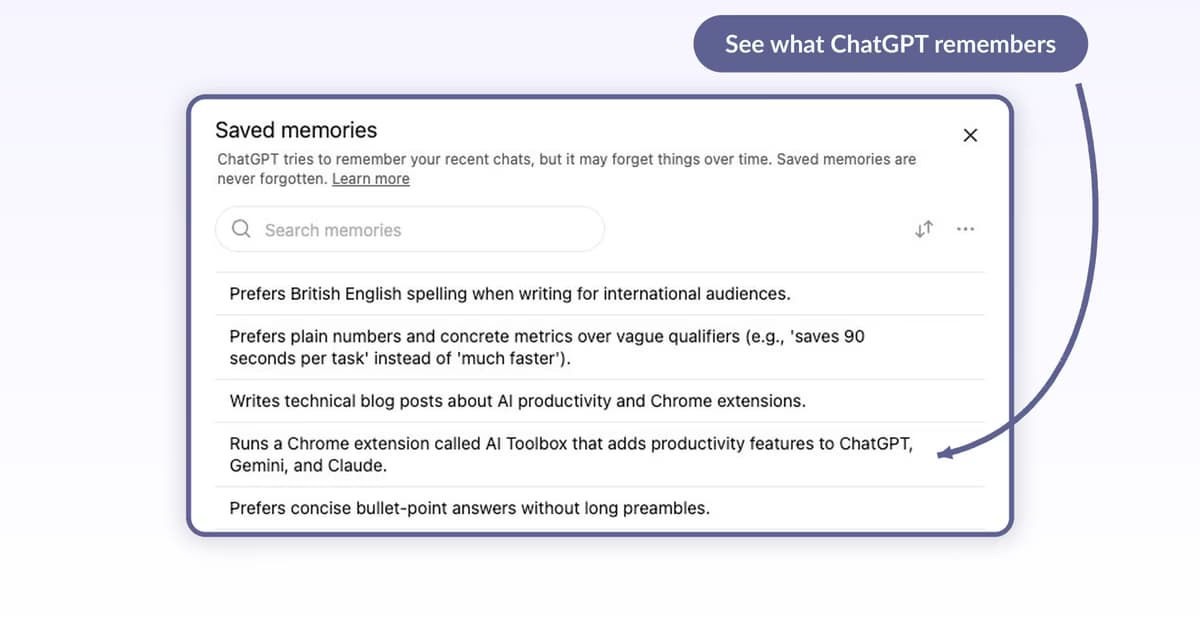
Step-by-step guide to ChatGPT Memory: turn it on, view what ChatGPT remembers, delete one memory, wipe all memories, opt out. Verified May 2026.
Adi Leviim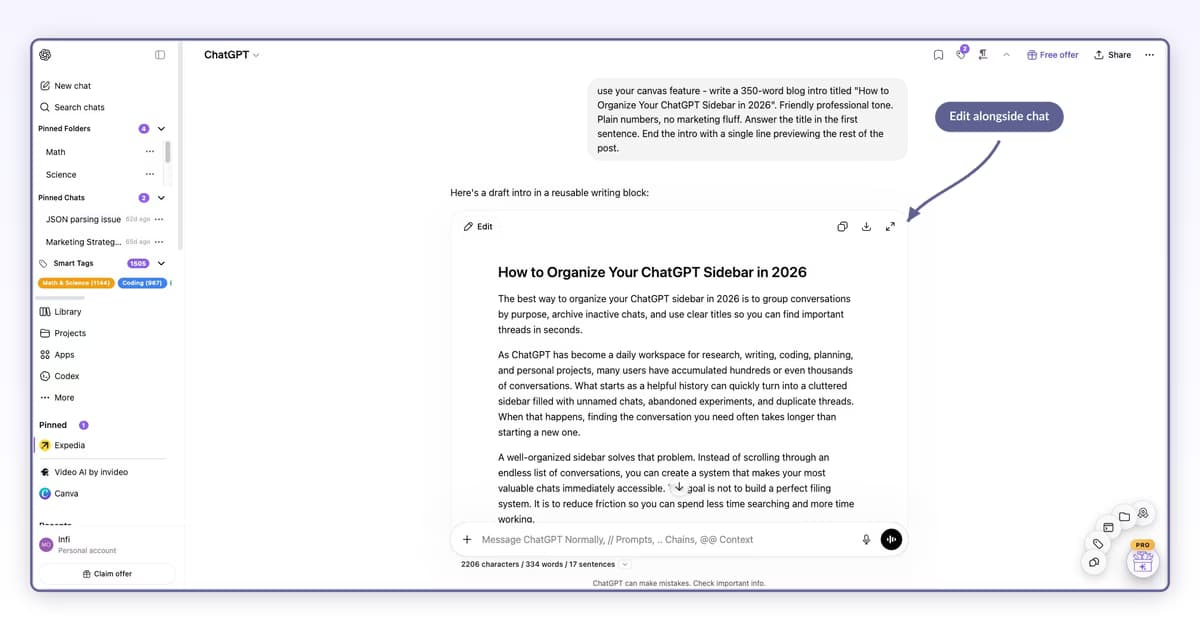
Step-by-step guide to ChatGPT Canvas: open it, edit inline, ask for changes in plain English, use Code Canvas, copy/download/expand. Verified May 2026.
Adi Leviim
What ChatGPT jailbreaking is, real risks (account ban, security, legal), and better alternatives: custom instructions, c
Adi Leviim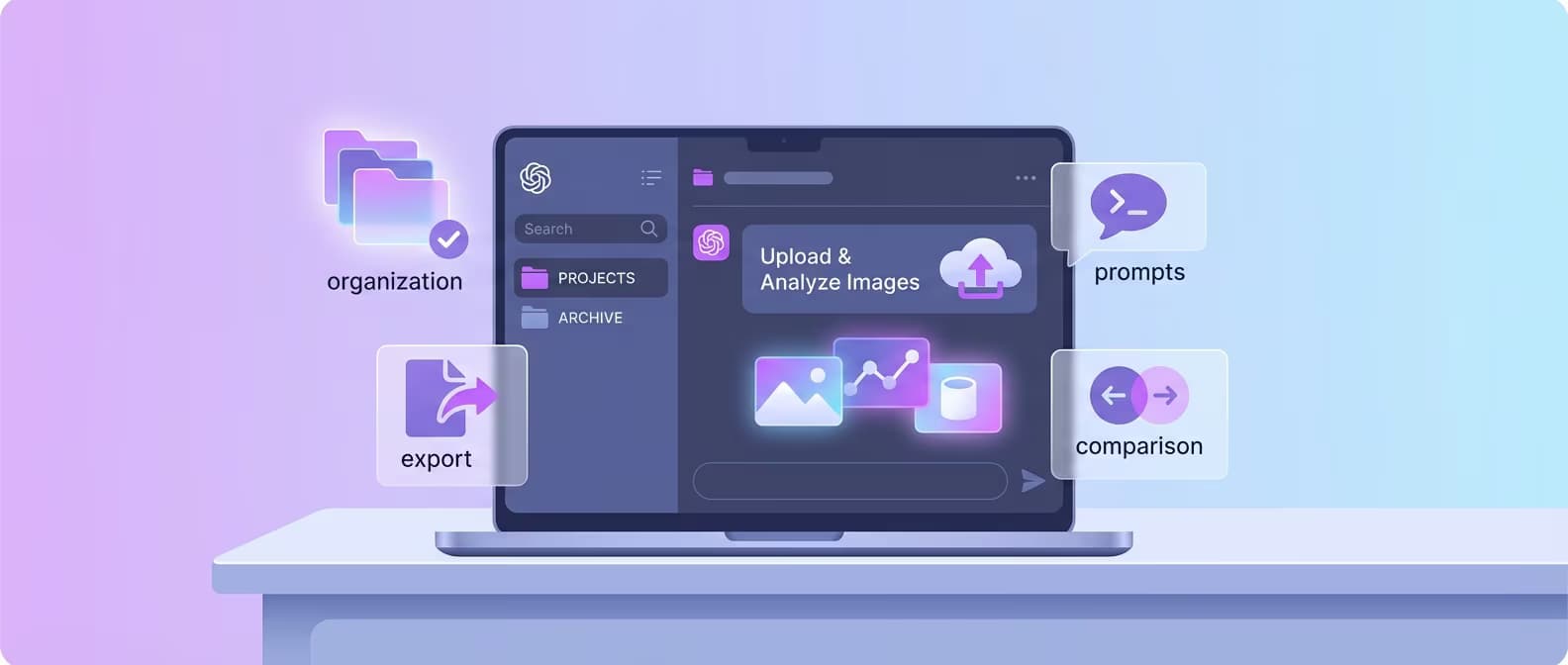
ChatGPT vision capabilities on the current GPT-5.x family: image upload, document analysis, chart reading, OCR. Organize image analysis with ChatGPT To
Adi Leviim