Loading blog posts...
Loading...
ChatGPT productivity guides covering organization, search, export, prompt management, keyboard shortcuts, workflow automation, and troubleshooting. These 5+ articles include step-by-step tutorials, tips for power users, and integration guides for ChatGPT at work and school. AI Toolbox (formerly ChatGPT Toolbox), a Chrome extension with 35,000+ active users, adds folders, advanced full-text search, bulk export, and prompt chaining to ChatGPT on all Chromium browsers.
You can organize ChatGPT conversations using folders and subfolders with AI Toolbox, a Chrome extension rated 4.5/5 on the Chrome Web Store. It lets you add chats to nested folders by searching their name, pin important conversations, and color-code categories for instant access.
Yes - AI Toolbox adds advanced full-text search across all your ChatGPT conversations, including message content, not just titles. With 35,000+ users, it is the most popular extension for finding past ChatGPT responses instantly on all Chromium browsers.
AI Toolbox lets you bulk export ChatGPT conversations in TXT and JSON formats with a single click. You can export individual chats or entire folders, making it easy to back up, share, or archive your ChatGPT history.
Learn how to share your ChatGPT Canvas with our step-by-step guide on canvas sharing. Get clear instructions and discover collaboration benefits.
 Adi Leviim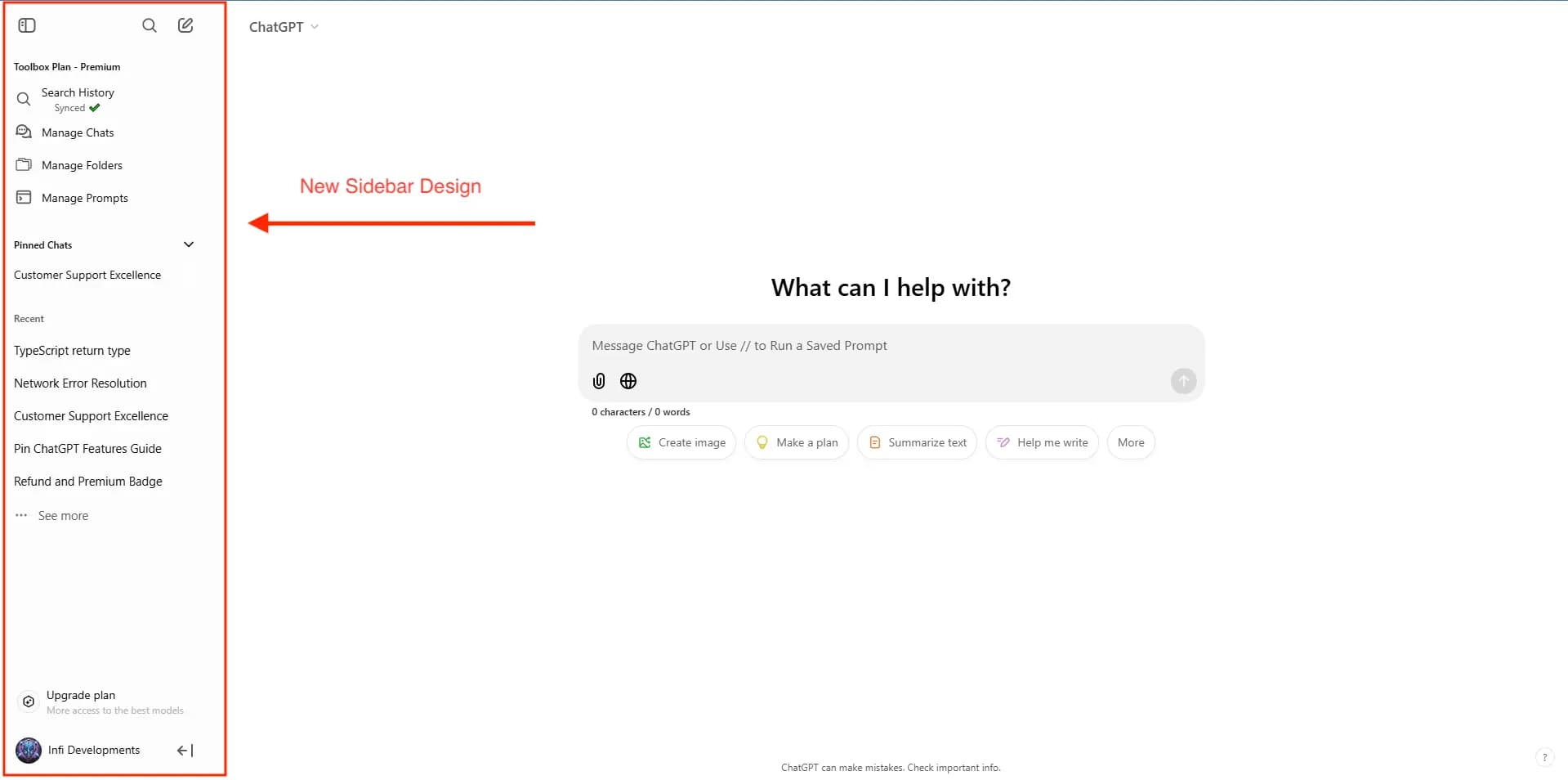
Discover the new features of ChatGPT's sidebar redesign, including floating mode, infinite scroll, pinned GPTs, and more.
Adi Leviim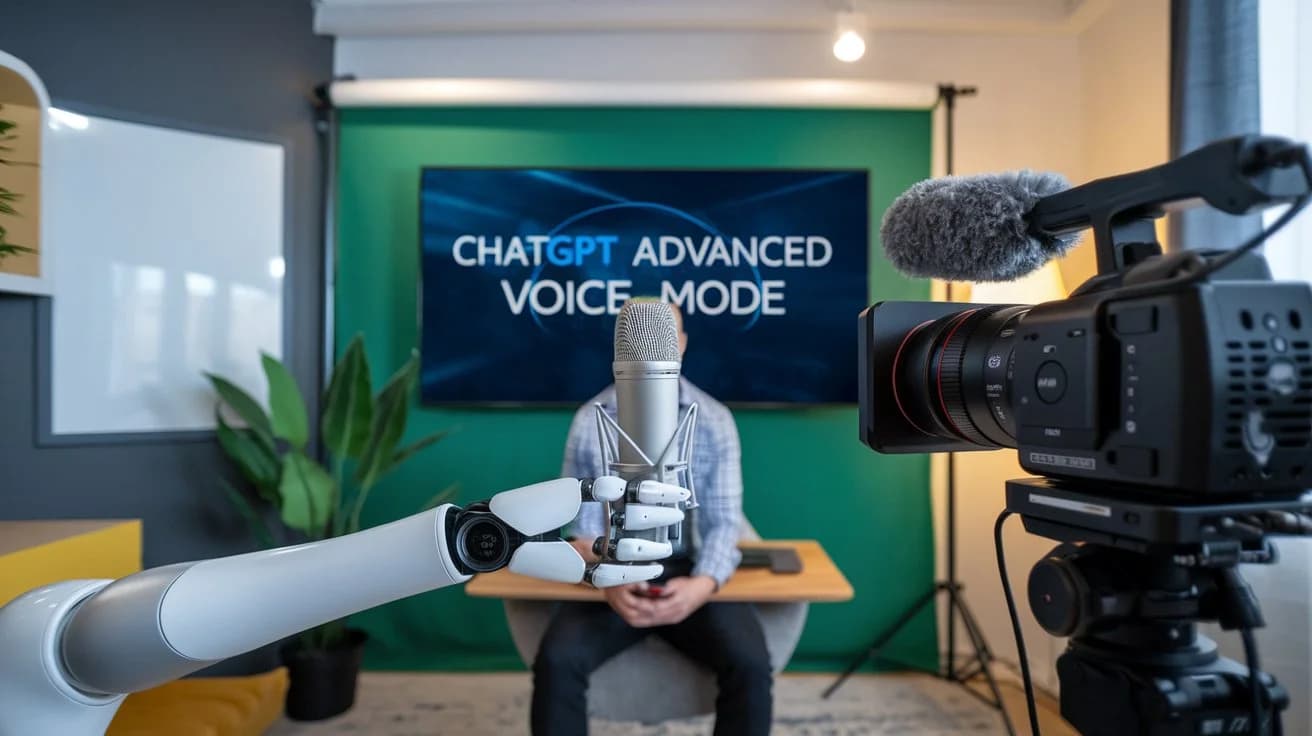
ChatGPT's Advanced Voice Mode lets you interact with AI through natural voice conversations.
Adi Leviim
Learn how to organize your ChatGPT conversations using folders in ChatGPT.
Adi Leviim
Discover how to bulk remove, archive, and unarchive chats in ChatGPT using the AI Toolbox.
Adi Leviim