Loading blog posts...
Loading...
AI Toolbox for ChatGPT features include folders, subfolders, advanced full-text search, bulk export (TXT/JSON), prompt library, prompt chaining, media gallery, pinning, bulk delete/archive, RTL support for 10+ languages, and custom themes. These 9+ feature guides cover setup, use cases, and step-by-step tutorials. AI Toolbox (formerly ChatGPT Toolbox) has 40,000+ active users and a 4.6/5 Chrome Web Store rating, with a free starter plan and premium at $9.99/month or $99 lifetime.
AI Toolbox (formerly ChatGPT Toolbox) includes folders, subfolders, advanced full-text search, bulk export (TXT/JSON), prompt library, prompt chaining, media gallery, pinning, bulk delete/archive, RTL support for 10+ languages, and custom themes. It works on all Chromium browsers with 40,000+ active users.
Yes. AI Toolbox for ChatGPT offers a free starter plan with folders, subfolders, and basic organization features. Premium features like full-text search, bulk export, prompt chaining, and media gallery are available at $9.99/month or $99 lifetime.
Yes. AI Toolbox for ChatGPT works with every current ChatGPT model: GPT-5.6 Sol, GPT-5.6 Terra, GPT-5.6 Luna, GPT-5.5, GPT-5.5 Pro, GPT-5.4, GPT-5.4 Pro, GPT-5.4 mini, GPT-5.4 nano, and all future OpenAI models. It operates as a browser extension layer on top of ChatGPT, so all organization features like folders, search, and export work regardless of which model you use.
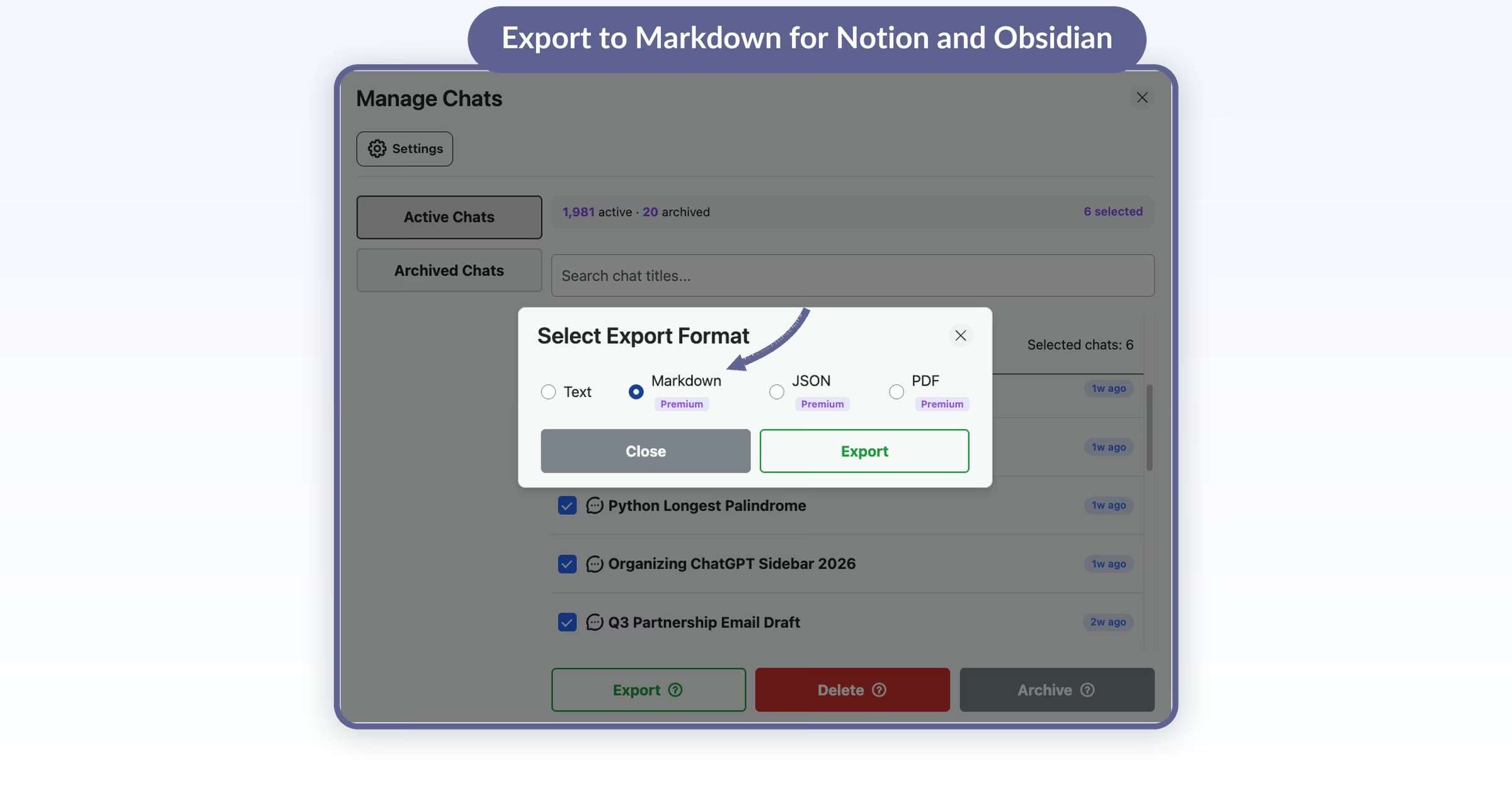
Bulk-export ChatGPT chats as Markdown, then import into Notion, Obsidian, or Google Docs. Step-by-step guide with 4 screenshots, format comparison, and FAQ.
 Adi Leviim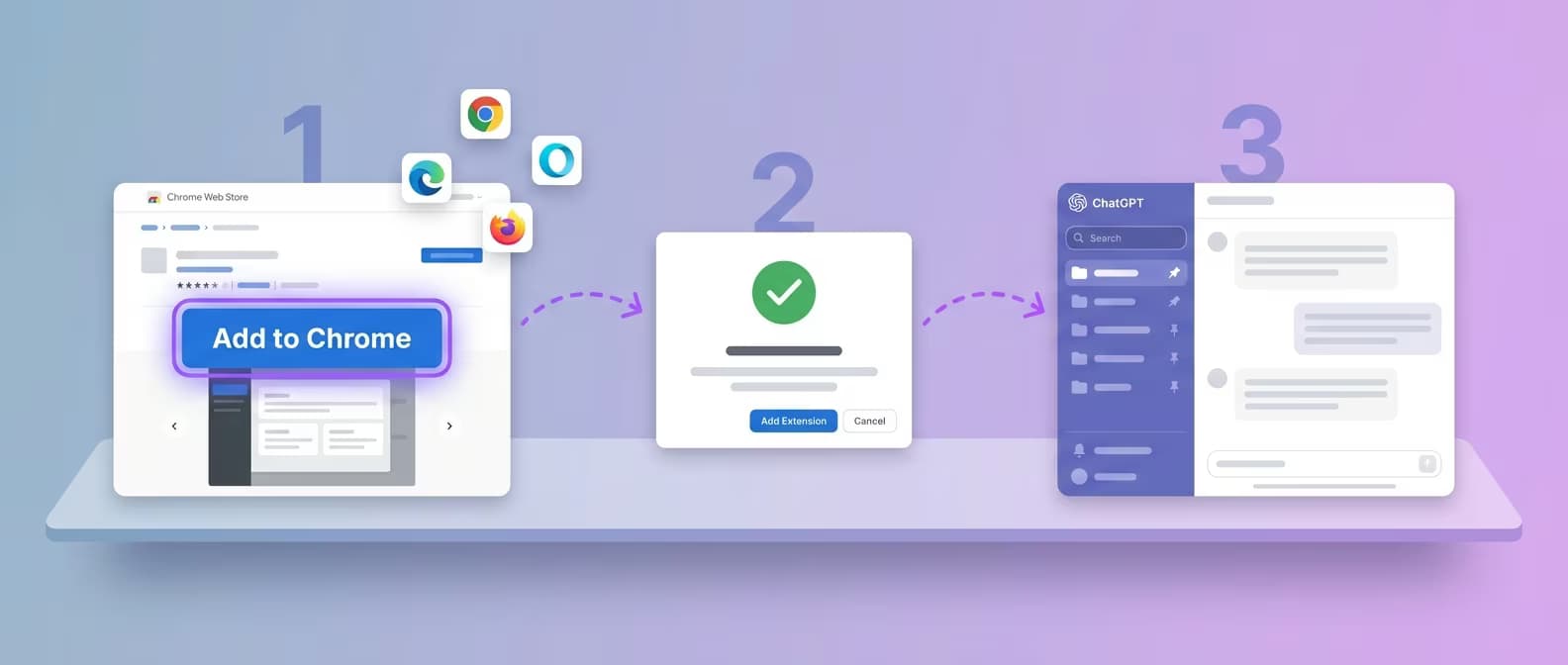
Install AI Toolbox on any Chromium browser in 30 seconds. Step-by-step setup, plan comparison, and first-time tips.
Adi Leviim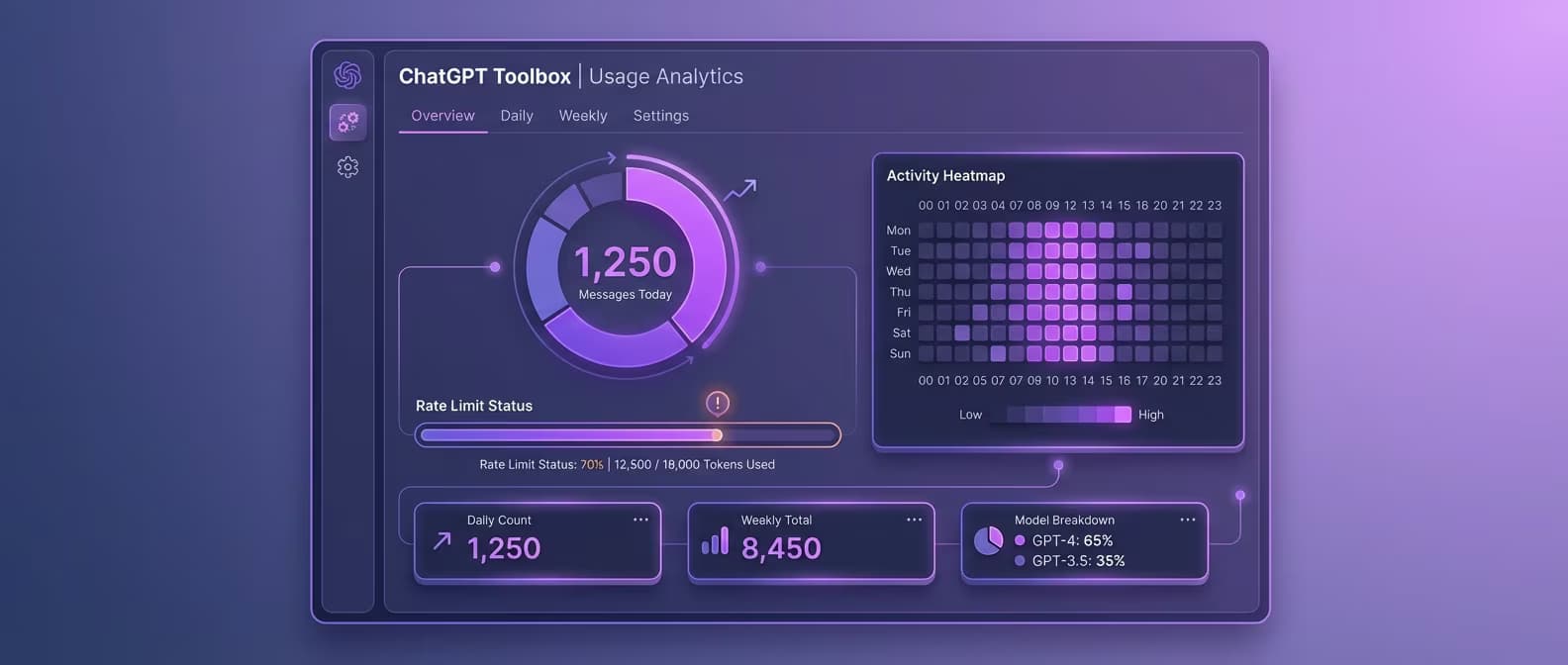
Track ChatGPT messages, rate limits, and usage patterns with AI Toolbox. Free daily tracker + Premium heatmaps and charts.
Adi Leviim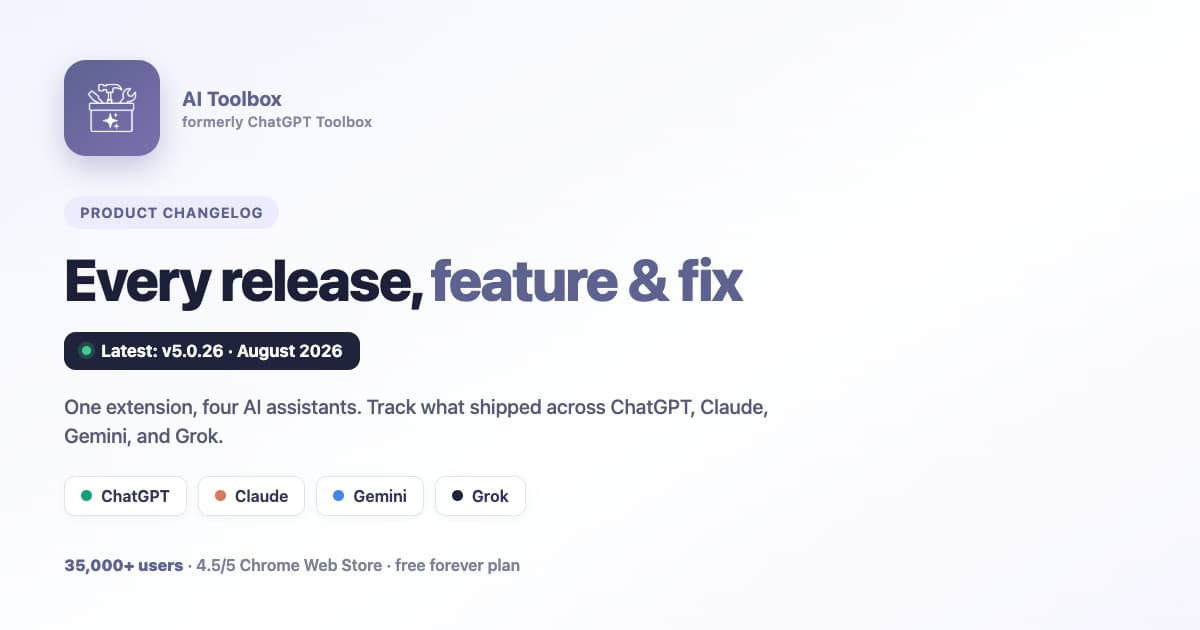
Complete AI Toolbox changelog with version history, release notes, and feature updates from September 2024 to August 2026. Track new features across ChatGPT, Claude, Gemini, and Grok, plus improvements and bug fixes.
Adi Leviim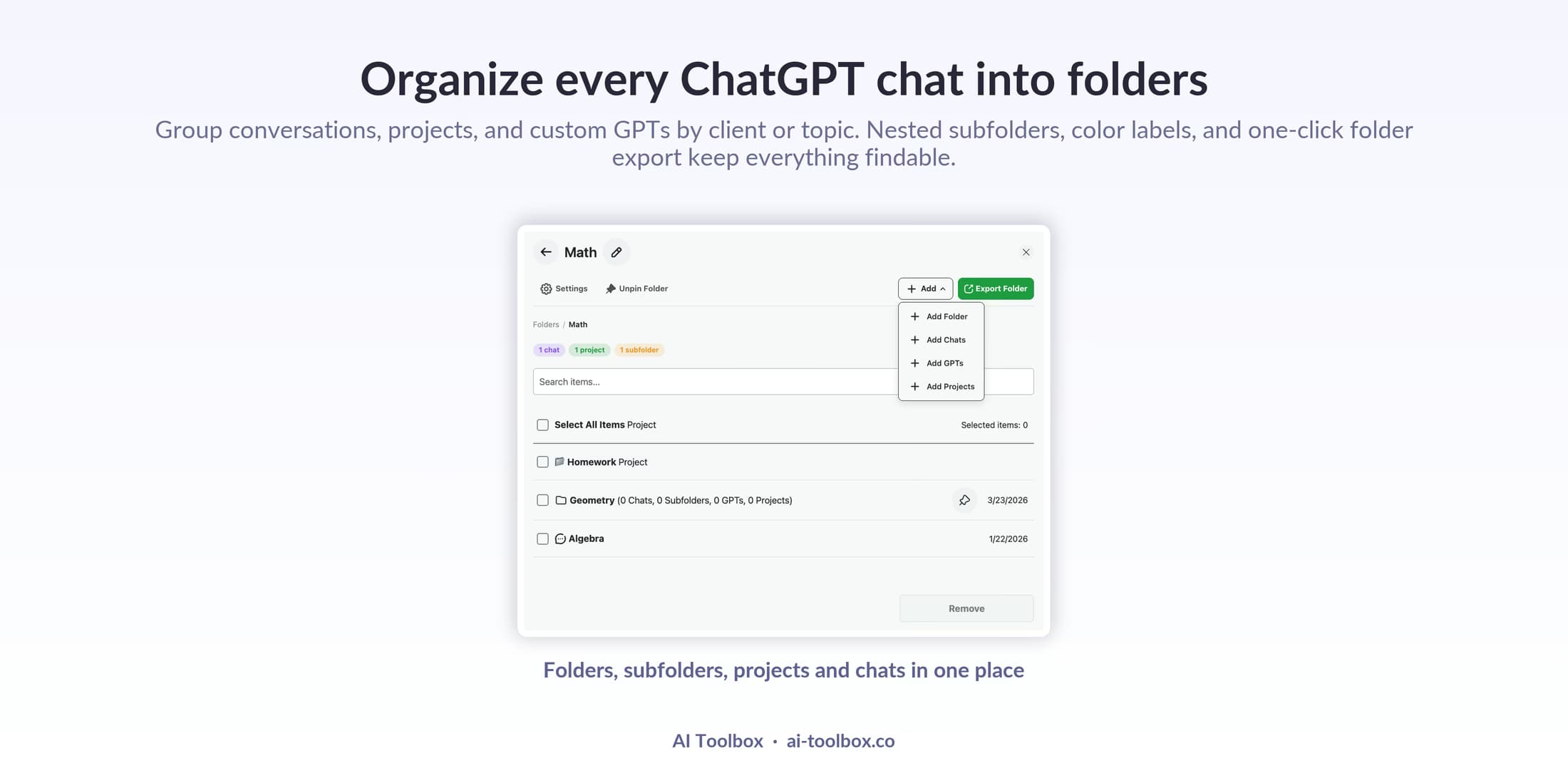
Manage hundreds of ChatGPT conversations effortlessly with folders, naming conventions, and organization strategies. Master the AI Toolbox folder system for perfect organization.
Adi Leviim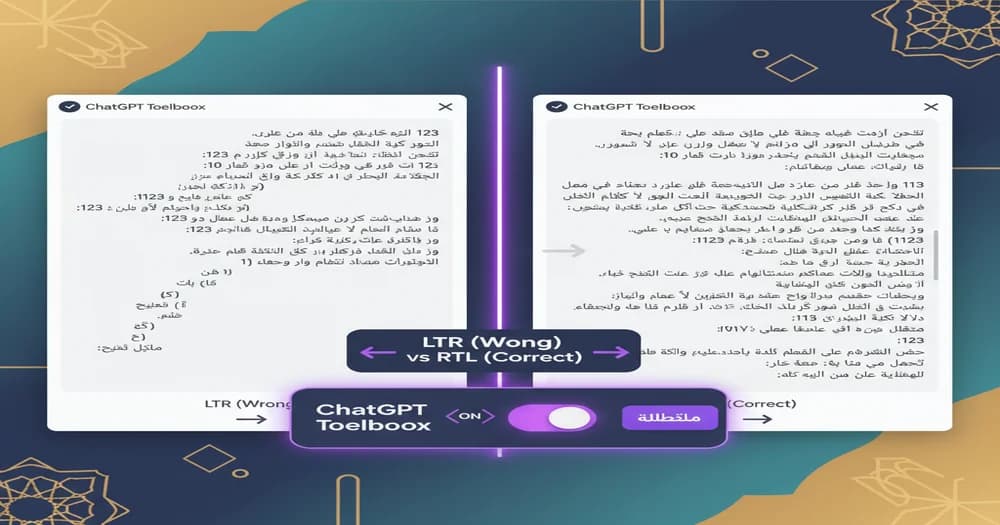
Complete ChatGPT Arabic guide for 2026. Learn how to use ChatGPT in Arabic with proper RTL formatting, best prompts for Arabic content, and AI Toolbox RTL support features.
Adi Leviim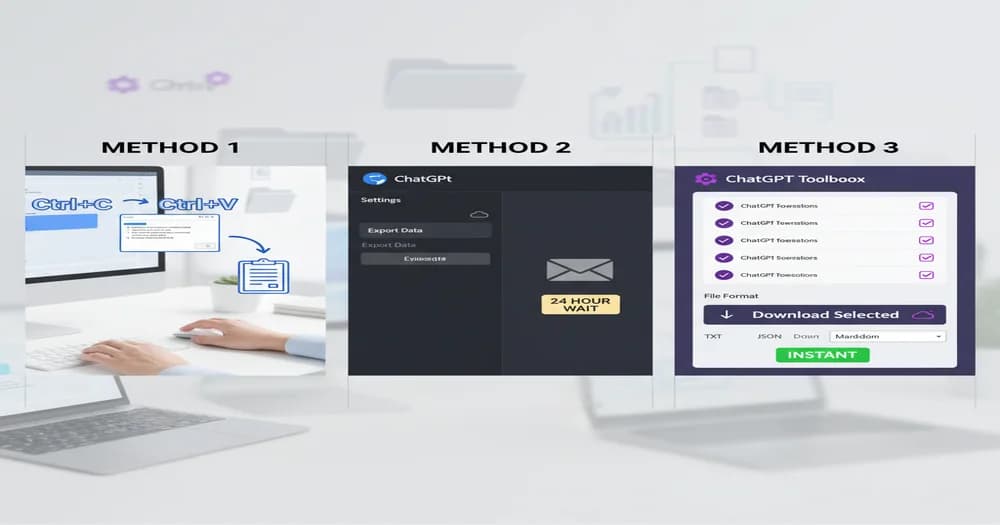
Learn 3 proven methods to save ChatGPT conversations: manual copy-paste, native export, and AI Toolbox bulk export. Complete comparison guide with step-by-step instructions and FAQs.
Adi Leviim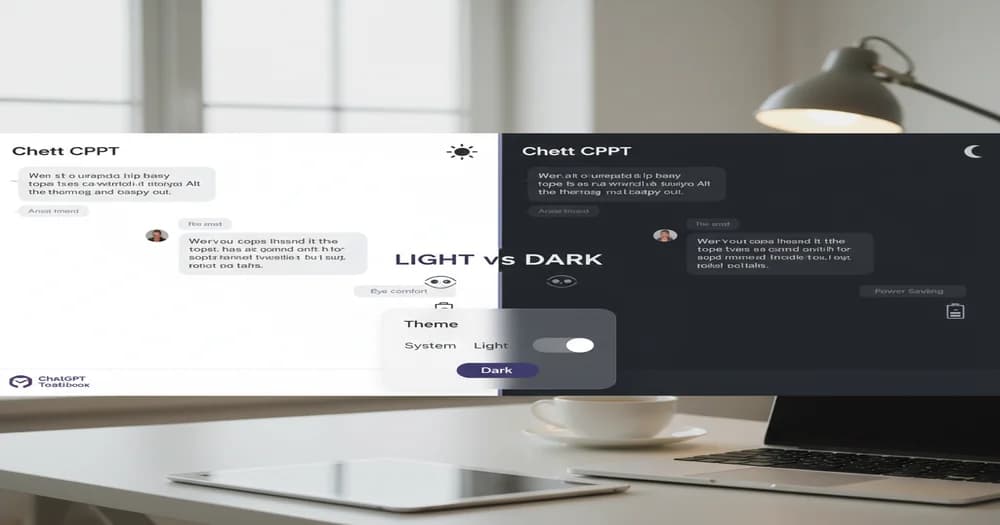
Enable ChatGPT dark mode in 3 simple steps. Reduce eye strain, save battery, and customize themes with AI Toolbox. Complete guide for desktop and mobile with advanced theme options.
Adi Leviim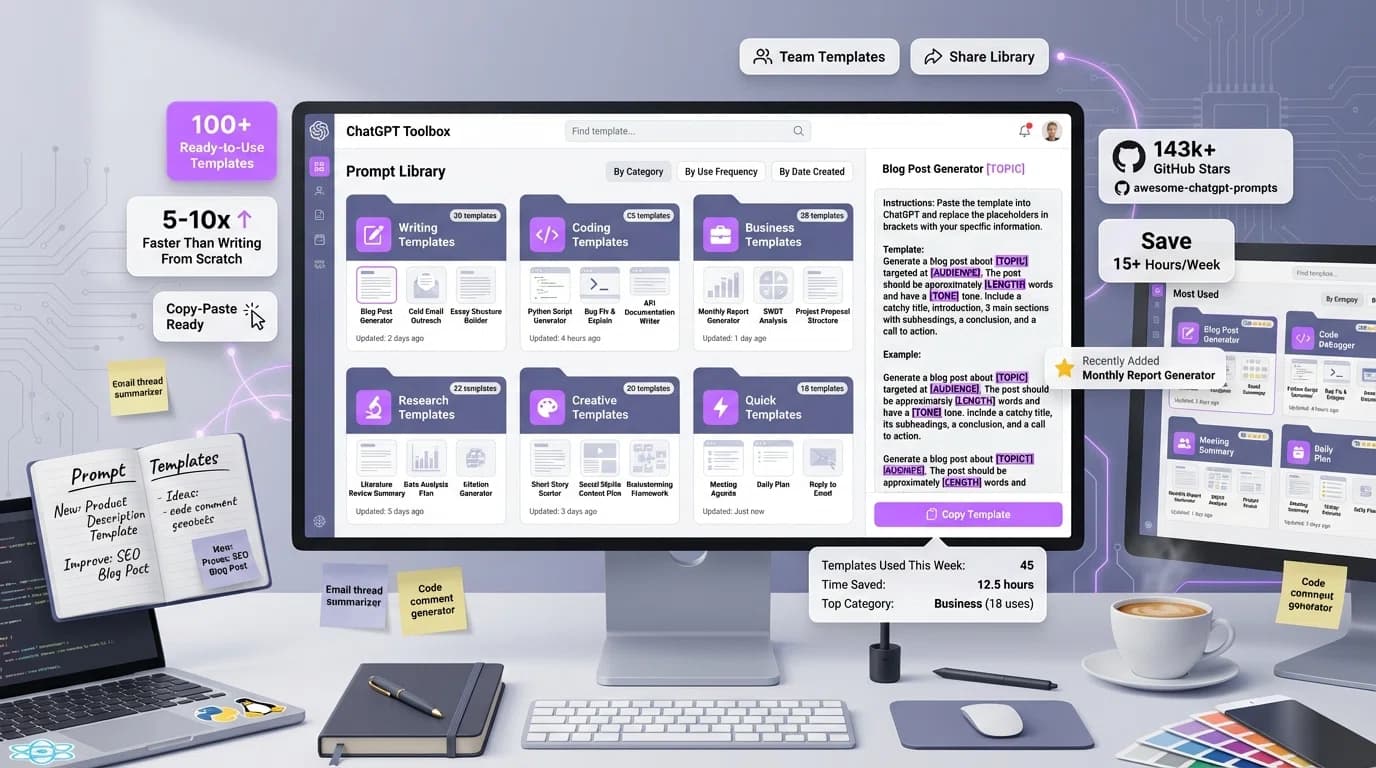
Access 100+ copy-paste ChatGPT templates for writing, coding, business, research, and creative tasks. Complete prompt library with customizable templates organized by category. Save hours with ready-made templates.
Adi Leviim