AI Toolbox Teams, for admins and members
Set up a team, invite people, share a prompt library, and help members activate their seat. Admin and member steps are marked on each tutorial.
Teams tutorials
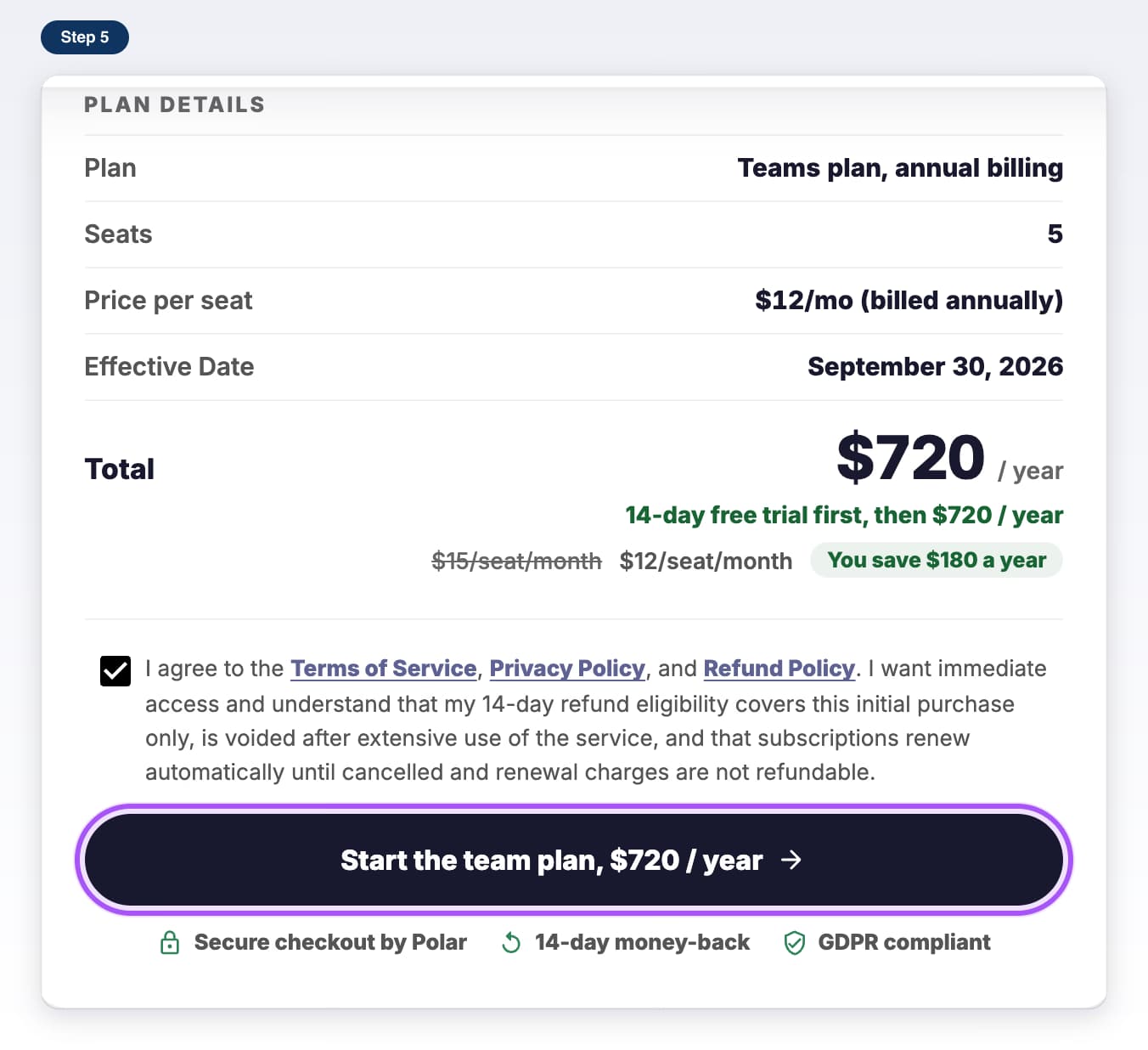
- Teams planStart a Teams planPick your seats, check out, and get your admin login by email.7 steps, 5 min
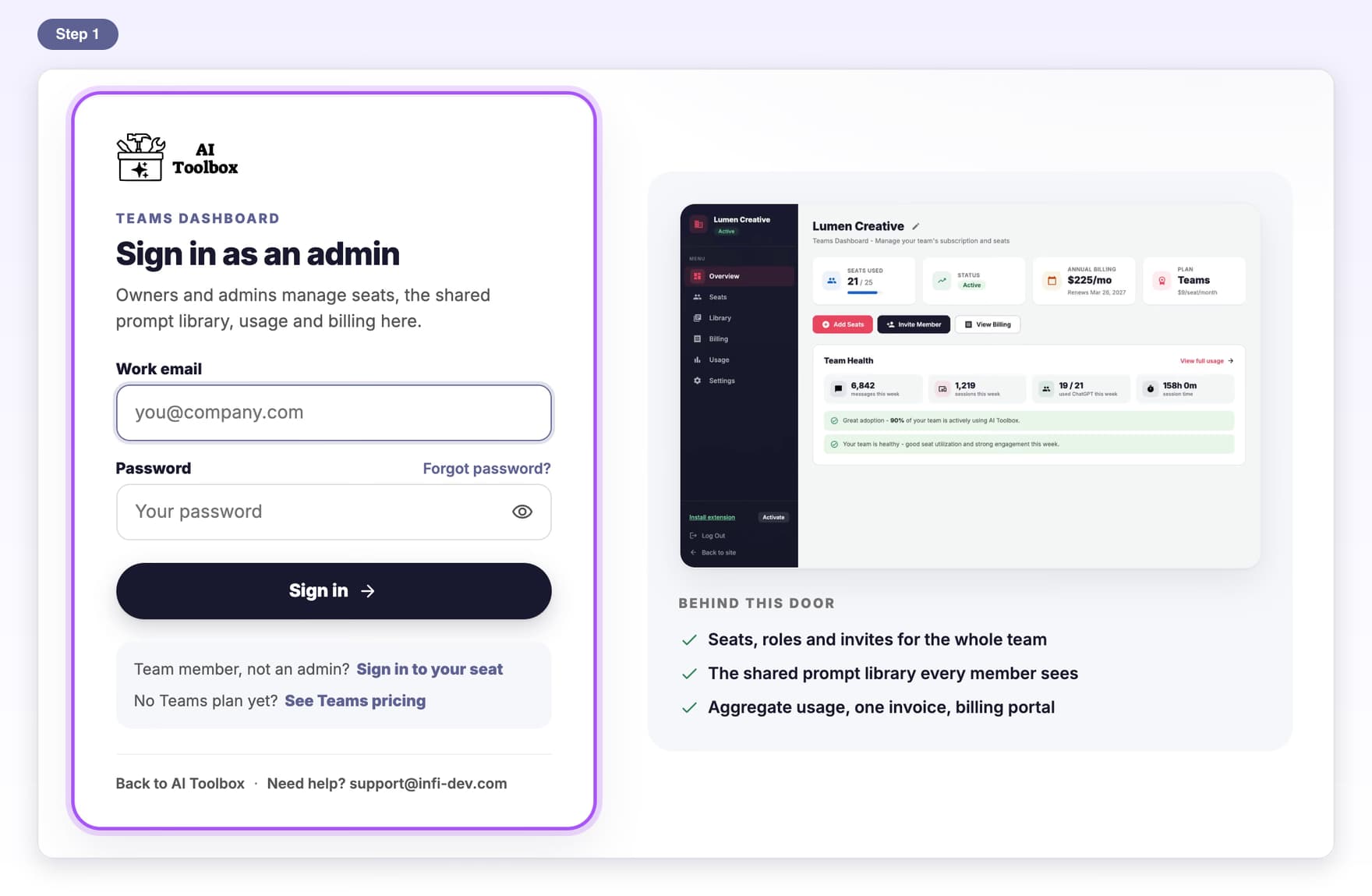
- Teams planAdmin sign-inSign in as an owner or admin, set your password and turn on 2FA.6 steps, 4 min
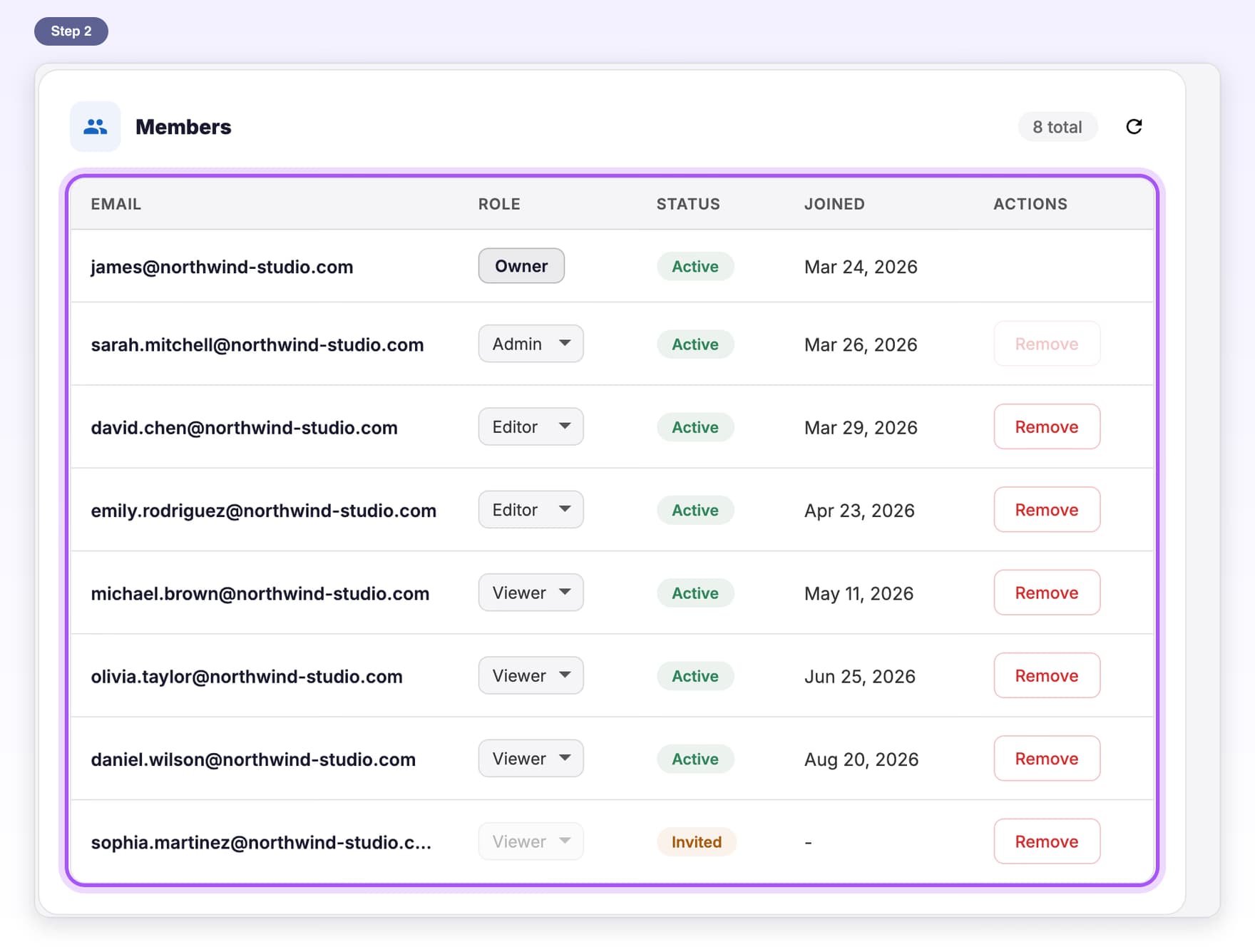
- Teams planInvite membersSend invite emails from the Seats page and resend one when needed.6 steps, 3 min
- Teams planTeam rolesWhat each role can do, and how to change someone's role.5 steps, 3 min
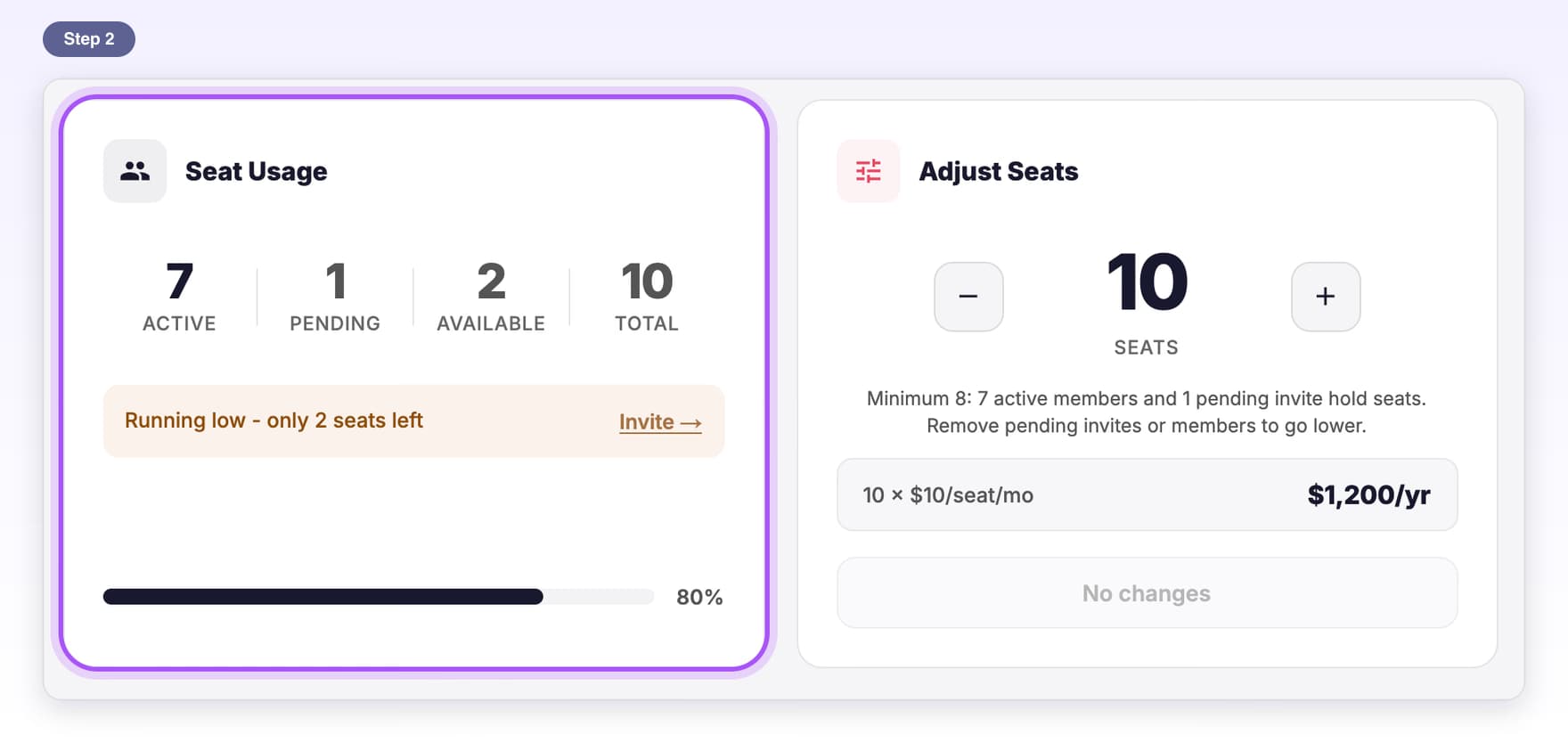
- Teams planSeats and membersChange your seat count and free up seats by removing members.6 steps, 3 min
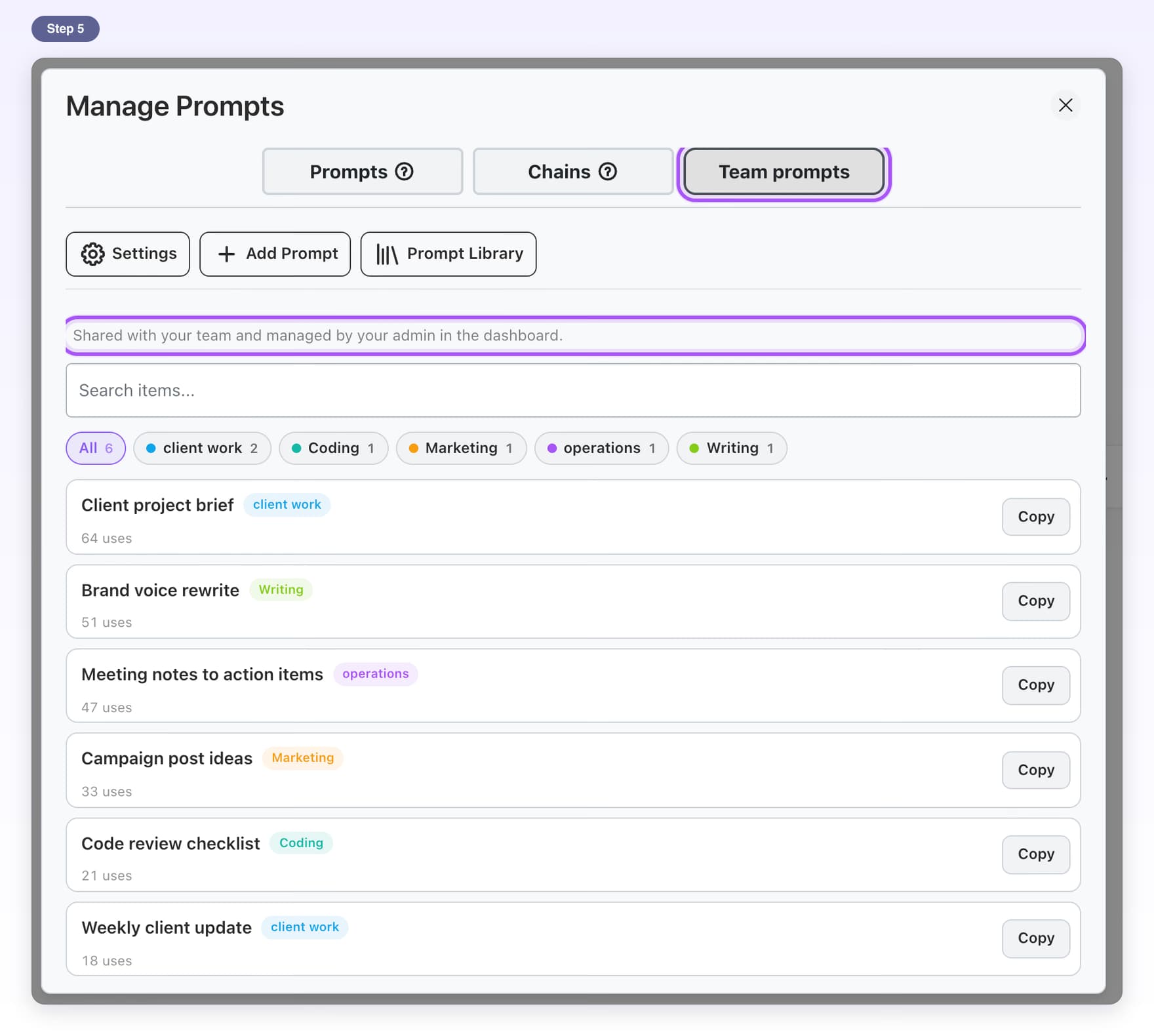
- Teams planShared prompt libraryAdd prompts once in the dashboard and everyone on the team can use them.7 steps, 5 min
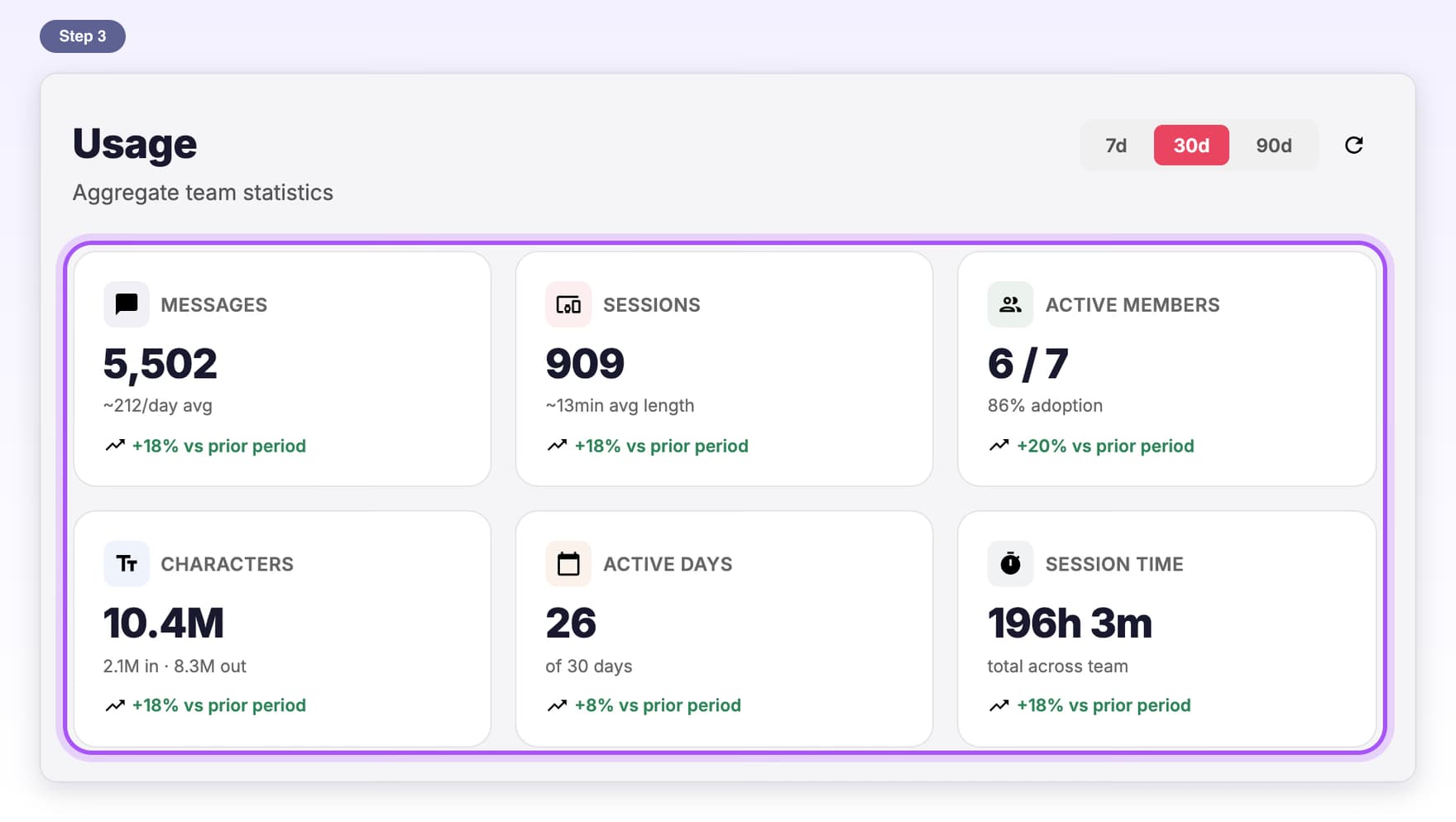
- Teams planTeam usageSee how much your team uses ChatGPT with AI Toolbox, in counts only.5 steps, 3 min
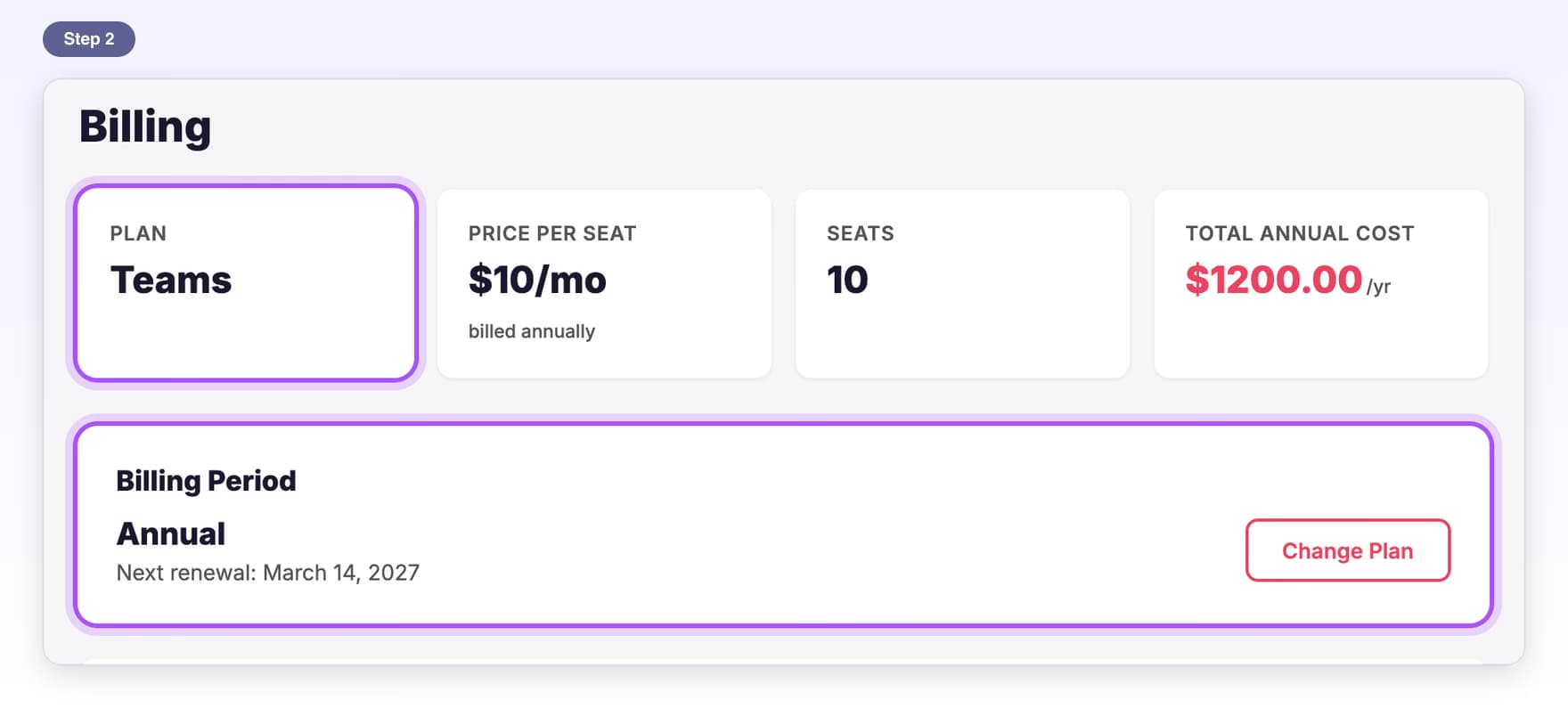
- Teams planBillingSee your plan, update payment, get invoices or cancel.6 steps, 3 min
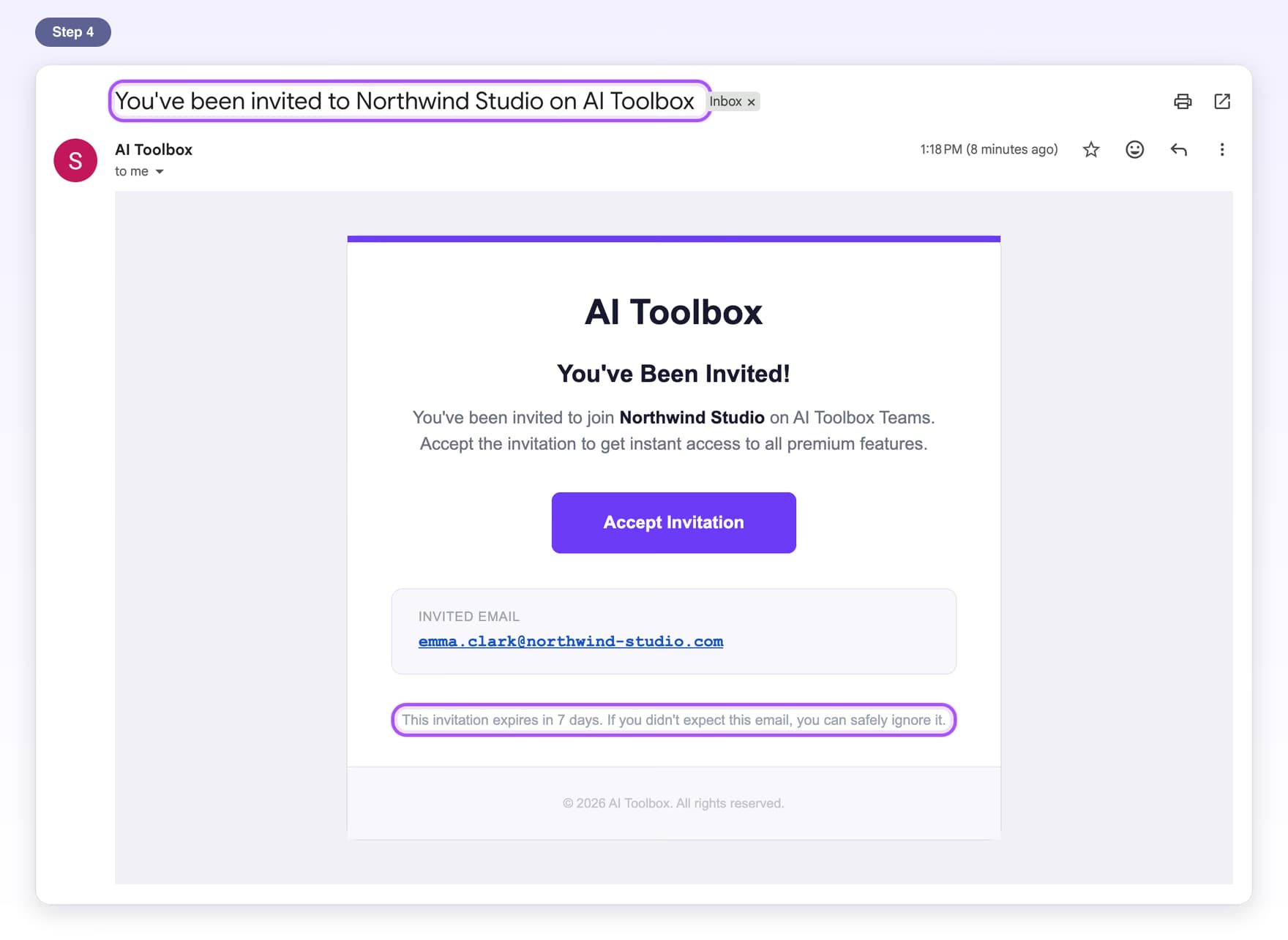
- Teams planAccept your inviteJoin your team from the invite email and turn on Premium.6 steps, 3 min
- Teams planTeam troubleshootingQuick fixes for invite, seat and sign-in messages.6 steps, 4 min