Gemini
 Gemini
AI Toolbox on Gemini
Folders, better search, export and prompts on gemini.google.com, explained one click at a time.
Gemini tutorials
- Free, with limitsSearch HistoryFind any old Gemini chat by a word you remember, with the matching messages shown.7 steps, 3 min
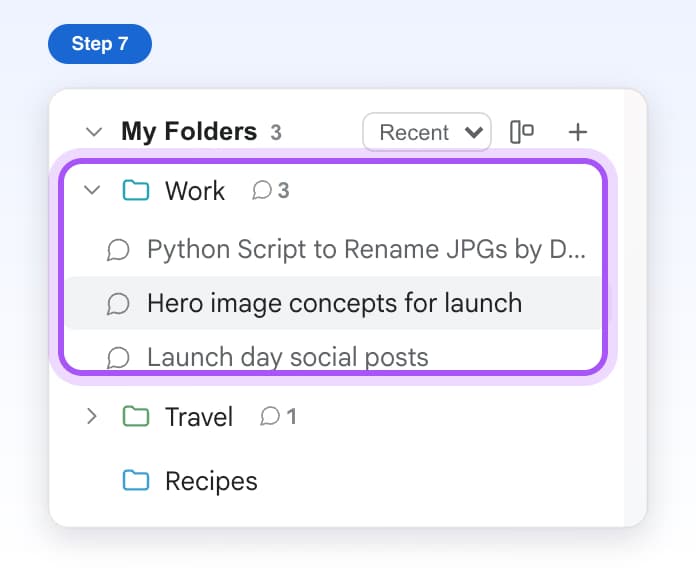
- Free, with limitsFoldersMake folders and subfolders on the left side of Gemini and file your chats in them.8 steps, 3 min
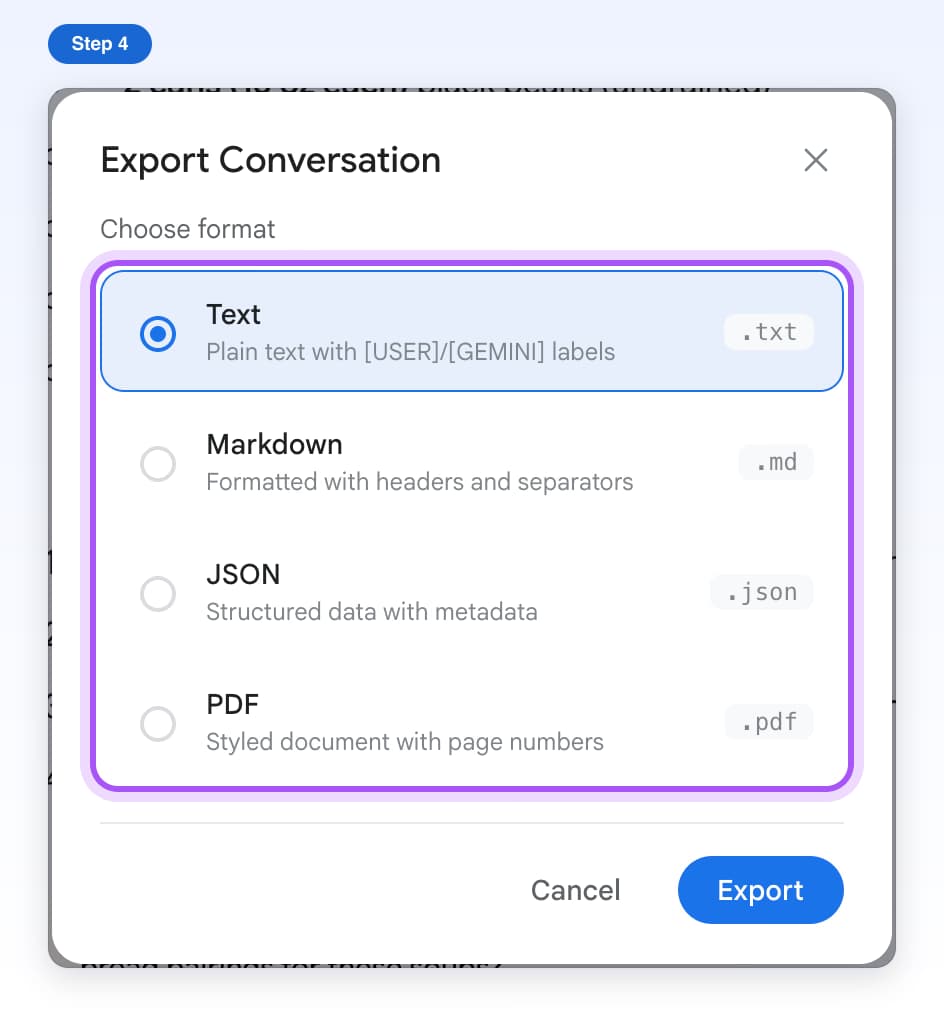
- Free, with limitsExport a ChatDownload a whole Gemini chat as a Text, Markdown, JSON or PDF file.6 steps, 2 min
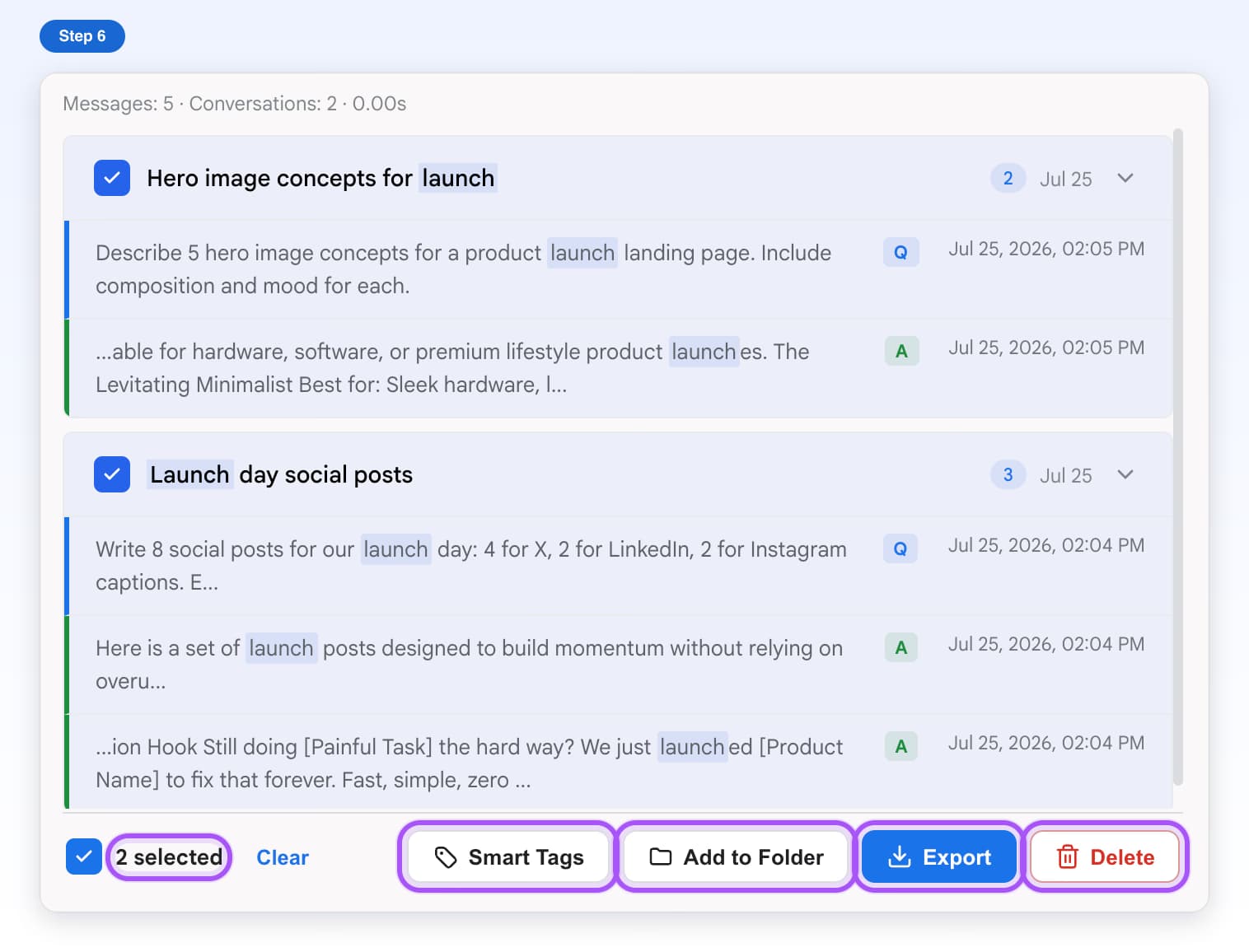
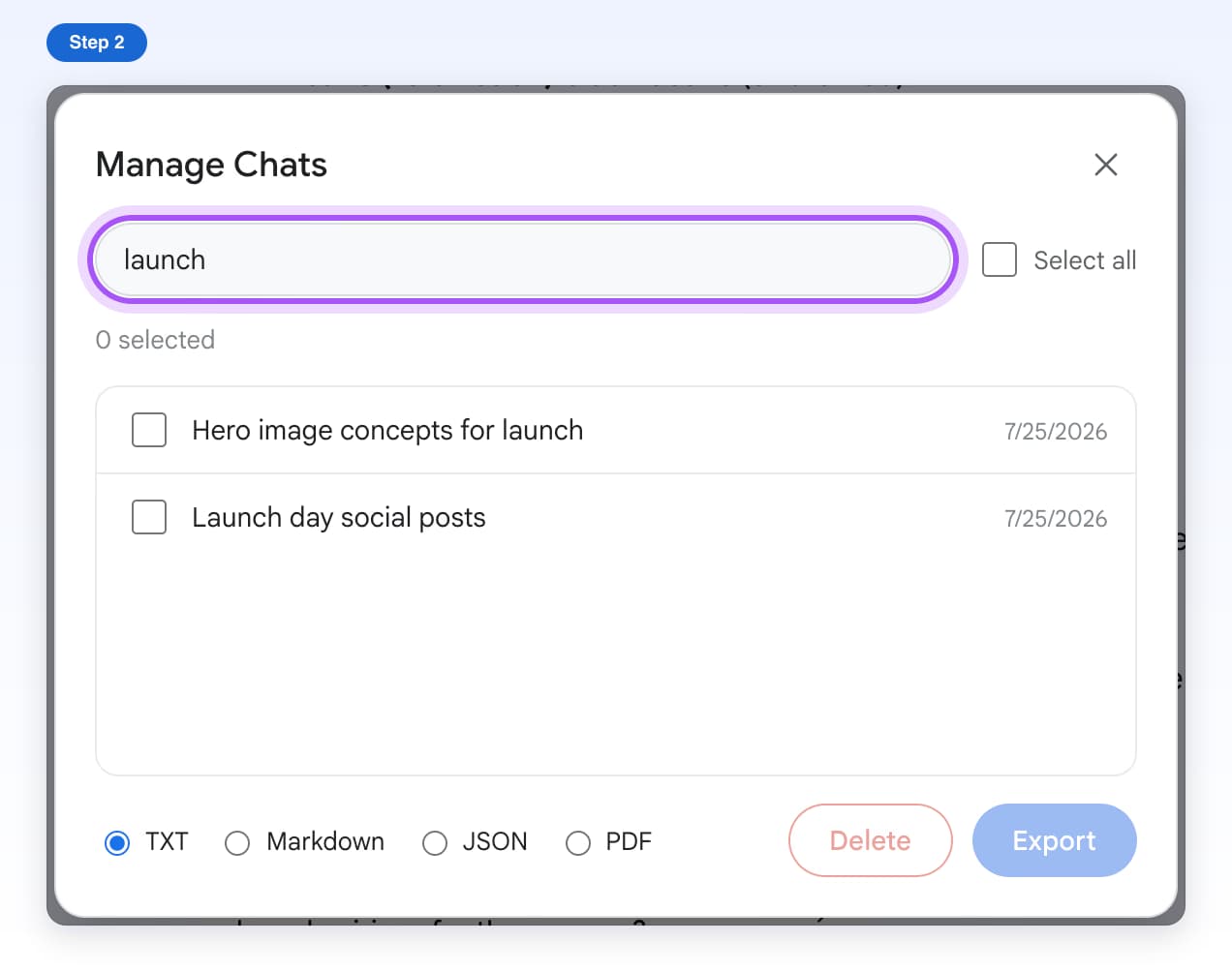
- Free, with limitsManage ChatsPick many Gemini chats and export them to one ZIP file or delete them together.5 steps, 3 min
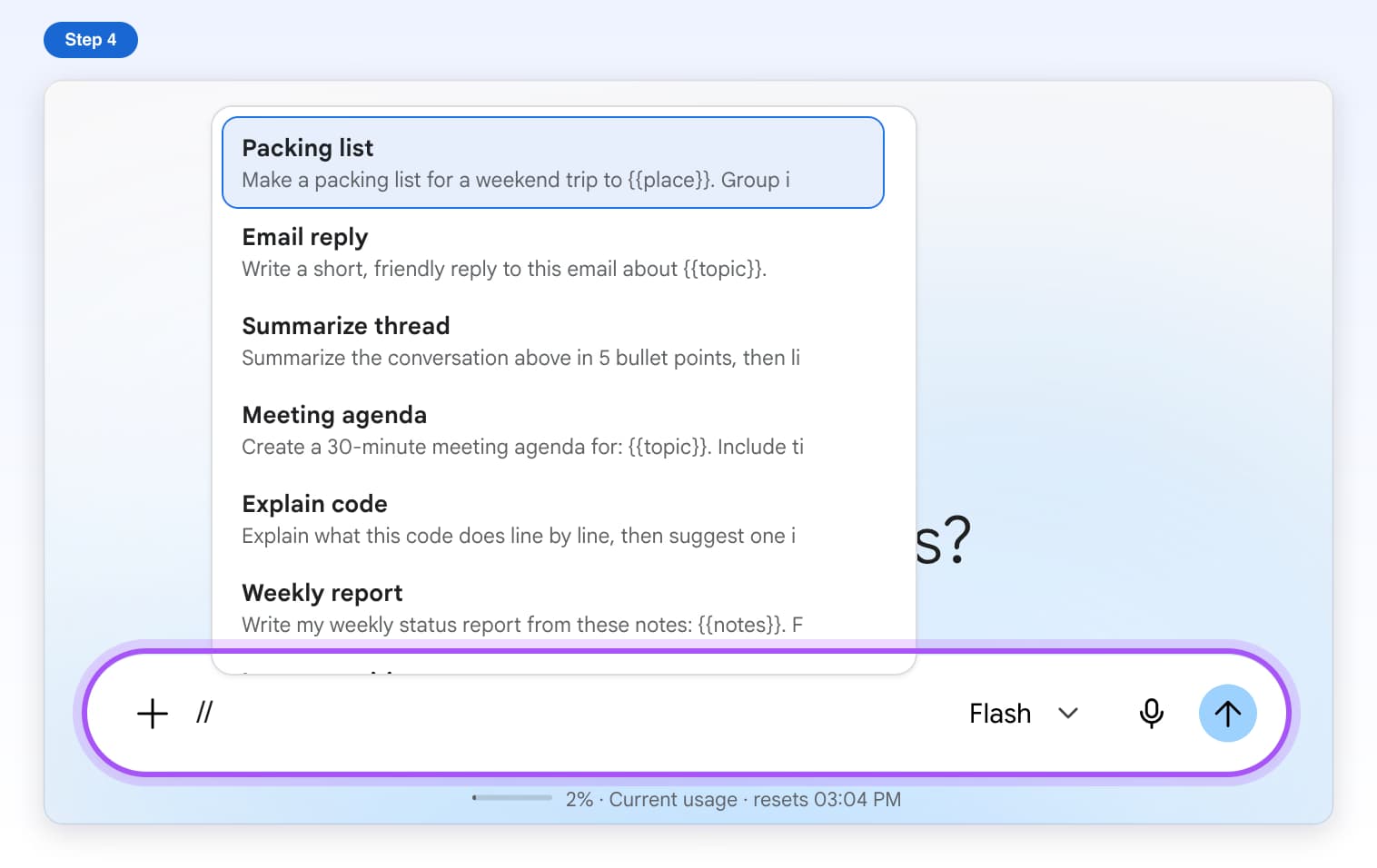
- Free, with limitsSaved PromptsSave prompts you use often and add them to Gemini's message box by typing //.7 steps, 3 min
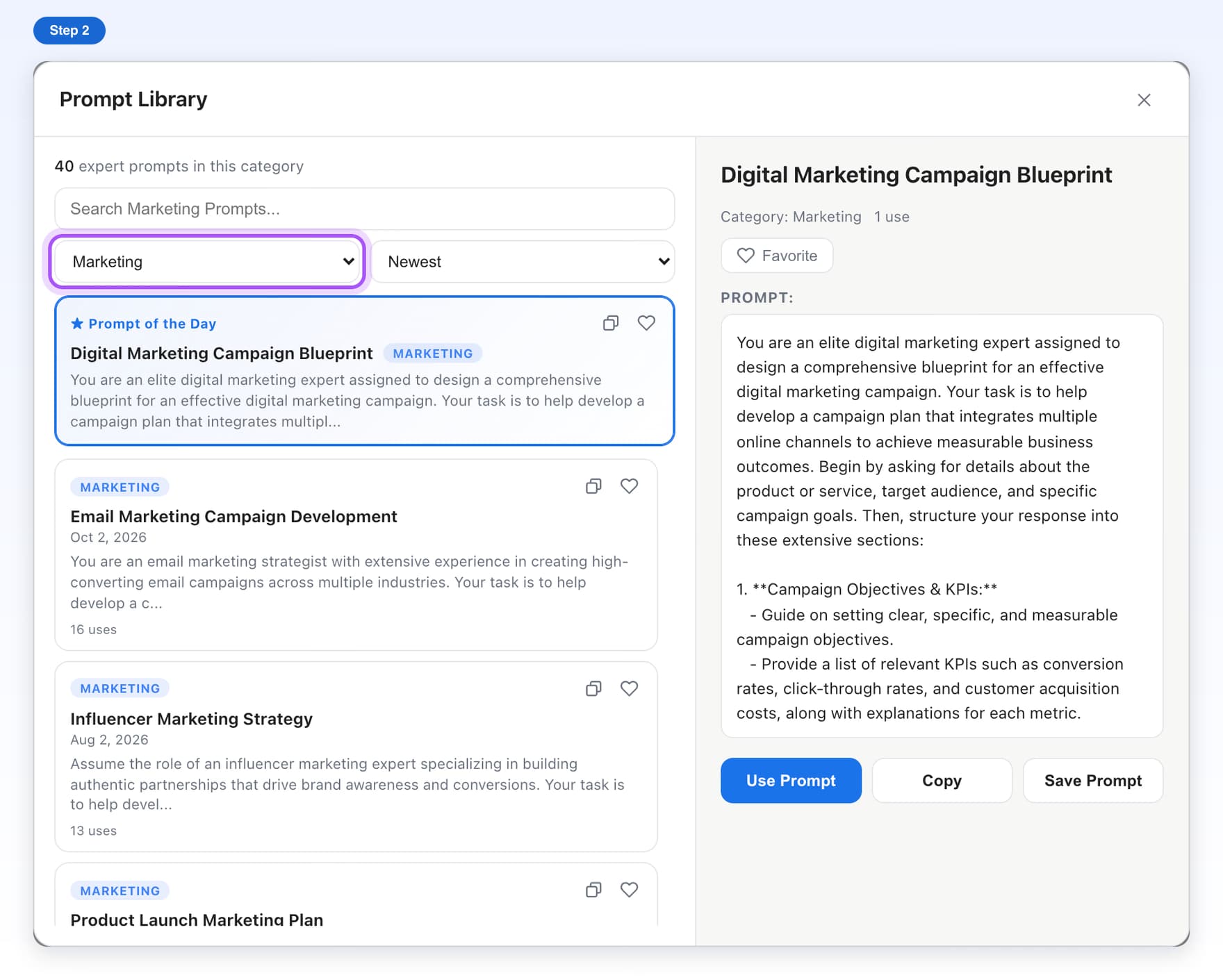
- Free, with limitsPrompt LibraryBrowse ready-made prompts by category and add one to Gemini with a click.6 steps, 2 min
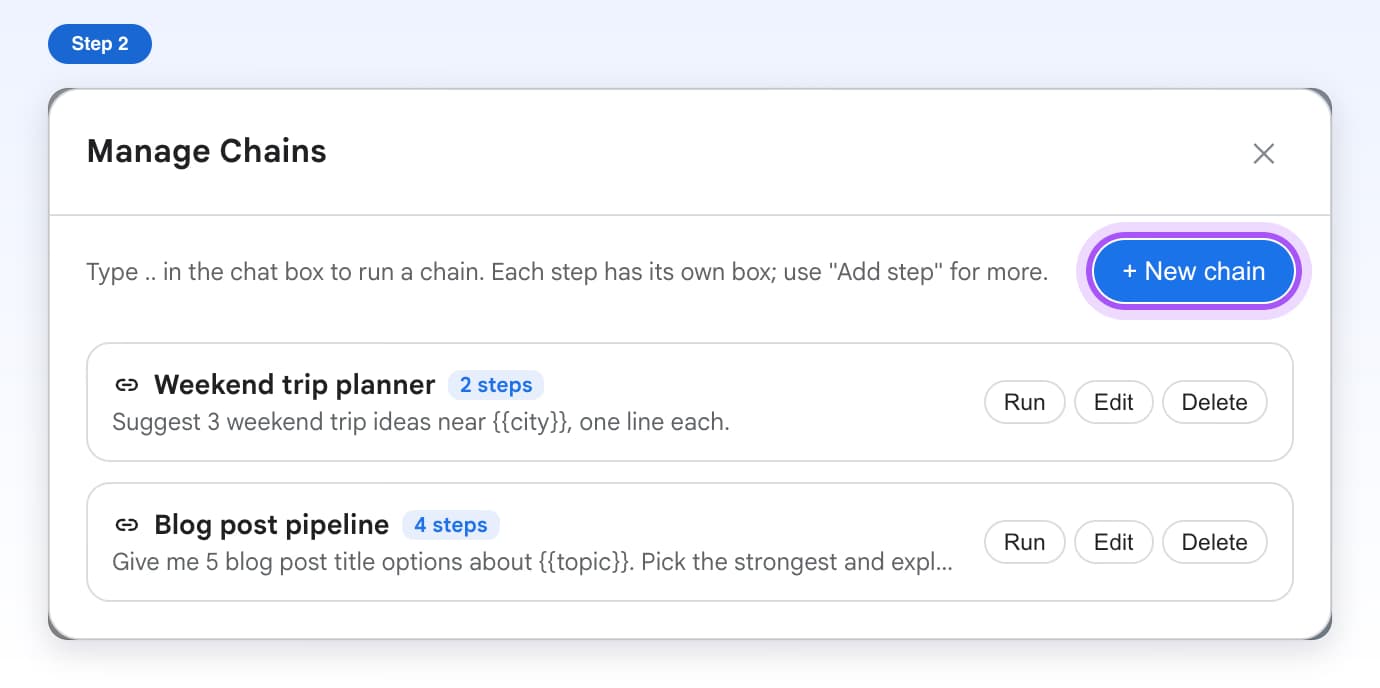
- Free, with limitsPrompt ChainsSend a list of prompts to Gemini one after another, waiting for each answer.7 steps, 4 min
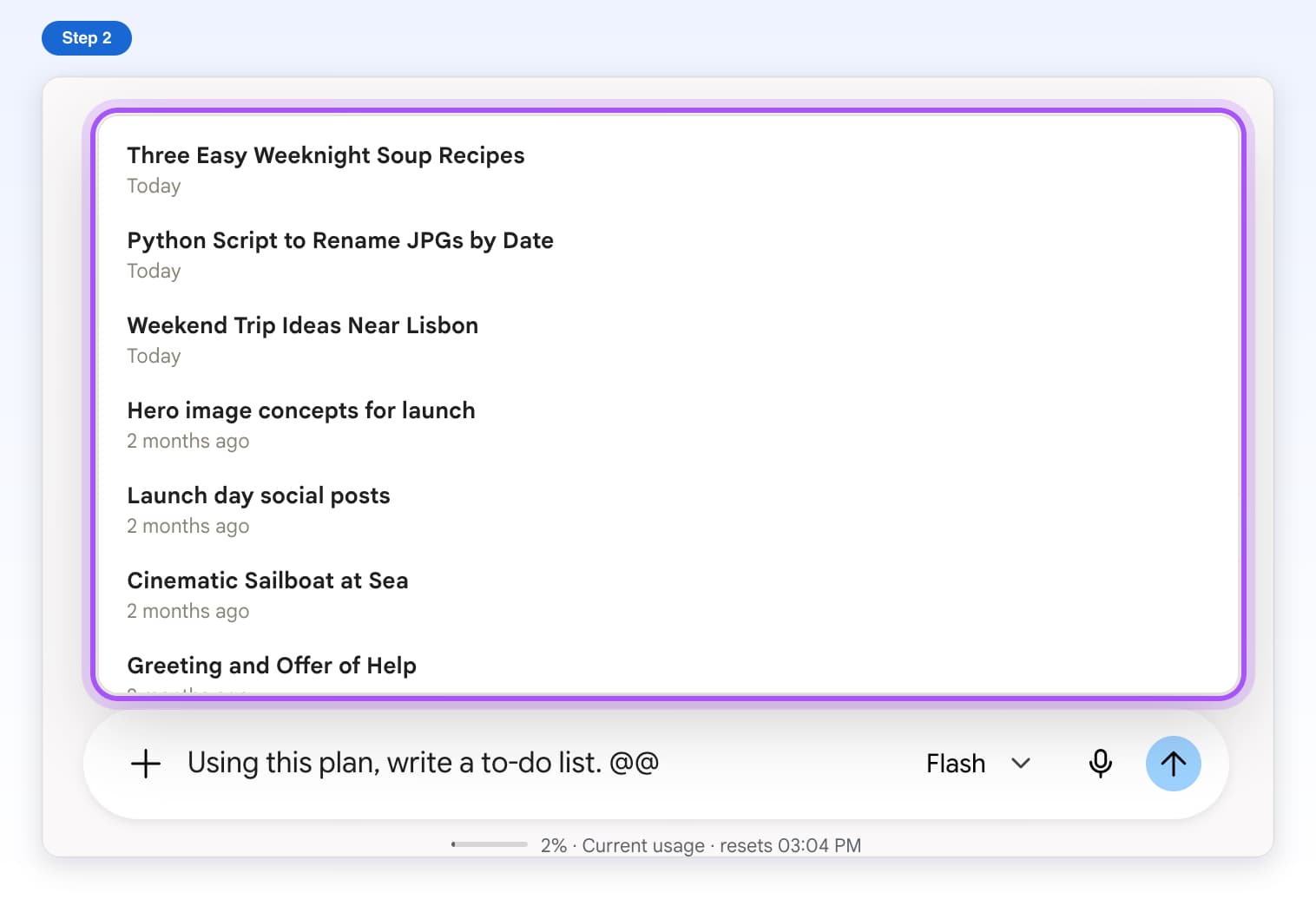
- Free, with limitsContext MentionsType @@ to add the content of a past Gemini chat to your message.5 steps, 2 min
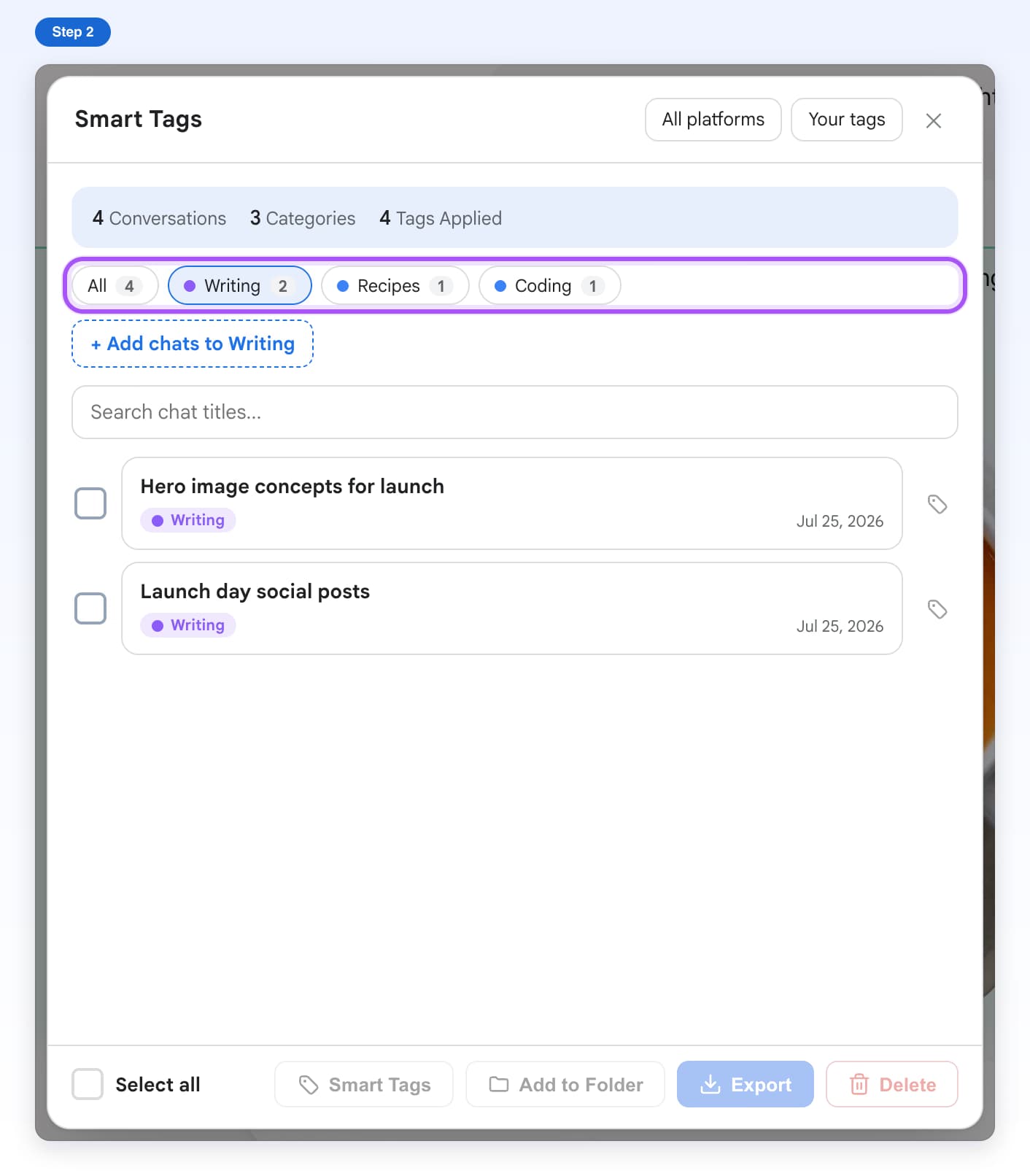
- Free, with limitsSmart TagsGroup your Gemini chats by topic, automatically or by hand.9 steps, 5 min
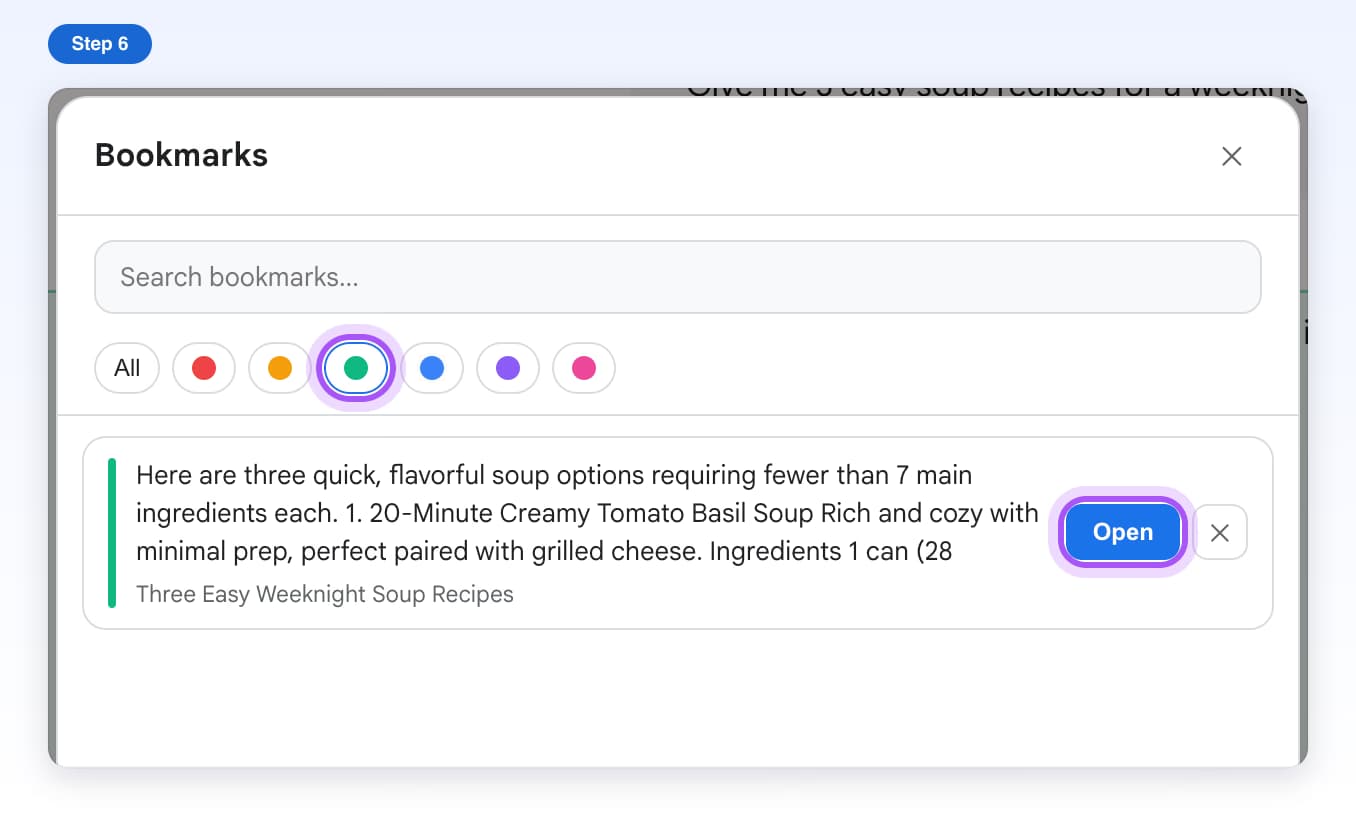
- Free, with limitsBookmarksSave important Gemini answers, color them, and jump back to them later.7 steps, 2 min
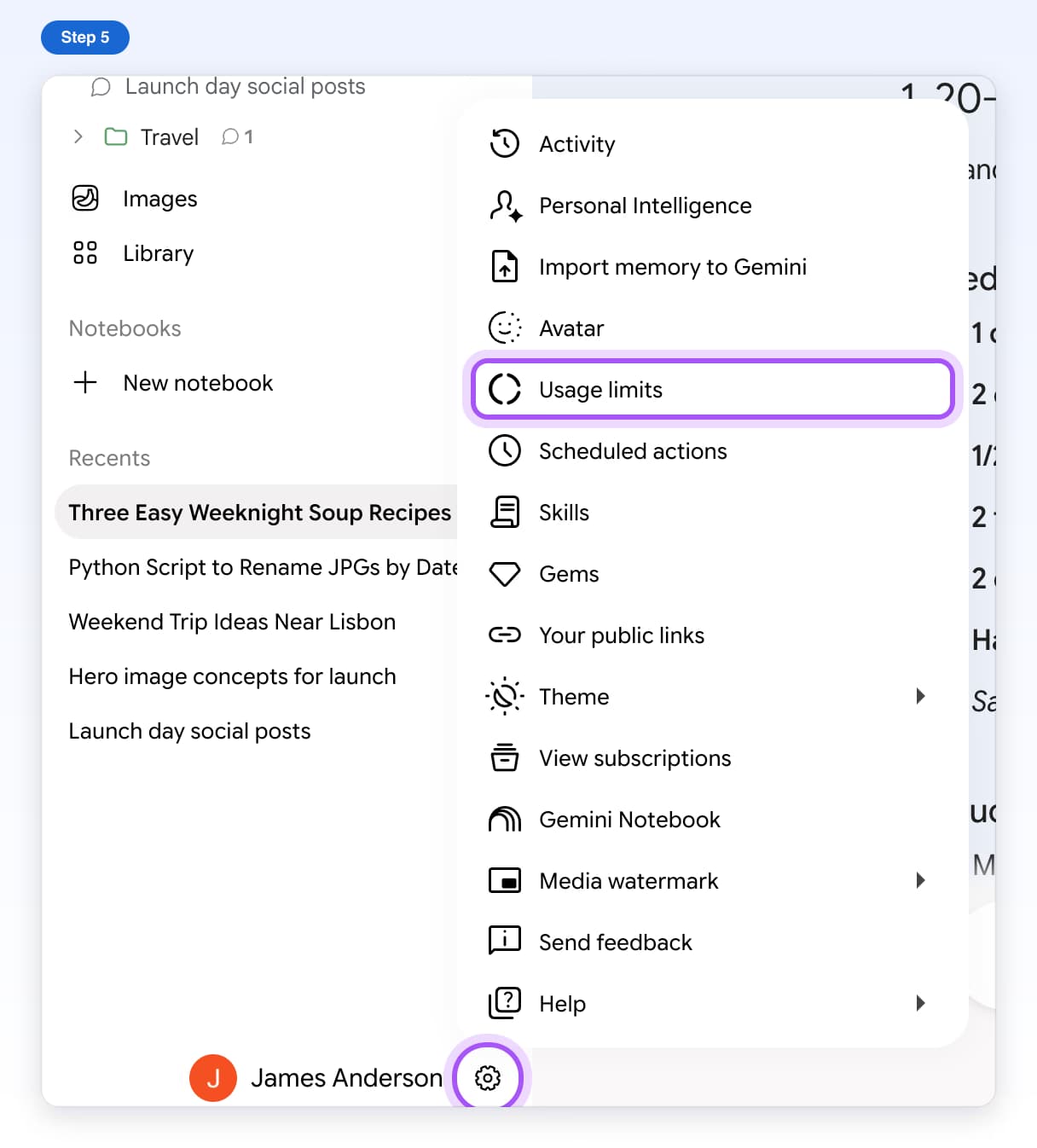
- FreeUsage BadgeSee how much of Gemini's usage limit you have used, right under the message box.5 steps, 1 min
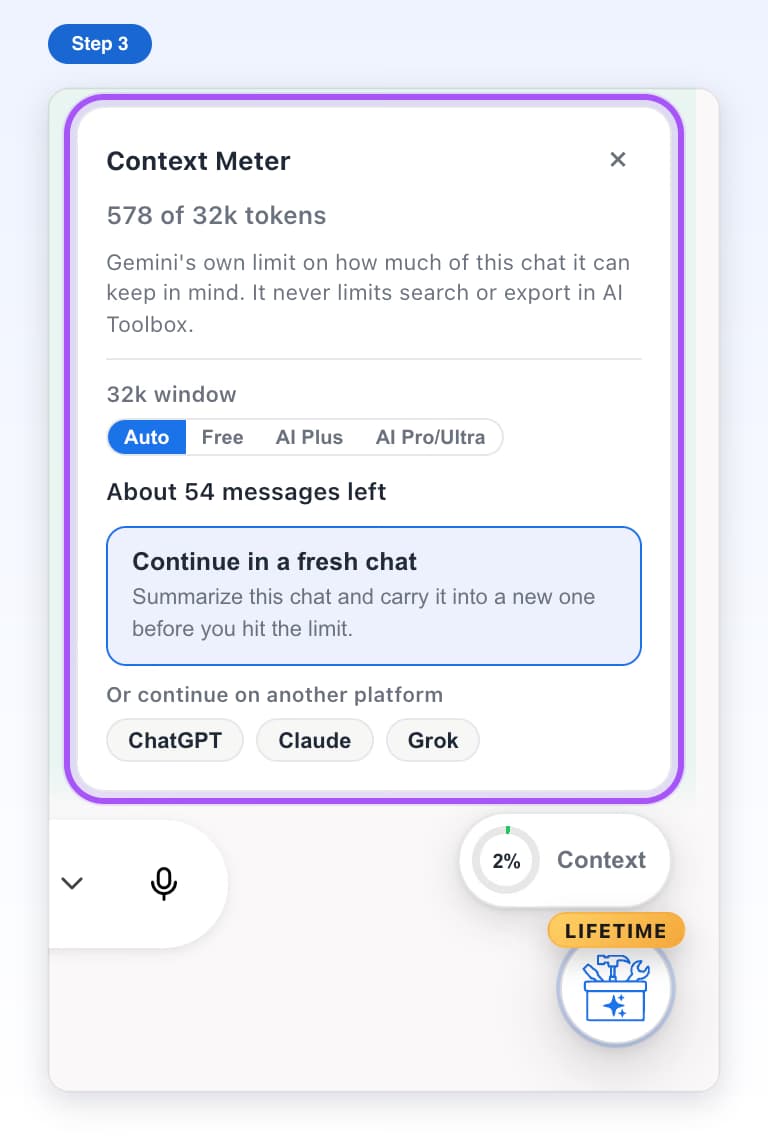
- FreeContext MeterSee how full a Gemini chat's memory is before Gemini starts forgetting.6 steps, 2 min
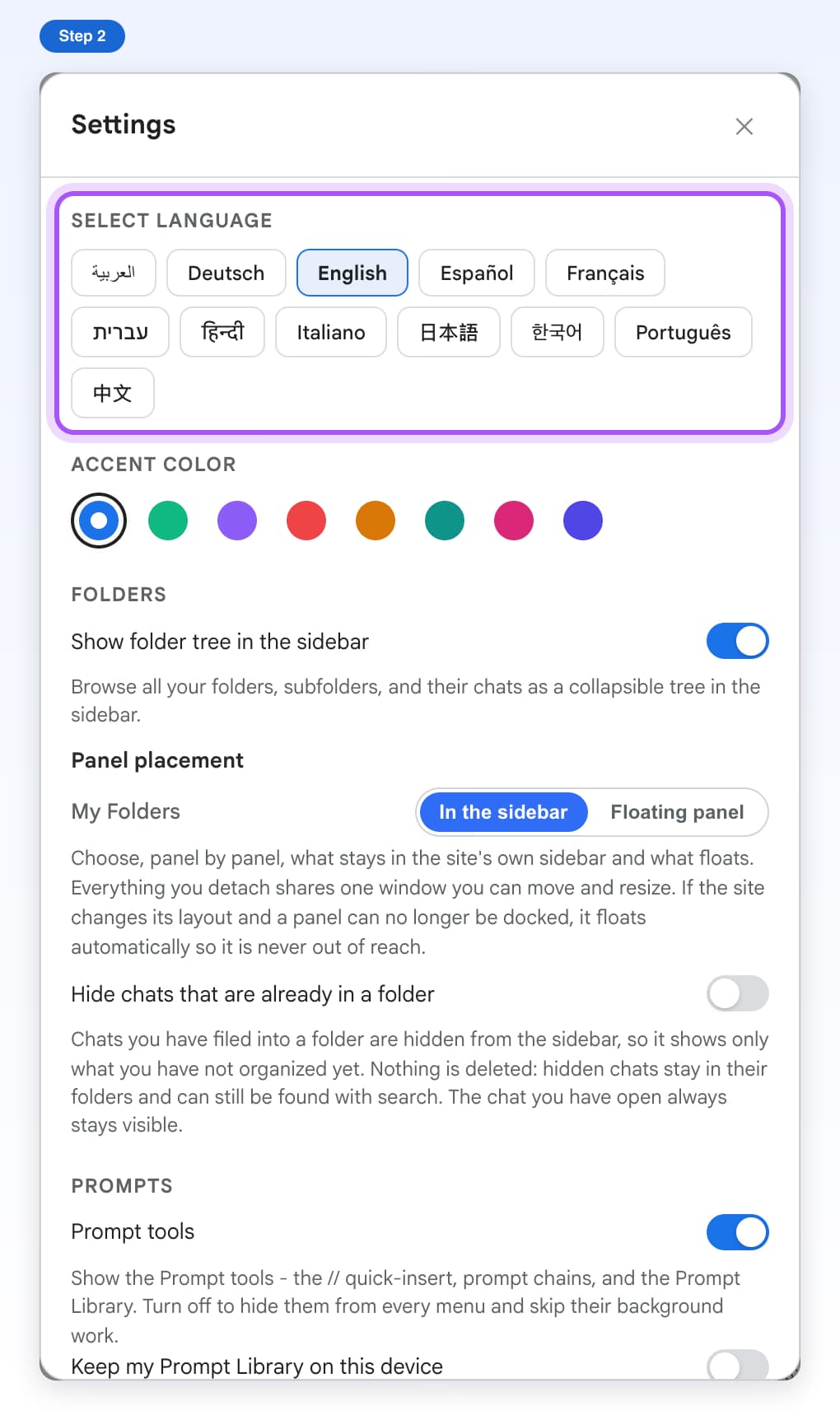
- Free, with limitsSettingsChange the language, colors and options AI Toolbox uses on Gemini.7 steps, 3 min