Grok
 Grok
GrokAI Toolbox on Grok
Folders, search, export and prompts on grok.com and on Grok inside X, explained one click at a time.
Grok tutorials
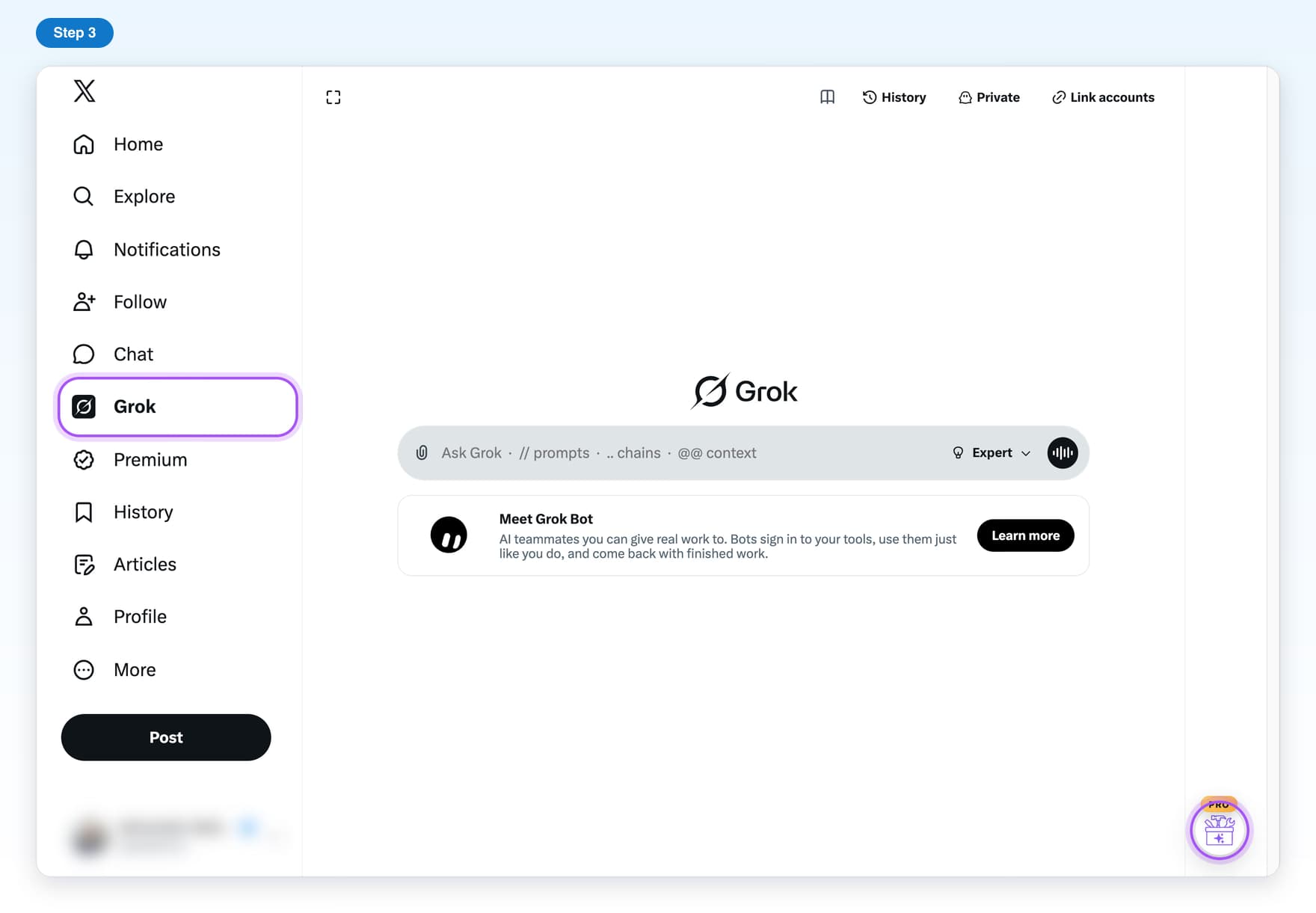
- Freegrok.com vs Grok on XWhere AI Toolbox shows up on grok.com and on X, and what is different between them.6 steps, 3 min
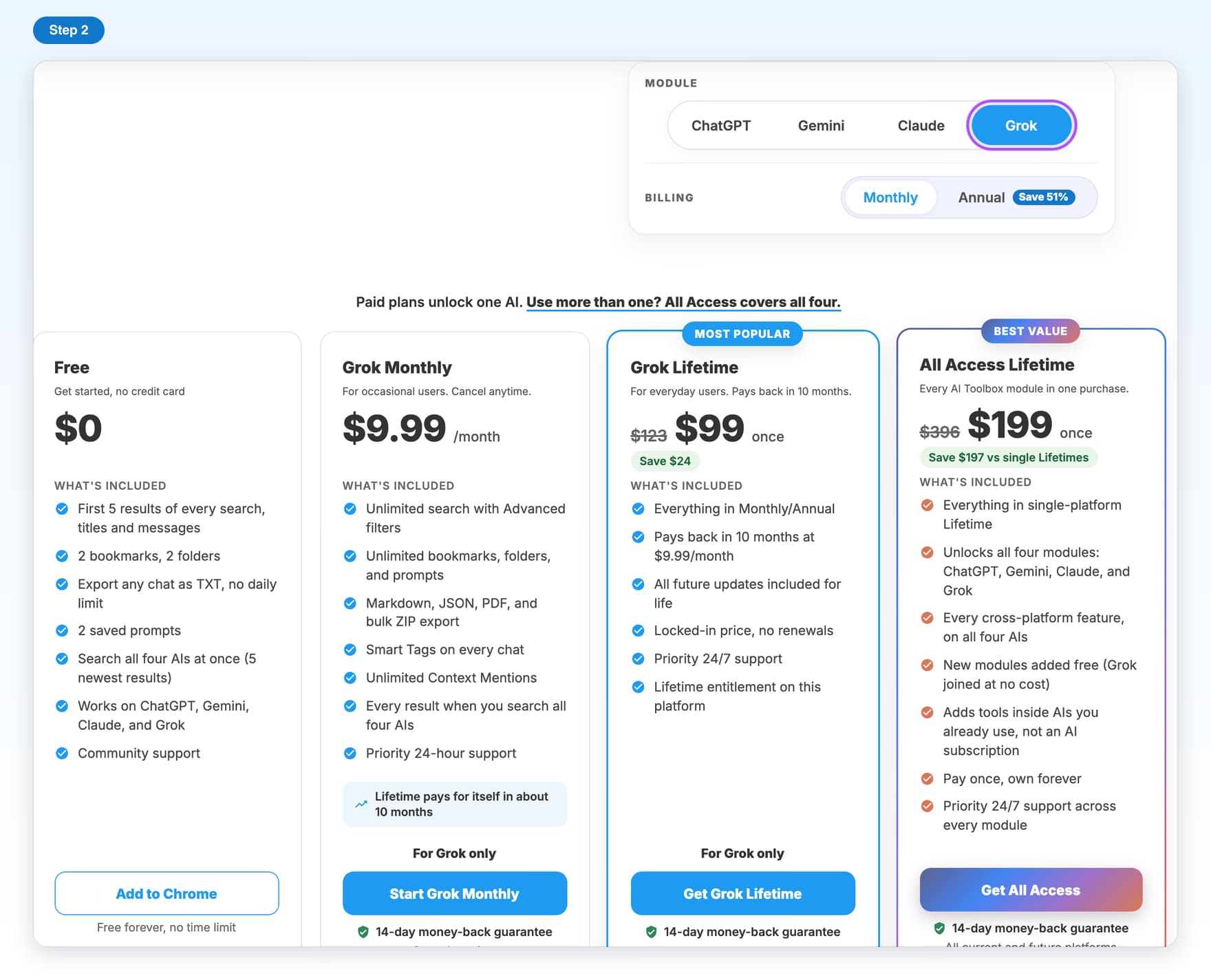
- PremiumUnlock Premium on GrokBuy Premium with your X @handle and turn it on for grok.com and X.5 steps, 4 min
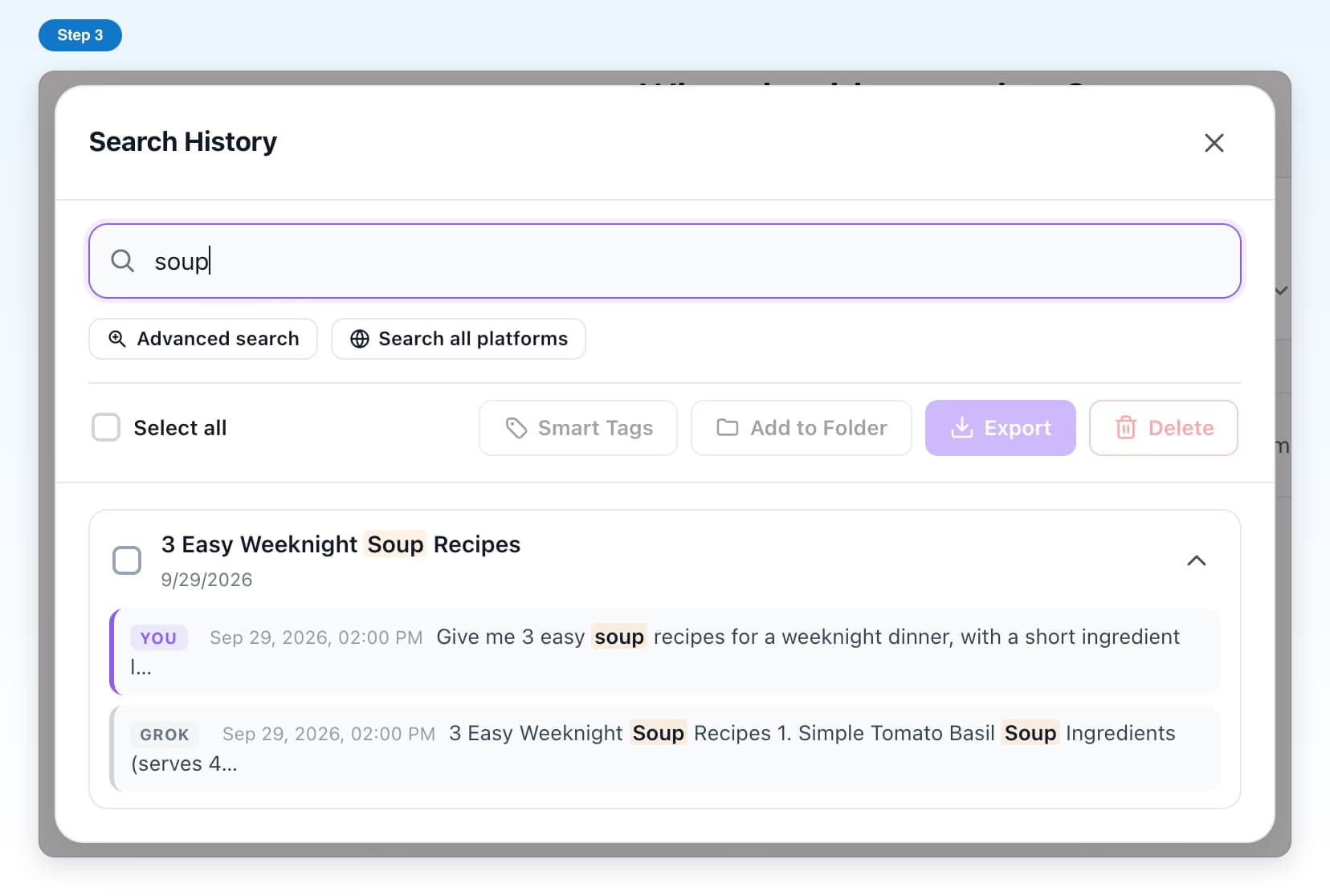
- Free, with limitsSearch HistoryFind any Grok chat by a word inside it, on grok.com or X.6 steps, 3 min
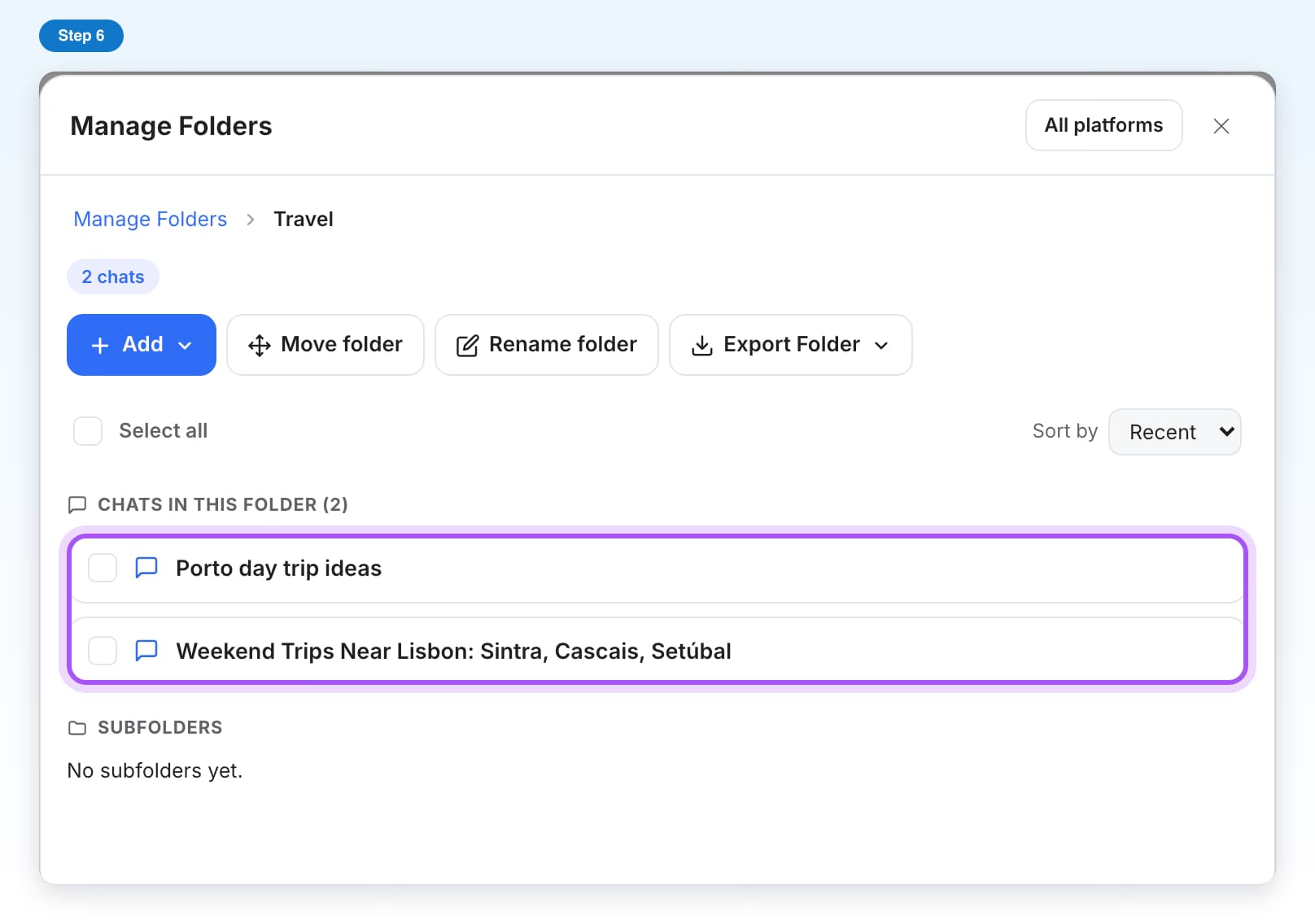
- Free, with limitsFoldersCreate folders and subfolders and put your Grok chats inside them.7 steps, 4 min
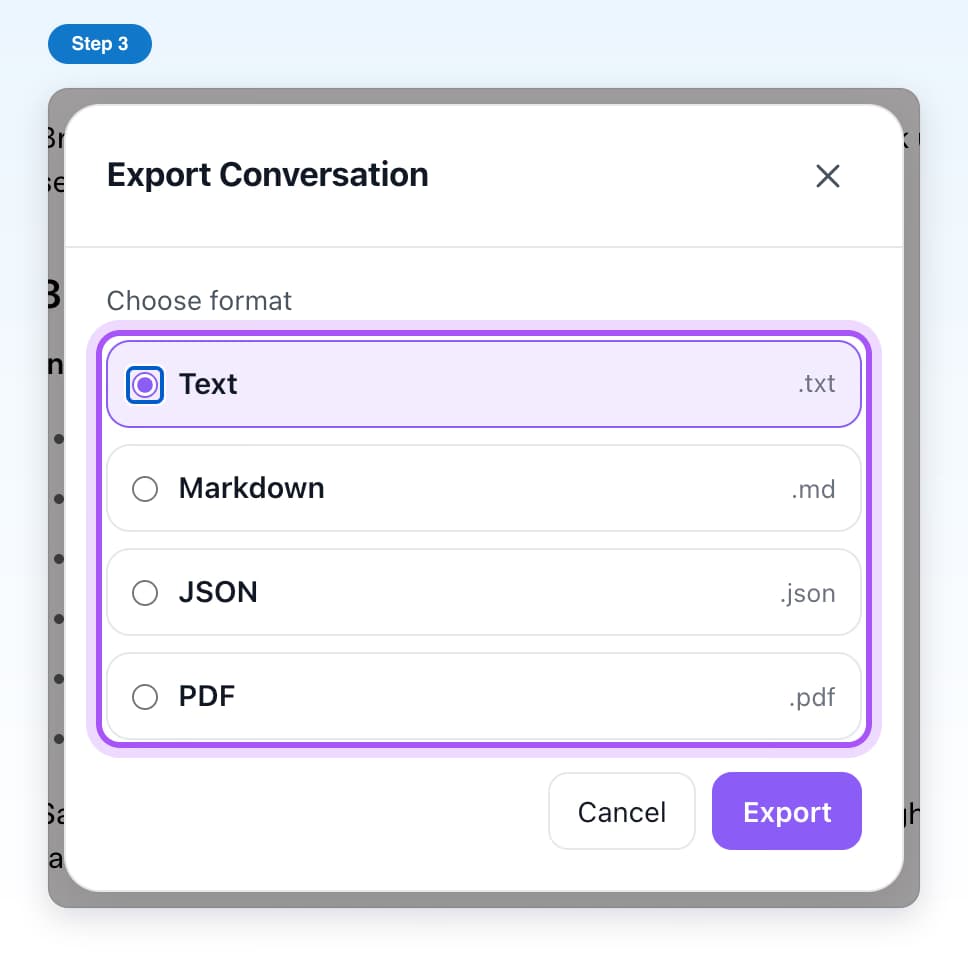
- Free, with limitsExport a chatSave a Grok chat as a Text, Markdown, JSON or PDF file.5 steps, 2 min
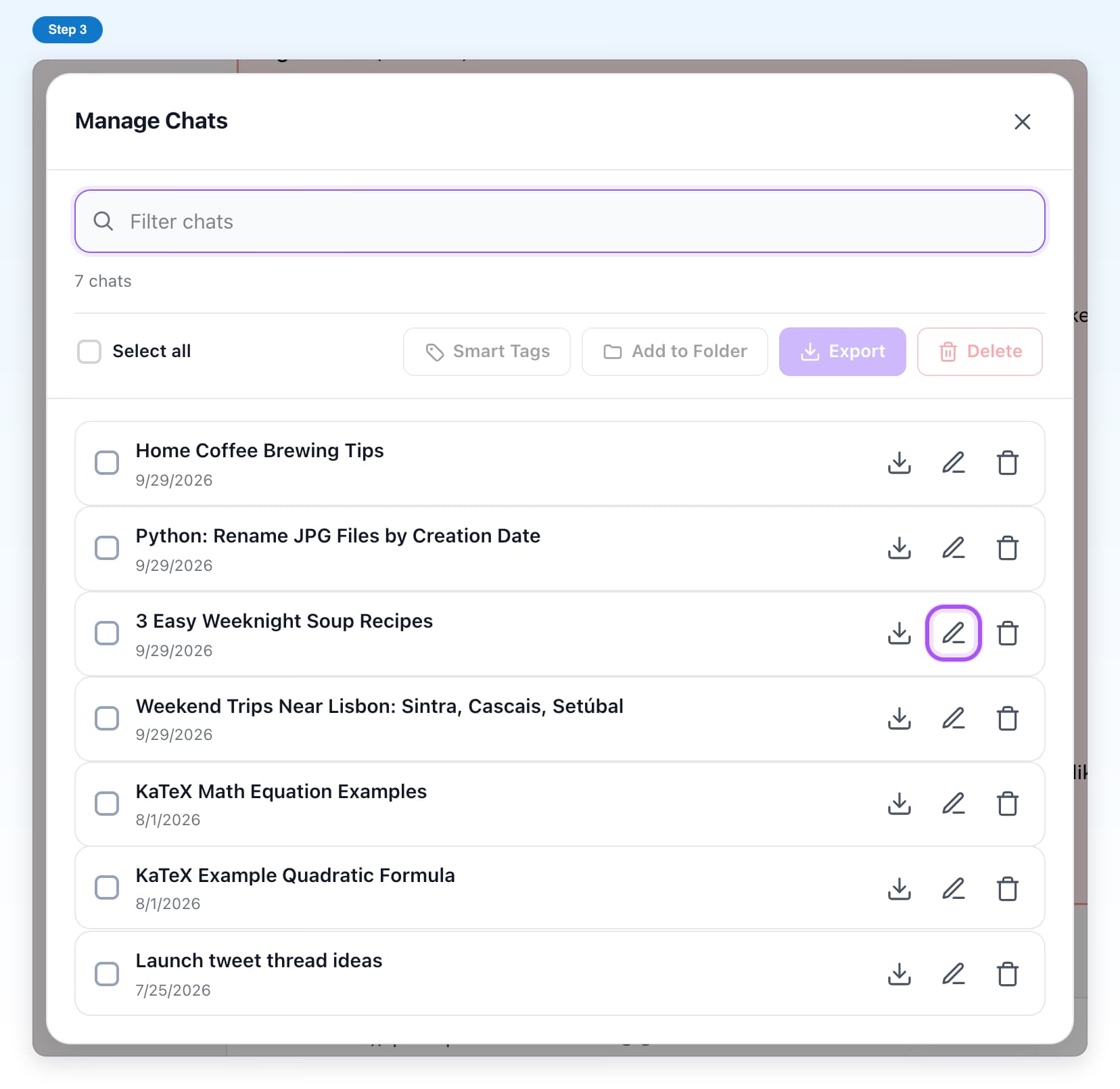
- Free, with limitsManage ChatsAll your Grok chats in one list, with rename, export, delete and folder filing.6 steps, 3 min
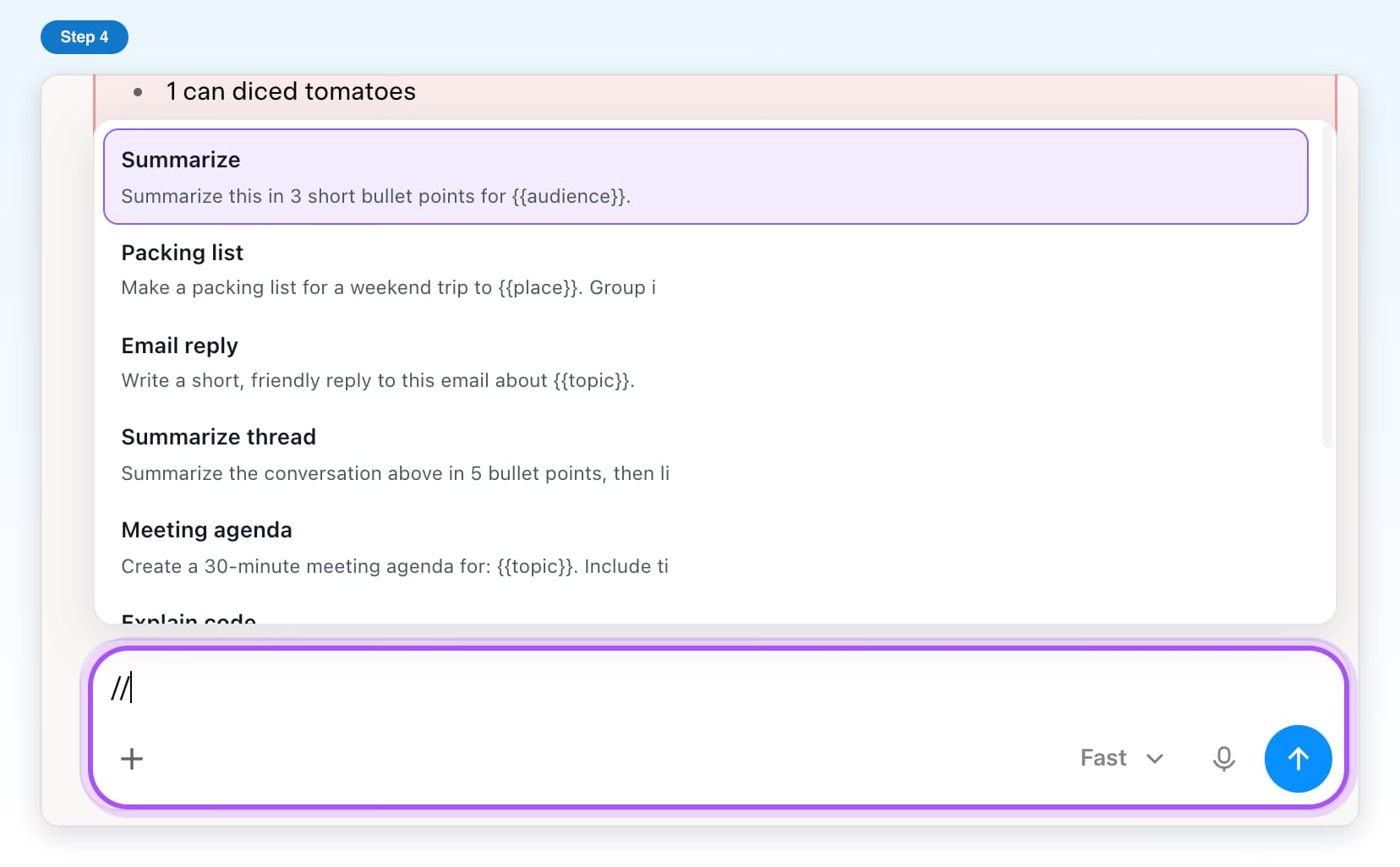
- Free, with limitsSaved promptsSave prompts once and insert them in Grok by typing //.5 steps, 3 min
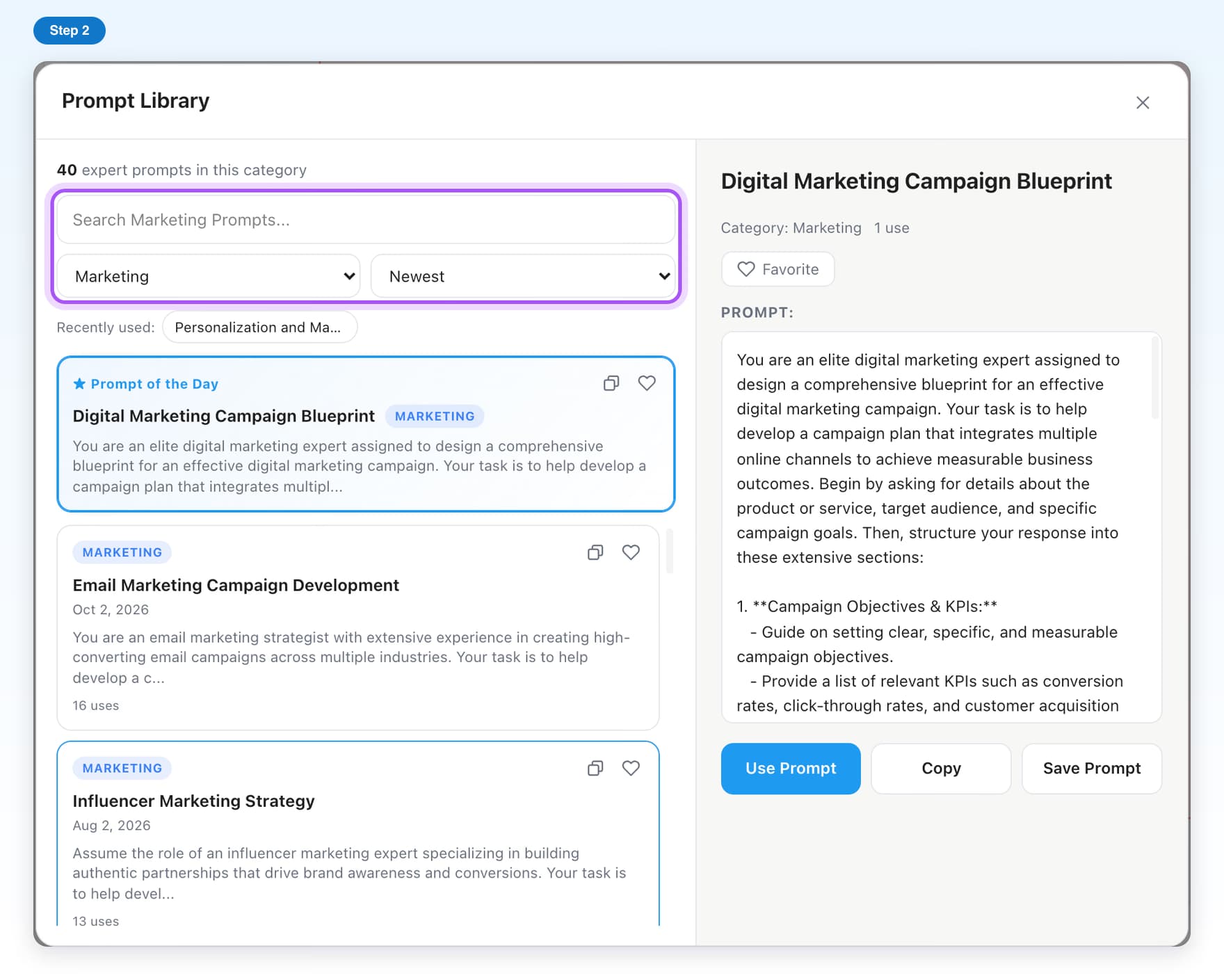
- Free, with limitsPrompt LibraryBrowse ready-made prompts and put one in Grok with one click.5 steps, 2 min
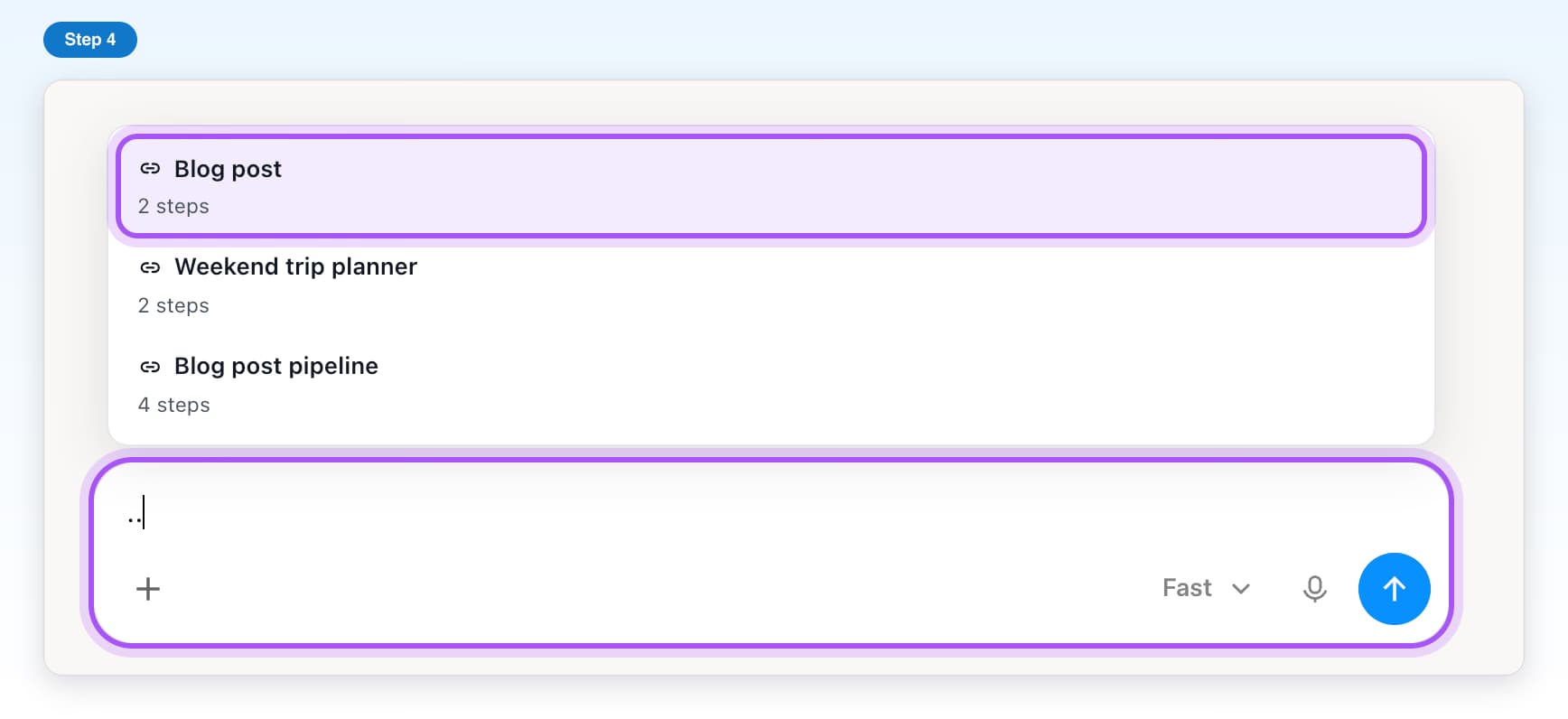
- Free, with limitsPrompt chainsSend a series of prompts to Grok one after another, hands free.5 steps, 4 min
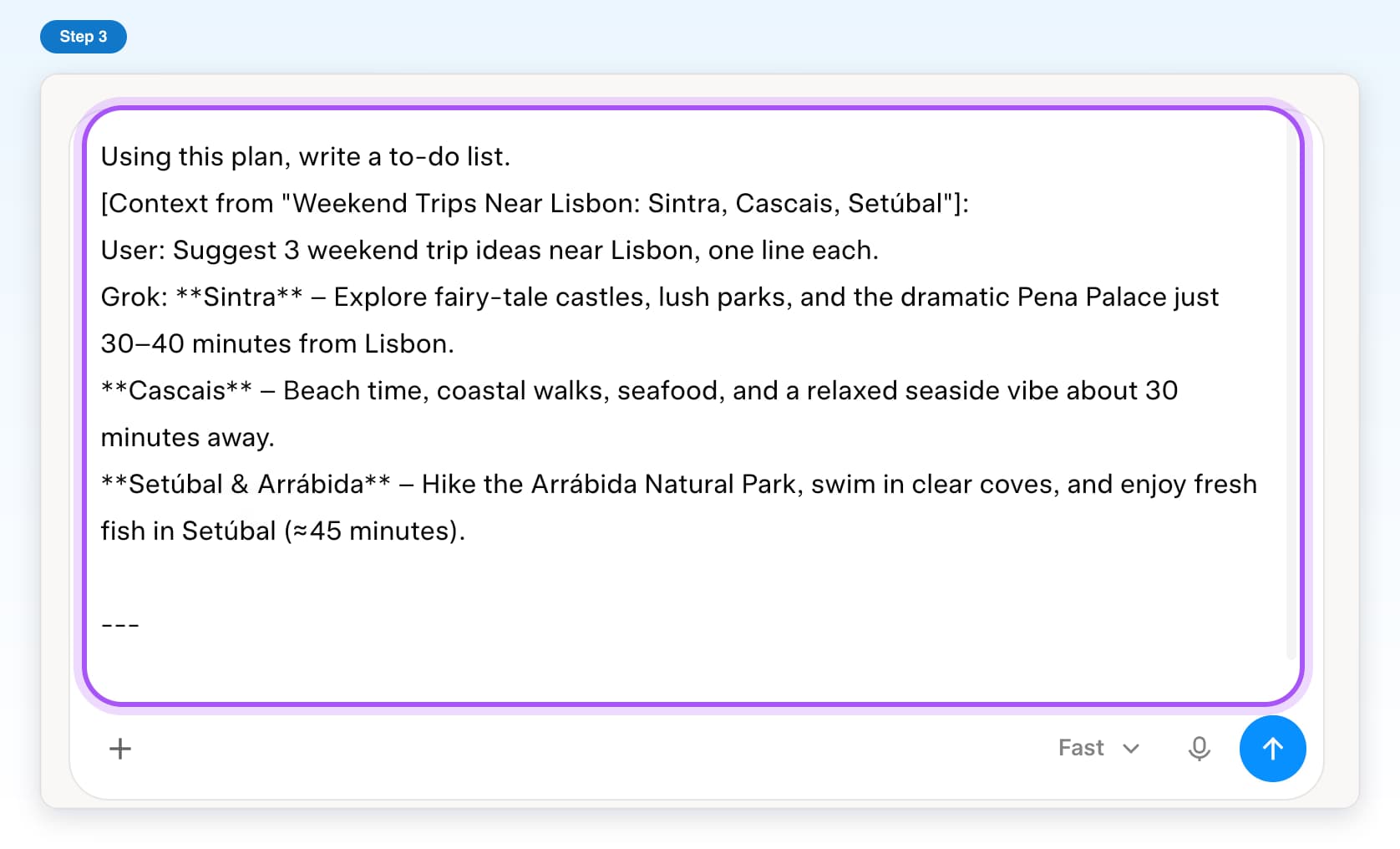
- Free, with limitsContext mentionsGive Grok the content of a past chat by typing @@.4 steps, 2 min
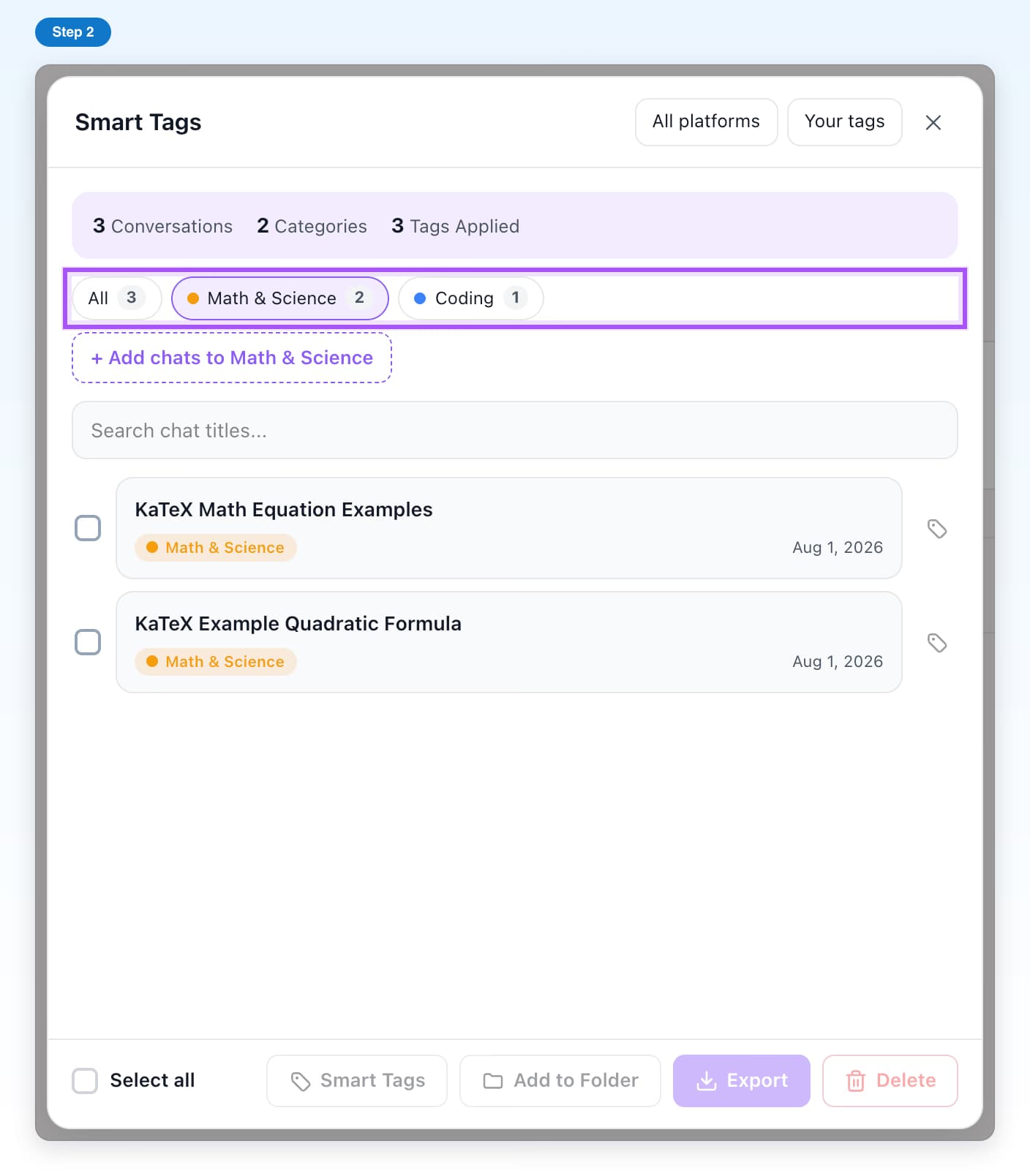
- Free, with limitsSmart TagsGroup your Grok chats by topic, automatically or by hand.8 steps, 5 min
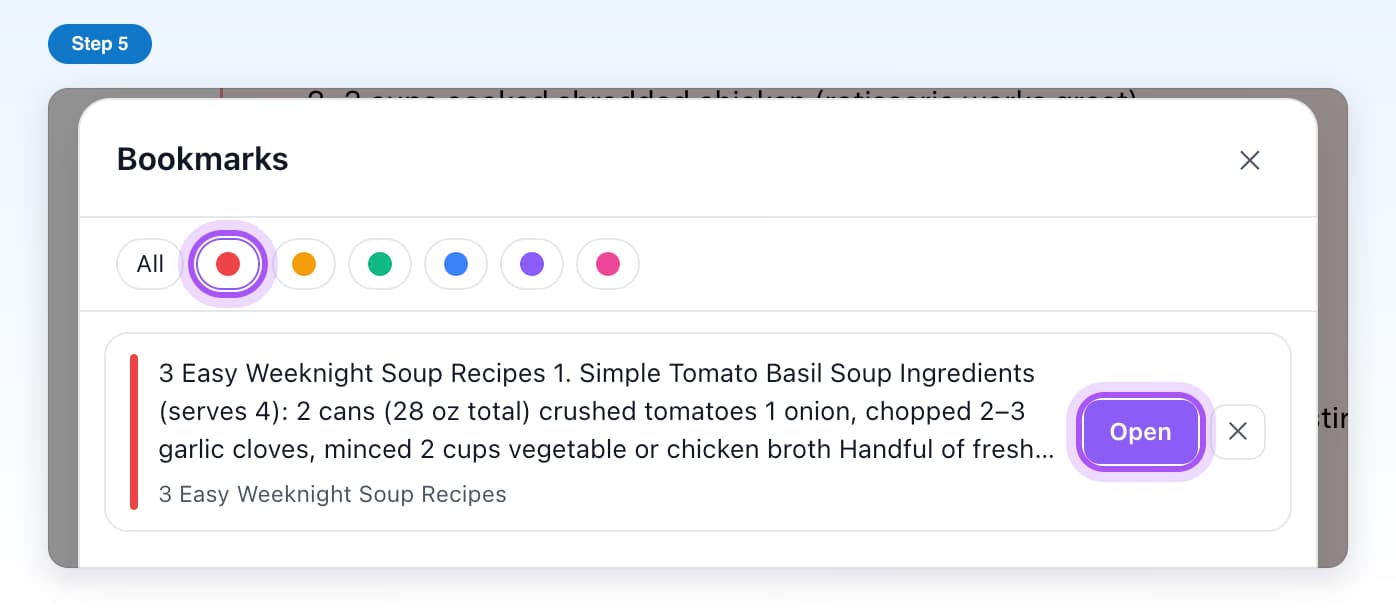
- Free, with limitsBookmarksSave single Grok answers and jump straight back to them.6 steps, 3 min
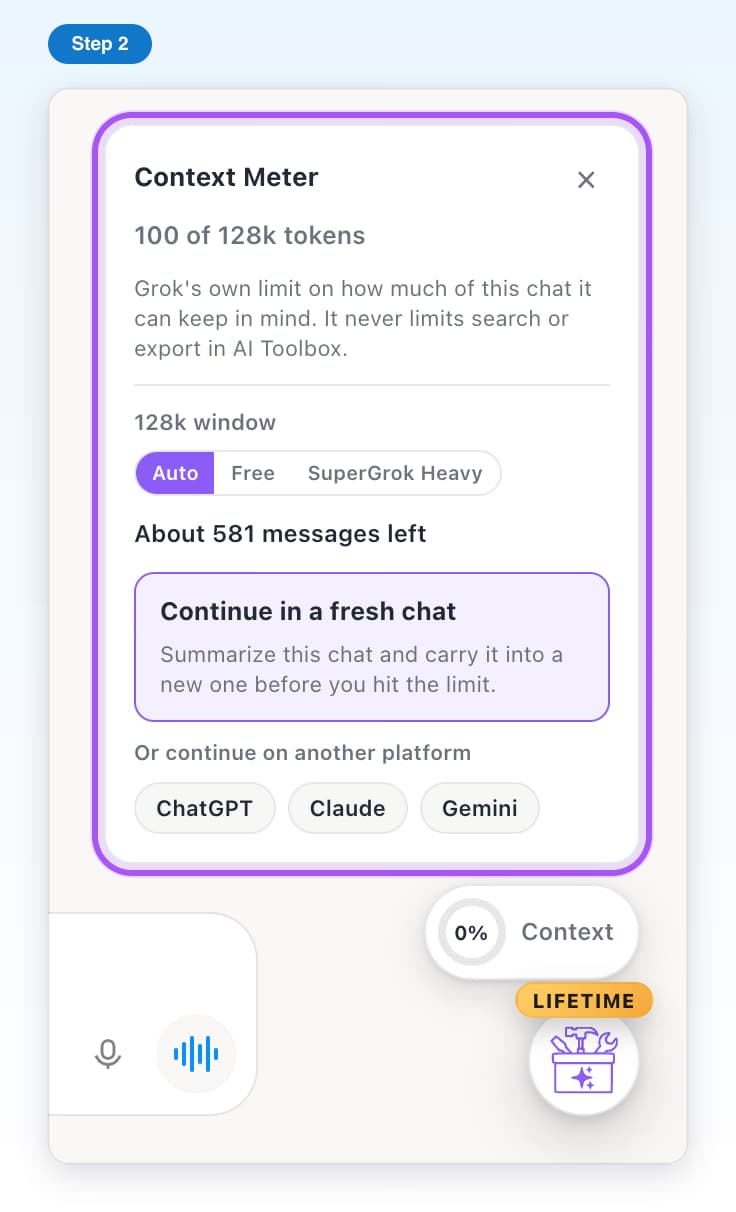
- Free, with limitsContext MeterSee how full a Grok chat is, and move on before it runs out of room.5 steps, 3 min
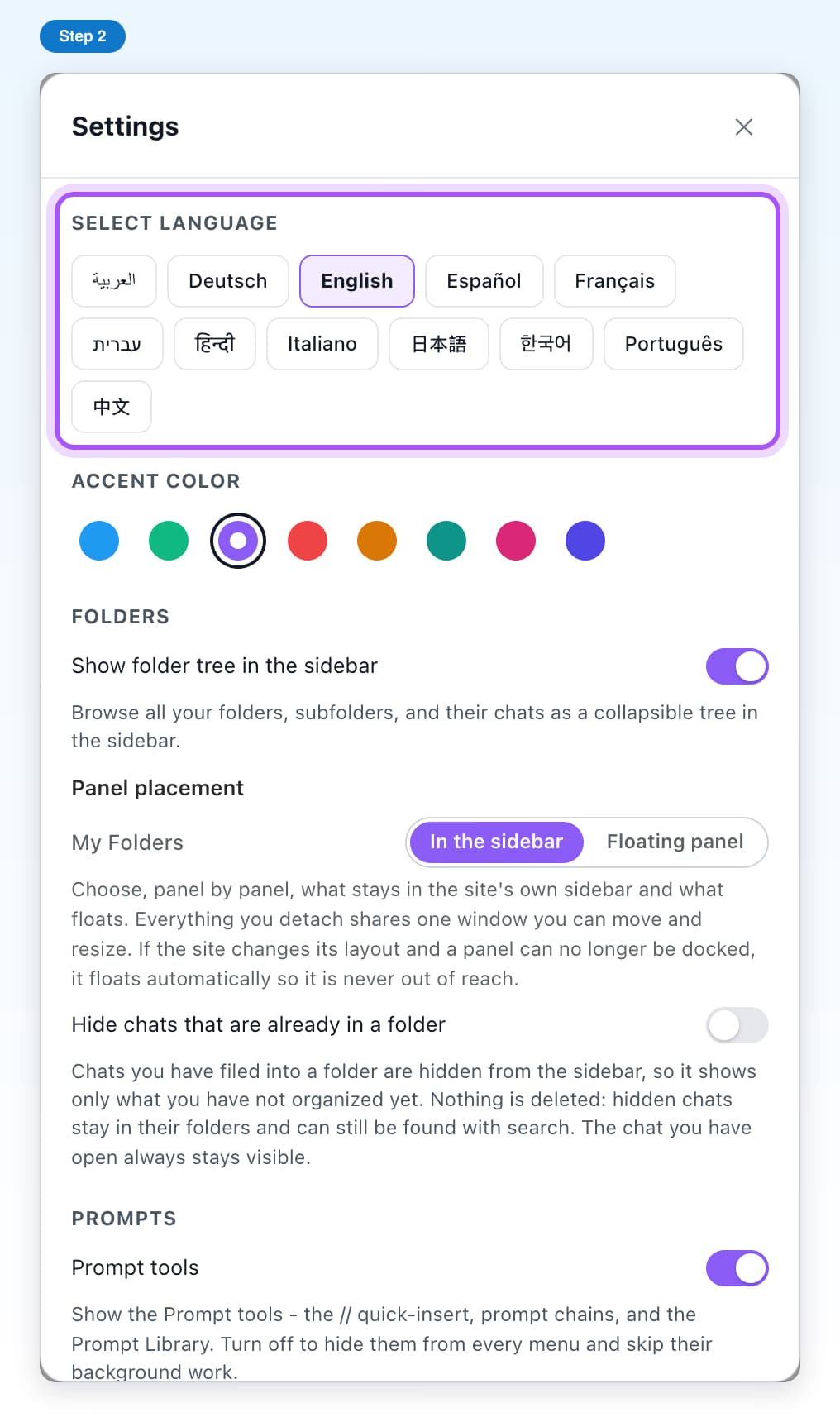
- Free, with limitsSettingsLanguage, colors, which tools show, and refreshing your Grok chats.6 steps, 3 min